
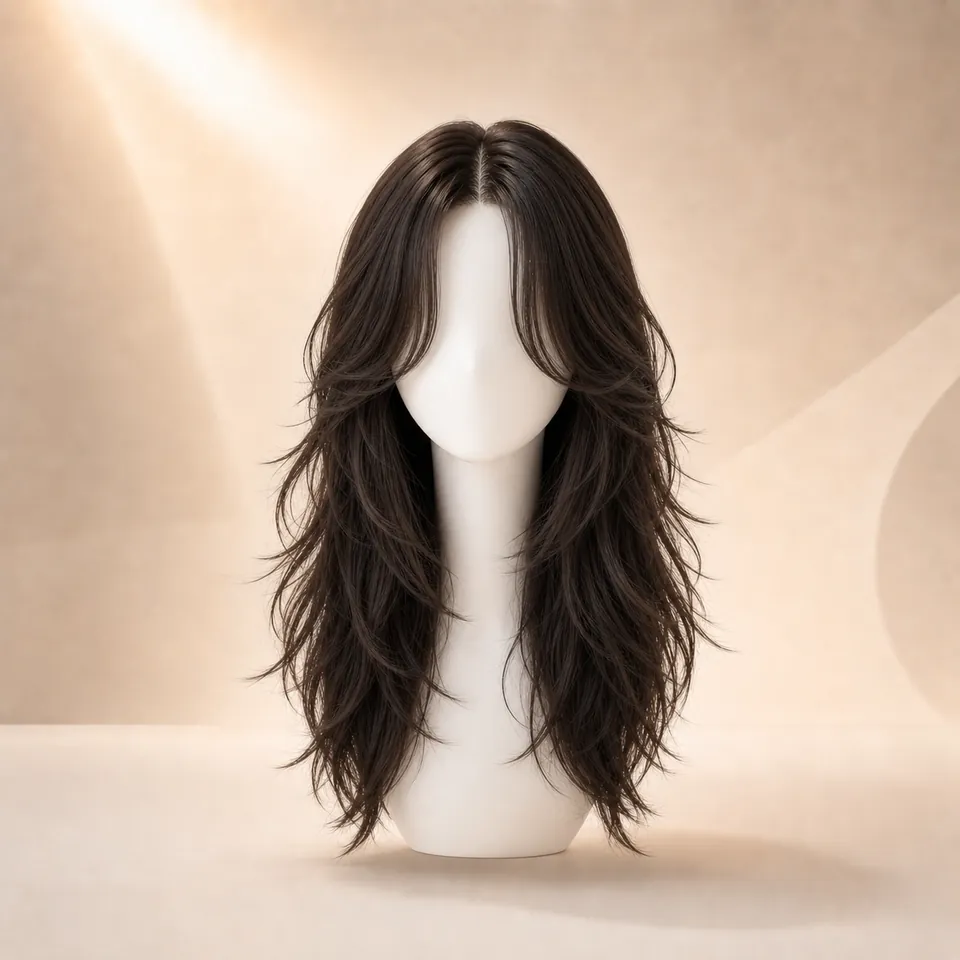
 01
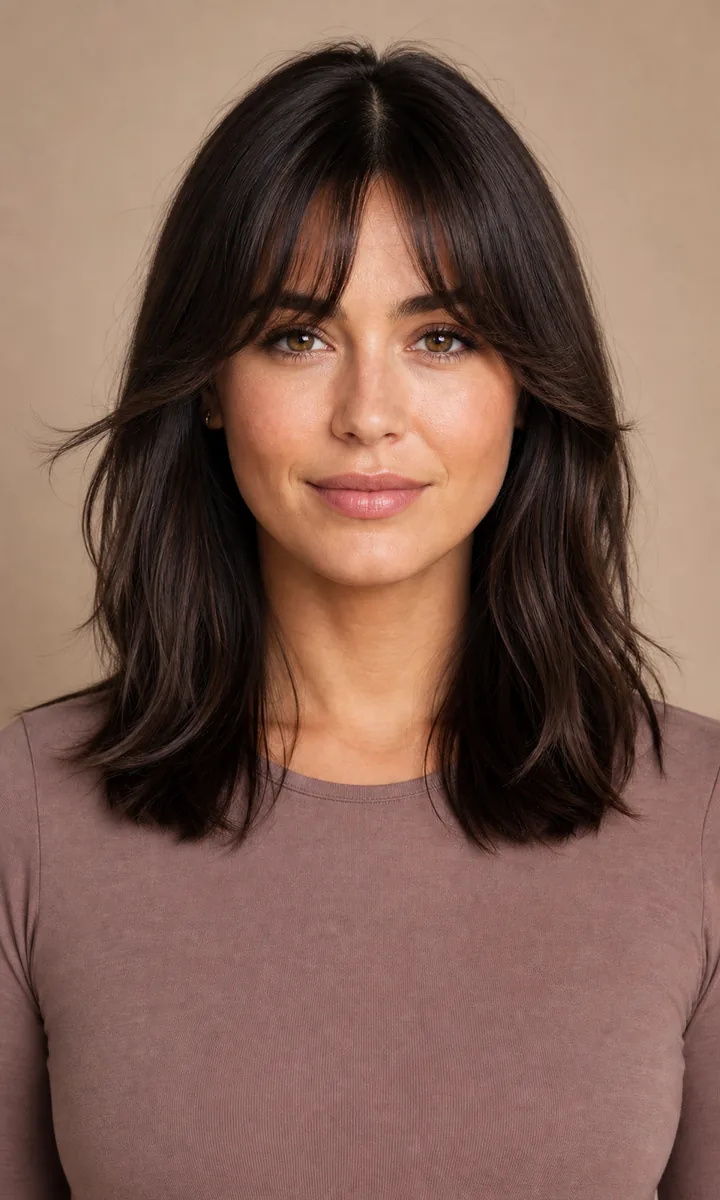
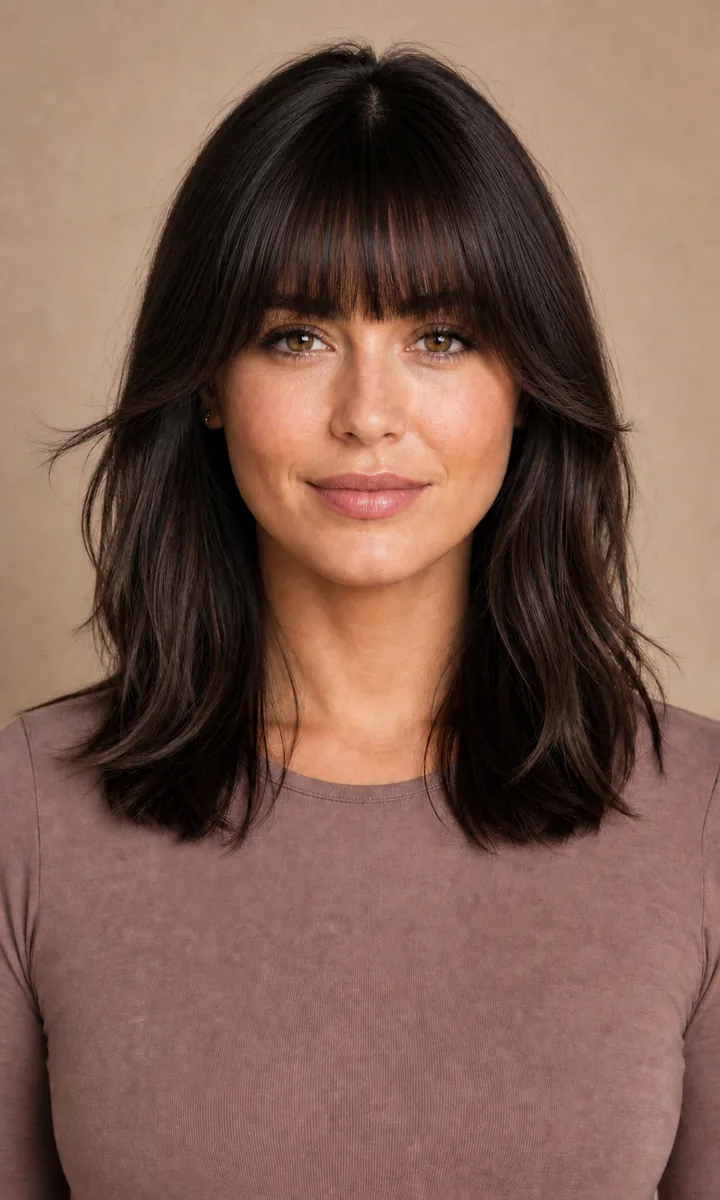
01Curtain Bangs
Center-parted, soft face framing
- Shape
- Soft center opening
- Coverage
- Low–medium forehead coverage
Bangs decision guide
Compare curtain, wispy, full, side, micro, curly, and blunt bangs—then preview your favorites on your own photo.
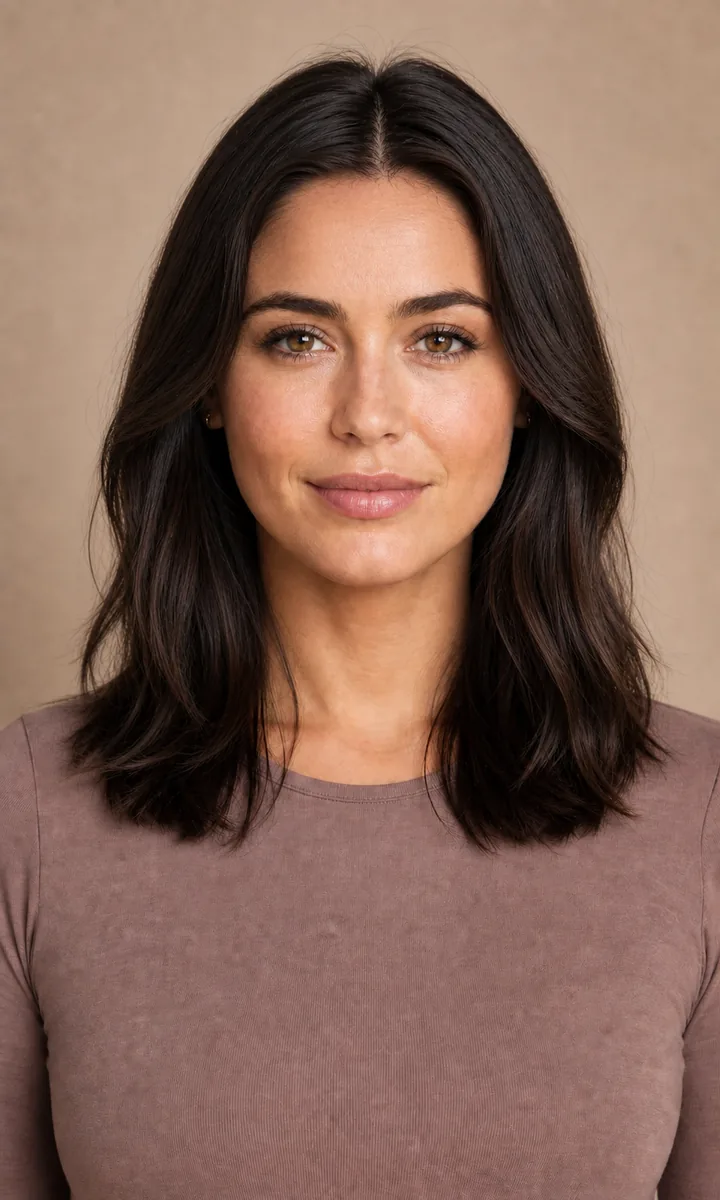
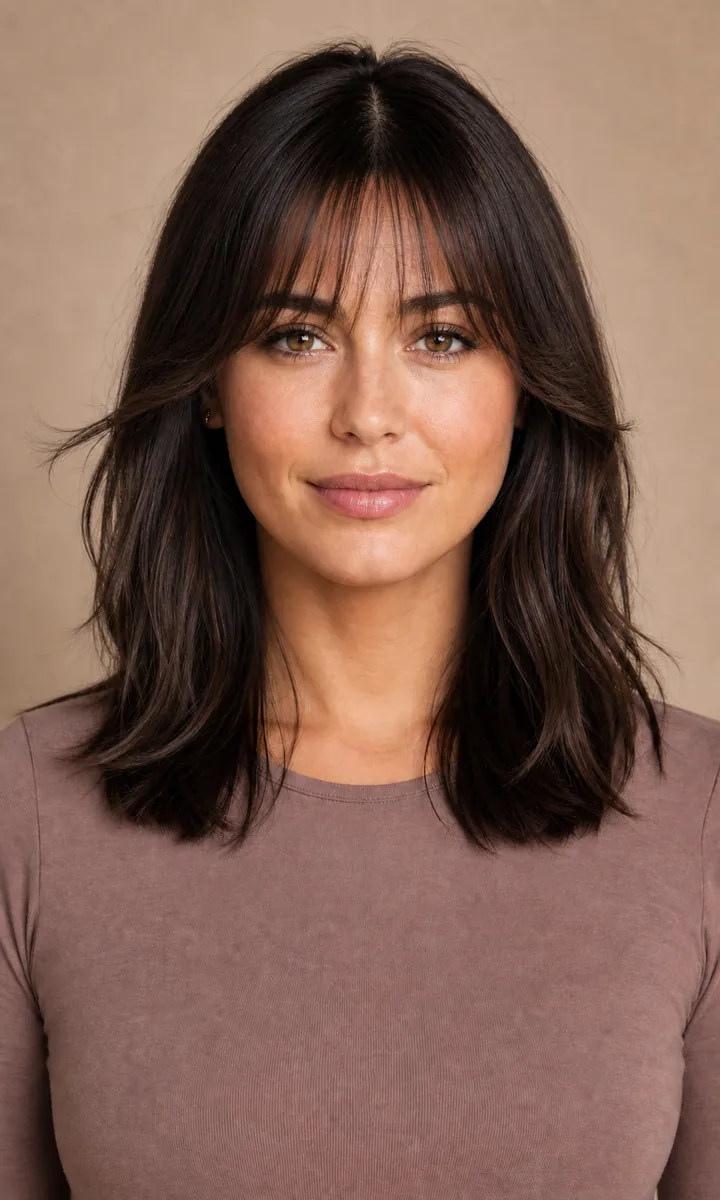
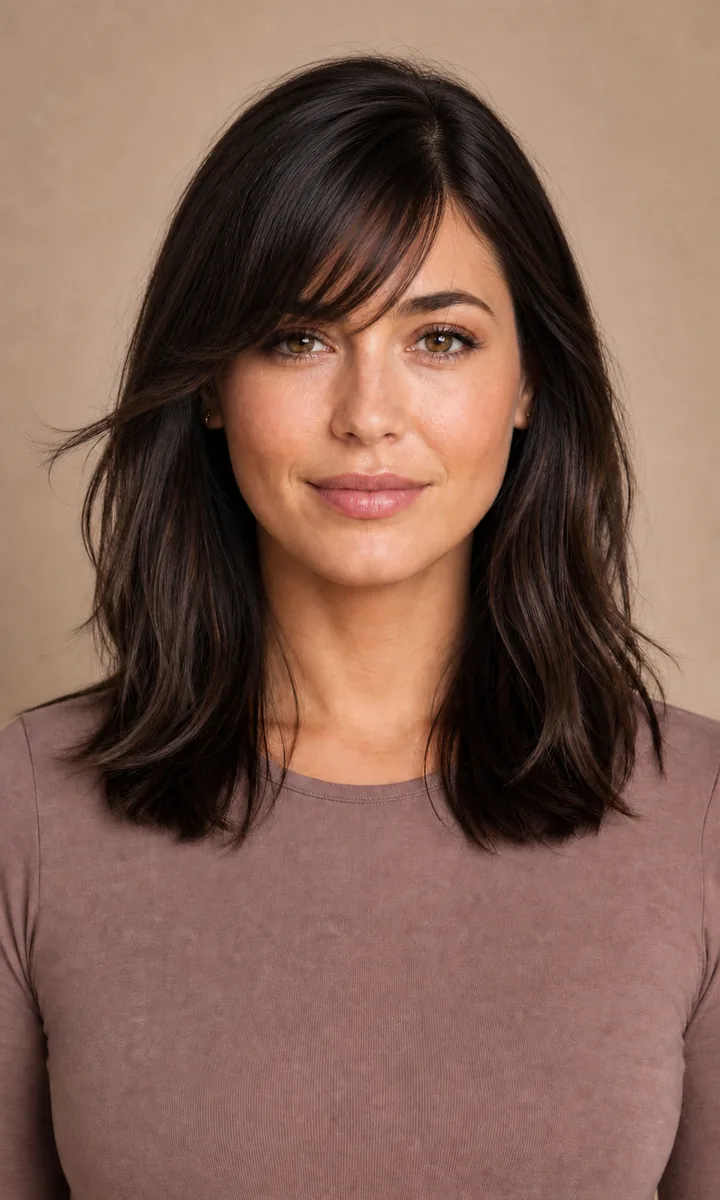
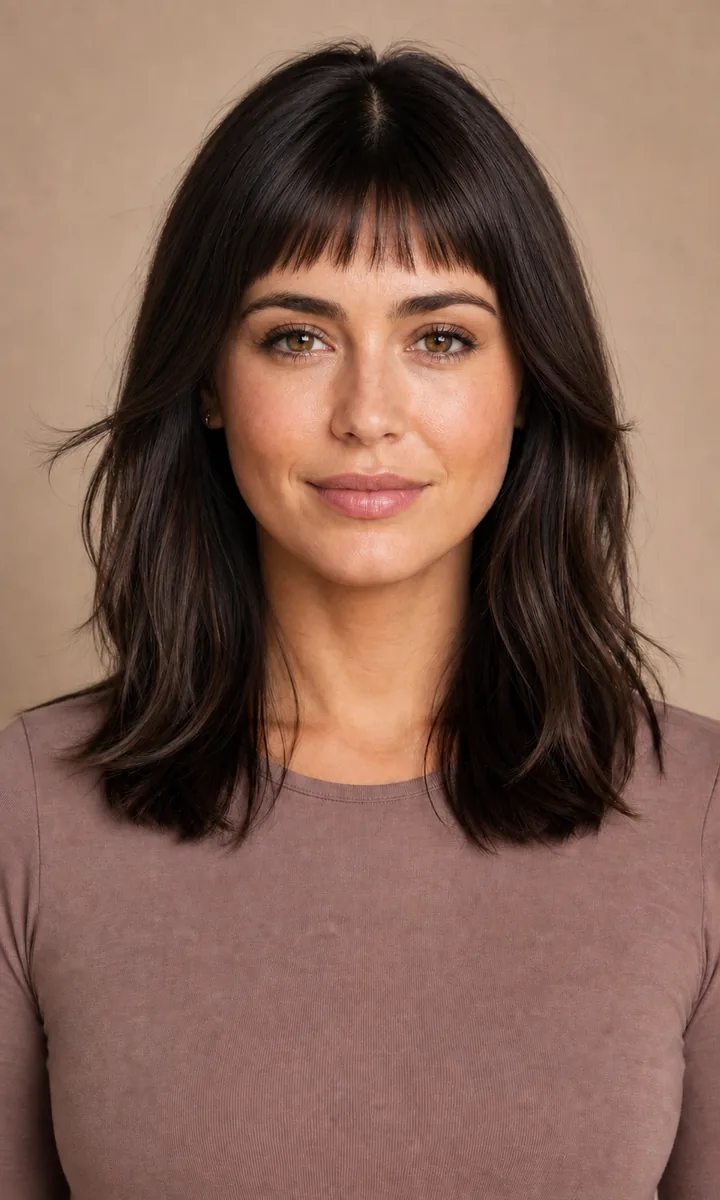
Same model, same color, same base haircut—only the fringe changes.
Start with the shape
Bangs are not one haircut. Direction, density, shortest point, and forehead coverage each change how the fringe reads on your face.
01Center-parted, soft face framing
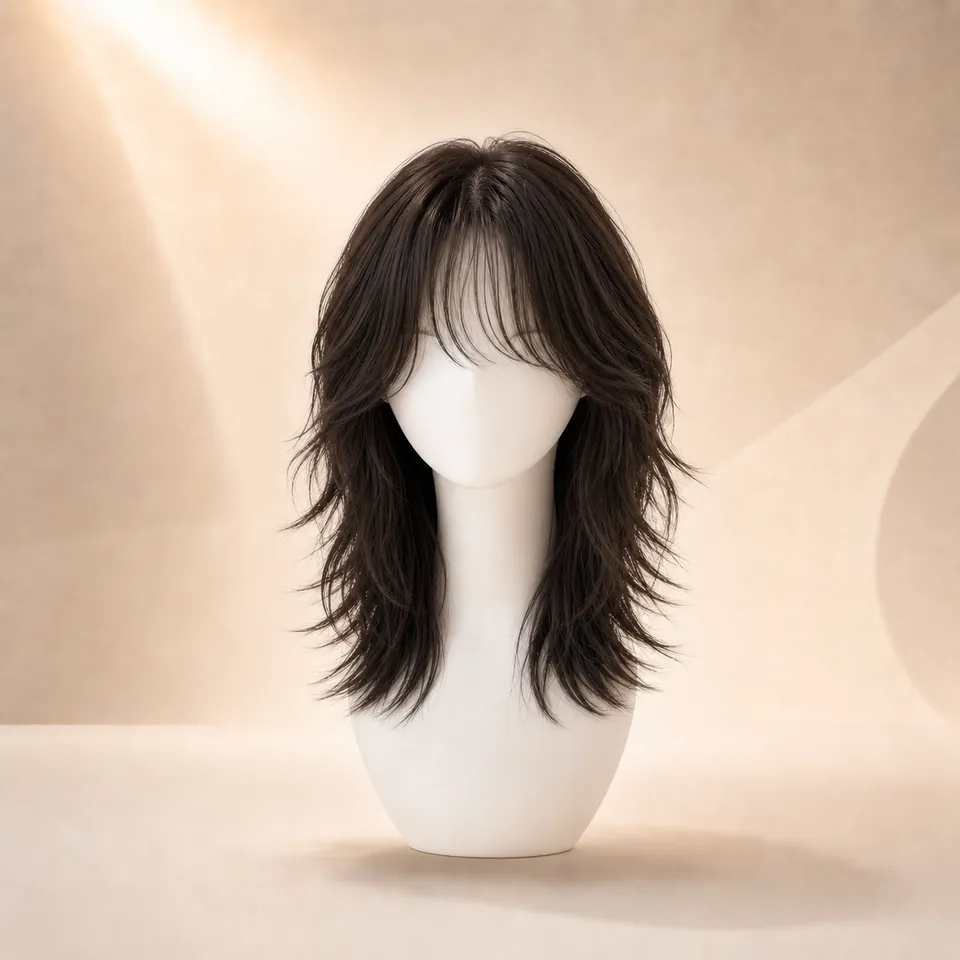 02
02Light, airy, more forehead visible
 03
03Dense coverage with a stronger statement
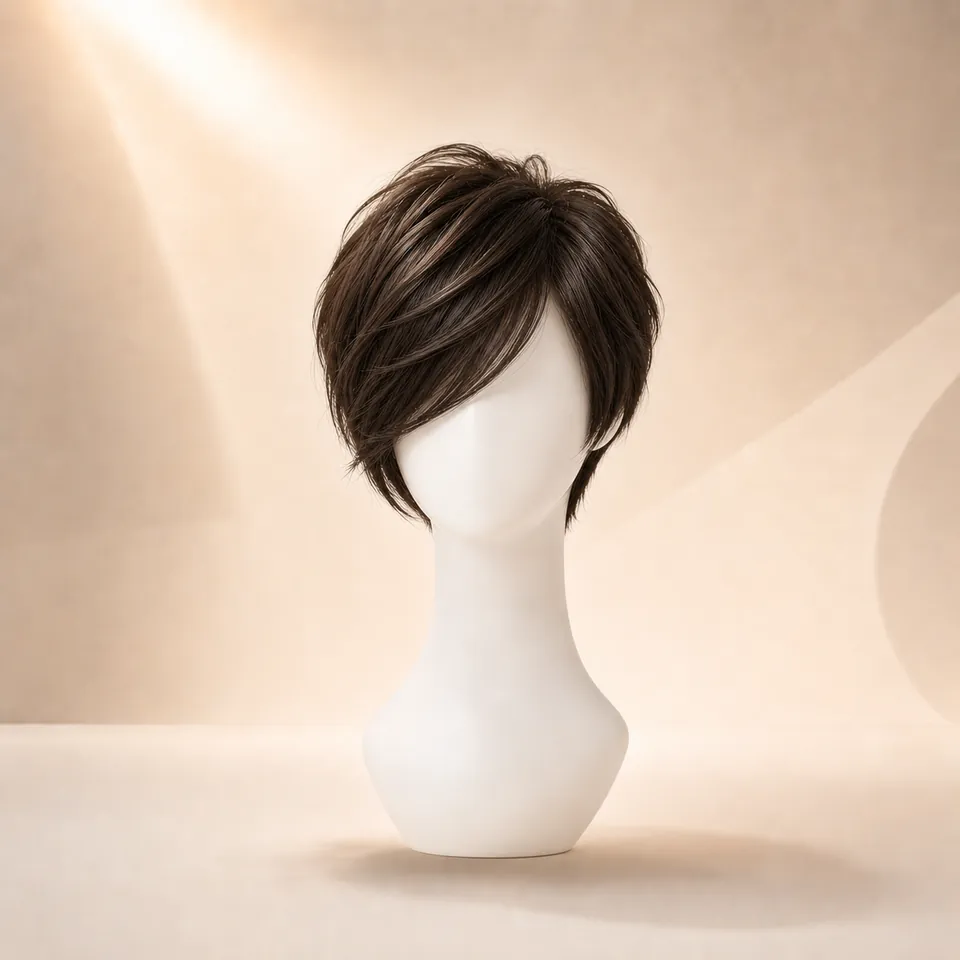 04
04Diagonal framing and asymmetry
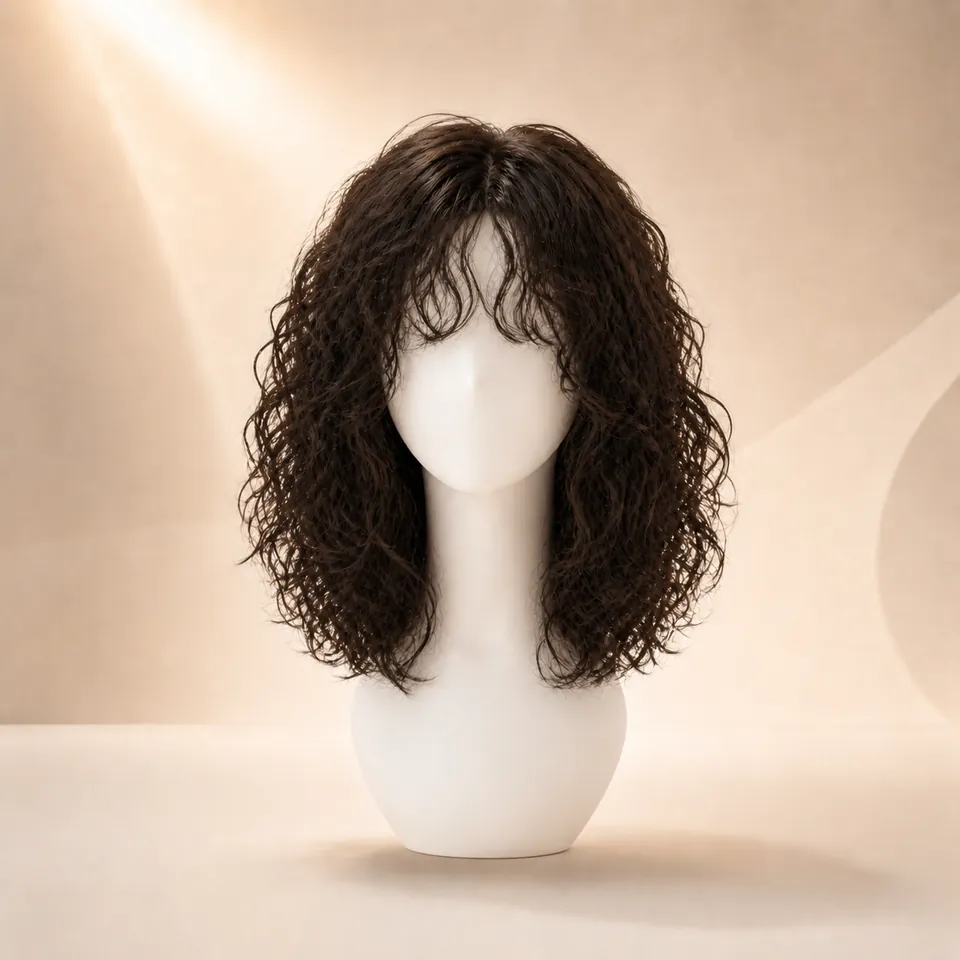 05
05Natural texture around the forehead
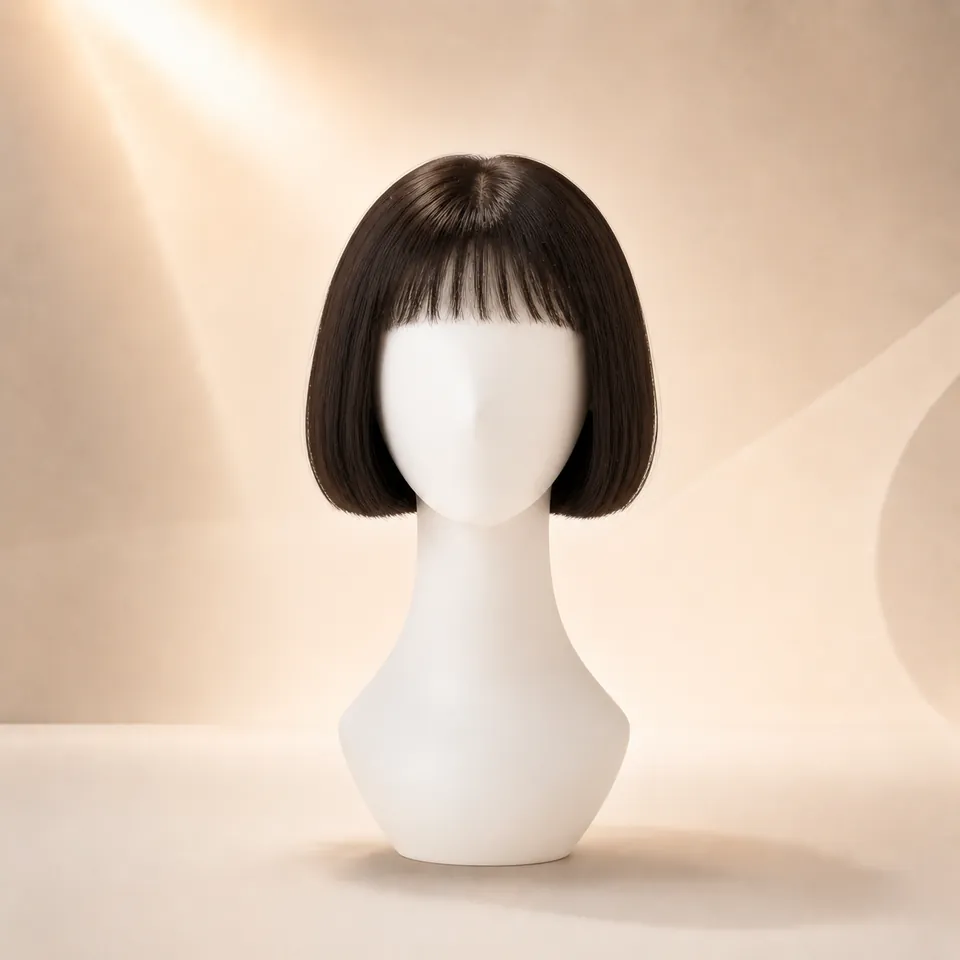 06
06Very short, bold focal point
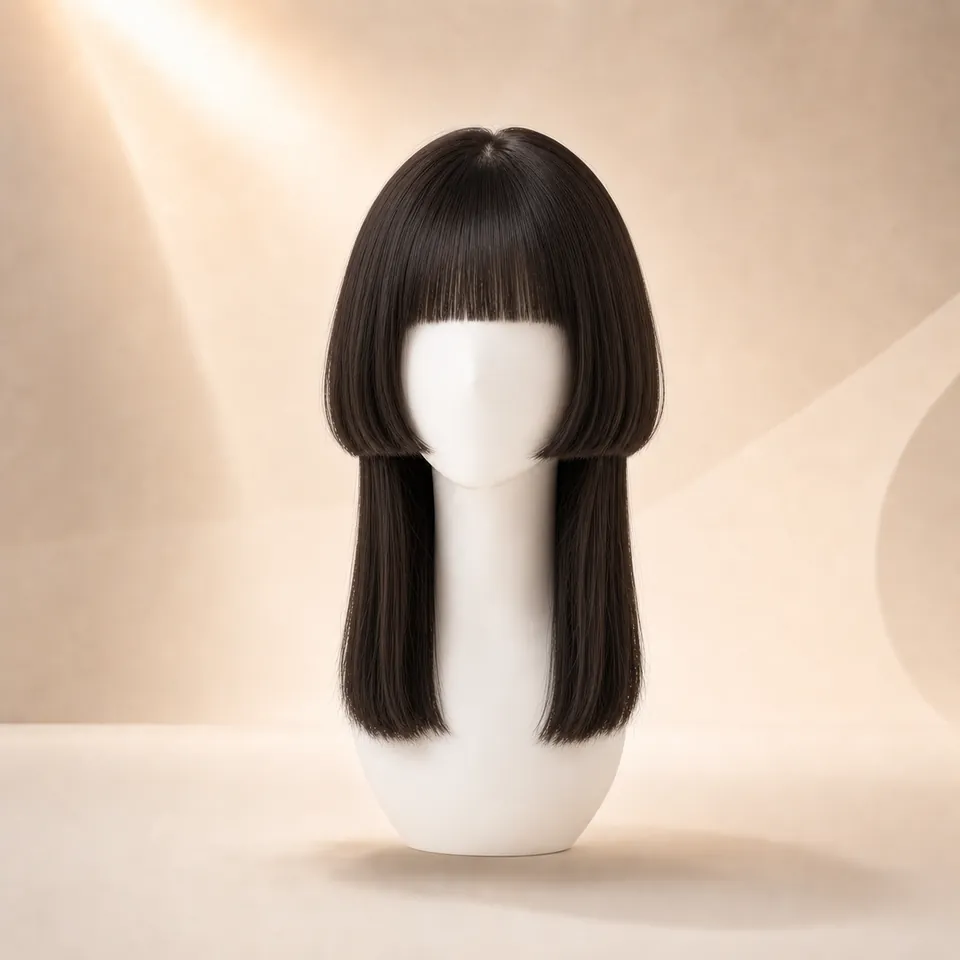 07
07Straight, defined horizontal edge
Quick comparison
Look at what the fringe changes—not at a rigid face-shape rule. Forehead coverage, density, direction, and edge shape are the most useful variables to compare first.
| Style | Forehead | Density | Direction | Overall effect |
|---|---|---|---|---|
| 01Curtain | Open center | Medium | Outward | Soft framing |
| 02Wispy | Visible | Light | Mostly down | Airy |
| 03Full | Covered | High | Straight | Bold |
| 04Side | Partly visible | Medium | Diagonal | Asymmetric |
| 05Micro | Exposed | Medium | Short / straight | Statement |
| 06Curly | Variable | Variable | Natural curl | Textured |
| 07Blunt | Covered | High | Straight | Graphic |
Controlled comparison
The face, base haircut, color, top, pose, and background stay consistent. Only the fringe direction changes, making the visual tradeoffs easier to read.
WigTryAI aggregate data
Full bangs led the bangs/fringe subset, followed by curtain and wispy bangs. Together, the top three represented 63.9% of these generation events.
This measures generated selections—not unique users, final haircut choices, salon appointments, or product purchases.
See the full 10,000-generation report1,764
Bangs / fringe events
From WigTryAI's 10,000-generation dataset
Percentages use the 1,764-event bangs/fringe subset as the denominator.
Choose by visual goal
Start with the change you want to see. These are comparison directions, not rules about what your face is allowed to wear.
01
→ Curtain Bangs
A center opening keeps the forehead visible while longer sides guide attention toward the cheekbones.
02
→ Wispy Bangs
Lower density changes the forehead frame without creating a heavy, solid line.
03
→ Full or Blunt Bangs
Both add density across the forehead; full feels softer, while blunt feels more graphic.
04
→ Side Bangs
A diagonal sweep shifts the visual direction and moves weight toward one side.
05
→ Micro Bangs
The short endpoint creates a deliberate focal point well above the eyebrows.
06
→ Curly Fringe
Curl pattern stays part of the fringe instead of being flattened into a straight edge.
Your hairline, density, texture, growth pattern, and personal preference can change the result. Preview the direction, then talk through real-hair feasibility with a stylist.
Six variables to watch
Read the structure of the fringe one variable at a time before deciding how the whole look feels.
Compare how much skin remains visible and whether the opening sits in the center, to one side, or disappears completely.
A straight fringe adds horizontal weight; an open center or upward gap can preserve more vertical movement through the face.
Longer outer pieces can guide attention toward the cheekbones, while a straight-across edge keeps attention nearer the brows.
Curtain and straight fringe feel more balanced from side to side; a diagonal sweep creates deliberate asymmetry.
Light separation keeps more skin visible, while higher density creates a stronger block of visual weight across the forehead.
The highest or shortest part of the fringe determines where the eye first meets the haircut and how much forehead stays open.
Move from browsing to comparing
Keep the selfie and base haircut consistent. Change the fringe first so you can tell what is actually shaping your reaction.
Upload My PhotoUse a centered, front-facing photo with even light and a visible hairline.
Start with curtain, wispy, full, side, micro, curly, or blunt bangs.
Keep the photo and base haircut stable so forehead coverage stays easy to judge.
A common two-style decision
Working out the overall length too? Compare bob vs lob on the same photo — the perimeter changes the face frame as much as the fringe.
Decision questions
Common bangs styles include curtain bangs, wispy bangs, full or blunt fringe, side-swept bangs, micro bangs, and curly bangs. The main differences are the direction of the fringe, its shortest point, density, and how much forehead remains visible.
Curtain bangs describe a center-opening shape that sweeps toward both sides, while wispy describes light density and separated strands. Bangs can be both curtain-shaped and wispy, but traditional wispy bangs usually fall more directly across the forehead.
Long curtain bangs and light wispy bangs usually create the lowest-commitment visual direction. They leave more forehead visible and can blend into longer face-framing pieces, though real maintenance still depends on your growth pattern and texture.
Yes. Upload one clear front-facing portrait and keep it unchanged while comparing fringe directions. This makes forehead coverage, center opening, asymmetry, and the shortest point easier to judge.
Yes. Curly fringe can keep the natural curl pattern around the forehead, but shrinkage changes where the shortest pieces land. Compare the visual direction first, then discuss dry length, density, and styling with a curl-aware stylist.
No. A preview cannot predict cowlicks, hair whorls, growth direction, shrinkage, humidity, or daily styling behavior. Use it to compare visual direction, then discuss feasibility with a stylist.