
01
Upload your photo
Start with a clear, front-facing selfie.
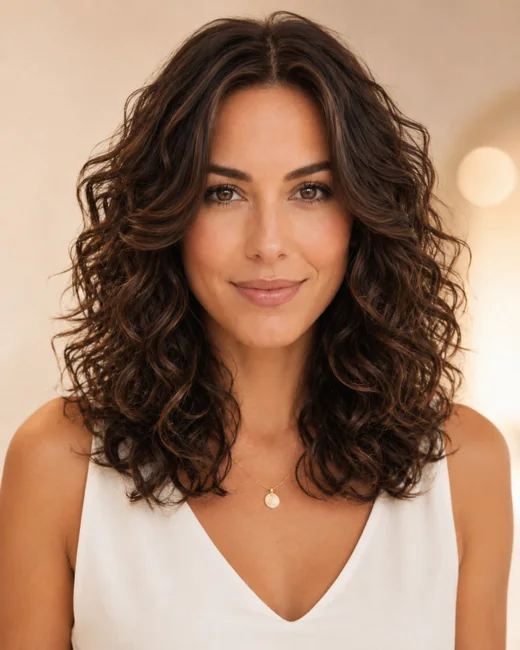
Photo uploaded
Clear, front-facing photos with your hairline visible work best.
JPG · PNG · WEBPUp to 10 MB
Original selfie deleted within 24 hoursAI hairstyle changer
Use AI to change your hairstyle on your own photo. Upload a selfie and compare new cuts, lengths, textures, and colors.
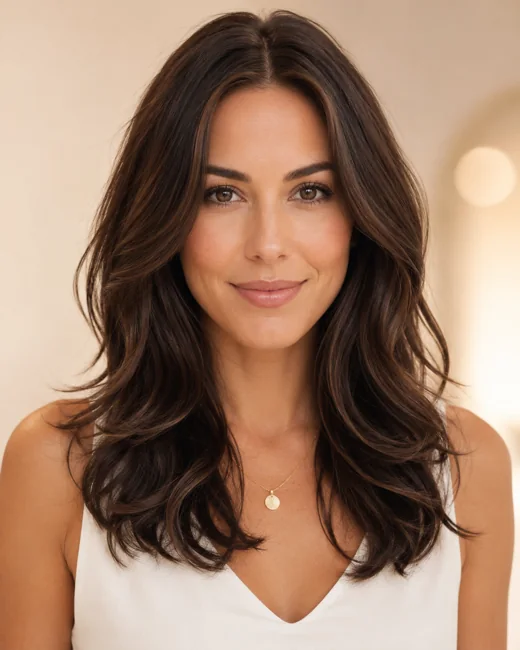
Hairstyle library
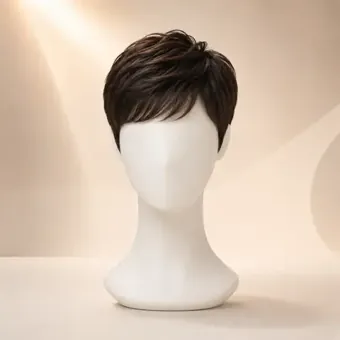
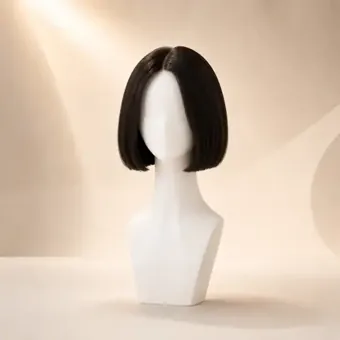
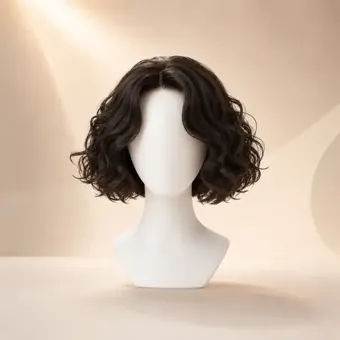
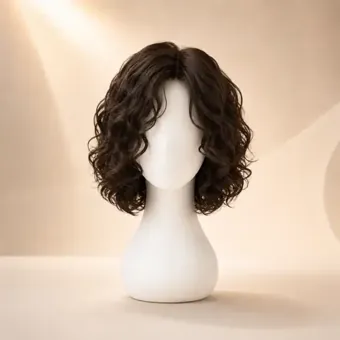
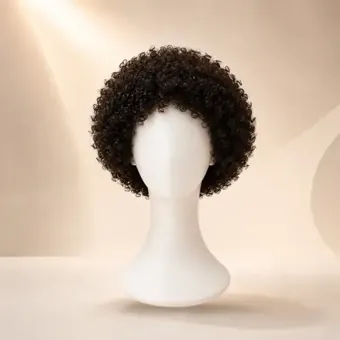
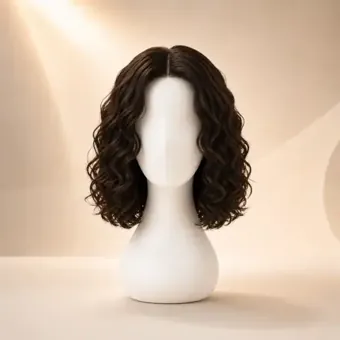
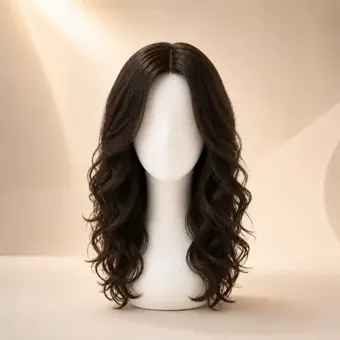
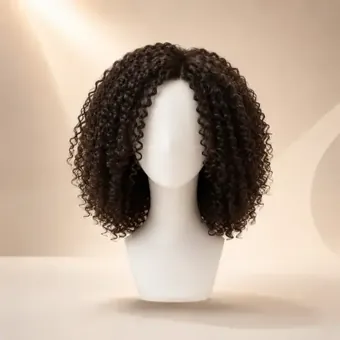
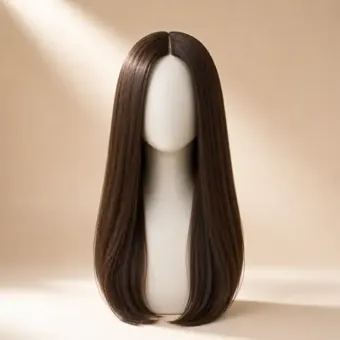
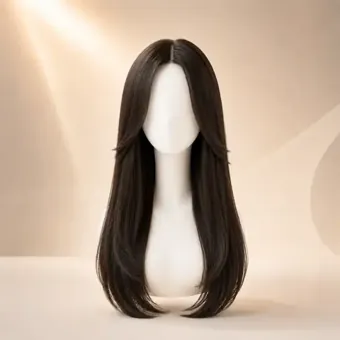
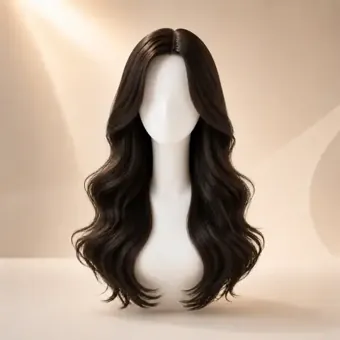
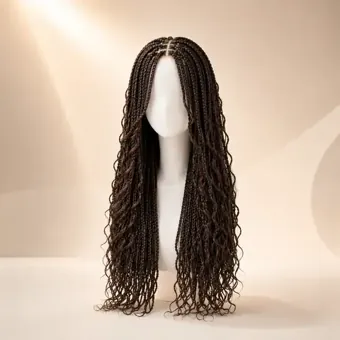
Browse the actual hairstyle images from WigTryAI’s library, then open the full experience to try them on your own photo.
How it works
Preview a more polished, realistic hairstyle experience with premium model imagery and clearer style selection.
Start with a clear, front-facing selfie.
Clear, front-facing photos with your hairline visible work best.
Choose the hairstyle, length, and hair color you want to try.
Generate the preview, compare the result, save it, or keep trying more looks with the same photo.
Body WavesPreview ready
Compare it with your original photo, save the result, or keep exploring.


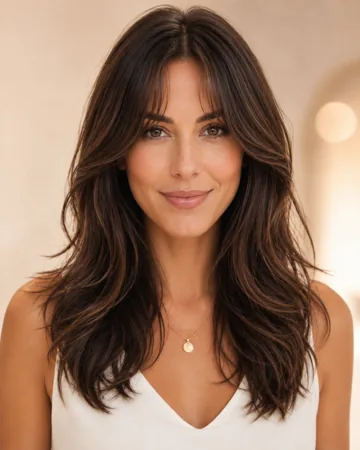
Preview guide
Judge the overall silhouette first, then compare apparent length, volume, texture, bangs, face framing, and color contrast. Those details show whether the new hairstyle changes your face shape in a useful way or only looks different because of lighting.
Look at the outside shape first. A stronger silhouette changes the outline around your cheeks, jaw, and shoulders.
Compare where the hair visually lands: chin, collarbone, shoulders, or below. Length often changes balance more than small styling details.
Check whether fullness sits near the cheeks, crown, or ends. Extra side volume can widen the face frame.
Straight, wavy, curly, and braided textures reflect light differently and can make the same length feel softer or stronger.
Bangs change forehead space and eye focus. Judge whether they shorten the face or add useful framing.
Watch the pieces around the temples, cheekbones, and jaw. This is where a preview usually answers the biggest style question.
Compare the hair color against your skin tone, brows, and makeup. Color can shift the mood even when the cut is unchanged.
Best photo setup
Use a front-facing portrait with even light, a visible hairline, and minimal obstruction around your forehead, cheeks, jaw, and shoulders. Avoid heavy shadows, tilted angles, hats, sunglasses, or hands near the hairline because they can make the AI hairstyle preview harder to read.
Realistic expectations
An AI hairstyle changer is useful for visual exploration, but it cannot guarantee salon execution, maintenance needs, hair behavior, or how a real cut will sit with your natural density and texture. Use the preview to compare directions before asking a stylist for practical advice.
Keep comparing
After you choose a shape, compare color, length, curl, and face-shape fit without starting from a different photo.
Try a few different directions on your own selfie and compare what changes your look in the best way.
Photo privacy
Your original selfie is used to create your preview and deleted from WigTryAI storage within 24 hours.
FAQ
Yes. Your first 3 WigTryAI generations are free, so you can upload a photo and compare a few hairstyle directions without paying for a generation. Additional generations may require credits.
Yes. Upload your own clear picture, choose a cut, length, texture, or color direction, and generate an AI hairstyle change based on your photo. The result is a visual edit for comparison, not a guarantee of a real haircut.
Yes. WigTryAI works in a modern browser, so you can change the hairstyle in a photo without installing a native app. Your first 3 try-ons are free; additional generations may require credits.
Yes. Hair color can be one of the directions in an AI hairstyle change. Compare the color on your photo as a visual reference; it does not predict an exact dye result or salon outcome.
Yes. Reuse one selfie to compare several AI hairstyle changes, such as different cuts, lengths, textures, or colors. Keeping the source photo constant helps you judge the hairstyle rather than changes in lighting or expression.
AI-generated visual results are useful for exploring hairstyle direction and comparing visible changes. They are not a guarantee of a real haircut or salon result, and they cannot predict your natural hair's density, growth pattern, texture, hold, or styling effort.
No—not for your first generation. You can upload your own photo and use the first generation anonymously; later actions or additional generations may require an account or credits.