curly hair filter

Curly Hair Filter Online

Preview curly looks virtually and compare how curl size, volume, length, and color change your face frame.

No app required · Style preview only · Not a wig store

WigTryAI's curly hair filter helps you preview curly looks on your photo and compare how curl size, volume, length, and color can change your face frame.

Curl Size Sets the Volume

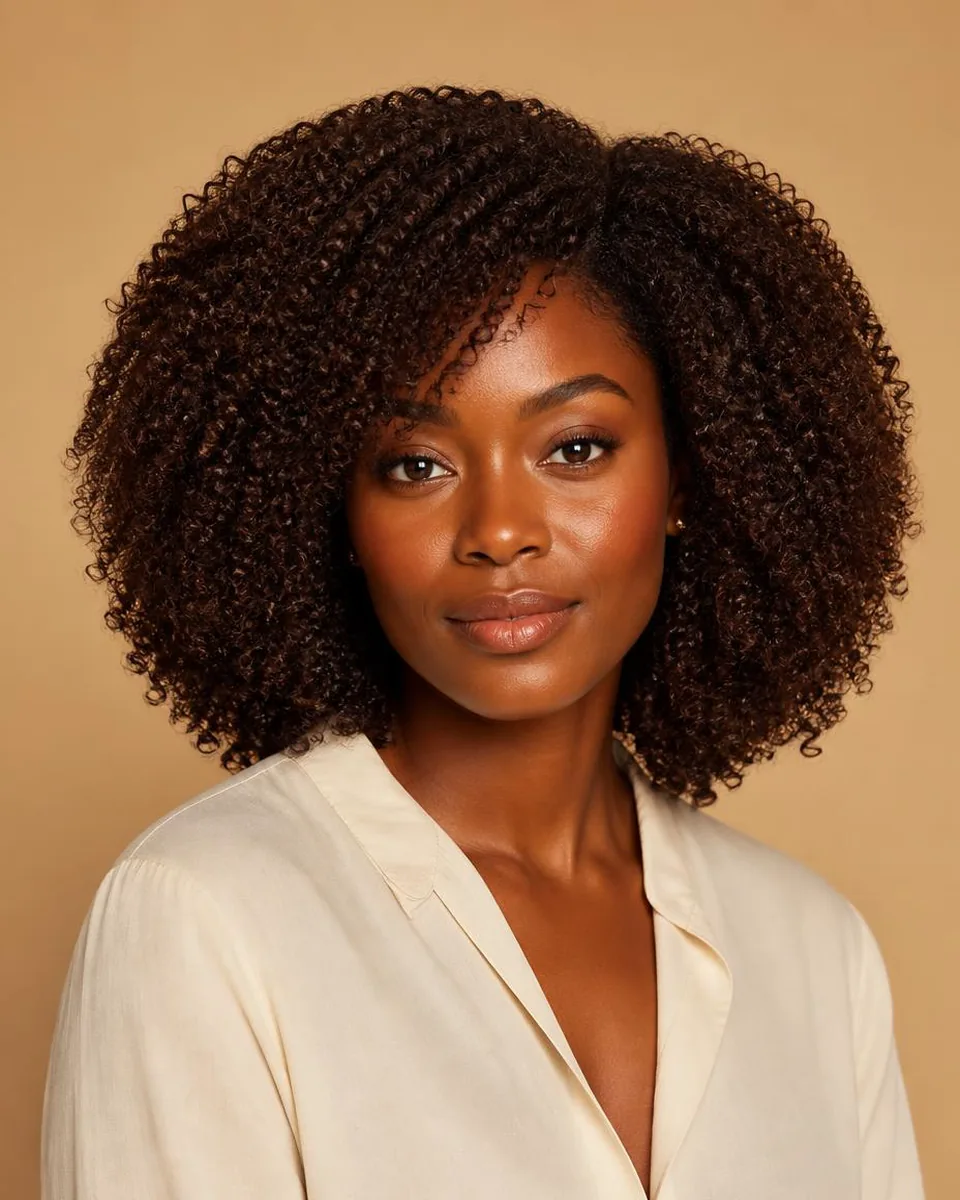
Curl diameter is the main volume variable. Loose, larger curls add modest width while keeping a flowing outline; medium curls create visible body through the mid-lengths; tight kinky coils expand the most and create the fullest silhouette at the same length. The same cut looks completely different at each curl size.

Curls also sit shorter than the hair appears when wet or stretched. Dry shrinkage pulls the outline up, so judge where the ends actually land in the preview rather than assuming the length reads the same as straight hair.
Where the Curls Sit Changes the Face Frame

Volume is a placement decision, not just a size decision. Curls that reach their widest point beside the cheeks repeat the face's width; volume that starts below the jaw shifts emphasis to the neckline and shoulders; short rounded curls keep the frame tight to the face.

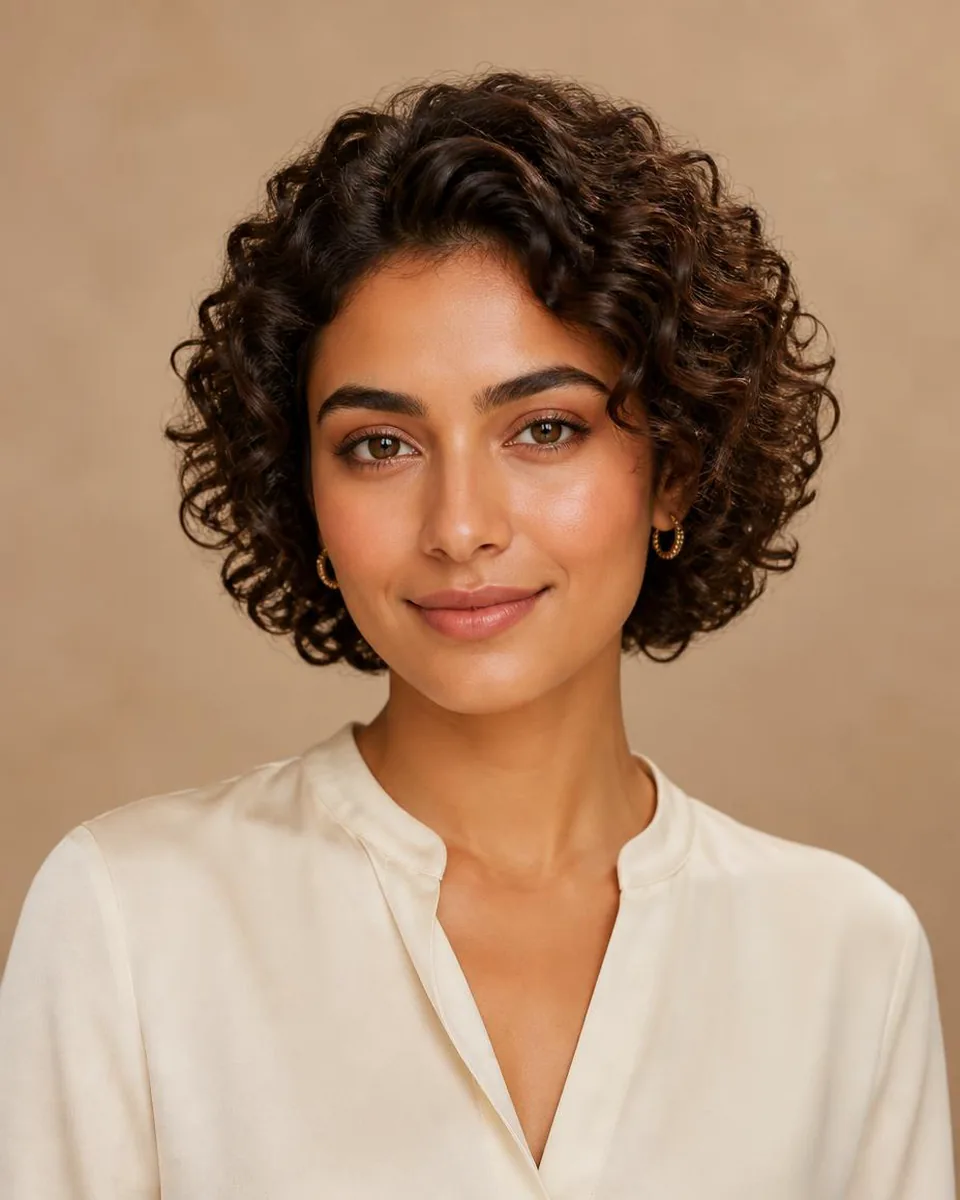
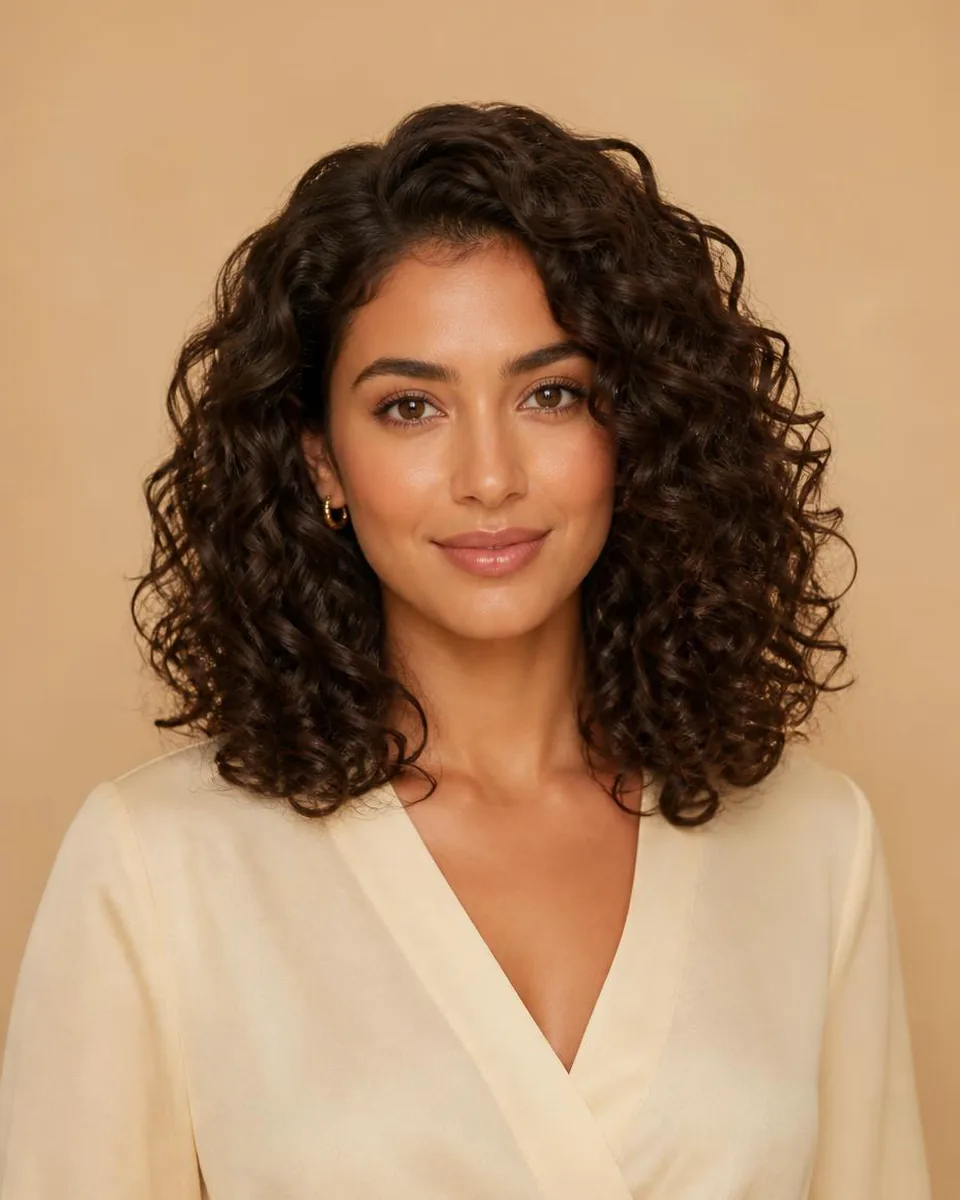
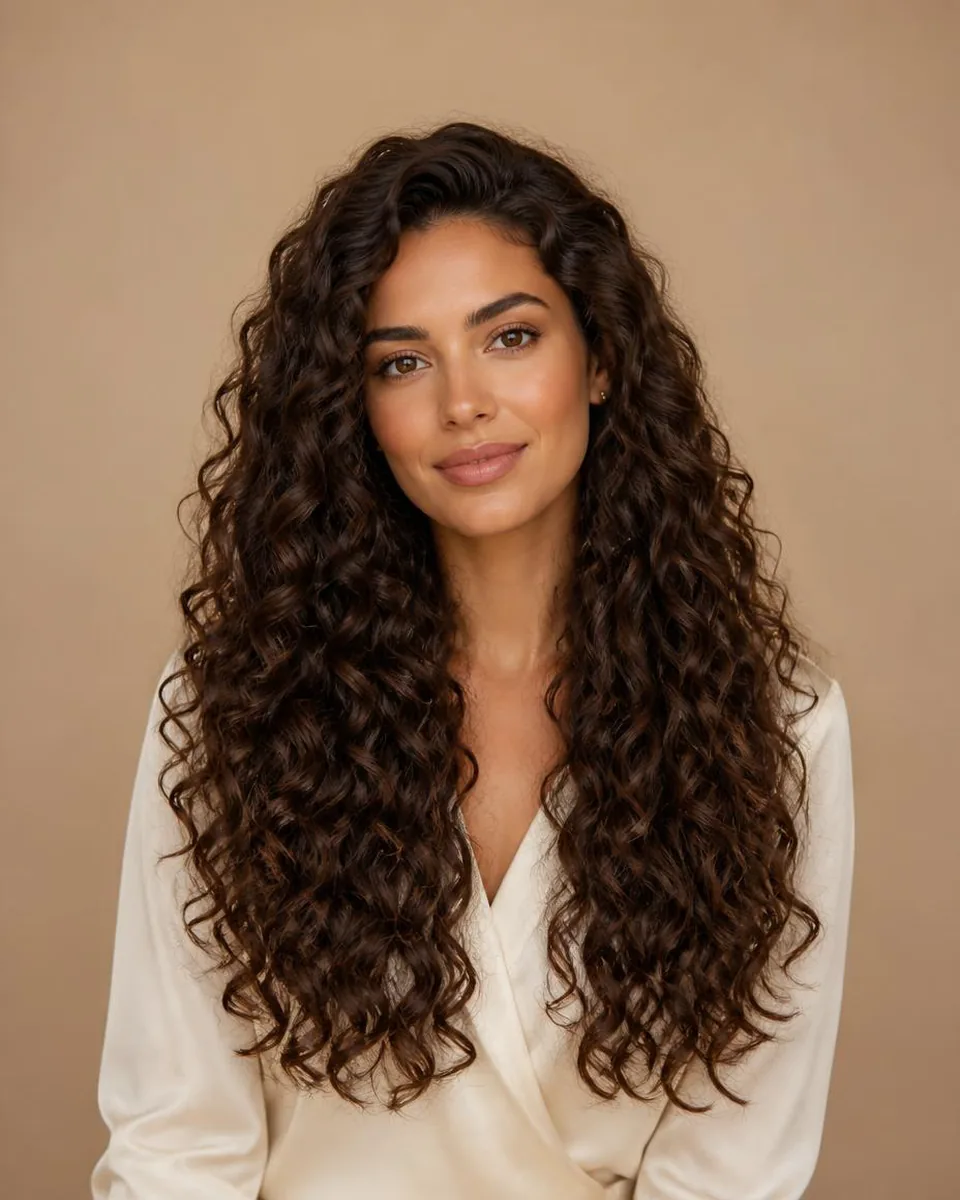
Compare the same curl size at two lengths to see the placement change: short curls frame the face, medium curls move the width to the shoulders, and long curls extend the silhouette downward while still adding body.

  • Short curls — Keep the volume close to the face for a tight, rounded frame.
  • Medium curls — Land the main width around the shoulders and neckline.
  • Long curls — Extend the outline downward while keeping visible volume.

Color Behaves Differently on Curls

Color reads differently on curls than on straight hair because the surface is curved. Highlights land on the outer edges of each curl, which makes the color look dimensional and layered; deep single tones keep the curl definition visible but can read heavier. A color change and a curl-size change together alter the look far more than either alone.

When you preview, change color only after the curl size and length feel right — comparing both at once makes it hard to know which variable is doing the work.

Style categories

Try different hairstyle families

Not sure where to start? Explore a few popular hairstyle directions below, then try your favorites on your own photo.

Color options

Change shape and color together

Compare color after choosing a silhouette so contrast, warmth, and dimension stay easy to judge on the same photo.

Black

Preview soft black or natural black hair directions.

Try this color

Brown

Compare dark brown, chocolate, chestnut, and warm brown ideas.

Try this color

Blonde

Try honey blonde, golden blonde, beige blonde, or platinum tones.

Try this color

Burgundy

Explore a richer red-purple shade without changing your real hair.

Try this color

Upload a clear portrait

Use a front-facing selfie with the hairline, shoulders, and upper chest visible.

Compare curl size

Try short, medium, long, and kinky curly from the same photo.

Read the volume and width

Watch how each curl size changes the outline around your face and shoulders.

Why use this tool

Built for fast visual exploration

Start with a clear portrait, compare one variable at a time, and use the result as a visual reference for your next style decision.

Compare curl size, not just length

See where volume lands

No app required

Style inspiration only

Privacy note

Preview tool, not a store

WigTryAI is built for personal visualization and style inspiration. It does not sell physical wigs, beauty products, or salon services, and it does not provide commerce matching. Your generated look is meant for exploration, comparison, and optional friend feedback.

FAQ

Can I try curly hair on my photo?

Yes. Upload a clear portrait and preview curly hairstyle directions such as short curls, medium curls, long curls, and kinky curly looks.

What will I look like with curly hair?

A preview shows how curl size and volume change your face frame. Compare a few curl sizes on the same selfie to see which direction reads most natural on you.

How do I know which curl size suits my face?

Curl size changes the outer width: loose curls add modest width, while tight coils expand the silhouette the most. Preview short, medium, long, and kinky curly on your own photo and compare where the volume lands.

Why does curly hair look shorter in previews?

Curl shrinkage makes dry hair sit shorter than it appears stretched or wet. Judge where the ends land in the preview rather than assuming the length reads the same as straight hair.
Can I compare curl volume?

Yes. Curly previews help compare curl size, volume, length, and color on your face frame.

Can I compare curly with wavy or straight hair?

Yes. Use the wavy and straight guides and the curly vs wavy comparison to review the families on the same selfie.

Can I try color on curly hair?

Yes. Highlights read on the outer curves of each curl, while deeper tones keep the curl definition visible. Preview color after the curl size feels right.

Can AI predict how my real hair will curl?

No. A preview is a visual direction for curl size, volume, length, and color. It cannot predict your hair's real pattern, density, shrinkage, frizz, or styling behavior. Use it as a comparison aid.