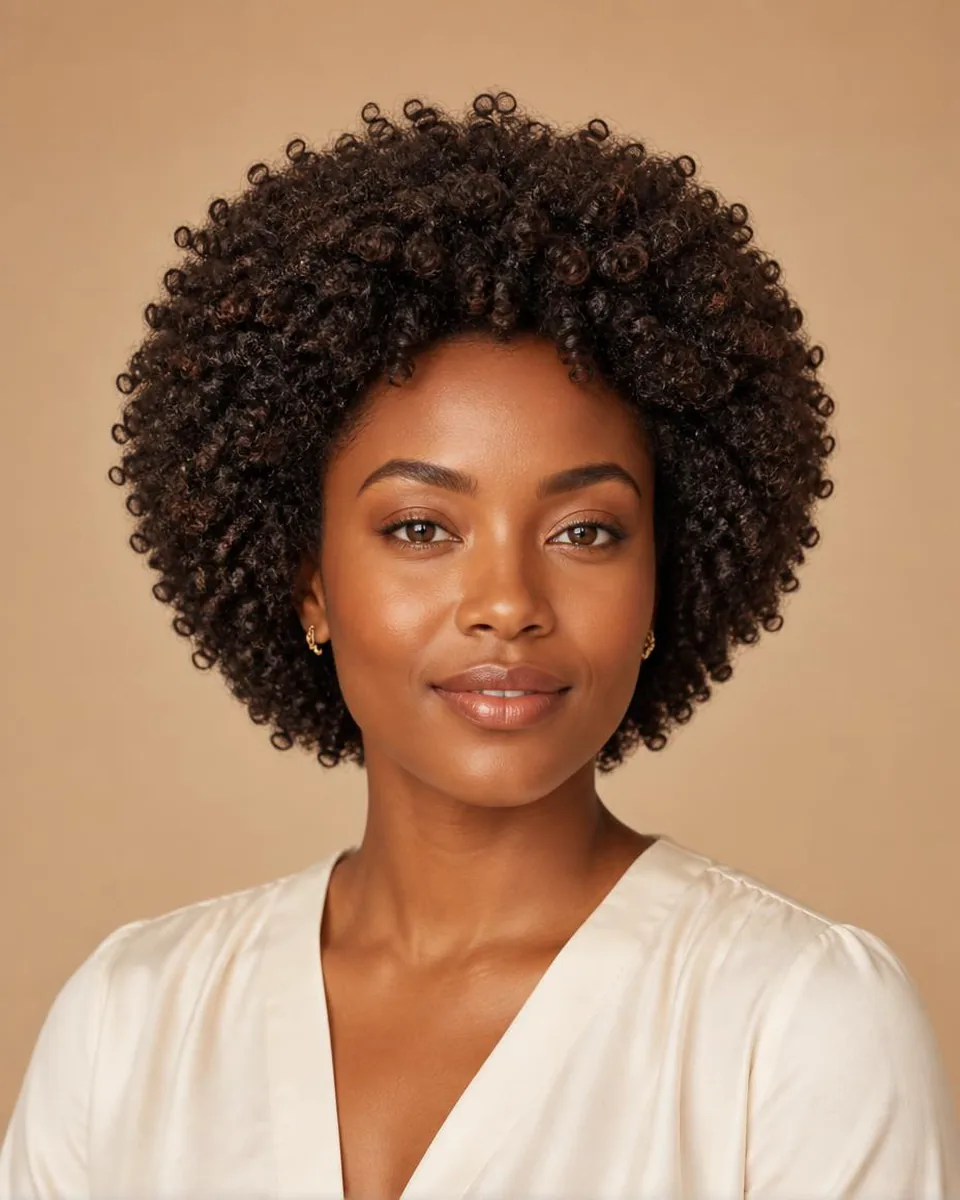
short hair filter

Short Hair Filter Online

Preview short hairstyle directions without changing your real hair, including pixie, bob, short curls, and color ideas.

No app required · Style preview only · Not a wig store

WigTryAI's short hair filter helps you preview short hairstyle directions such as pixie cuts, blunt bobs, curly bobs, short curls, and color ideas on your photo.

Short Hair Changes Proportions, Not Just Length

Cutting short hair does more than remove length: it exposes the forehead, cheekbones, jaw, ears, and neck, and changes how wide the face reads. The same pixie can look completely different on two faces because what short hair really changes is the ratio between the face and the hair frame.

Before you commit, decide which proportion you actually want to test. A pixie opens the whole face and puts focus on the eyes and bone structure; a blunt bob frames the jaw and keeps some face coverage; short curls add width and soften the outline. Previewing each direction on your own photo shows the proportion change directly.

  • Pixie cut — Opens the face and emphasizes eyes, cheekbones, and jaw.
  • Blunt bob — Frames the jaw with a clean line and keeps some face coverage.
  • Short curls — Adds width and volume with a softer, fuller outline.

Choose Your First Short Direction

If this is your first short cut, the choice is usually between three directions, not fifty styles: a pixie for maximum openness, a blunt bob for a graphic line that still covers part of the face, or short curls for volume and softness. Each has a different grow-out: pixies usually need more frequent trims to hold their shape, bobs grow into a lob more gracefully, and short curls grow out with less visible awkwardness.

Compare them on the same selfie and keep length, part, and color steady so the only variable is the outline. The direction that frames your face best in the preview is a stronger starting point than a trend you saw in a photo.

Why Preview Before You Cut

Short hair is the highest-commitment length change: growing it back takes months, and every detail — where the edge lands, how much forehead shows, how the sides hug the face — is visible immediately. A preview cannot tell you how your own hair will fall, how much maintenance you will want, or how a stylist will interpret the reference, but it can settle the visual question first.

Use the preview to narrow to one or two directions, then bring the saved images to the stylist as the reference. That conversation is much clearer when you have already compared pixie, bob, and short curls on your own face.


Style categories

Try different hairstyle families

Not sure where to start? Explore a few popular hairstyle directions below, then try your favorites on your own photo.

Color options

Change shape and color together

Compare color after choosing a silhouette so contrast, warmth, and dimension stay easy to judge on the same photo.

Black

Preview soft black or natural black hair directions.

Try this color

Brown

Compare dark brown, chocolate, chestnut, and warm brown ideas.

Try this color

Blonde

Try honey blonde, golden blonde, beige blonde, or platinum tones.

Try this color

Burgundy

Explore a richer red-purple shade without changing your real hair.

Try this color

Upload a clear portrait

Use a front-facing selfie with the forehead, ears, jaw, and neck visible.

Choose the short direction

Compare pixie, blunt bob, short curls, and curly crops from the same photo.

Read the proportion change

Watch how forehead, cheek, jaw, and neck exposure change between looks.

Why use this tool

Built for fast visual exploration

Start with a clear portrait, compare one variable at a time, and use the result as a visual reference for your next style decision.

Preview before the chop

Compare face proportions

No app required

Style inspiration only

Privacy note

Preview tool, not a store

WigTryAI is built for personal visualization and style inspiration. It does not sell physical wigs, beauty products, or salon services, and it does not provide commerce matching. Your generated look is meant for exploration, comparison, and optional friend feedback.

FAQ

Can I preview short hair online?

Yes. Upload a portrait and use WigTryAI to preview short hairstyle directions such as pixie, bob, short curls, and afro curly looks.

Can I see what I would look like with short hair?

Yes. Upload a clear front-facing portrait and WigTryAI will preview pixie, blunt bob, short curls, and curly crop directions on your own face before you cut.

How do I know if short hair suits my face shape?

Short hair can work on most face shapes because the cut itself is adjustable — the edge, part, and how much of the face stays covered do the framing. Preview a few directions and compare how forehead, cheek, and jaw exposure change on your own photo.

Which short haircut should I try first?

Start with one of three directions: a pixie for maximum openness, a blunt bob for a graphic jaw-framing line, or short curls for soft volume. Compare all three on the same selfie before choosing.

Is short hair high maintenance?

It depends on the style. Pixies usually need more frequent trims to hold their shape, while bobs grow out into a lob more gracefully. The preview shows the look, not the upkeep — factor trim frequency into your choice.

Can AI show exactly how a short haircut will look in real life?

No. An AI preview is a visual direction for proportion, edge, and silhouette. It cannot predict how your own hair will fall, cowlicks, growth direction, styling time, or salon execution. Use it as a comparison aid, then discuss the reference with your stylist.

Can I compare short and long hair before deciding?

Yes. Use the long hair filter and the compare pages to review short and long directions on the same selfie so the length change is the only variable.