Step 01
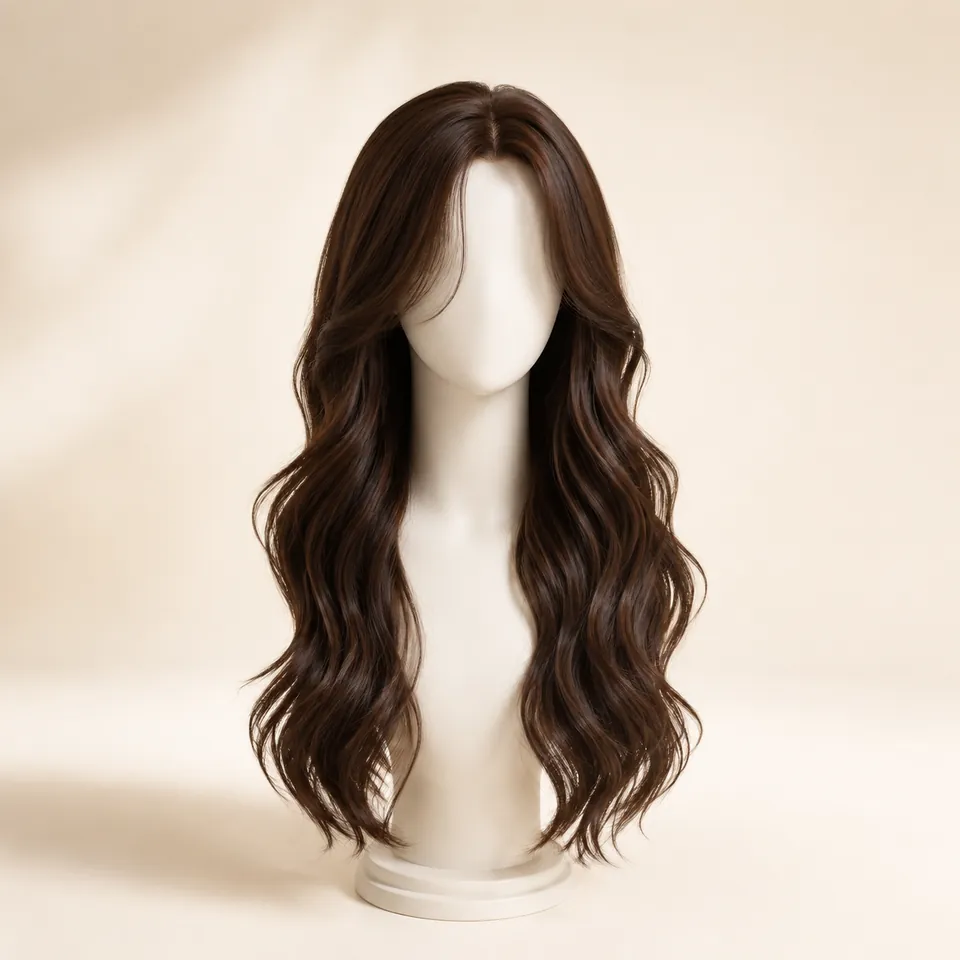
Choose hairstyle, length, and color
Start with the silhouette, then set the length and the color you want to generate.
Try hairstyles virtually on your own photo. Choose a cut, length, texture, or hair color—or upload any hairstyle reference image—and see the look on yourself before you commit.
First 3 try-ons free · No app required · Use your own photo · Selfie deleted within 24h
Already found a hairstyle you love? Upload a reference image from Pinterest, Instagram, a salon gallery, or your camera roll and preview a similar direction on your own photo.
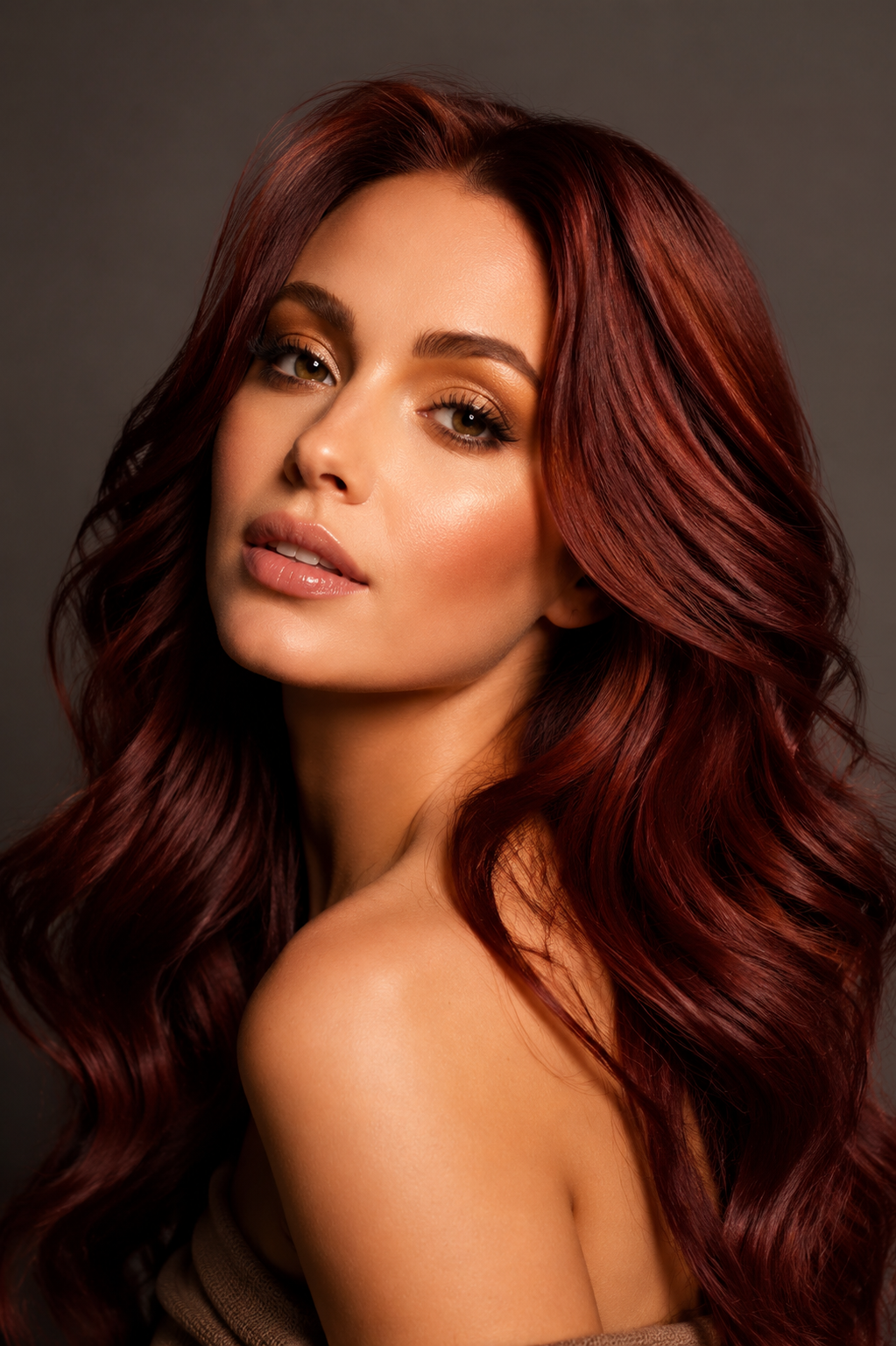
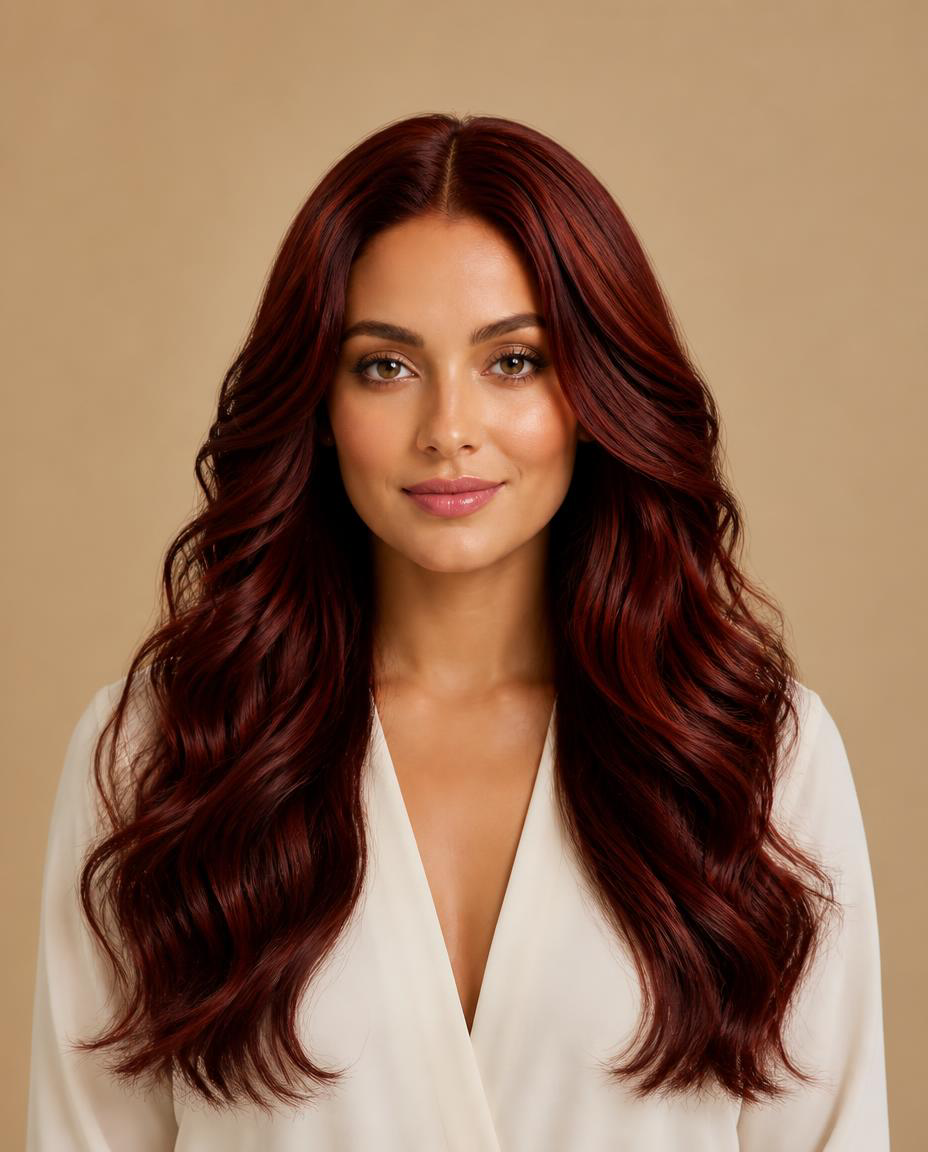
The preview shows a similar hairstyle direction, not an exact copy of the reference.
Pick a family and jump straight into the try-on flow with that hairstyle already selected.
Choose the direction first, then keep one portrait consistent while generating and comparing results.
Start with the silhouette, then set the length and the color you want to generate.
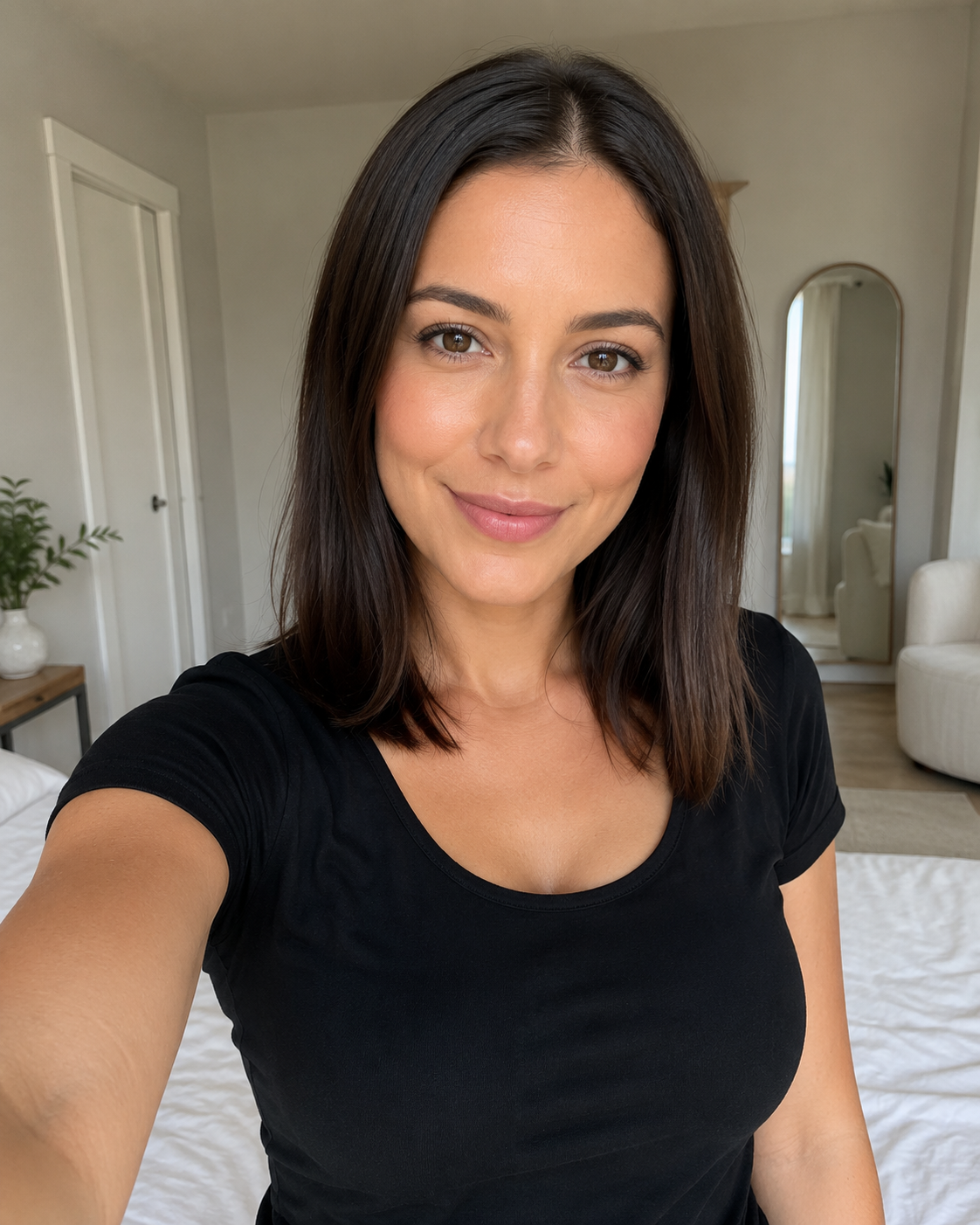
Use a clear, front-facing portrait with even lighting and a visible hairline.
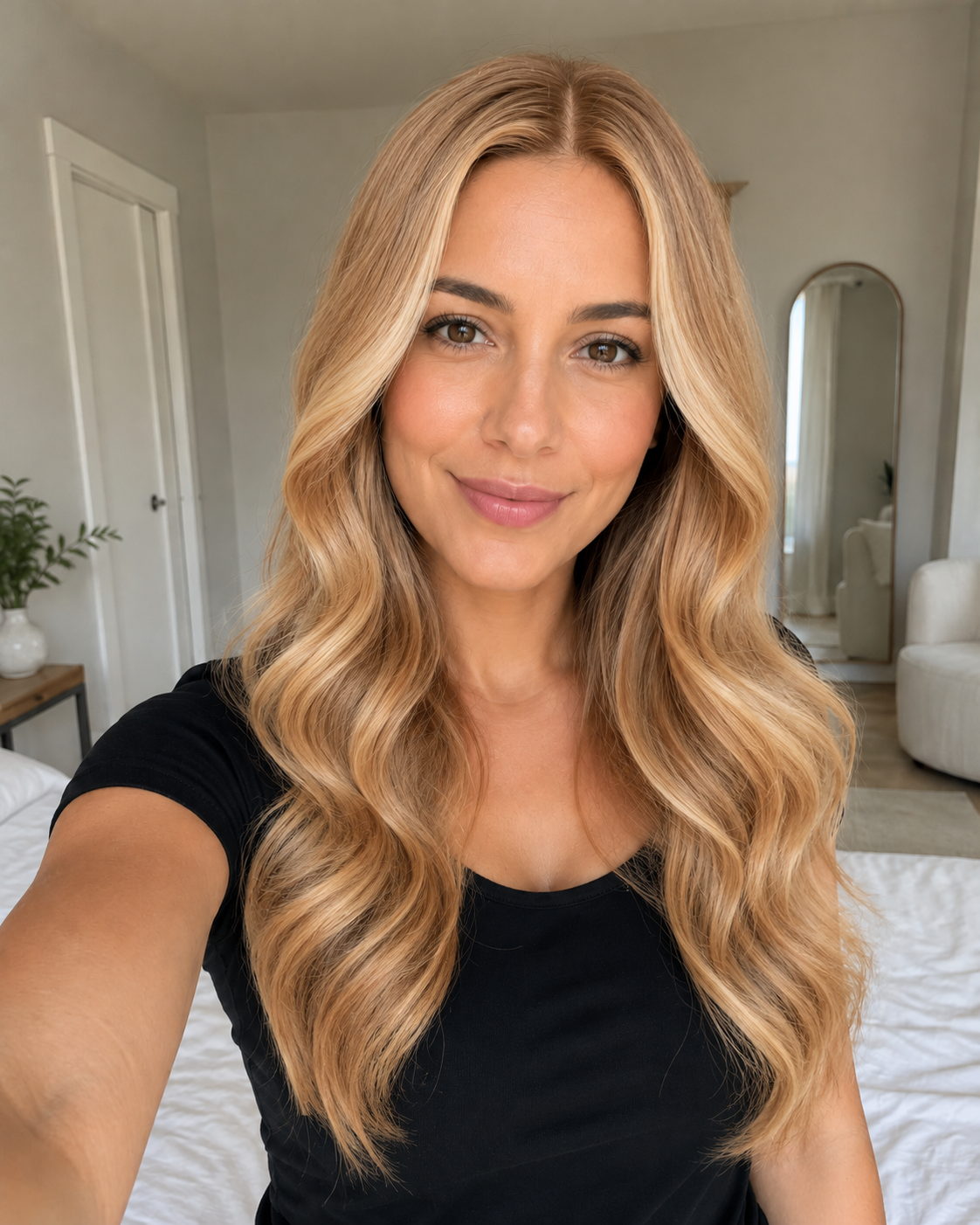
Look at face framing, length, texture, bangs, and color before trying the next option.
The biggest value is comparison. Change one thing at a time and see what actually works better on your face.
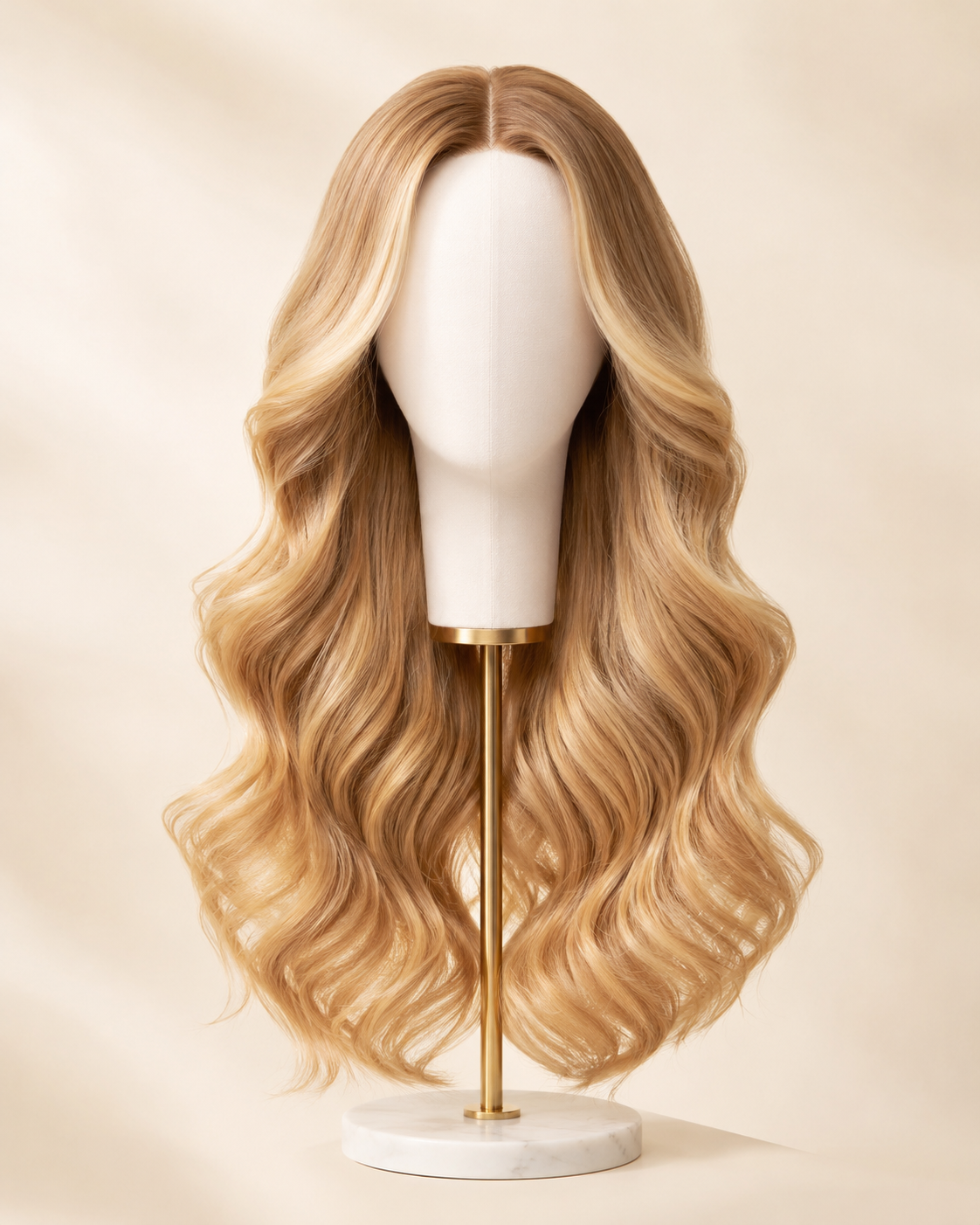
One consistent selfieLong · Honey BlondeShort, medium, or long changes the overall balance more than small styling details.
Look around the forehead, cheekbones, jaw, and shoulders—not just the hair itself.
Keep the same photo and hairstyle when comparing colors, or keep the same color when comparing cuts.
Compare three or four distinct silhouettes, then narrow to two or three close finalists.
The preview is best for evaluating the look and direction. It cannot predict exactly how your own hair will behave after a real cut or styling session.
Does the hairstyle open your face or hide too much of the forehead and cheek area?
Compare where the ends fall: jaw, chin, collarbone, shoulders, chest, or longer.
Full curls and layered shapes can widen the outline; sleek looks usually feel narrower.
Check how the fringe changes forehead height, eye emphasis, and the balance of your face.
Compare how dark, blonde, gray, silver, or warmer tones change contrast with skin and brows.
Once a look wins visually, ask whether you want the styling and upkeep that comes with it.
A consistent selfie makes every result easier to compare. Poor lighting or a strong angle can make hairstyle differences harder to judge.
Best: front-facing · even lightA front-facing portrait makes it easier to compare bangs, parting, and face framing on both sides.
Avoid strong colored light or side shadows, especially when comparing blonde, gray, or silver.
Avoid hats, sunglasses, hands, or heavy objects covering the forehead and hairline.
A slight smile is fine. Strong tilt or mirror distortion makes length and symmetry harder to compare.
Explore broader haircut and hairstyle ideas including pixies, bobs, waves, curls, bangs, and braids.
Open AI Hairstyle Changer →Focus on wig-inspired directions when you want to compare shape, texture, length, and color.
Open Virtual Wig Try-On →Keep the hairstyle steady and compare blonde, brunette, gray, silver, burgundy, and more.
Try Hair Colors →Use one consistent selfie to compare shortlisted silhouettes and face-framing choices side by side.
Compare Hairstyles →Read the longer method for controlled comparisons, artifact checks, and realistic expectations.
Read the Guide →Browse style families when you want more directions before choosing a live preview.
Explore Hairstyle Ideas →Your original selfie is deleted from WigTryAI storage within 24 hours. Generated previews may remain in your history; contact support if you need broader deletion help.
Yes. Your first 3 WigTryAI hairstyle generations are free and run directly in your browser. Upload a clear portrait, choose a hairstyle, length, or color direction, and generate a preview on your own photo; additional generations may require credits.
Step 1: choose a hairstyle direction — short, bob, long, curly, wavy, straight, bangs, or braids — and set the length. Step 2: pick a hair color if you want to compare one. Step 3: upload a clear selfie, or upload a hairstyle you found elsewhere as a reference image. Step 4: generate the preview; your first 3 try-ons are free and work in your browser without an app. Step 5: judge the result on the same photo, then change one variable at a time — length, then face framing, then color — and share a favorite look when you want feedback. Sign-up is not required for the first generation; more generations may need credits.
Yes. Next to the preset looks, you can upload a reference image — a magazine clipping, a screenshot, or a photo of a style you like — and the try-on maps that cut and color onto your own photo. Choose a reference where the hairline, part, and overall shape are clearly visible; angled, blurry, or heavily filtered references give a looser match. The result is an AI preview rather than an exact copy of the reference, so compare it with the preset directions before deciding. This is useful when the cut you want is not in the style library or sits between two presets.
Compare in layers. First look at silhouette — short, medium, or long — because that changes face framing the most. Then compare one detail at a time: bangs or side layers, then texture such as waves or curls, then color. Two to four visibly different looks are easier to judge than ten similar ones, and your generation history keeps every result on the same photo, so earlier previews stay comparable. Judge each look by where volume starts, how the length draws attention around the jaw and forehead, and whether the color contrast feels right — not by whether the style is currently popular.
Yes. Your first 3 try-ons are free. Upload a clear photo, choose a hairstyle direction, and generate a preview on your own face; additional generations may require credits.
Yes. WigTryAI's virtual hairstyle try-on runs in a modern web browser, so you can preview styles without installing an app. Your first 3 try-ons are free; additional generations may require credits.
Yes. Reuse one selfie while comparing short, medium, and long silhouettes, bangs, waves, curls, or braids. Keeping the photo constant makes the visible differences easier to judge.
Yes. You can compare different hair colors with a virtual hairstyle try-on while keeping the hairstyle and selfie steady. The result shows a color direction for visual comparison, not an exact dye or salon outcome.
It is useful for comparing visible hairstyle choices such as face framing, length, silhouette, bangs, texture, and color. It does not guarantee how a real haircut will behave or how a salon service will turn out on your hair, and it cannot predict your natural hair's texture, density, hold, or styling effort.
No—not for your first generation. You can make the first generation anonymously; later actions or additional generations may require an account or credits.
Find the hairstyle that feels right before you commit to a cut, color, or a completely different look.