long hair filter

Long Hair Filter Online

Preview long hairstyle directions, from sleek straight length to waves, curls, braids, and color-shifted looks.

No app required · Style preview only · Not a wig store

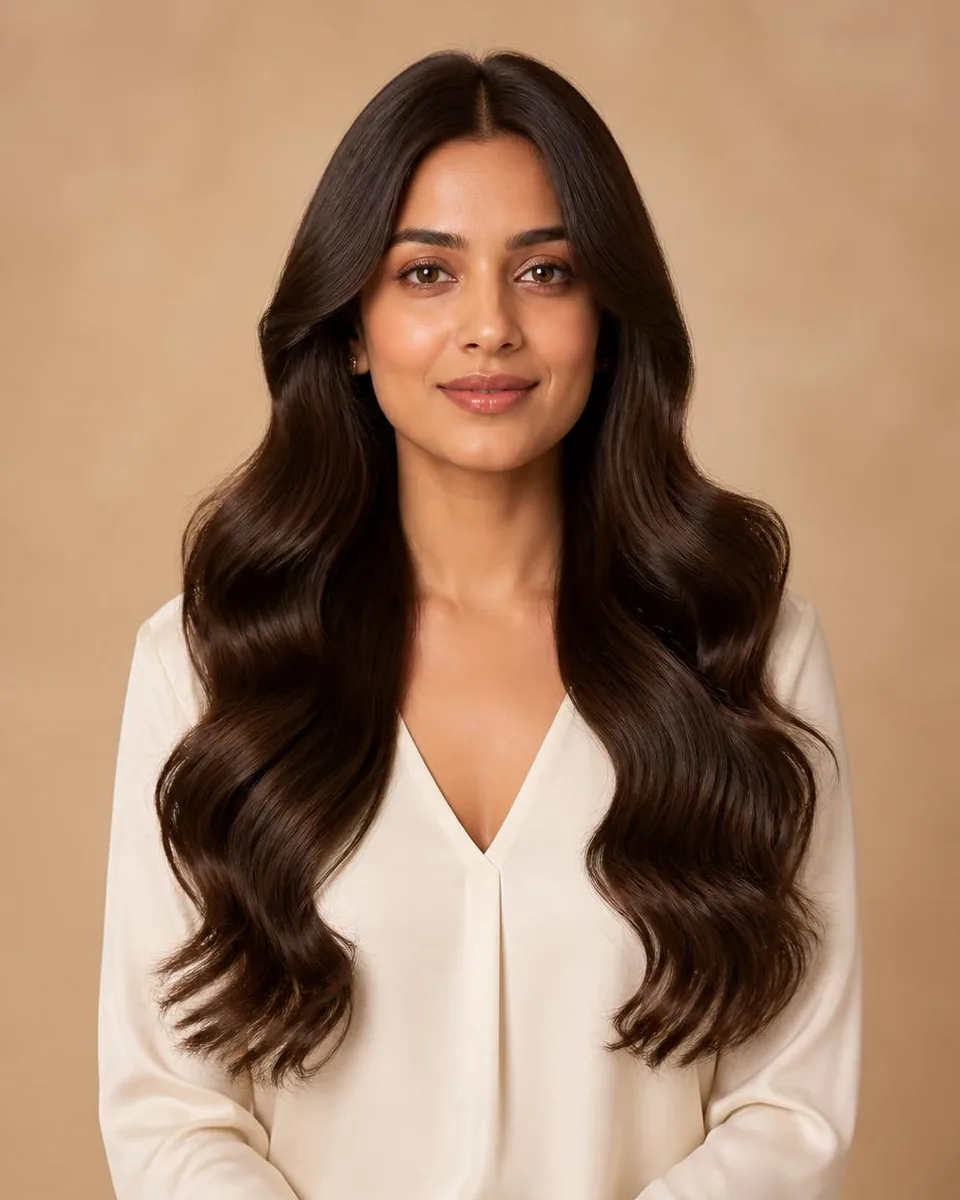
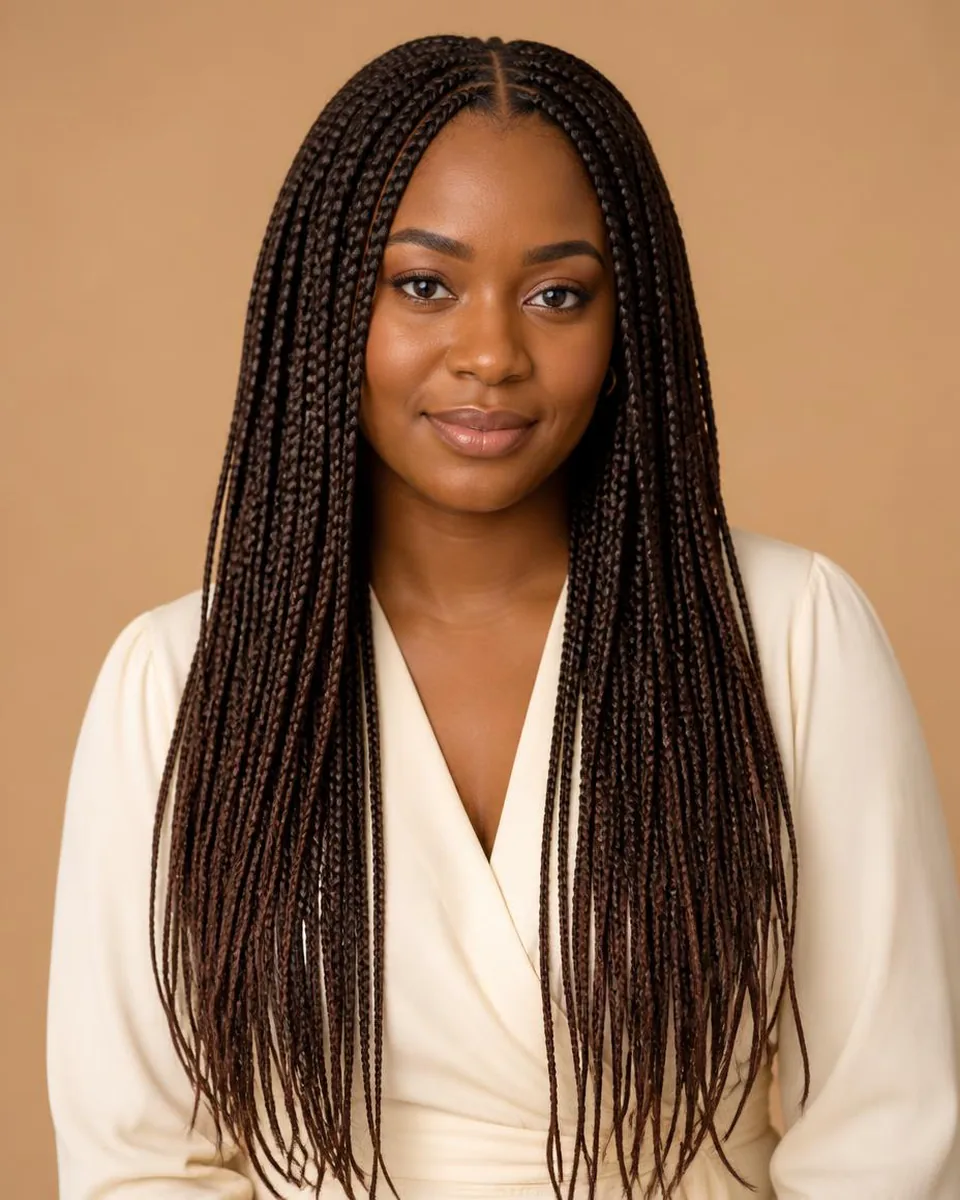
WigTryAI's long hair filter lets you preview long hairstyle directions such as straight, layered straight, body wave, curls, braids, and color-shifted looks on your photo.

Length Changes Proportion in Steps

Long hair is not one look: the endpoint changes the proportion at each stage. Collarbone length frames the neck and shoulders, chest length carries more vertical line, and waist length extends the silhouette furthest while adding perceived weight below the shoulders.

When you preview, compare the endpoint first. The same texture at two endpoints can read as two different styles, so settle the landing point before comparing texture or color.
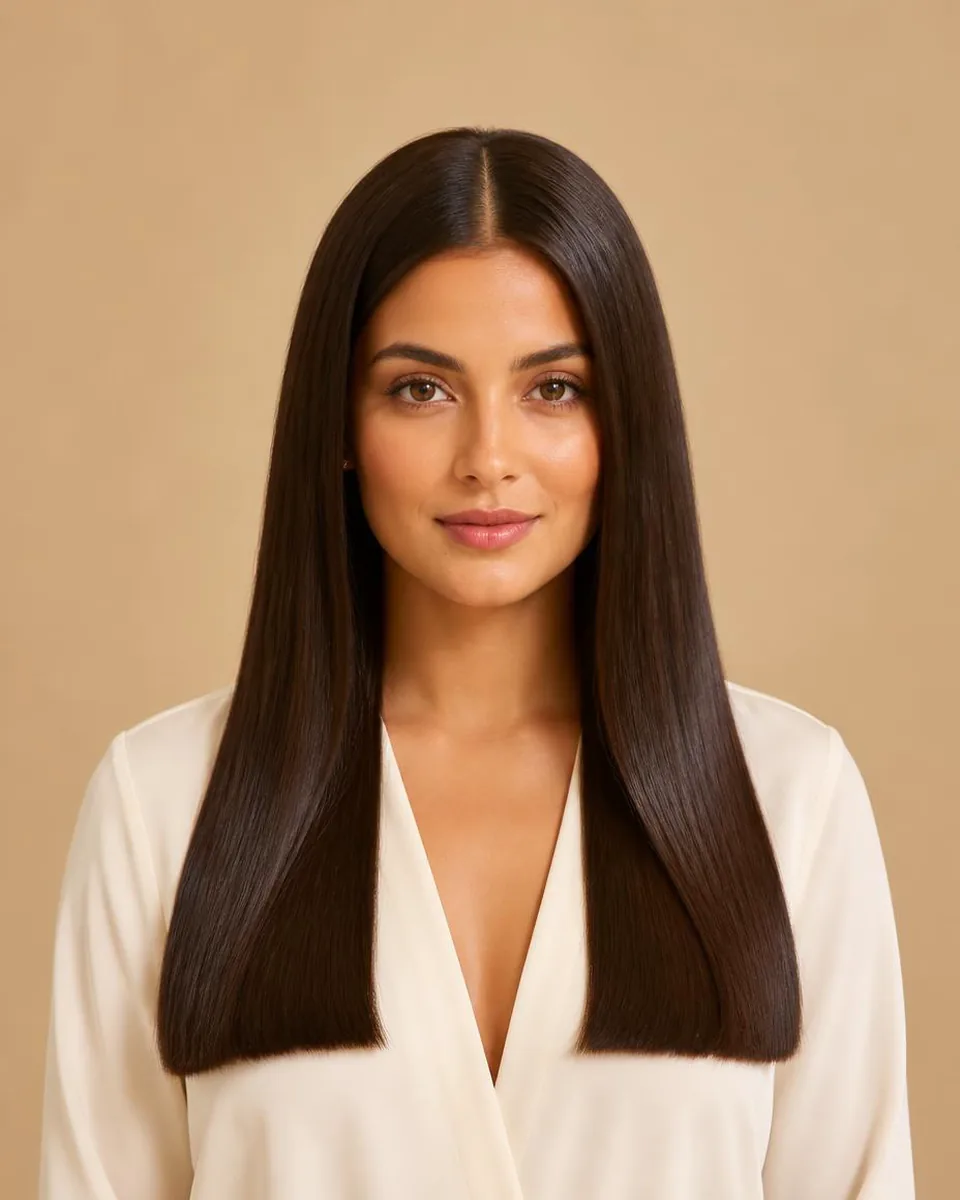
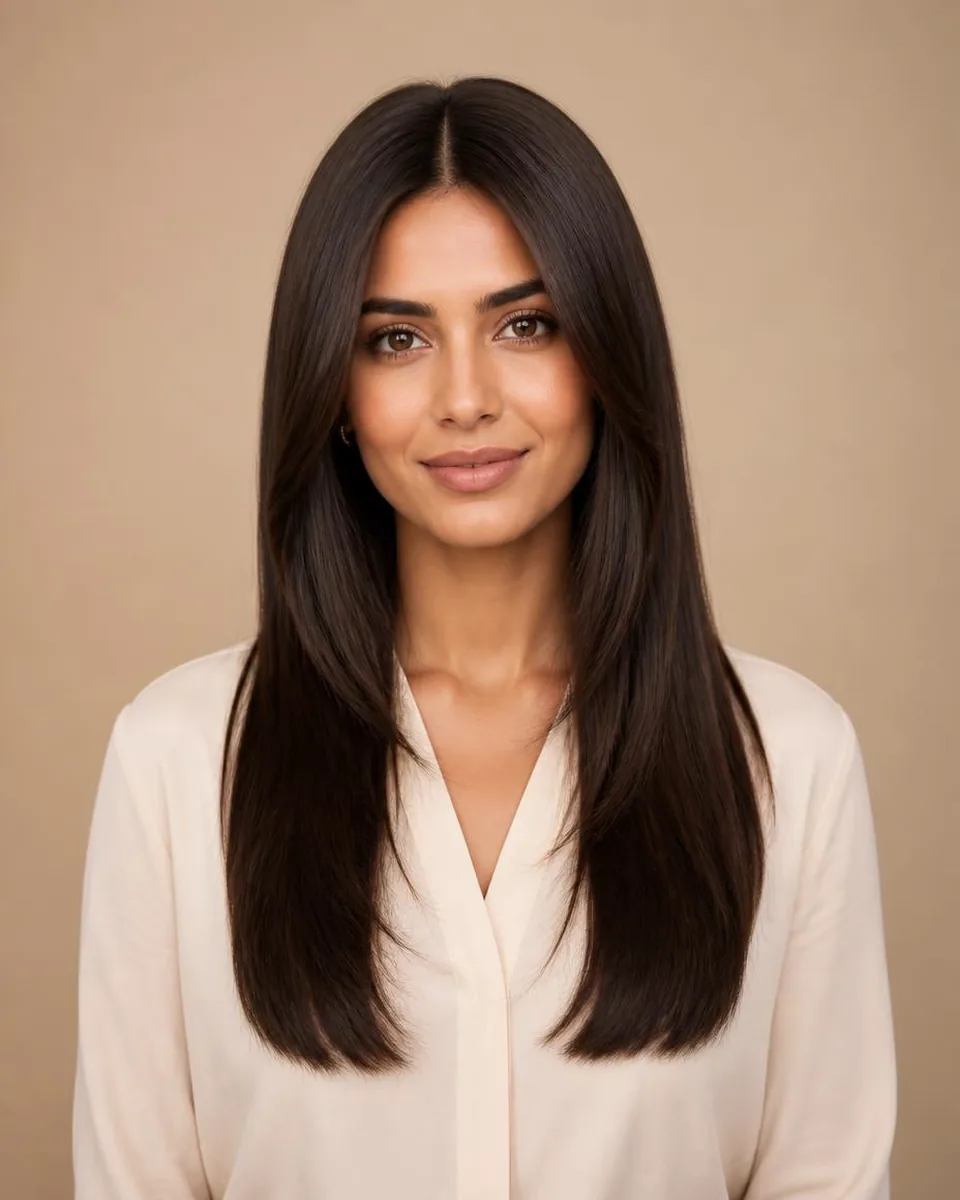
One Length vs Layers

A one-length cut keeps a clean outer line and maximum visible density, which suits sleek or graphic long looks. Layers add movement and shape through the lengths but reduce the visible density, especially on fine hair.

For long hair, soft internal layers usually add life without making the ends look thin. Compare one-length and layered versions of the same straight long hair to see which line you prefer.

Texture Reads Differently at Long Lengths

The longer the hair, the more the texture shows. Waves and curls add width through the lengths and can look heavier on long hair; straight hair keeps the silhouette narrow but shows every bend and unevenness at the ends.

Judge the outer width and how far the texture carries: body wave keeps broad movement through the length, while braids change the frame entirely. Preview the same endpoint across textures to see which one you actually want.

Style categories

Try different hairstyle families

Not sure where to start? Explore a few popular hairstyle directions below, then try your favorites on your own photo.

Color options

Change shape and color together

Compare color after choosing a silhouette so contrast, warmth, and dimension stay easy to judge on the same photo.

Black

Preview soft black or natural black hair directions.

Try this color

Brown

Compare dark brown, chocolate, chestnut, and warm brown ideas.

Try this color

Blonde

Try honey blonde, golden blonde, beige blonde, or platinum tones.

Try this color

Burgundy

Explore a richer red-purple shade without changing your real hair.

Try this color

Upload a clear portrait

Use a front-facing selfie with the shoulders and upper chest visible.

Choose a long direction

Compare sleek straight, layered straight, body wave, and braids.

Read the endpoint and width

Judge where the hair ends and how much width each texture adds.

Why use this tool

Built for fast visual exploration

Start with a clear portrait, compare one variable at a time, and use the result as a visual reference for your next style decision.

Compare endpoints, not just lengths

See texture on long hair

No app required

Style inspiration only

Privacy note

Preview tool, not a store

WigTryAI is built for personal visualization and style inspiration. It does not sell physical wigs, beauty products, or salon services, and it does not provide commerce matching. Your generated look is meant for exploration, comparison, and optional friend feedback.

FAQ

Can I preview long hair online?

Yes. WigTryAI lets you upload a selfie and preview long hairstyle directions including straight, layered, wave, curly, and braid-inspired looks.

Can I see myself with long straight hair?

Yes. You can preview long straight and layered straight looks on your photo.

Can I compare long hair with short hair?

Yes. Use related pages to compare long, short, curly, color, and wig-inspired directions.

Which long hair direction should I try first?

Start with the endpoint: collarbone, chest, or waist length. Compare the same texture at two endpoints, then compare one-length vs layered, and only then change texture or color.

Is one-length or layered better for long hair?

One-length keeps a clean line and maximum visible density; layers add movement but reduce visible density, especially on fine hair. Compare both versions of the same long straight look to see which line you prefer.

Can I preview long hair colors?

Yes. Color directions can be paired with long hairstyle silhouettes for a fuller preview.

Can AI predict how long hair will move in real life?

No. A preview shows endpoint, texture, width, and color. It cannot predict real weight, movement, density, or how the hair will behave day to day.

Does WigTryAI recommend extensions?

No. WigTryAI focuses on visual hairstyle exploration and does not recommend physical products or services.