WigTryAI
Credits

Hairstyle reference collection

Trending Hairstyles to Try on Your Photo

Browse bobs, bangs, waves, curls and face-framing layers by the change you want to see. Each reference has a comparison cue and a practical question to take to your stylist. Choose a card to preview that hairstyle on your own photo.

Trending hairstyles are styles receiving current editorial or cultural attention; that attention does not establish which haircut suits you. This WigTryAI collection offers 10 curated references to compare by endpoint, forehead coverage, side volume and texture. It is inspiration, not a measured popularity ranking.

10 curated references ยท Preview on your photo ยท No popularity ranking

Browse hairstyle references โ†’

Selected and reviewed by the WigTryAI editorial team ยท Updated

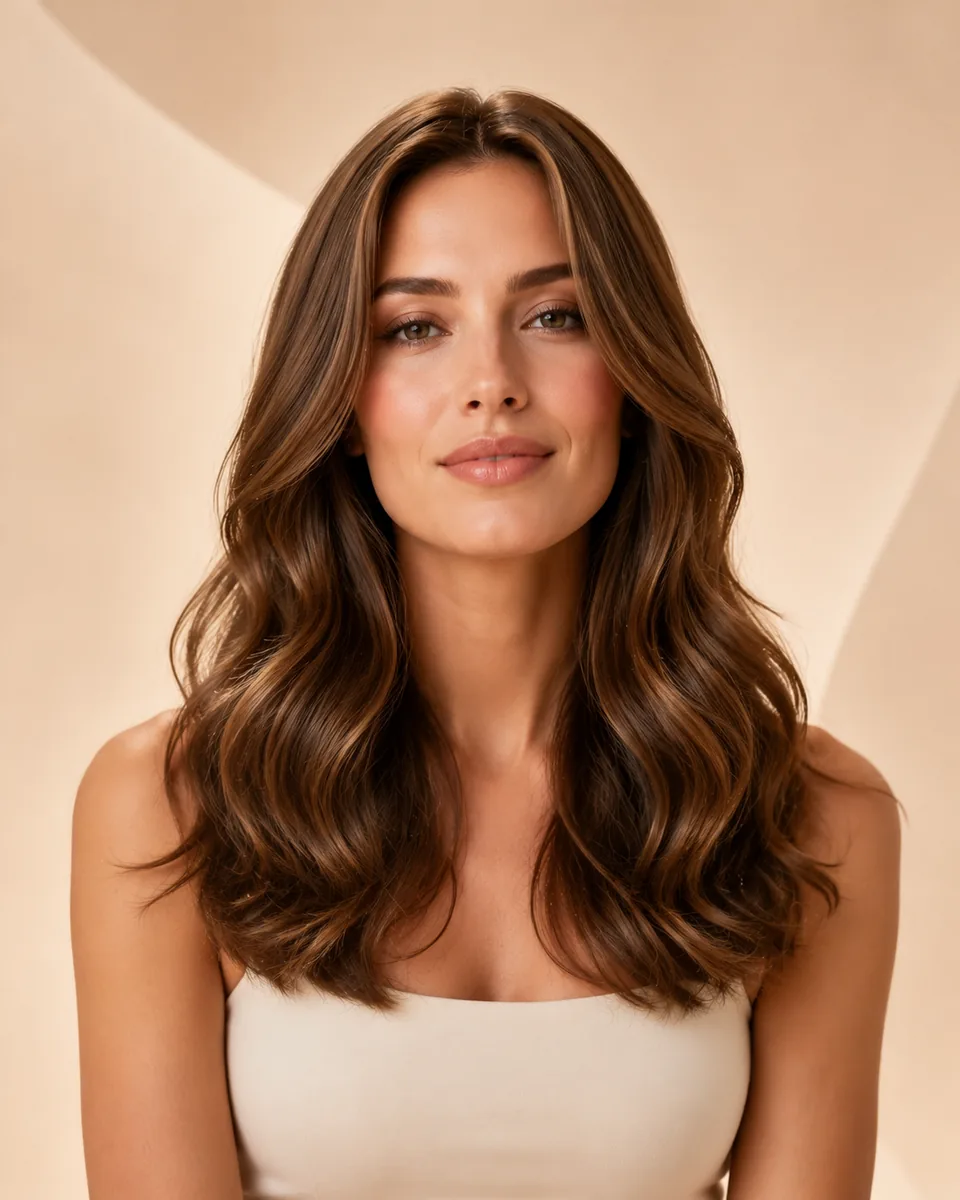
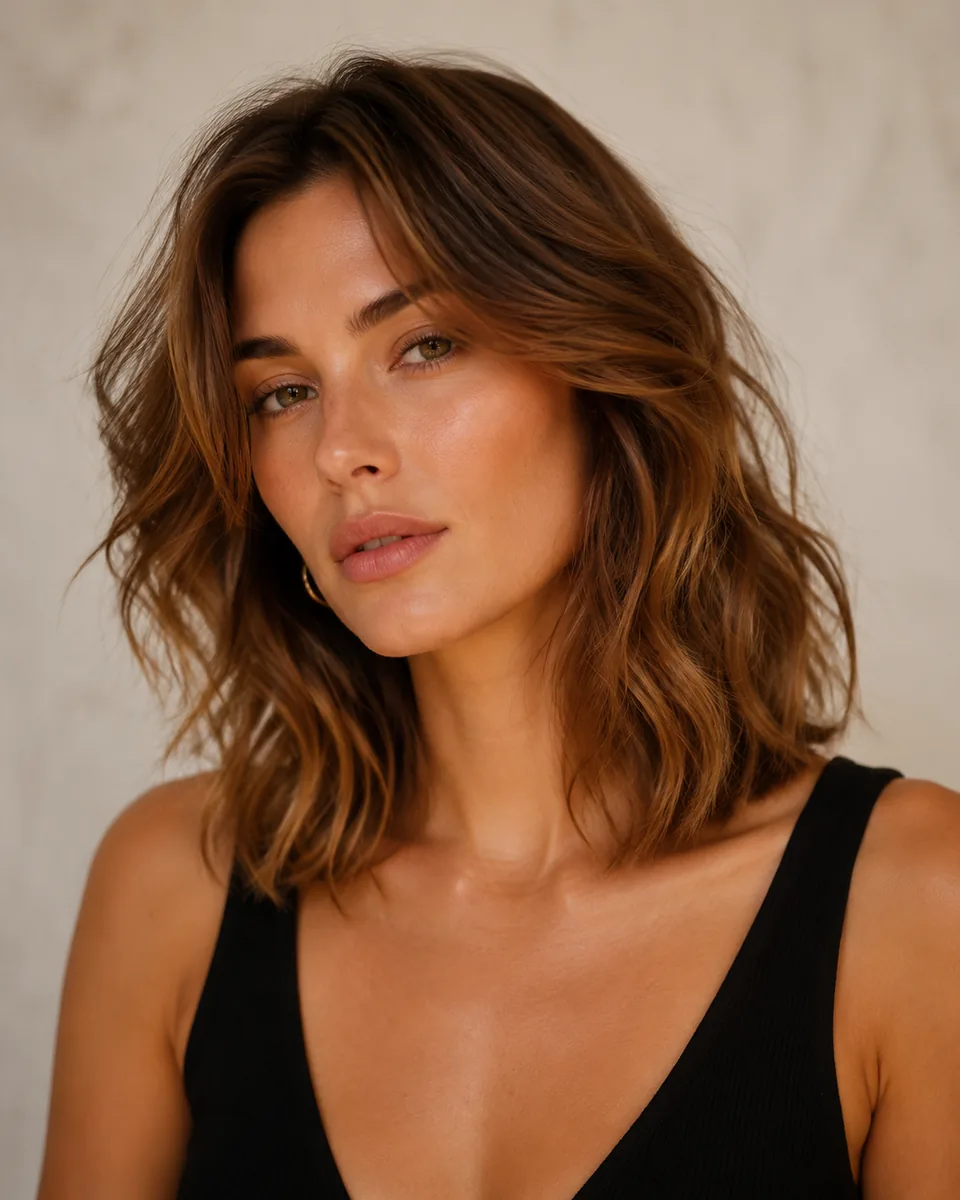
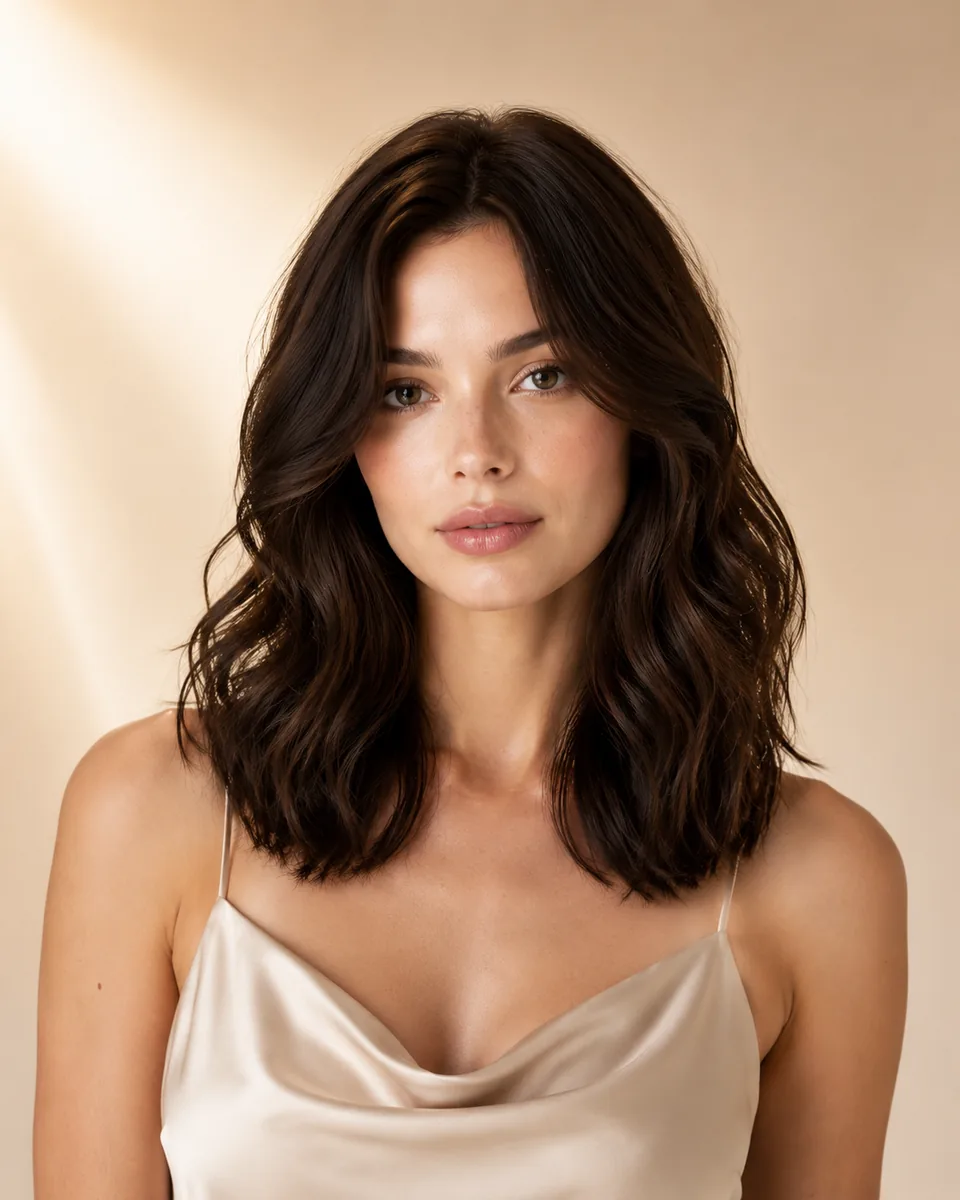
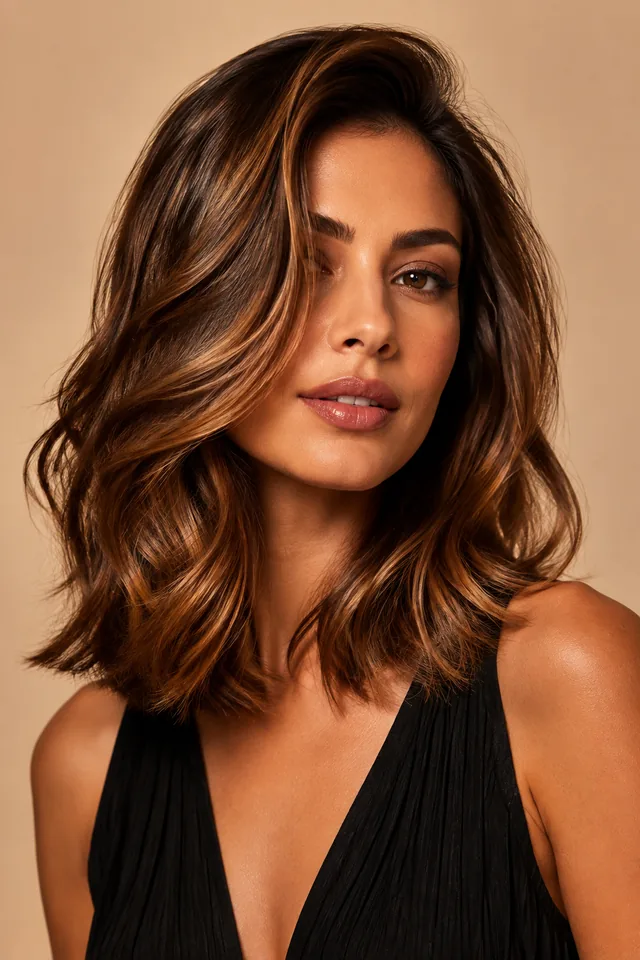
Woman with a caramel-brown wavy lob and side-swept front layers
An AI-created wavy lob reference. Read the endpoint, front layers and side volume before judging its shade.

How it works

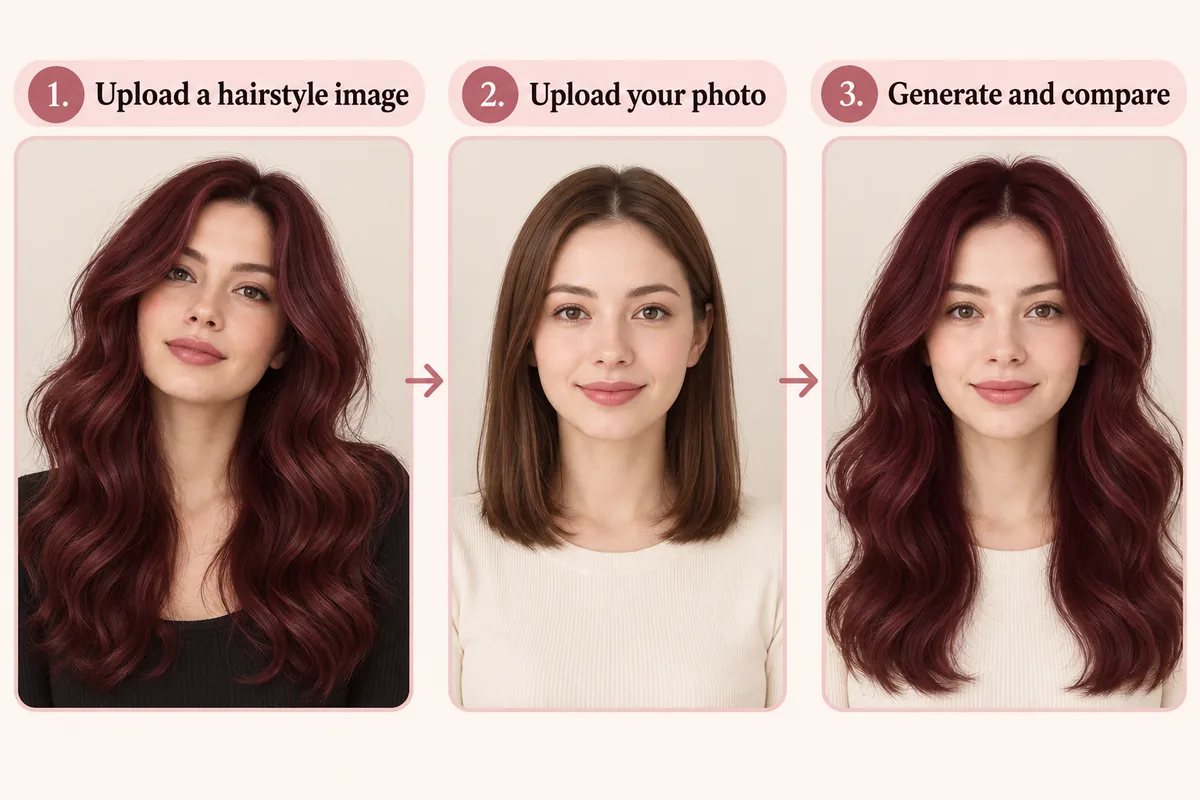
Choose a reference here, then use the reference tool to combine that hairstyle image with your portrait. You can browse without generating an image.

Illustrated reference hairstyle workflow with a hairstyle image, a selfie and a generated preview
  1. 01

    Choose a reference

    Browse the ten looks below and name the change you want: a shorter endpoint, a more open forehead, wider curls or more movement. Select Try this hairstyle to open the reference tool with that image already supplied.

  2. 02

    Upload your portrait

    Use a clear, front-facing selfie with the hairline, both sides of your face and shoulders visible. Keep the same portrait when you try another reference so a change in lighting or pose does not decide your favorite.

  3. 03

    Generate and inspect

    Generate the preview, then compare its hair with the reference and its face with your original selfie. Save a useful direction for discussion. Each generated image uses one try-on; a preview cannot guarantee a real haircut.

The AI workflow illustration shows the two inputs. A collection card supplies the hairstyle reference automatically; you upload the selfie in the reference tool.

Browse the references

Start with the visible change you want. Every card has a distinct reference, a detail to compare and a question the image cannot answer. The order is for browsing, not a popularity score.

These AI-generated references are visual inspiration, not a controlled before-and-after comparison or documented salon outcomes.

Editorial context

The collection brings together recurring editorial directions and useful visual contrasts. Inclusion is an editorial choice, not evidence that all ten looks are equally popular or that one will suit every reader.

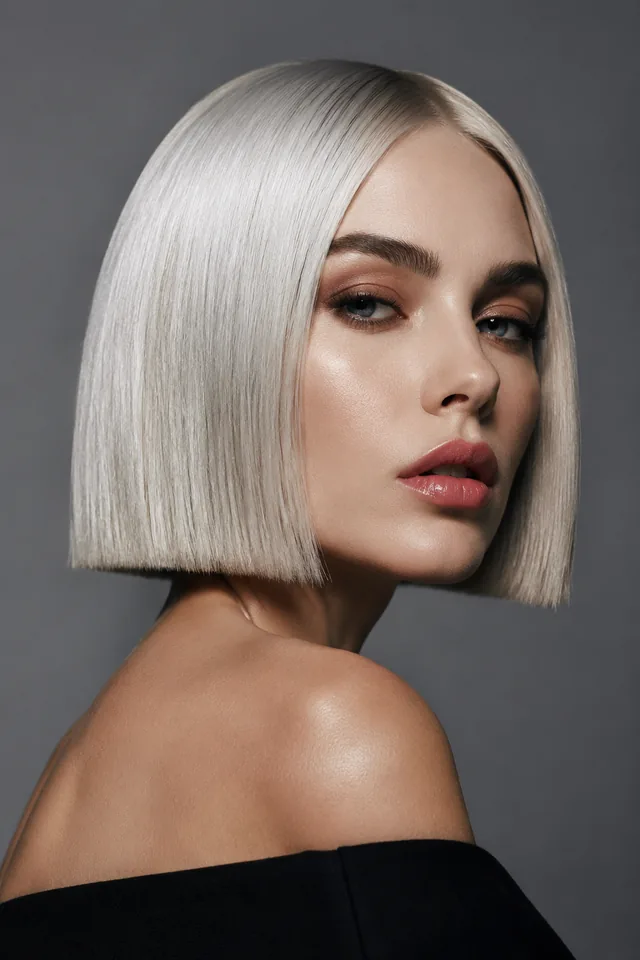
Woman with a platinum-blonde bob and side-swept front pieces

Who What Wear's 2026 stylist interviews discuss bobs, curtain bangs and shorter textured cuts; Glamour's current haircut guide also spans short cuts, layers and texture-led directions. Those articles provide context, not demand counts or a ranking of the references shown here.

We selected references with different endpoints, front shapes and textures so the collection supports an actual choice. Everyday looks sit alongside an occasion option such as half-up braids. The order is for browsing. These AI-generated references are visual inspiration, not a controlled before-and-after comparison.

For the separate year-specific shortlist, read Top 10 Hairstyles to Try in 2026. To explore beyond this collection, browse Hairstyle Ideas.

The platinum bob illustration separates two visible choices: a shorter outline and a light shade. Liking one does not mean you want both.

Build your shortlist

Choose two or three references that differ in the feature you care about, then preview them on the same portrait. Reference mode carries hairstyle and color together, so a reference with a new shade tests a combined direction rather than the haircut alone.

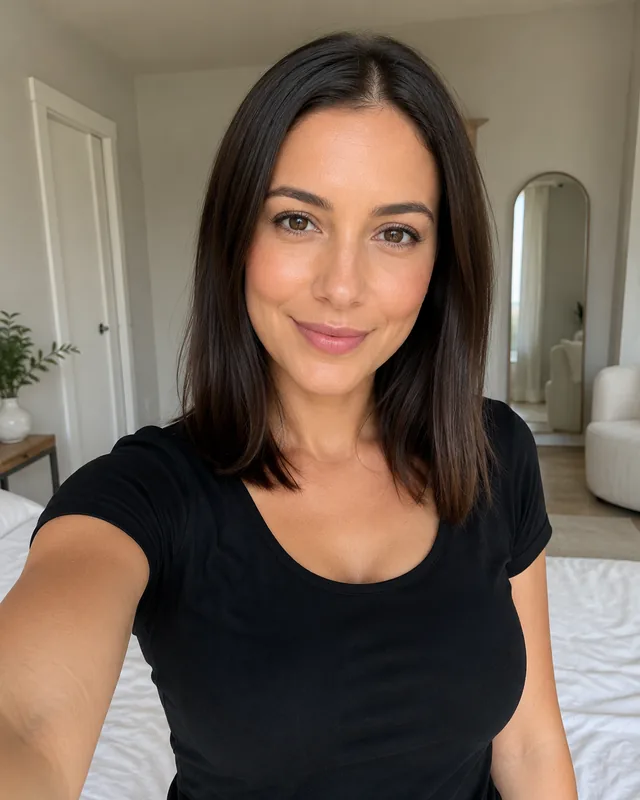
Front-facing woman with straight brown hair, a visible forehead and a black shirt in even indoor light
Endpoint
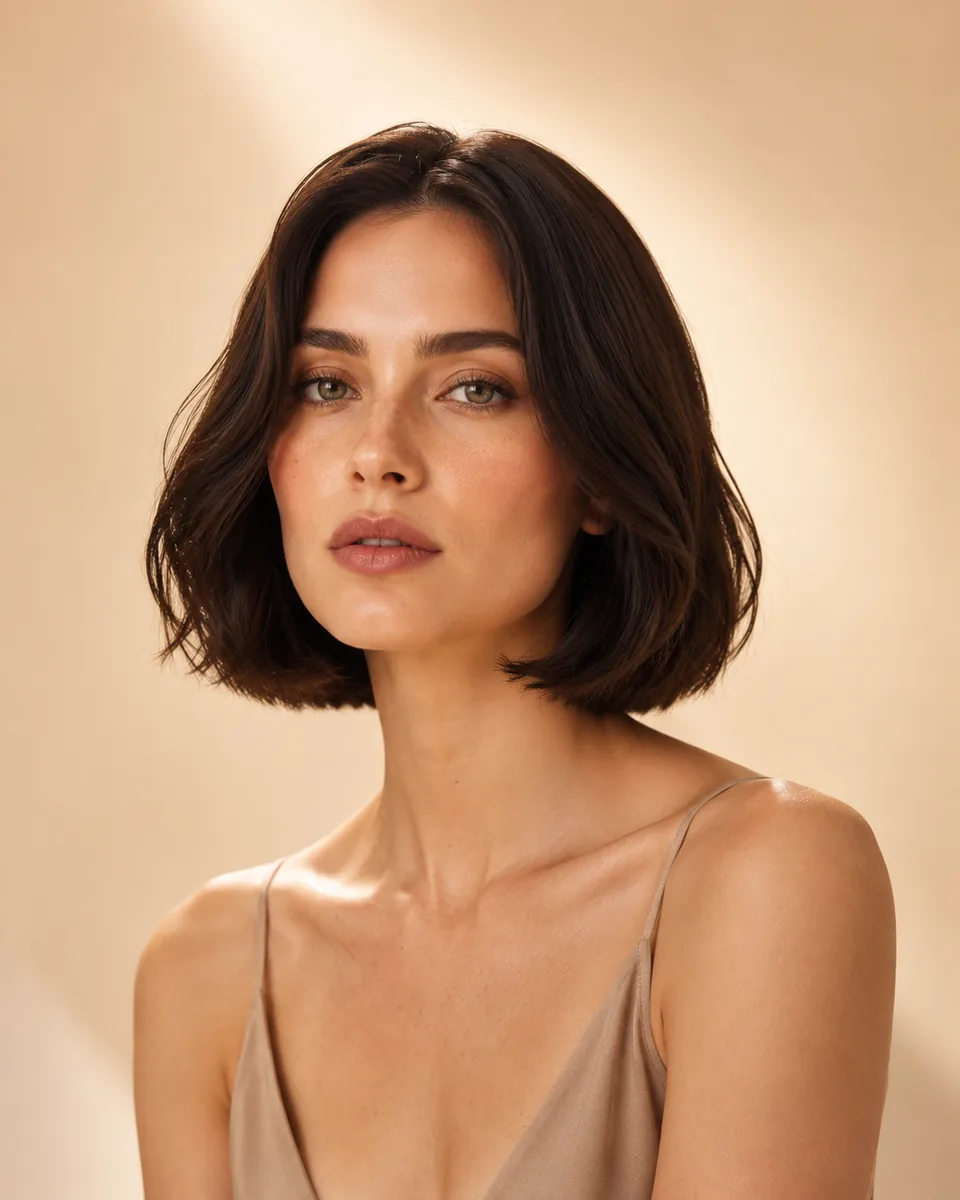
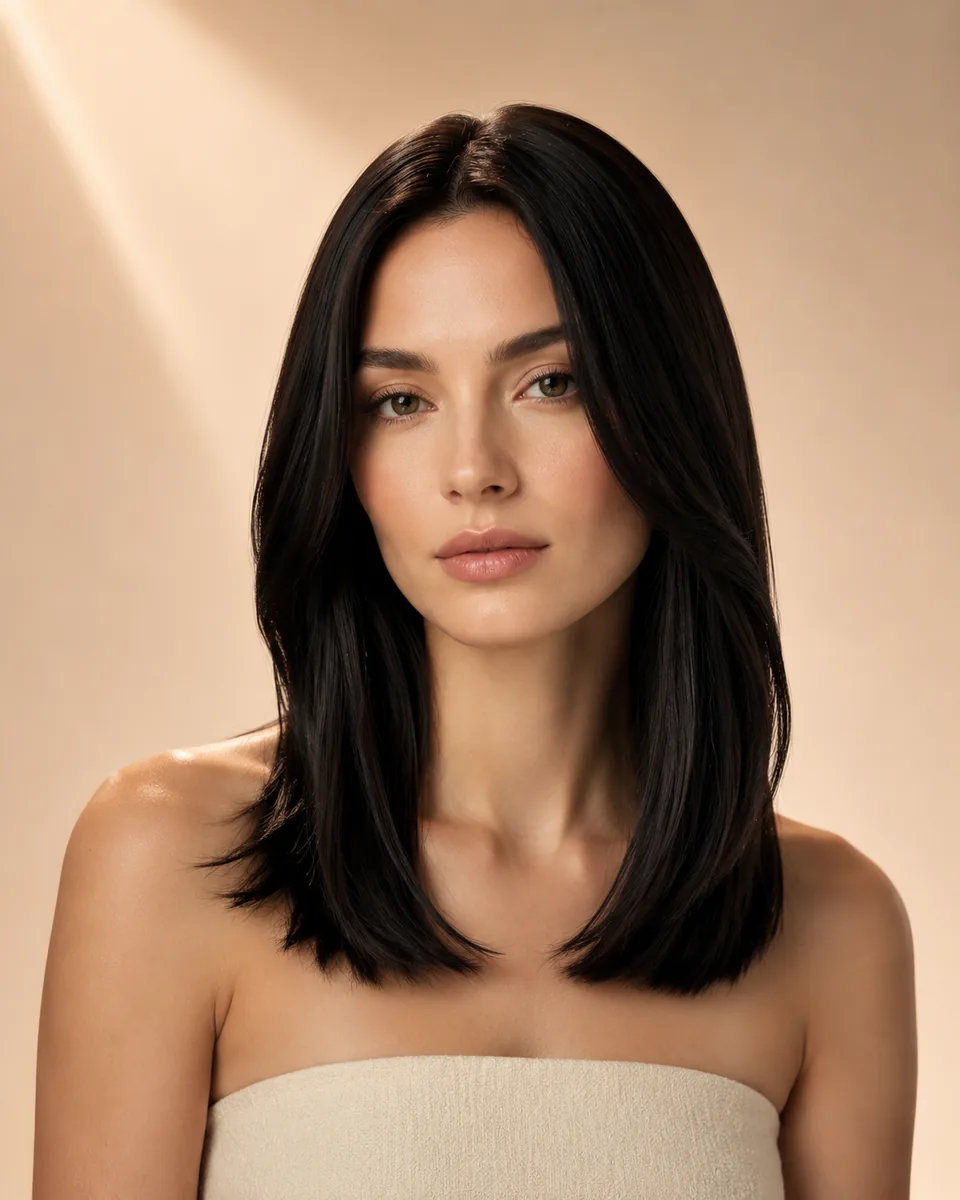
Compare where the ends land relative to your chin, collarbone and shoulders. An Italian bob and a softly layered lob answer different length questions even if both have curved ends.
Forehead coverage
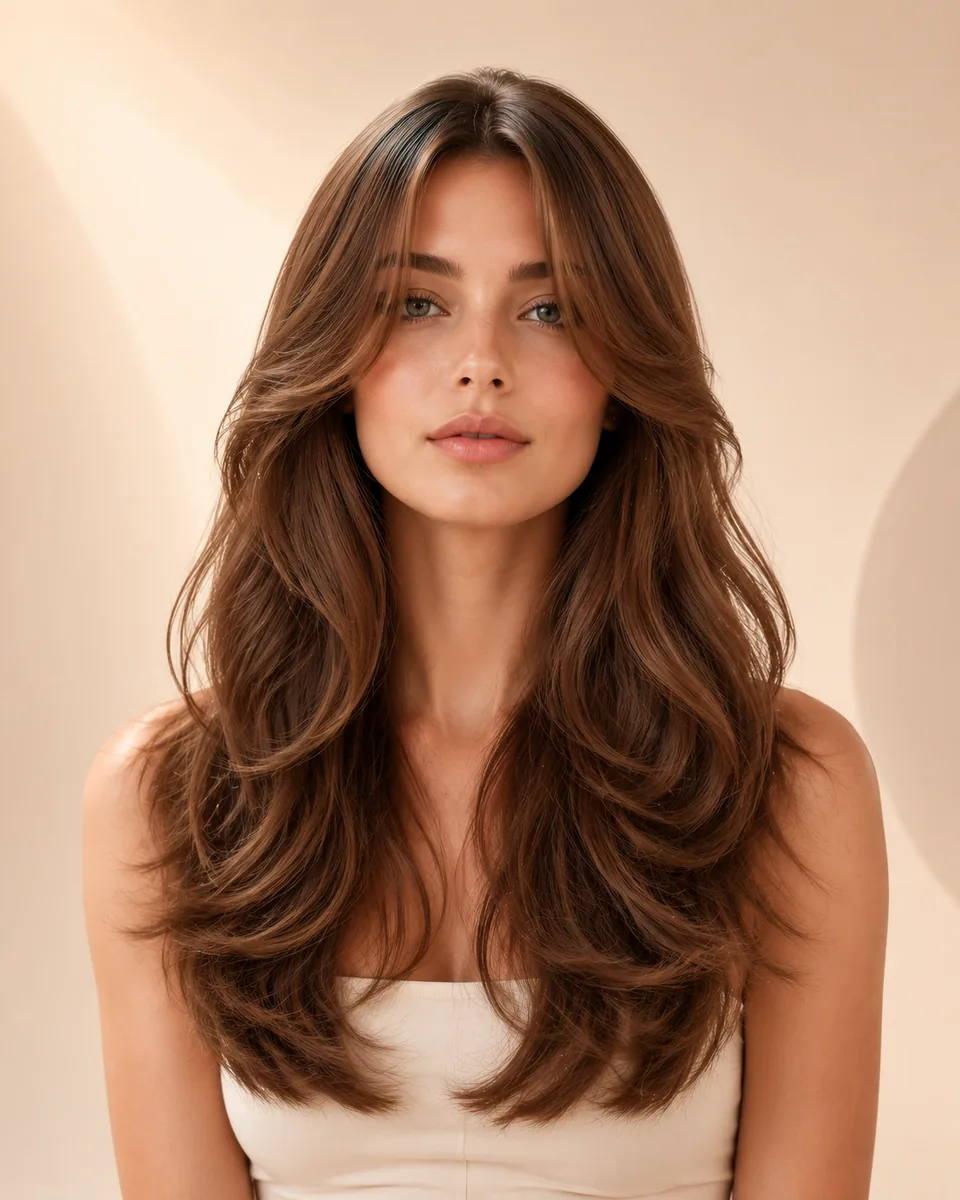
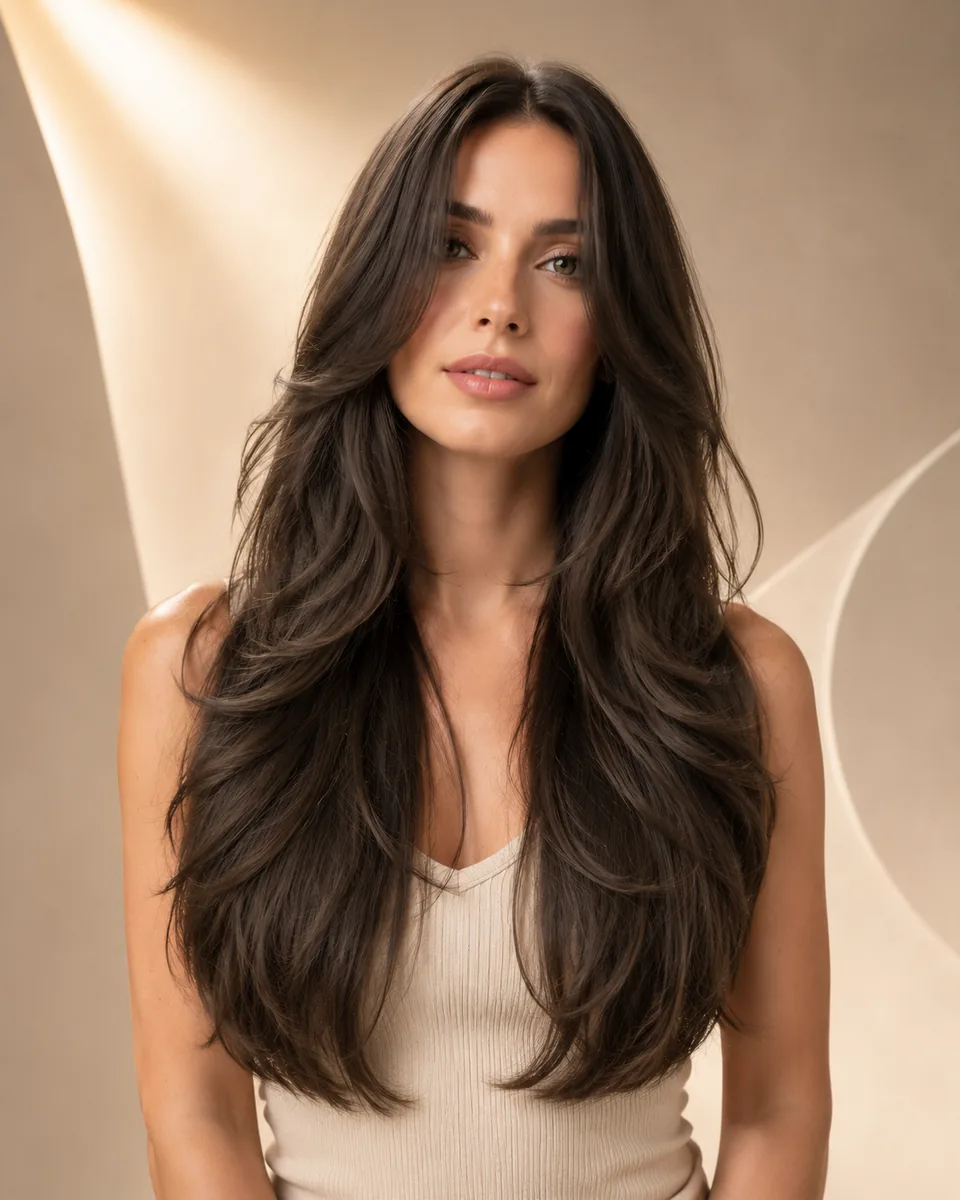
Compare the amount of forehead visible and where the shortest front pieces end. Curtain bangs change the front frame; long face-framing layers can change the sides without creating a fringe.
Side volume and pattern
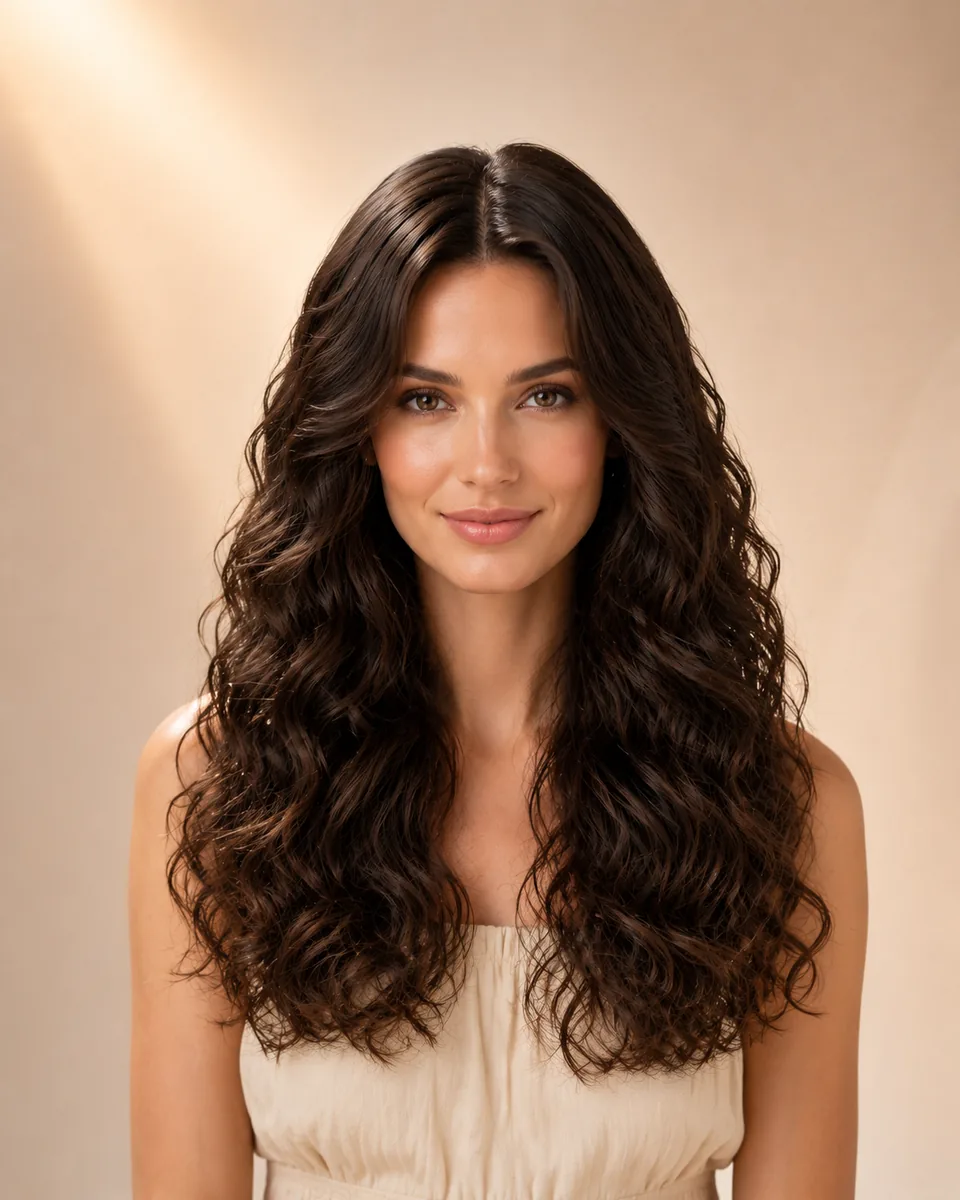
Compare where the style is widest and whether its shape comes from broad waves, smaller curls or layers. Do not treat the pictured person's curl pattern as a measurement of your own hair.
Your routine
Write down the styling effort you can sustain, how often you can refresh the shape and whether you need to tie the hair back. An attractive preview cannot answer those practical questions; your stylist can assess them against your real hair.

If a shade is driving your preference, use Hair Color Try-On with your current hairstyle. For preset cuts with a separate color choice, use Virtual Hairstyle Try-On.

Preview limits

What a trend photo and an AI preview cannot decide

A preview can help you describe a visible preference. It cannot establish your real hair density, growth direction, shrinkage, condition or the daily effort needed to reproduce a style.

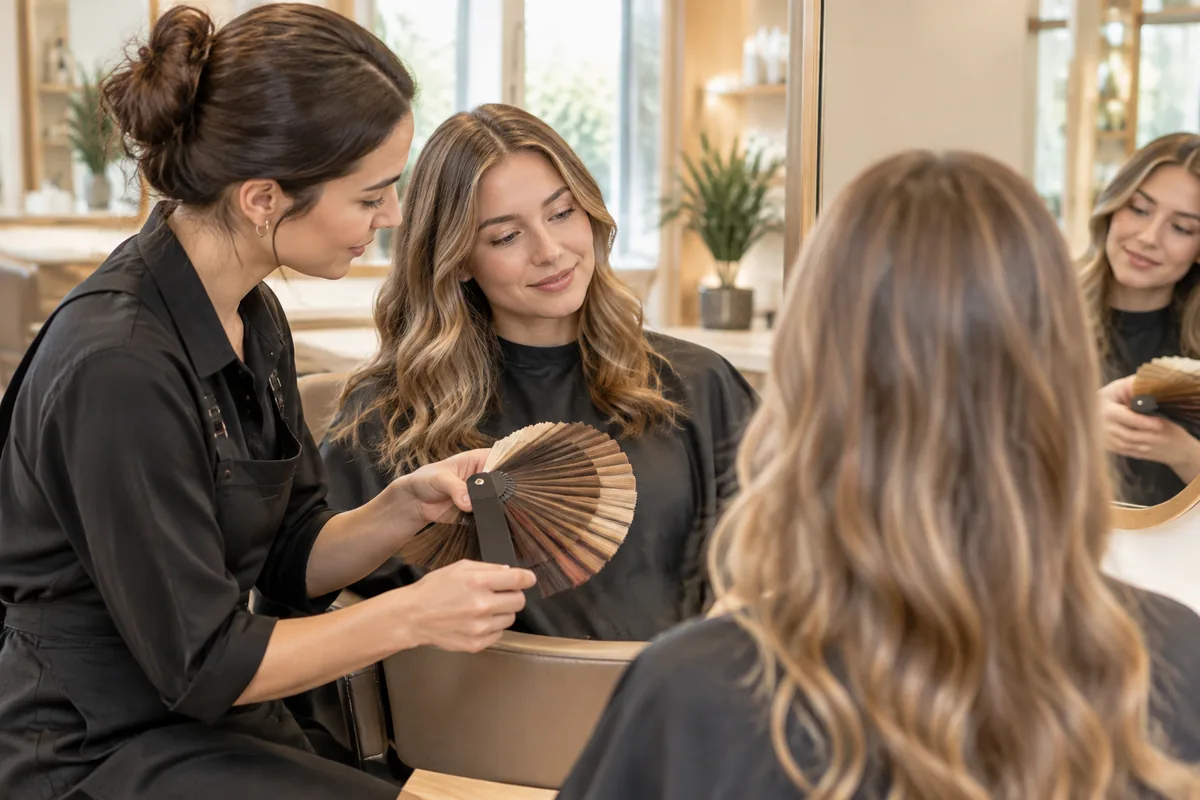
Hairstylist and client discussing hair-color swatches beside a salon mirror

Useful for comparing

  • โœ“The visible silhouette and endpoint on the same input portrait.
  • โœ“How a fringe, part or side volume changes the face frame.
  • โœ“Which two or three directions deserve a closer discussion.

Does not predict

  • โ€”An exact salon cut, color formula or finished result.
  • โ€”Real curl behavior, shrinkage, cowlicks or hairline growth.
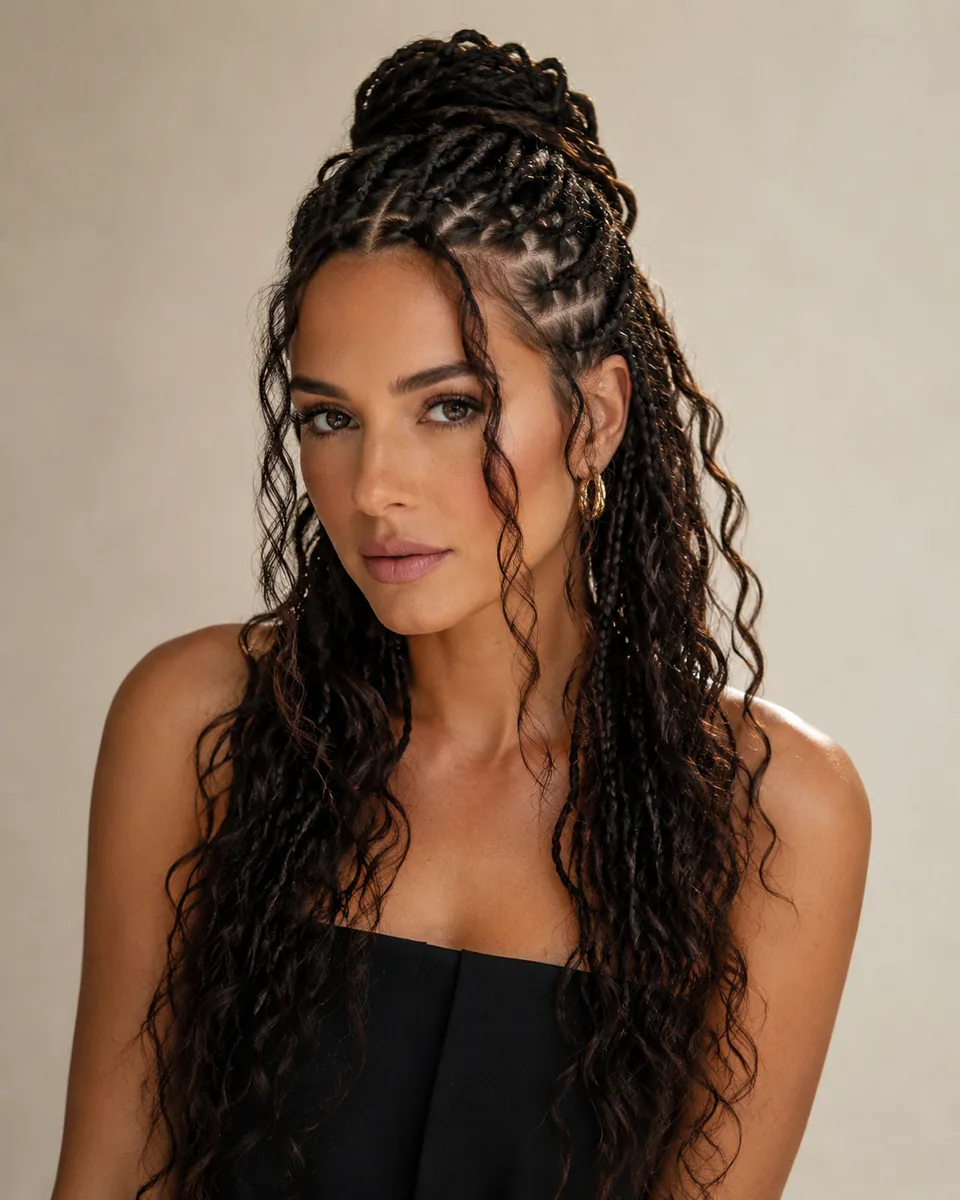
  • โ€”Comfort, braid tension, scalp suitability or protective-style installation.
  • โ€”A maintenance schedule or effortless styling from a picture alone.

Bring the original reference and your preferred preview to a stylist. Explain the detail you want to keep and ask what your actual hair can support. The consultation image is an AI illustration, not a documented appointment.

Choose your next step

Use the collection for named visual references. Move to a guide when you need a deeper haircut comparison, or to a tool when you are ready to supply a photo.

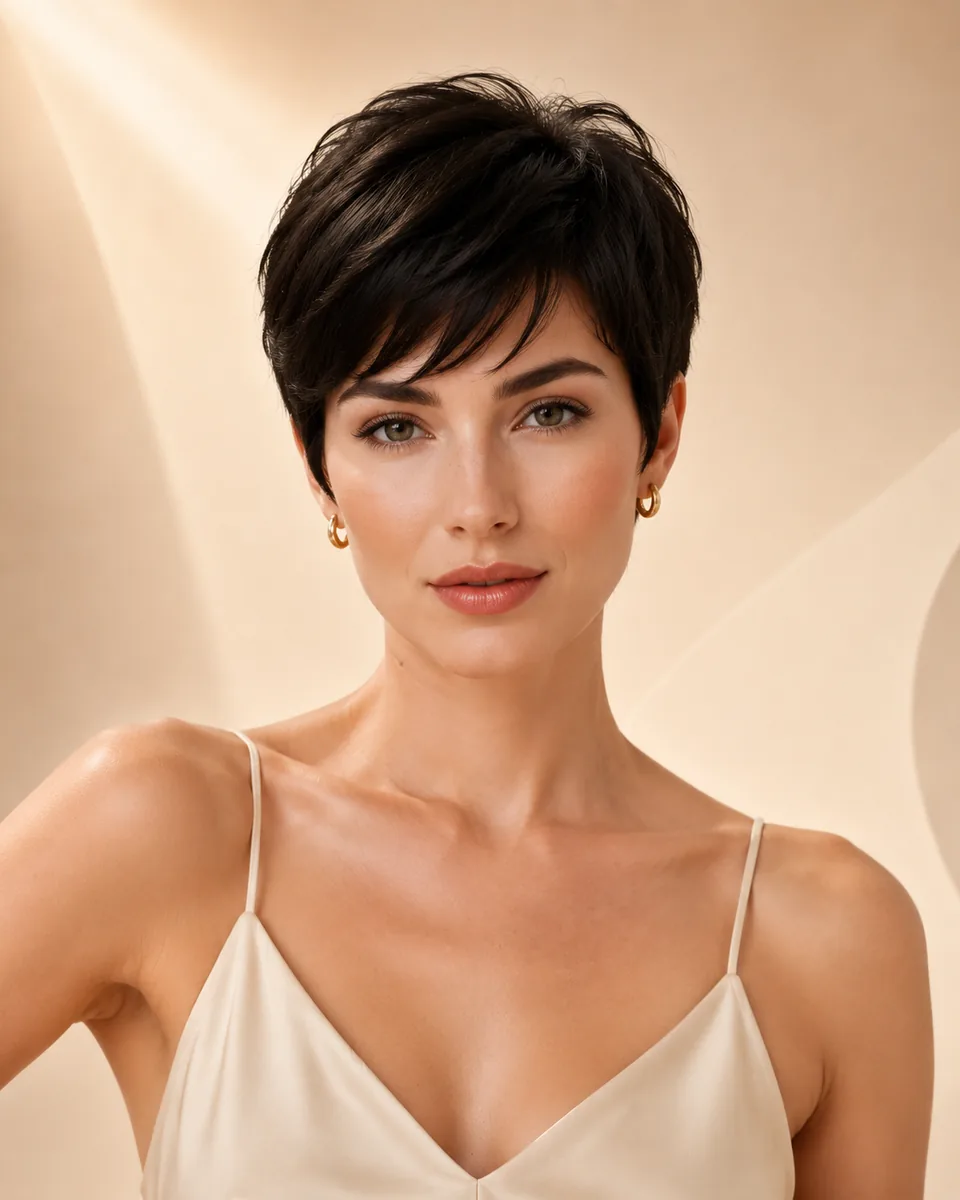
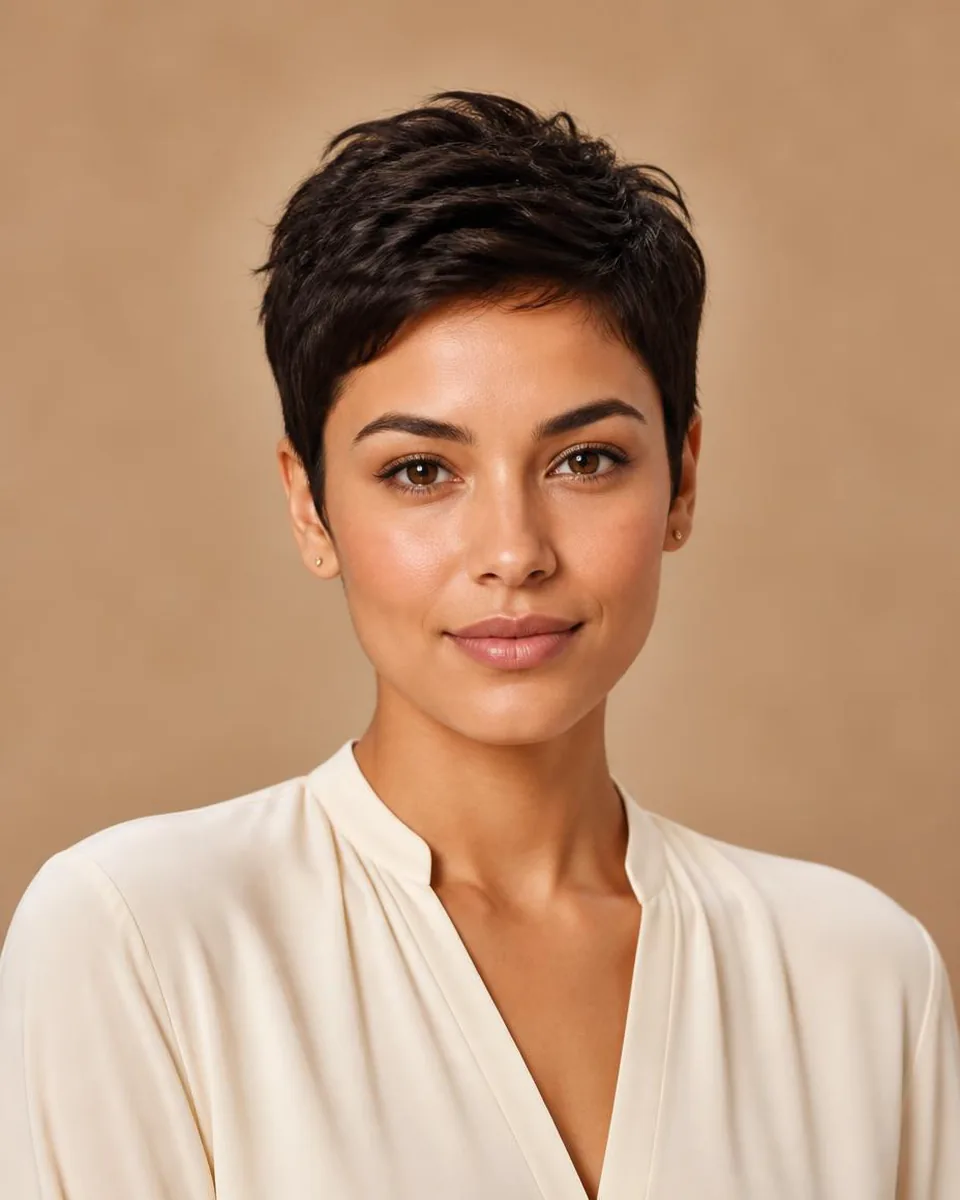
Woman with a short textured dark brown pixie and an open neckline

Compare two short endpoints

Read the length, styling and grow-out differences before shortlisting a bob or lob.

Bob vs Lob guide โ†’

FAQ

Frequently asked questions

Which hairstyles are included in this collection?

The ten references include an Italian bob, soft layered lob, textured pixie, curtain bangs, long face-framing layers, body waves, shoulder-length waves, curls, sleek mid-length hair and half-up goddess braids. They are editorial starting points with different visual effects, not a universal top-ten ranking.

Are these the ten most popular hairstyles?

No. This is a curated collection, not a ranking measured from searches, bookings or WigTryAI usage. The editorial sources explain some current haircut themes; they do not establish a popularity order for these exact reference images.

How do I try one of these hairstyles on my photo?

Select Try this hairstyle on a reference card. The Reference Hairstyle Try-On opens with that image and its name preloaded. Upload a clear selfie, generate the preview and inspect both the hair direction and whether your face stayed recognizable.

Can I keep my hair color while trying a reference?

The reference tool follows the hairstyle and color direction together; it does not provide a separate color selector for these cards. Use Virtual Hairstyle Try-On for a preset cut with a separate shade choice, or Hair Color Try-On to change color while retaining your current hairstyle.

Which look should I preview first if I do not want to lose length?

Start with long face-framing layers or soft body waves, then compare what changes at the front and sides. If you are considering a shorter endpoint, add shoulder-length waves or the soft layered lob. A preview illustrates the direction; it does not determine how much hair a stylist must cut.

Can a trending haircut be low-maintenance for everyone?

No. Styling effort depends on your real texture, density, growth pattern, desired finish and routine. A smooth bob, a fringe or a curl-led look may require different work on different heads of hair. Ask a stylist about upkeep rather than inferring it from the picture.

Does an AI preview predict my salon result?

No. It shows an approximate visual direction and can change details outside the hair. Compare the result with your original portrait, then discuss density, shrinkage, condition and styling needs with a stylist before deciding on a real cut.

Is the hairstyle preview free?

Your first 3 try-ons are free under the standard allowance; additional previews require available credits. Each generated image uses one try-on. Browsing this collection does not generate an image or use a credit, and free previews are not unlimited.