
Wig style preview guide
Wig Style Preview: What the Image Can and Cannot Tell You
A wig style preview shows you visible directions — sleek straight lengths, bobs, body wave, curls, braids, fringe, and bold color — on your own portrait. It is excellent for comparing silhouette and color; it cannot measure your head, confirm cap comfort, verify lace or fiber, or prove construction quality. Keep the two kinds of evidence separate.
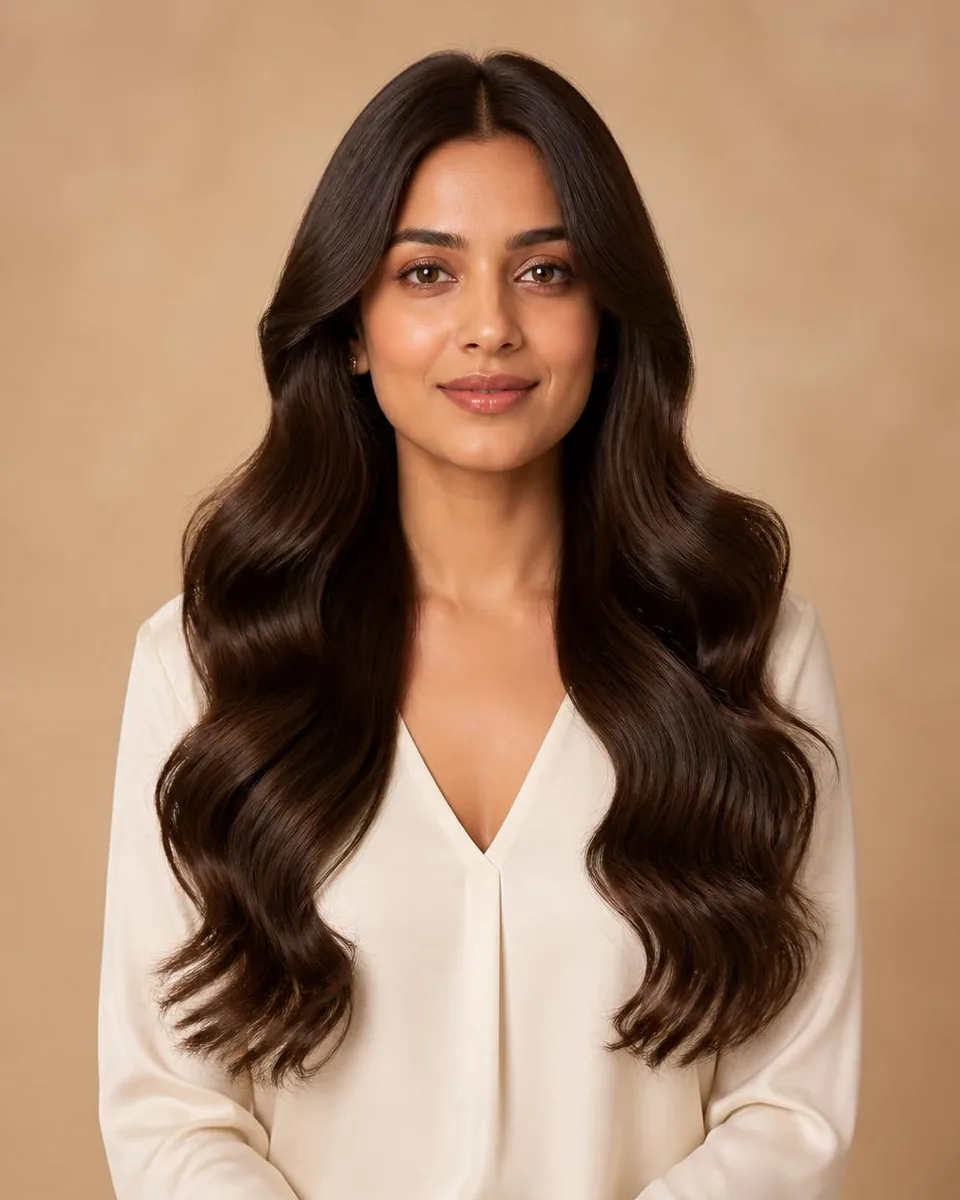
Wig style previewVirtual wig try-onWig silhouetteWig color preview
2 min read
Quick answer
Let the image answer style; let specs answer product
A wig style preview is for visible questions: silhouette, length, texture, part, fringe, and broad color on your face. Keep it separate from product questions — cap size, construction, material, density, maintenance, and return terms — which require measurements, specifications, reviews, and inspection. A selfie is not a fitting tool, and a generated image is not product evidence.
- Preview answers
- Silhouette, length, texture, color
- Specs answer
- Cap size, material, density, construction
- The rule
- Do not infer fit or quality from pixels
- The workflow
- Preview → checklist → verify
Wig-inspired previews collapse two different kinds of information into one picture, and the mistake is letting the picture answer product questions. Separate them explicitly, and the preview becomes genuinely useful.
Separate Style Inspiration From Product Evidence
- Style-level preview. Use it to compare broad silhouette, length, texture, part, fringe, and color on your face. The result may not correspond to any specific physical item.
- Listing-level preview. A seller may connect a style image to a listing, but visualization still cannot independently verify the cap, lace, material, density, knots, construction, or return condition.
- Physical fit and quality. Use head measurements, cap diagrams, material details, density information, reviews, return terms, and direct inspection where possible. Do not infer them from generated pixels.
Prepare One Portrait for Consistent Comparison
- Show the full head and shoulders. Face the camera in soft, even light with space above and beside the head. Keep eyes, ears, hairline, neck, and shoulder boundaries visible.
- Remove hats and filters. Avoid hands near the face, sunglasses, hats, strong retouching, or busy backgrounds — they hide boundaries and affect the edit.
- Review image privacy. Check purpose, providers, retention, training language, history, public sharing, and deletion controls before uploading a face photo to any service.
Compare Wig-Inspired Variables in Rounds
- Length and silhouette. Compare a bob, a medium option, and a long option. Review crown height, outer width, jaw relationship, visible neck, and where the ends meet the shoulders.
- Wave, curl, straight, or braids. Texture changes volume placement and visual density. Compare body wave, water wave, curl, straight, and braid-inspired directions — without assuming the preview proves material behavior.
- Part, fringe, and color. Only after shape works, compare center or side parts, front pieces, fringe, and broad color families. Identify which visible feature drives the preference.
Review the Preview Before Shortlisting It
Wig-inspired edits fail most often around hairlines, lace-like boundaries, ears, shoulders, braids, and long strands:
- Confirm the requested direction. A result that substituted a different style cannot support a fair comparison, even if it looks attractive.
- Protect facial identity. Compare facial shape, eyes, skin tone, expression, ears, glasses, clothing, and background with the source. Exclude outputs with noticeable unrelated changes.
- Inspect boundaries and repeated detail. Look for halos at the hairline, broken braids, duplicated curls, impossible shadows, melted earrings, or hair that merges with shoulders and clothing.
Add the Missing Product Questions
Once the visible direction is clear, build a separate checklist:
- Measurements and cap design. Measure circumference, front-to-nape, and ear-to-ear, then compare cap type and adjustable features. A selfie is not a fitting tool.
- Material, density, and maintenance. Review human versus synthetic fiber, heat guidance, weight, density description, shedding expectations, washing, storage, and styling requirements.
- Evidence and return terms. Check current product photos, specifications, reviews, seller support, hygiene restrictions, and return conditions — these facts change and must be verified directly.
Turn a favorite preview into a spec list
Compare wig-inspired directions on your photo, save the visible preference, then carry measurements and construction questions to the product evidence.
Preview wig stylesFAQ
Can I preview wig-inspired styles on my own photo?
Yes. Use our virtual wig try-on with one clear portrait to compare visible directions such as bob, straight, wave, curl, braids, length, parting, fringe, and broad color.
Does a wig preview confirm cap fit?
No. A portrait does not provide the measurements or physical feedback needed to confirm circumference, cap dimensions, pressure, grip, or comfort.
Can a generated image verify lace, fiber, or density?
No. Those are physical product properties. Review specifications, current photos, measurements, reviews, care guidance, and the item itself when possible.
What artifacts should I check?
Inspect facial preservation, hairline and ear boundaries, shoulders, repeated curls or braids, shadows, jewelry, and any place where generated hair overlaps another object.
How should I use a favorite result?
Use it to describe the visible direction you like, then make a separate checklist for fit, construction, material, maintenance, seller evidence, and return terms.