From discovery to appointment

7 Practical Ways AI Can Help Hair Salons Get More Bookings

Find where prospective clients get stuck, then test one practical improvement: clearer content, better answers, a visual consultation, or an easier next step.

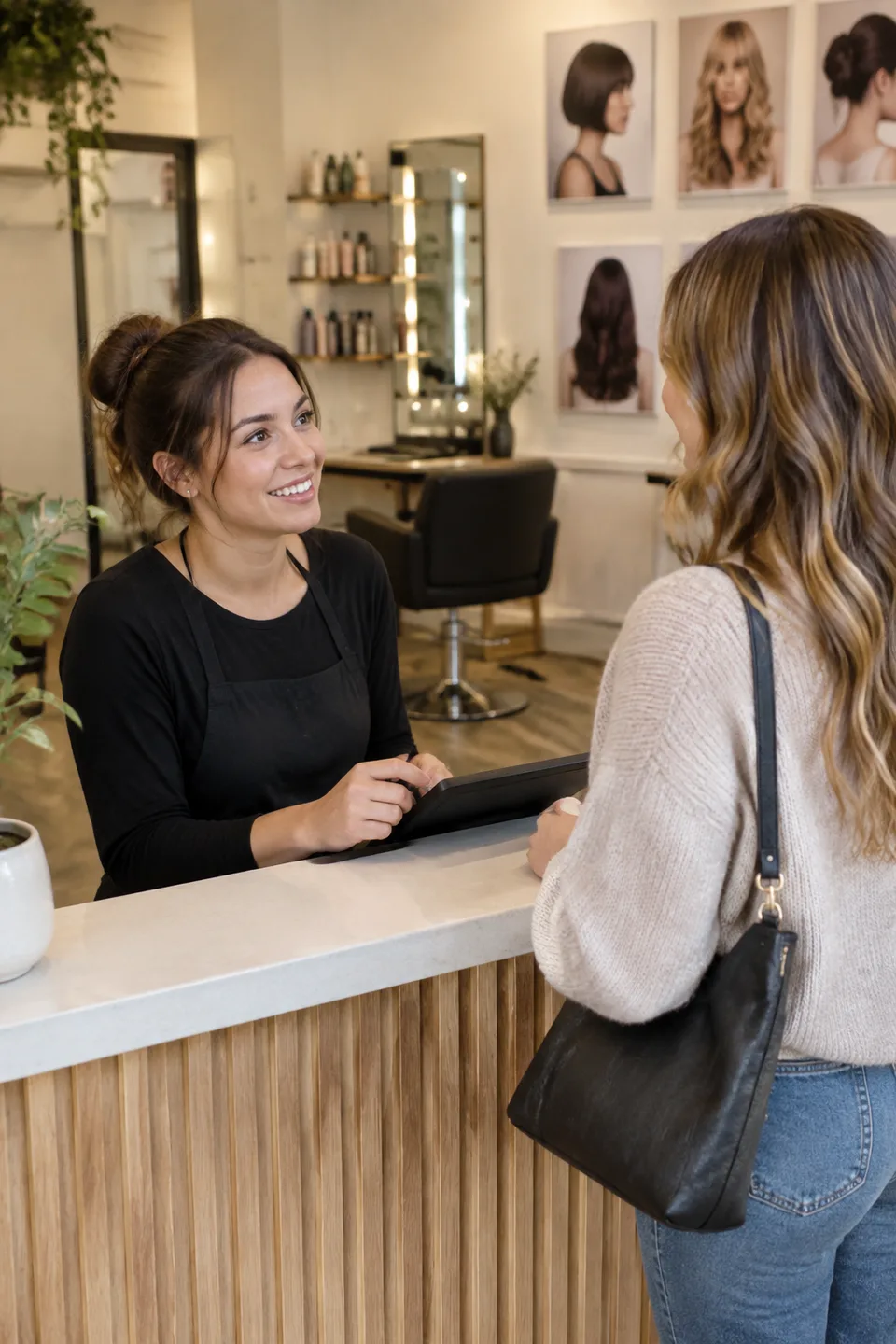
Receptionist talking with a client at a salon front desk beside a hairstyle display
Make the next step clear
Salon bookingsAI salon marketingClient acquisition
8 min read

Quick Answer

AI can help a hair salon get more bookings by improving specific steps between discovery and a completed appointment: drafting useful local content, responding to questions, helping clients explore a hairstyle, making the gallery interactive, clarifying booking information, supporting appropriate follow-up, and creating optional shareable experiences. Start with the step where your salon loses people, not with the largest collection of AI features.

More traffic does not automatically fill an appointment book. A visitor can like a photograph but hesitate about the haircut. A prospective client can ask a question after closing and never return to the conversation. An existing client can intend to rebook but forget which service to select.

The working sequence is discover → visit → consider → ask → book → show up → return. The seven methods below address different parts of it. Some need AI, some need ordinary automation, and some begin with clearer information on your website.

The opening reception photograph is an AI-generated illustration, not a client acquisition case study.

First, Find the Missing Step

Before changing the process, look at what you can actually observe. Do you receive questions that go unanswered? Do people open the booking page but choose the wrong service? Do staff repeatedly explain the same difference between a consultation and a color appointment?

Choose one of those problems for a small trial. If you change your prices, website layout, advertising, and response system at once, it becomes difficult to know what helped. An experiment can be useful without producing an immediate increase in bookings, provided it identifies a real source of confusion.

For the wider categories of software, see the practical guide to AI for hair salons. This article focuses on the path to an appointment and the evidence you can use to evaluate each change.

1. Create More Useful Local Content

AI can help turn your team's knowledge into a draft caption, short video outline, service explanation, or email. The valuable input is the detail only your salon can supply: a question clients ask, a service you offer, a neighborhood location, or a hairstyle your team can explain.

Instead of asking for “ten viral salon posts,” give the assistant one task. For example, draft three short ways to explain the difference between a fringe maintenance visit and a full haircut, using your actual service descriptions. Edit the result so it matches how your staff speaks.

Use the material across appropriate channels: a short Instagram explanation, a Google Business Profile update, a captioned TikTok idea, or a paragraph on the relevant service page. Check every factual detail before publishing, particularly prices, availability, and which stylist offers the service.

The growth question is whether the content brings relevant inquiries, not whether it fills a posting calendar. Track the destination link and the questions people ask afterward. If visitors misunderstand the service, rewrite the explanation rather than generating more versions of the same claim.

Do not use invented client stories or generated service results as evidence of your team's work. A clearly labeled illustration can explain an idea; a portfolio photograph makes a different claim.

2. Respond to Leads Faster With Accurate Information

A message at 9 p.m. might ask, “Do you work with curly hair?” or “Can I book balayage this Saturday?” A useful response gives the person a next step without guessing about availability or the service they need.

AI reception products can assist with routine conversations when connected to approved business information. Fresha's AI Concierge, for example, describes handling phone questions and appointment requests. Check the actual capabilities and configuration of the product you use.

Write down what the assistant can answer and what it should pass to a person. A question about directions is different from one about a complex color correction. A service's starting price is different from a quote for a particular client's hair.

Test the handoff before turning it loose. The client should know whether they have a confirmed appointment, a request waiting for review, or simply information about the service. Fast language that blurs those states creates extra work at reception.

Measure how many inquiries receive an accurate next step and how many need correction. Response time alone is a weak measure if the answer sends people to the wrong appointment type.

3. Help Clients Decide What They Want to Discuss

A client may already want a change but hesitate over one question: “Would that shape suit me?” Another list of available appointments does not answer it. A visual preview can help the client identify what they want to ask a stylist.

WigTryAI supports a reference-based workflow: choose a hairstyle image, upload a personal portrait, and generate a similar direction. In a salon context, the result can help someone point to the endpoint, front shape, or volume they want to discuss.

Keep the comparison narrow. If the question is a shorter cut, do not also change the color and finish without acknowledging those differences. The client may prefer the warmer lighting or added fullness rather than the haircut itself.

The next step remains a consultation. The preview does not assess hair condition or guarantee the final service. Use the stylist-led AI consultation workflow to connect visual exploration with a feasible plan.

For this stage, listen for better questions. “I want the front to feel lighter but keep the length” is a useful outcome even if the client does not book that day. Do not turn every completed preview into a claimed new customer.

4. Turn the Gallery Into an Interactive Entry Point

This is the most direct website experiment: place See this hairstyle on you beside one look in your gallery. The destination should open the corresponding reference, so the visitor can continue exploring the idea that caught their attention.

An ordinary gallery link says, in effect, “Here is work you can look at.” A reference-specific try-on link adds a small optional action. That action may help someone decide what they want to discuss, but it still needs a clear route back to the salon.
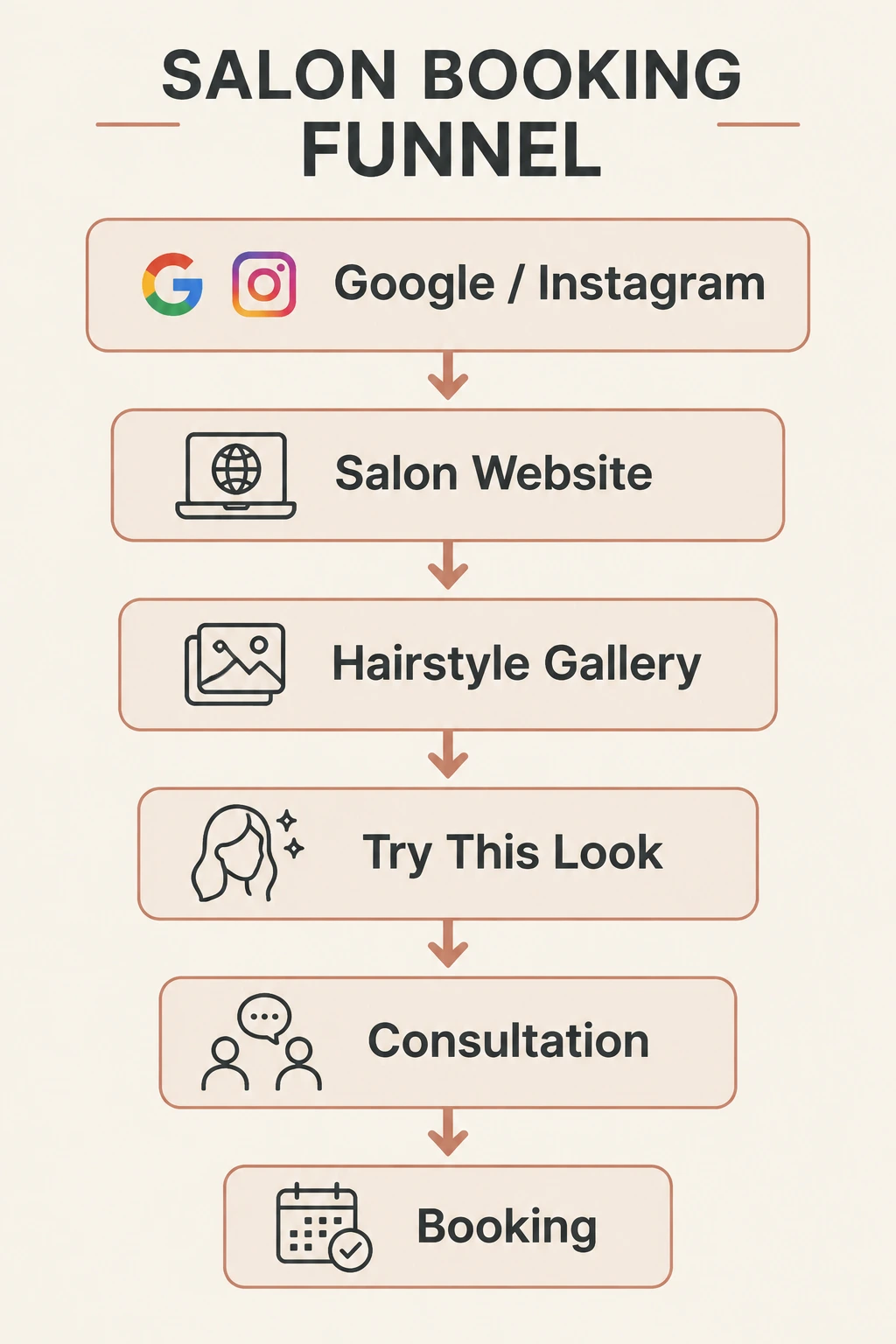
Salon booking funnel from Google or Instagram through a website, hairstyle gallery, try-on, consultation, and booking

The diagram shows an intended path: Google / Instagram → salon website → hairstyle gallery → try this look → consultation → booking. These are separate stages, not an automatically tracked or guaranteed sequence.

Start with one well-understood hairstyle. Put the preview link directly beneath it and keep your consultation or booking link nearby. Explain that the preview opens on WigTryAI. Avoid placing a generic try-on button between several photographs where nobody can tell which look it belongs to.

The website setup tutorial covers uploading the reference, using Share, and adding the copied link. You can do this without replacing your calendar or building a salon app. The ordinary link does not include an embedded generator or automatic booking integration.

Show the Inputs, Not Just the Attractive Result

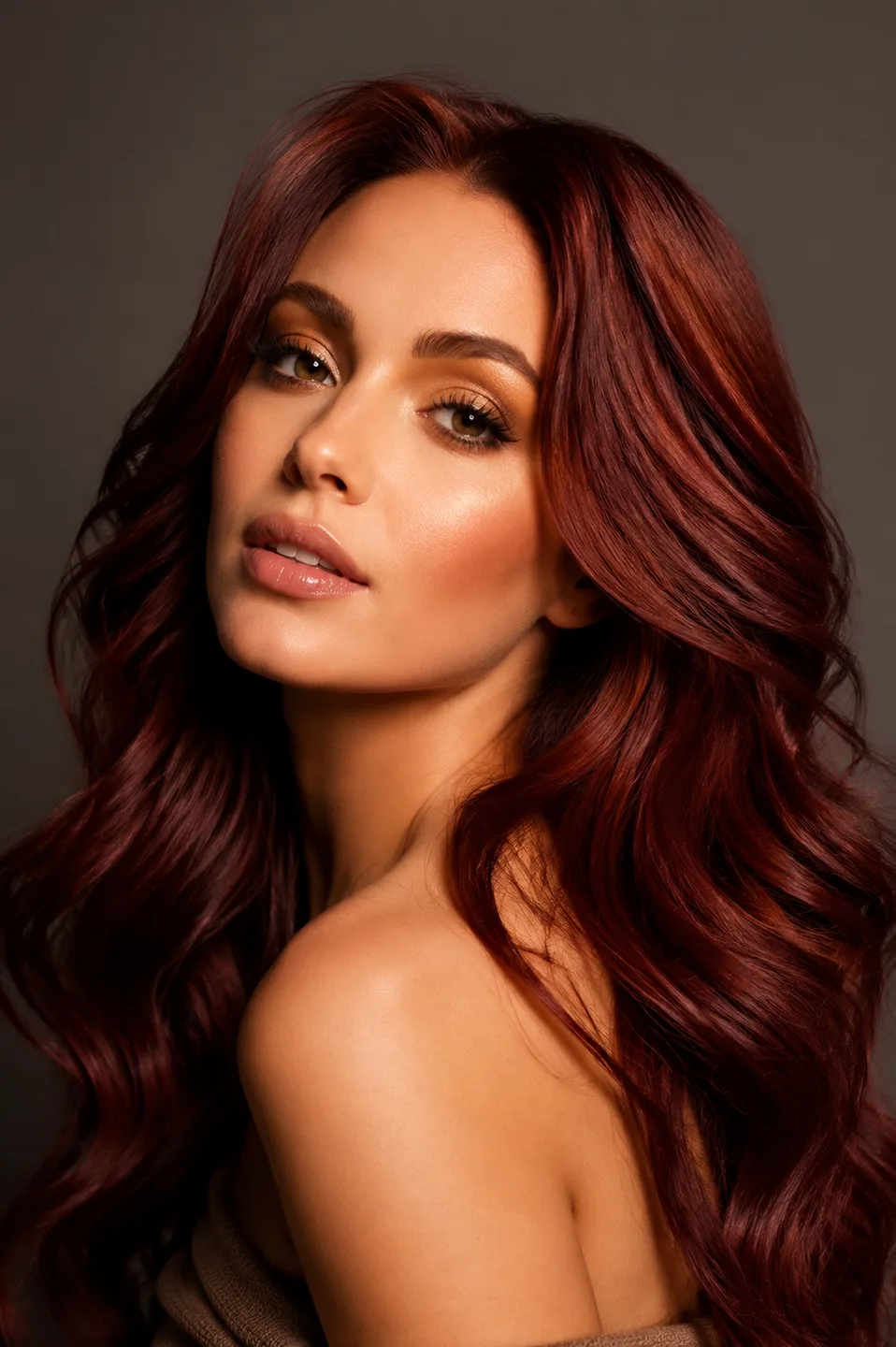
A product demonstration should explain what happened. This example reuses an existing WigTryAI pipeline run with a hairstyle reference and a separate demonstration portrait. It is not a real salon service before-and-after or evidence of booking uplift.
Visual comparison

Make the gallery action understandable

A visitor needs to understand the relationship between a reference look, a personal photo, and a generated preview.

Reference model with long burgundy waves

The look they noticed

The reference supplies the burgundy-wave direction.

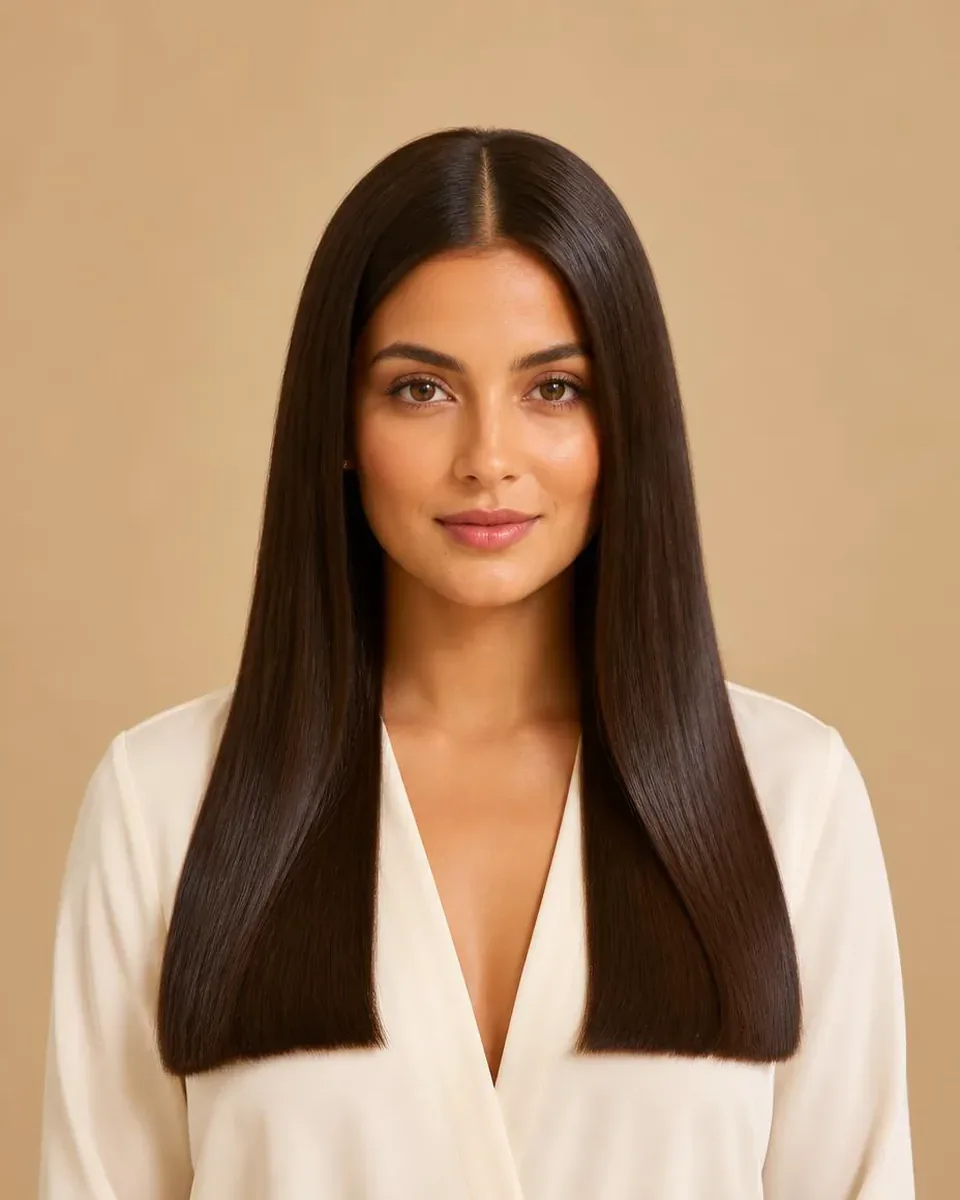
Original demonstration portrait with long straight brown hair

The photo they provide

This unchanged demonstration portrait is the second input.

The original portrait model shown with generated burgundy waves

A direction to discuss

The generated version gives the visual conversation a starting point.

Ask clients whether the example made the action clear. If they expected a finished haircut recommendation or a booking confirmation, revise the surrounding wording. For other placements, see virtual hairstyle try-on for salons.

5. Reduce Friction on the Way to Booking

A visitor who has decided to ask about a look can still get stuck on the service menu. Does the salon want them to book a consultation, a haircut, or a transformation appointment? Which prices are fixed, and which depend on assessment?

AI can draft clearer explanations from your approved service rules. Your team must check them. If a service takes different amounts of time depending on the client's needs, the draft should say how to choose the right appointment rather than invent a single duration.

Keep the main action visible on the page where the question arises. A long gallery page should not require someone to return to the homepage to find the consultation link. This is a website clarity improvement; it does not require AI by itself.

A prepared consultation can reduce repetitive questions, but the salon still needs to reserve enough time for assessment. Do not use a preview as a reason to skip discussing maintenance, color history, or what the client actually wants to change.

Measure wrong-service bookings and repeated clarification messages alongside booking completions. Fewer mistaken bookings can be a useful improvement even when the total count stays the same.

6. Follow Up With Clients Who Have Not Rebooked

A client who has not returned is not automatically a lost client. They may be growing their hair, waiting for a different service, or following a maintenance interval you have not recorded. Define the audience before writing the message.

Use the service history and the follow-up preferences your salon already maintains. Eight weeks for a haircut or twelve weeks for a color check can be example reporting windows, but they are not universal schedules. Let the stylist's advice and the client's situation guide the actual timing.

AI can help draft a relevant reminder; ordinary automation may handle delivery. Keep the message brief and specific, with the appropriate booking or contact route. Avoid implying the client needs a service simply because an algorithm placed them on a list.

Before sending a batch, remove people who already rebooked, changed their contact preferences, or appear in duplicate records. Track replies and opt-outs as well as appointments so the team can judge whether the follow-up was welcome and accurate.

7. Create Experiences Clients Can Choose to Share

A preview can give a client something concrete to discuss with a friend: a shorter outline, an open fringe, or a different color direction. It may be easier to explain the question when the two images use the same portrait.

Offer sharing as an option, not a condition of the consultation. A hairstyle reference link lets another person try the reference; a saved personal preview shows one person's generated result. Explain the difference if you want clients to bring back the image rather than just forward the starting link.

If your salon would like to use a client's preview in a post, ask separately about that use. Label the image as an AI preview, and do not present it as the actual result of a service your team performed.

This creates a potentially shareable experience, not a promise of viral growth. A client may prefer to keep the images private, and a shared image may never produce a booking. Evaluate the quality of the interaction before treating it as a referral channel.

Match the Metric to the Step

Change you test Useful observation What it does not prove
Local content Relevant inquiries or visits to the service page Every view is a prospective client
Faster responses Correct answers and clear handoffs Every answered message becomes a booking
Gallery try-on link Outbound clicks and consultation mentions Every click produces a generated preview
Clearer booking instructions Fewer incorrect service selections A larger appointment book
Follow-up Appropriate replies and actual rebookings The same interval suits all clients

Counts of generated previews or shares are usable only when you have access to them. A link on your website does not automatically provide a salon analytics dashboard for actions taken elsewhere. Keep unavailable measures marked as unavailable.

Run the trial for a consistent period and note promotions, holidays, or staffing changes. If you compare booking rates, use the same definition and denominator before and after. That keeps a small experiment honest enough to guide the next decision.

Try It With One of Your Own Salon Looks

Choose one hairstyle that raises a recurring client question. Upload it as a reference, preview it on your own photo, and decide where a link would fit in the gallery. Then check whether the experience leads to a more specific conversation.

Try It With One of Your Own Salon Looks

Choose a hairstyle, upload your photo, and see the preview. Start with one gallery placement and a clear consultation next step.

Try a Salon Look on Your Own Photo

FAQ

Can AI guarantee more salon bookings?

No. It can assist with particular tasks, but booking outcomes also depend on demand, service fit, availability, pricing, and the client experience. Measure the actual step you changed before claiming an increase.

Should I start with an AI receptionist or a hairstyle preview?

Start with the problem. Missed routine questions suggest a reception workflow; uncertainty about a visible hairstyle suggests a consultation preview. They serve different parts of the journey and are not substitutes for each other.

Do I need a new booking system to add try-on?

No. A reference-specific link can sit beside a gallery photo while your existing booking system stays in place. Explain where the preview opens and keep your consultation link visible.

How do I know whether clients used the try-on link?

Check outbound clicks if your website analytics records them, and ask about preview use during consultation. Do not assume you can see completed generations or shares unless that reporting is actually available to you.

Should every client receive an automated rebooking reminder?

No. Use appropriate service timing, accurate records, and the client's communication preferences. A reminder should fit the relationship rather than apply one schedule to everyone.

Related tools and guides