Quick Answer
Virtual hairstyle try-on for salons lets a client explore a hairstyle reference on their own photo before discussing it with a stylist. Its useful role is to make a visual question more specific: the length around the jaw, the volume beside the cheeks, or the way a fringe opens around the eyes. It can support a consultation without becoming your booking system.
A client opens your gallery and stops at a beautiful bob. She likes the photograph. What she cannot tell from it is how the outline might feel on her own face. Saving the picture preserves the inspiration, but it does not answer that next question.
An interactive preview gives the client another way to explore it. The business opportunity is a more useful conversation after the gallery visit, not a guaranteed increase in bookings. To evaluate it honestly, keep those two outcomes separate.
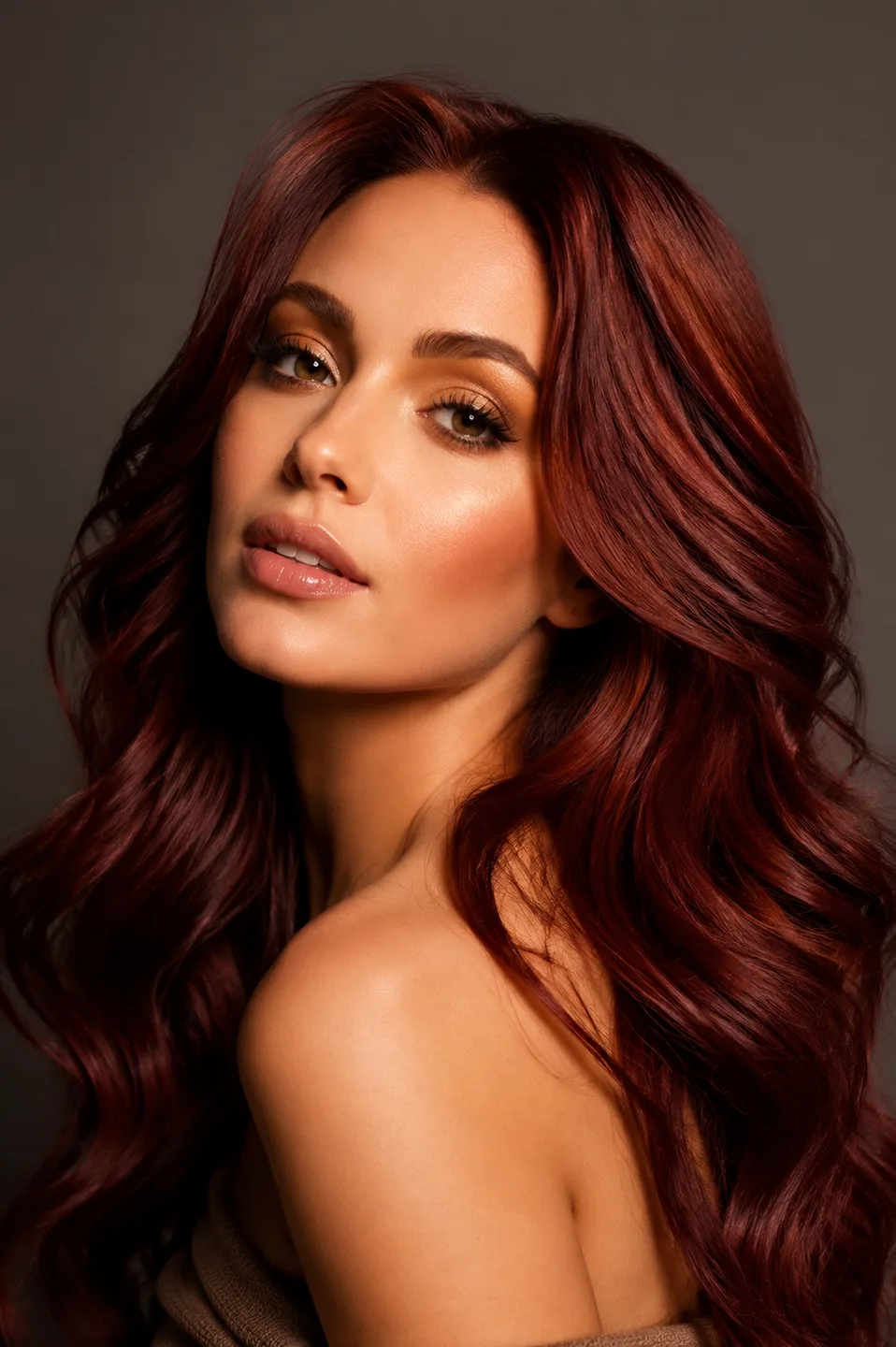
The opening salon scene is AI-generated editorial imagery, not a testimonial or a photograph of a participating salon.
The Gap Between Inspiration and Booking
A gallery tells visitors what your salon has created. Your booking page tells them when they can visit. Between those pages sits a decision: what are they ready to ask for?
Someone who already knows the service may go straight to booking. Someone considering a shorter cut may pause because the reference has a different face, denser hair, or a polished finish they do not expect to reproduce at home. More gallery images can add options without resolving that uncertainty.
A useful preview has a narrow job. It lets the client say, “I like this endpoint, but I want less volume,” or “The fringe is the part I am unsure about.” Those statements give a stylist more to work with than a saved image and a request to make it identical.
The preview can also lead someone to reject an idea. That is a legitimate outcome. A client who decides to keep more length may still book a different service, or may decide to wait. Treating every rejected hairstyle as a failed conversion misses what the tool is helping them decide.
What Is Virtual Hairstyle Try-On for a Salon?
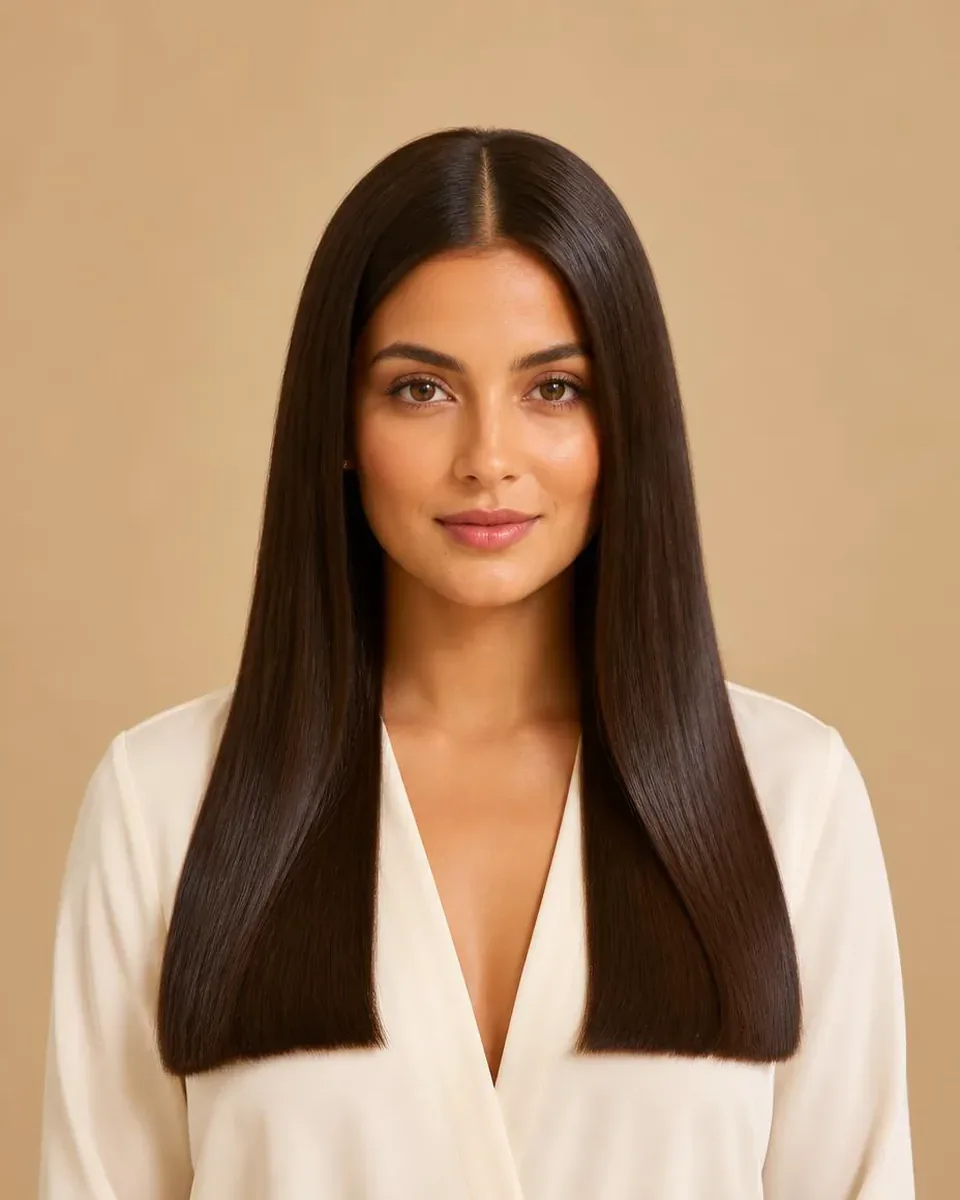
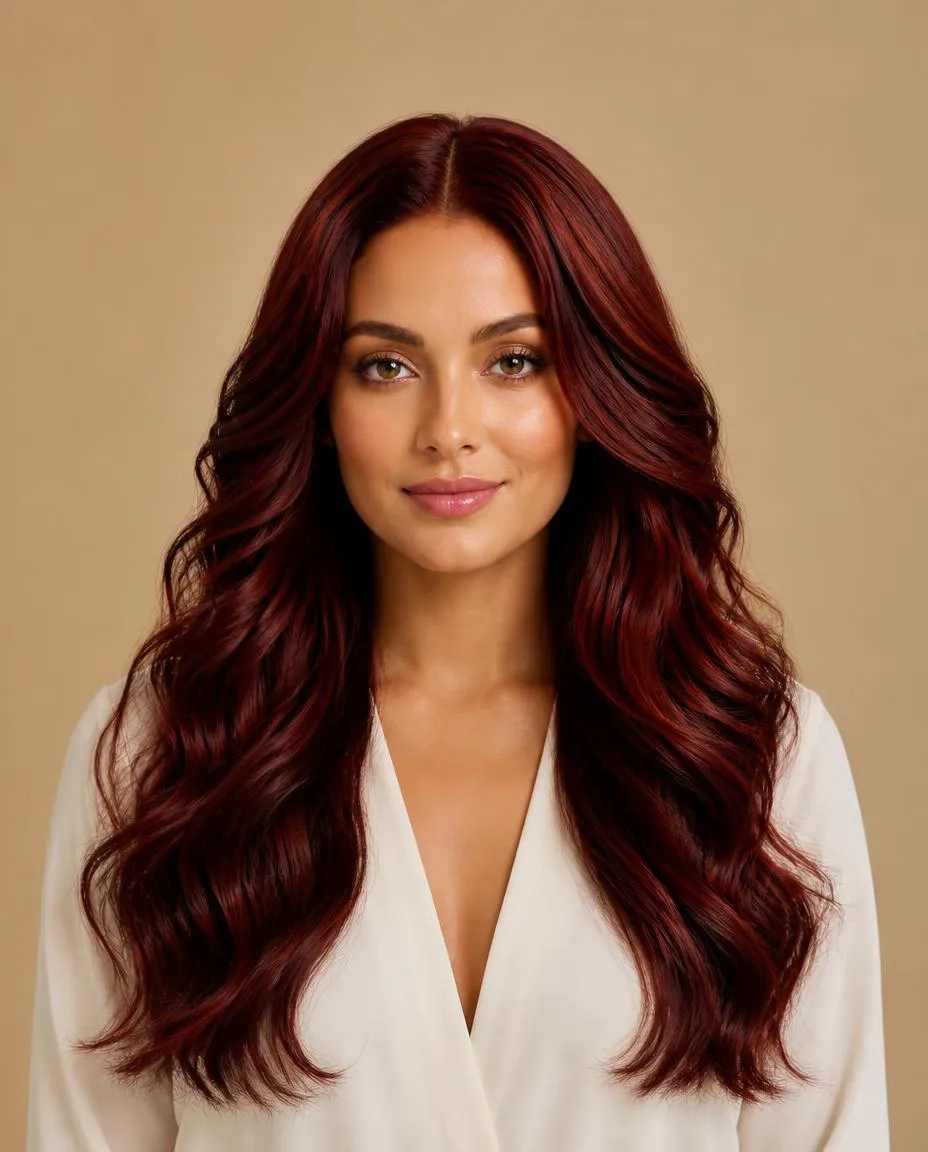
In a reference-based workflow, the salon supplies a hairstyle image and the client supplies a personal portrait. The generator creates a new image that combines the person's appearance with a similar hairstyle direction. A stylist then discusses which parts of that direction are feasible.
This differs from displaying another model with a haircut. The comparison is now anchored to the client's portrait, although the generated result can still alter details or misrepresent the hair. It also differs from a technical consultation: a photograph cannot tell a generator the client's full color history, growth patterns, or normal styling routine.
Think of three separate pieces of information. The reference describes the idea. The portrait anchors the visual comparison. The professional assessment establishes what can actually be done. Leaving out the third piece turns a useful illustration into an expectation the salon may not be able to meet.
Three Ways to Use It in a Salon Business
1. Beside a Look in Your Website Gallery
Place “See this hairstyle on you” beneath one clearly identified image. A reference-specific link is more useful here than a generic invitation to browse hundreds of hairstyles: it preserves the idea that caught the visitor's attention.
Keep the hairstyle name, relevant service information, and your consultation link nearby. Explain that the preview opens on another website. If the visitor does not want to upload a portrait, your usual path to asking a stylist should remain obvious.
For a first placement, choose a hairstyle your team can confidently discuss. A striking transformation with unclear service requirements creates extra questions. A familiar bob, fringe, or layered cut gives you a simpler way to learn whether clients use the preview at all.
2. Following a Social Media Hairstyle Post
A social post can show the finished style, while a link lets someone explore a similar direction on themselves. Use a caption that identifies the look rather than promising a personalized professional recommendation: “Curious about this shape? Preview the reference on your photo.”
Put the destination in a clickable location supported by that platform and your account. A profile link may serve a different purpose from a direct message about one specific haircut. Make sure the destination matches the hairstyle people expect from the post.
A hairstyle reference can be shared without sharing a client's generated portrait. If you want to publish an actual client's preview, ask about that specific use. Participation in a consultation does not automatically mean someone wants their face used in marketing.
3. Before an Already-Booked Consultation
After a client books, send one or two relevant references through your normal communication process. Explain the task: explore the options, save a believable preview, and bring one question about what they like or dislike.
This use case is about preparation, not acquiring that booking. It may help structure the discussion, but it can also create more questions. Let the stylist decide whether those questions are useful and whether reviewing the previews fits the appointment.
For a nervous client, give permission to skip the exercise. Some people prefer describing their preferences in person. A preview should add a way to communicate without becoming a compulsory step before they can receive advice.
The Best Workflow Keeps One Reference in View
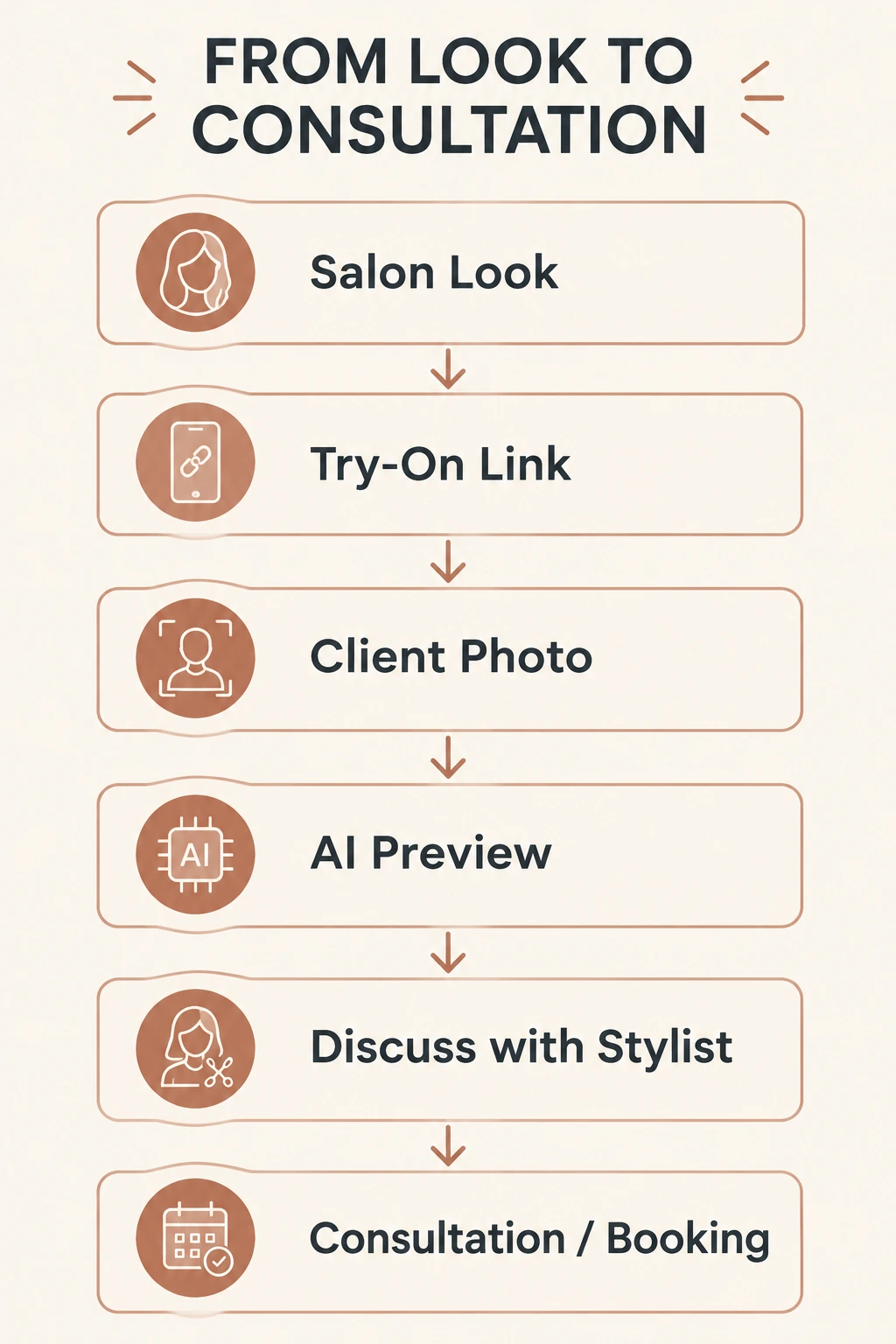
The practical sequence is: salon look → try-on link → client photo → AI preview → stylist discussion → consultation or booking. The final stage is an intended next step, not an action the generator performs automatically.
In WigTryAI, the salon can upload a hairstyle reference and use Share to create a link. When a client opens that shared link, the reference is already selected. They upload their own photo and generate a preview under the tool's current generation and credit conditions.
The salon does not have to collect and upload every visitor's face. That keeps the initial website experiment manageable. It also makes clear where the interaction happens: the client leaves the salon page to use WigTryAI, then can save their preview for discussion.
Keep your booking route on the original website. The shared hairstyle link does not integrate with a calendar or automatically send results to the salon. If you want a client to bring a saved image, tell them that directly instead of assuming the software will deliver it to the stylist.
The salon website setup tutorial explains the exact sharing and placement steps, including the difference between a reference link and a saved preview.
A Product Example: Two Inputs, One Interpretation
WigTryAI can start with a hairstyle reference and generate a similar direction on a separate portrait in the browser. The example below comes from an existing run of its try-on pipeline. The people shown are demonstration models, not a documented salon customer transformation.