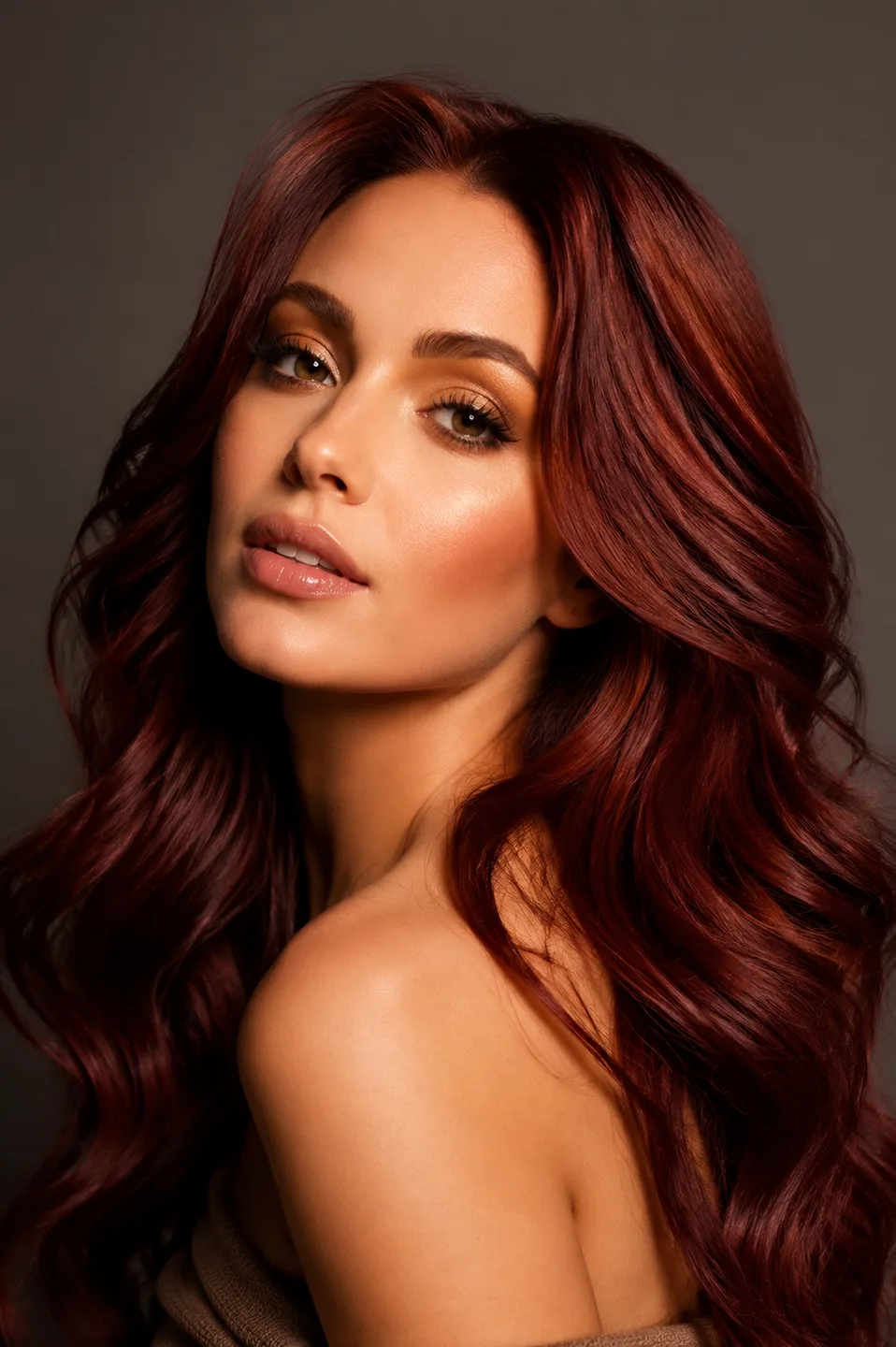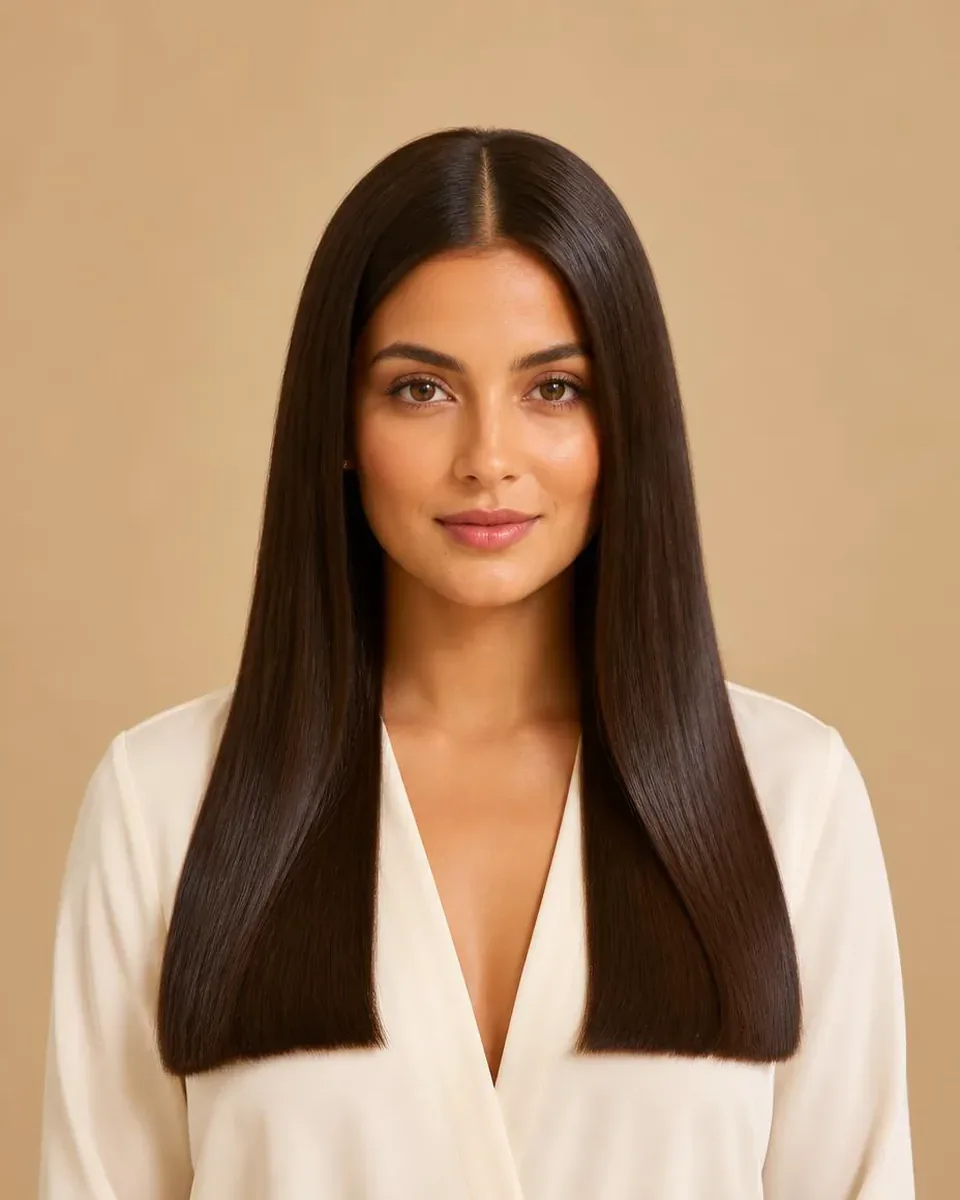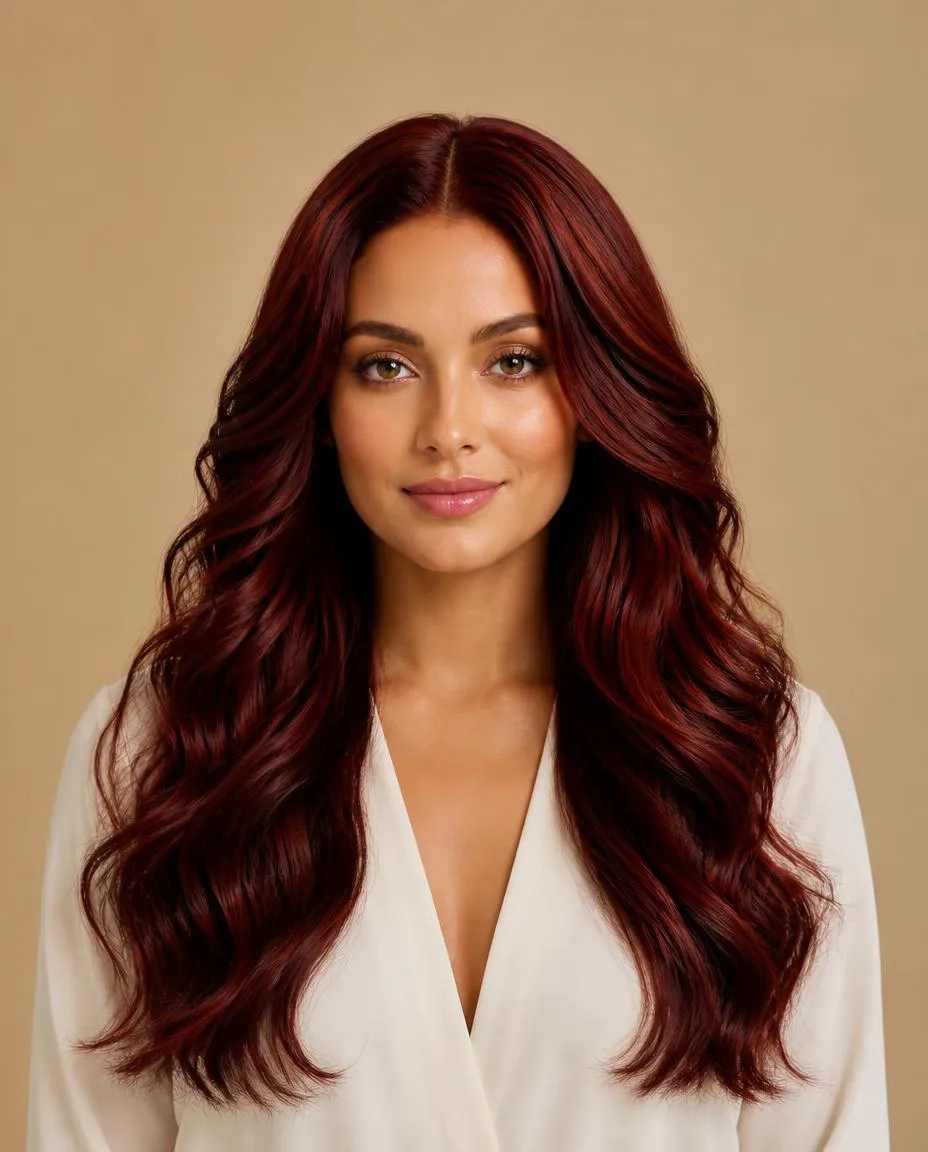
Quick Answer
An AI hair consultation uses generated hairstyle previews to help a client explain a visual preference, then leaves the technical decision with the hairstylist. A useful session has five steps: name the change, select references, preview on one portrait, compare specific details, and check feasibility. The output is a shared direction and a professional plan, not approval to reproduce an image exactly.
“I want it shorter, but not too short.” You have heard the sentence. The client may be thinking about the ends near their shoulders while you are thinking about weight above the jaw. Both of you understand the words, but you are picturing different cuts.
This guide is for the stylist leading that conversation. If you are a client preparing for an appointment, start with what to expect at a hair consultation. Here, the question is how to use a preview without letting it run the consultation. For other business workflows, see AI for hair salons.
The opening salon photograph is an AI-generated illustration of a consultation, not a documented client appointment.
Why a Reference Photo Still Leaves Questions
A reference photograph is useful because it gives the conversation a visible shape. It can also conceal several decisions. The client might like the color, the movement, the model's styling, or simply the way the photograph feels. Asking for “something like this” does not tell you which of those details matters most.
Start by asking the client to point. Where do they want the shortest pieces to sit? Is the volume beside the cheeks attractive, or is it the open forehead? Would they still like the image if the color stayed the same as their current hair?
A reference also belongs to someone else's face and hair. The pictured density, natural movement, and finishing routine may be different. You already translate those differences professionally; a preview can help the client participate in one part of that translation by looking at a generated direction on their own portrait.
It does not remove the need for your assessment. If anything, it creates a clearer moment to explain why a shape they like would need adjusting.
What Changes When the Client Sees Their Own Photo
In a traditional consultation, the client describes the idea, presents a reference, and listens while you explain the likely differences. With an AI preview, there is another visual object between the reference and the explanation. You can ask the client to compare the original portrait and generated image, then name what changed.
That additional image is useful only if you give it a job. “Which one looks best?” invites a broad judgment that may be driven by lighting or an altered face. “Which endpoint do you prefer?” narrows the discussion to something you can address.
A preview is a conversation starter, not a technical haircut plan. It does not specify sectioning, elevation, weight removal, a color formula, or how the hair will behave when the client washes it. Treat those as your next questions, not as information hidden inside the generated pixels.
A Five-Step AI Consultation Workflow
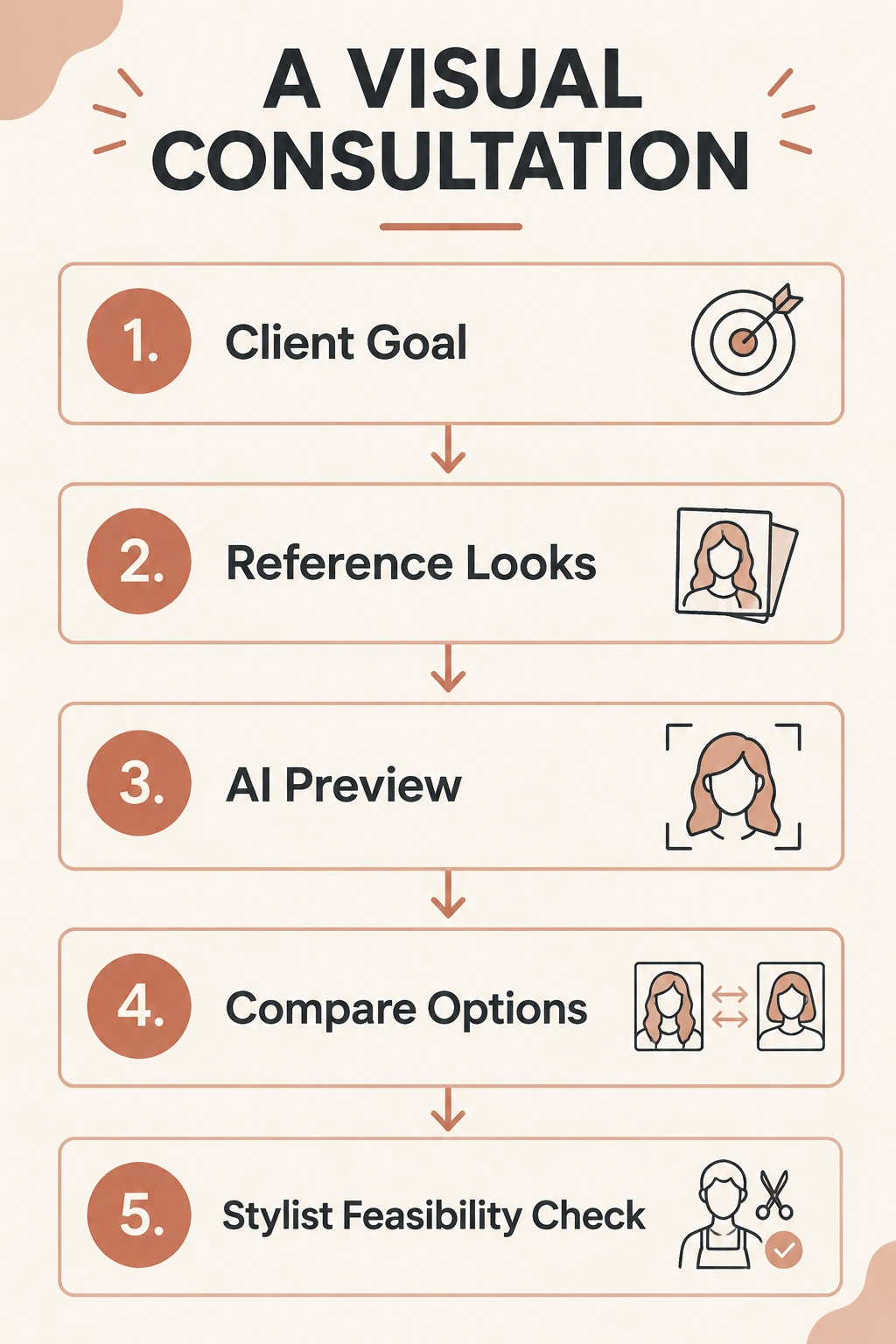
The sequence is client goal → reference looks → AI preview → compare options → stylist feasibility check. Keep that order even when the client arrives with an attractive preview already saved.
Step 1: Ask What They Want to Change
Begin with the current hair, rather than the most dramatic inspiration image. Ask what bothers them on an ordinary morning. Does the front feel heavy? Do the ends sit awkwardly on a collar? Are they tired of styling a fringe, or do they want one for the first time?
Name the change in plain language: length, fringe, outline, texture, or color. Then name something to preserve. “A shorter outline, but enough length to tie back” is more informative than “a complete refresh.” You can explain when those two wishes conflict before anyone starts generating alternatives.
Also ask about time. A client who has five minutes on most mornings may be imagining a reference that was carefully finished for a photograph. The preview can show an appearance; it cannot add styling time to their routine.
Step 2: Pick One or Two Reference Hairstyles
Choose references that answer the named question. If the decision is fringe length, avoid comparing a long blonde style with a short dark one. Too many changes make it difficult to know what the client prefers.
Use a photograph where the relevant feature is visible. For a fringe, check the hairline and the shortest pieces. For a bob, include the ends and the outline around the neck. Ask what the client dislikes too; a reference can be useful even when only one part belongs in the final plan.
Keep the shortlist small. A second reference should clarify a meaningful alternative, such as a longer endpoint, rather than restart the discussion with an unrelated style family.
Step 3: Generate a Preview on One Clear Portrait
Use a portrait with a visible face and believable light. Keep that portrait for both options. If the client changes the angle, expression, or lighting between attempts, you have introduced new reasons for them to prefer one image.
With WigTryAI, you can upload a hairstyle reference and preview a similar direction on a personal photo in the browser. A shared reference link can also let a client begin before the appointment. Follow the tool's displayed generation and credit conditions rather than promising a fixed number of attempts as part of the consultation.
Before comparing, check whether the face still looks like the client. Look for a shifted jawline, a changed forehead, an implausible hairline, or extra fullness. If a result changes too much, do not make the client defend why they like it. Explain what the image has altered and return to a more reliable reference.
Step 4: Compare Details, Not Whole Personalities
Put the options next to the original photo. Ask three focused questions: Which visible change do you like? Which change do you dislike? What would you want to keep from your current hair?
For a long bob versus a short bob, discuss the endpoint and the impression of width. For a fringe, discuss the amount of forehead shown and the opening around the eyes. Avoid using the preview to rank the client's face or tell them what they are allowed to wear.
If the generator changes color as well as shape, say so. You can still discuss the outline, but the comparison is no longer controlled. A color preference should not quietly decide the length question.
Step 5: Translate the Preference Into a Feasible Plan
Now assess the client's actual hair. Discuss current length, density, texture, growth patterns, color history, and maintenance. Explain which part of the reference you can aim toward and which part needs to change.
The useful endpoint is a sentence you can both agree with: “We are keeping this length, opening the front more softly, and leaving enough weight for your usual finish.” The preview stays attached as a visual note; it does not replace the spoken agreement.
Document the agreed changes through your normal consultation process. If more assessment or a separate color consultation is needed, record that next step rather than treating the generated image as a completed service specification.