
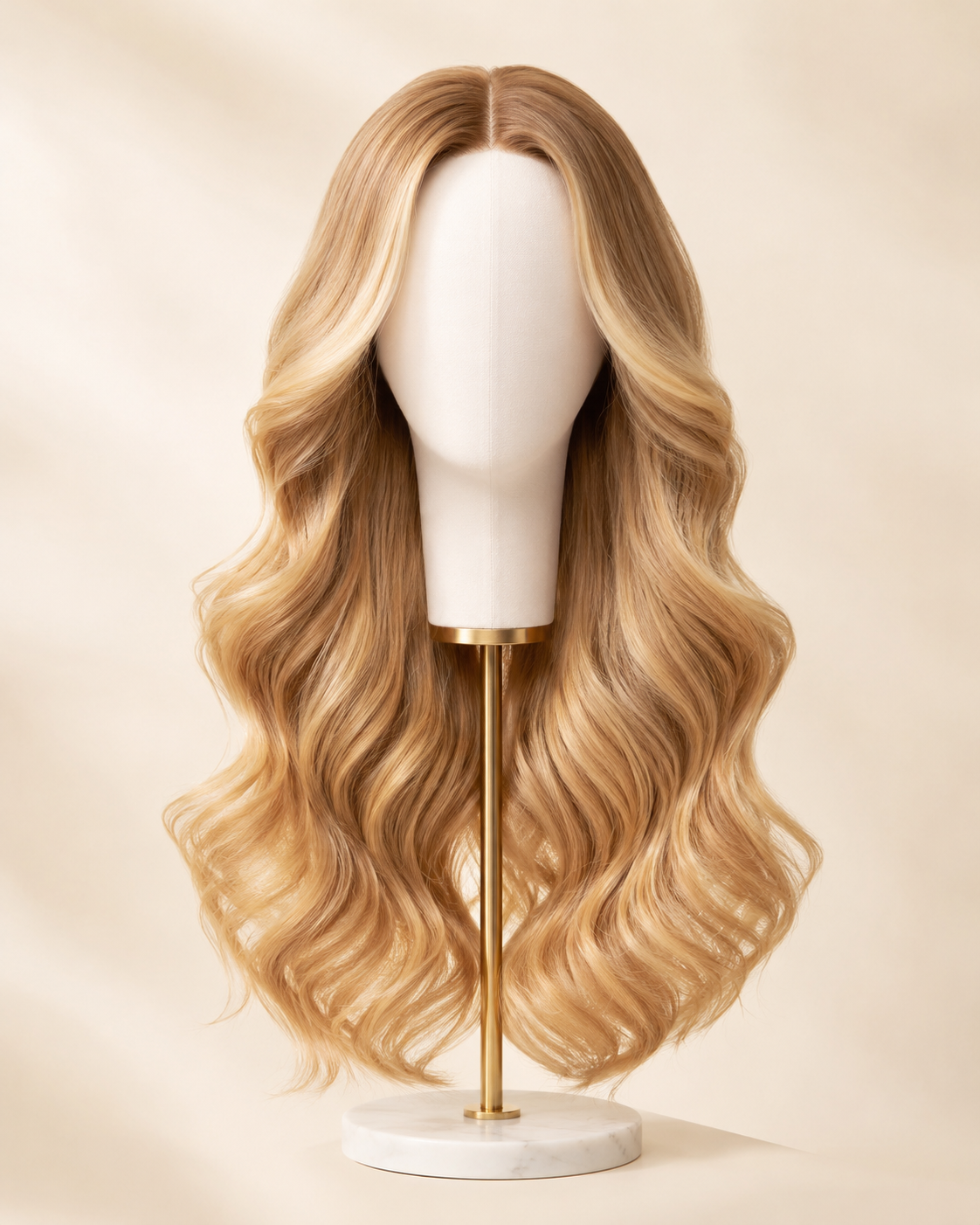
 Wig styleHoney Blonde · Long
Virtual wig try on
Virtual Wig Try-On Online
Upload your photo, choose a wig style and hair color, and see the look on your own face with AI. Try bob, curly, wavy, straight, short, and long styles directly in your browser.
First 3 try-ons freeNo app requiredOriginal selfie deleted within 24h
Visual style preview only - it does not predict physical wig fit, cap size, lace, density, material, or fiber quality.
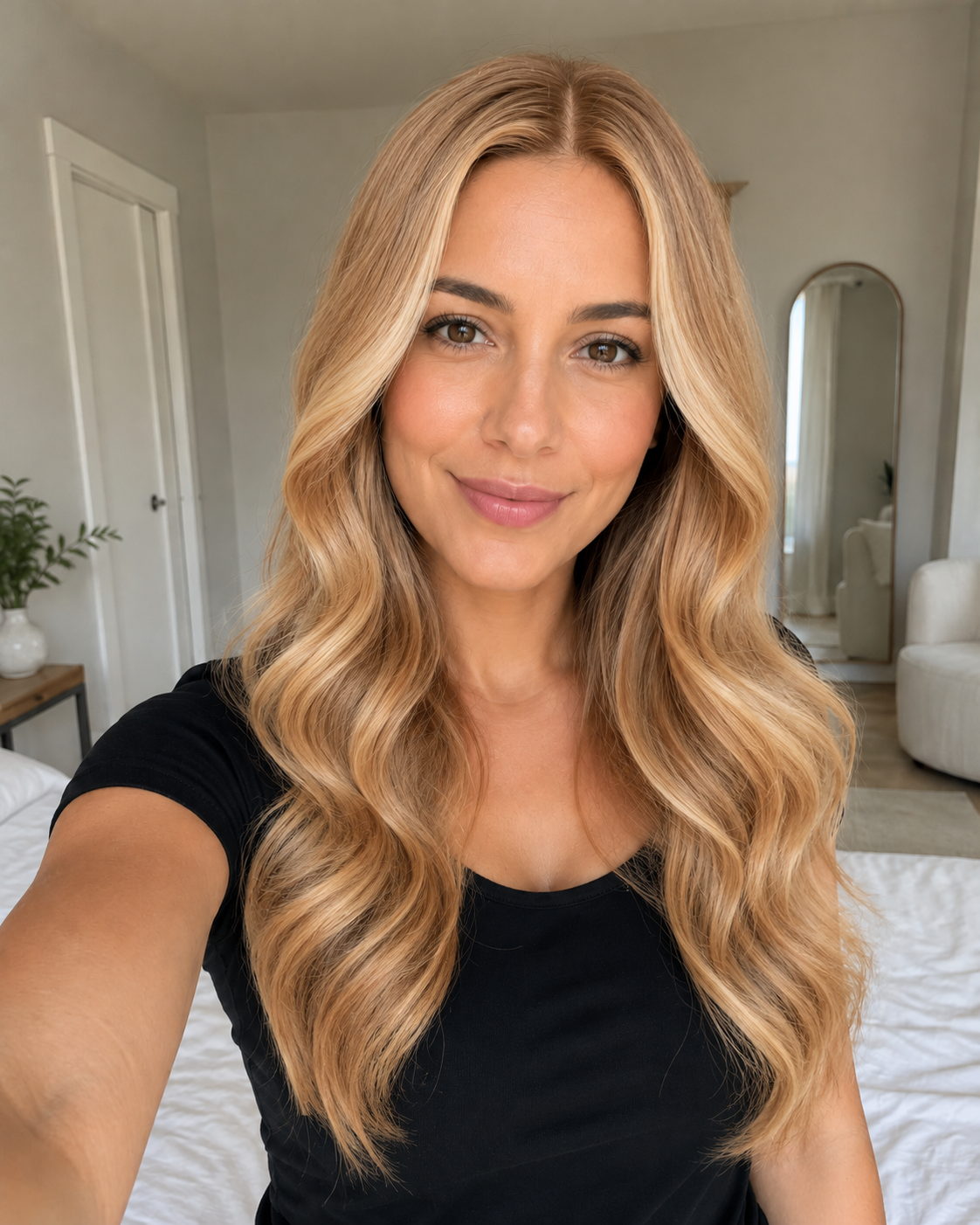 YOUR PREVIEWWig styleHoney Blonde · Long
How virtual wig try-on works
How to try on wigs with your picture online
Upload a clear picture in your browser, choose a wig-inspired style and color, and generate your first visual preview for free. No app is required.
1. Upload Your PhotoUse a clear, front-facing selfie with good lighting.
2. Choose a Wig Style and ColorTry bob, curly, wavy, straight, short, long, and other styles.
3. Generate Your PreviewSee the selected look on your own photo and compare different styles.
Real WigTryAI style library
Explore wig styles before you upload.
Choose a look first, then open the try-on flow with that style as your starting point. Try bob wig styles on your photo, from blunt and wavy bobs to curly and short bob looks.
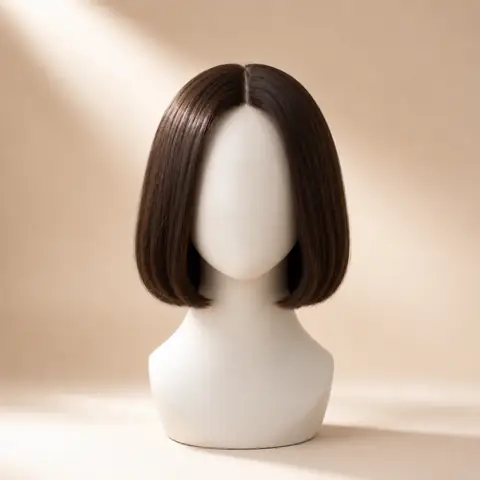
StraightSleek, clean silhouetteTry this wig style →
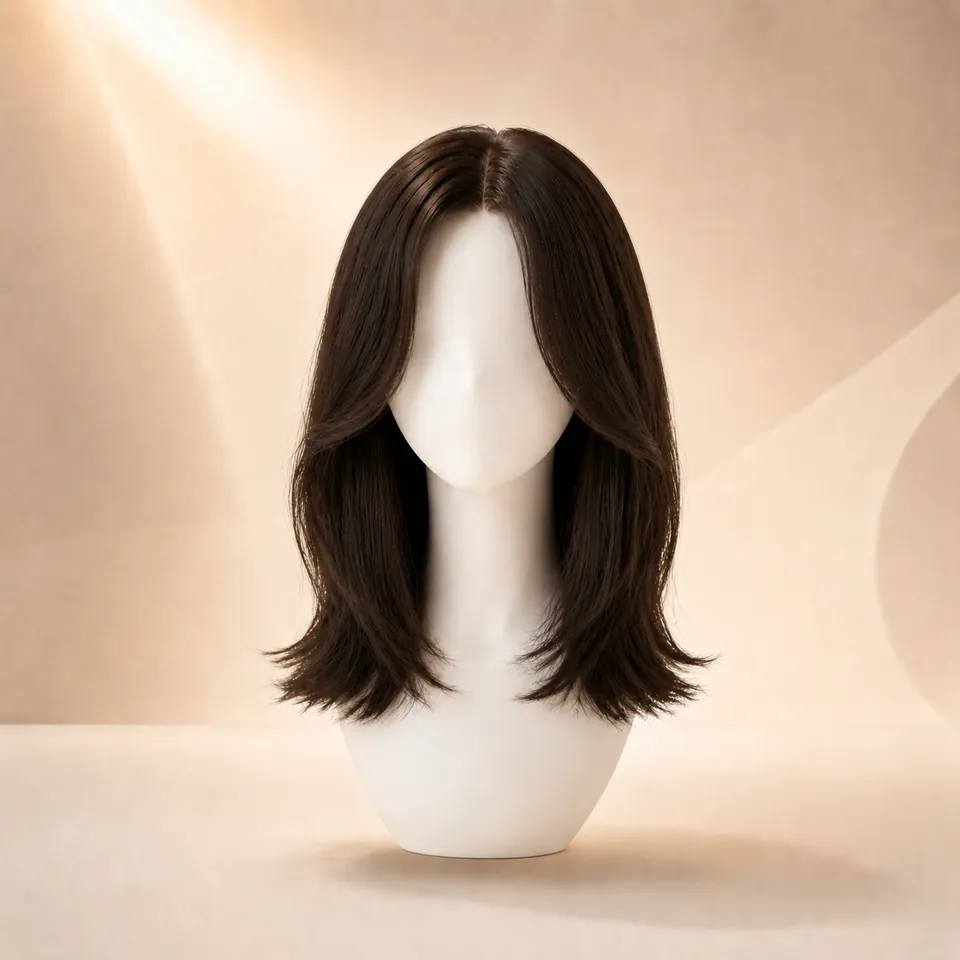
Layered StraightLong layers with softer movementTry this wig style →
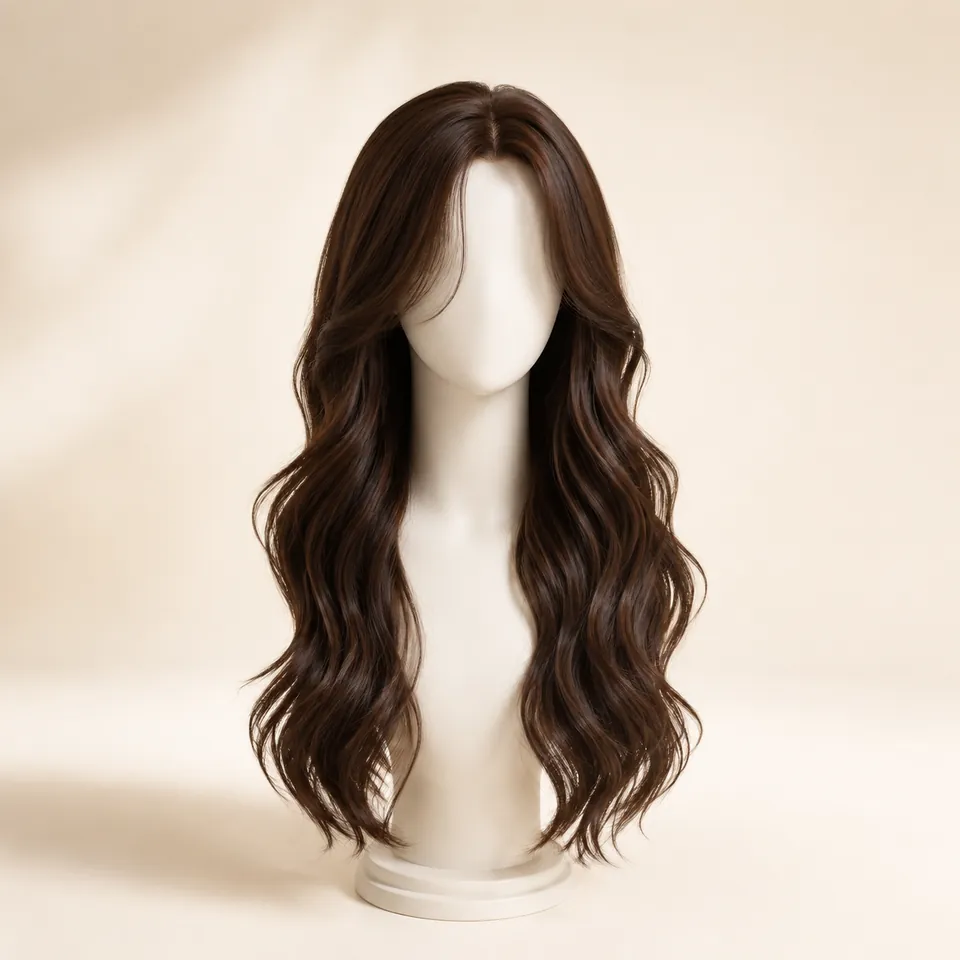
Body WaveSoft, full wavesTry this wig style →
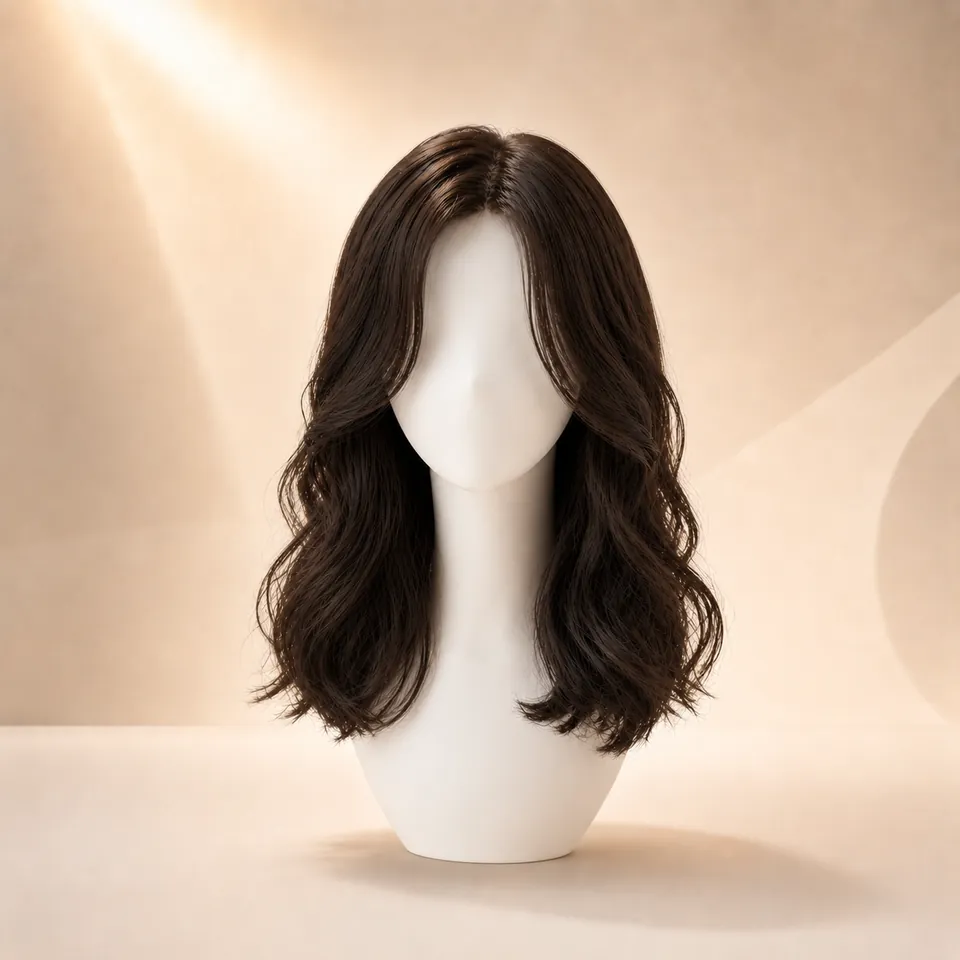
Loose WaveRelaxed wave patternTry this wig style →
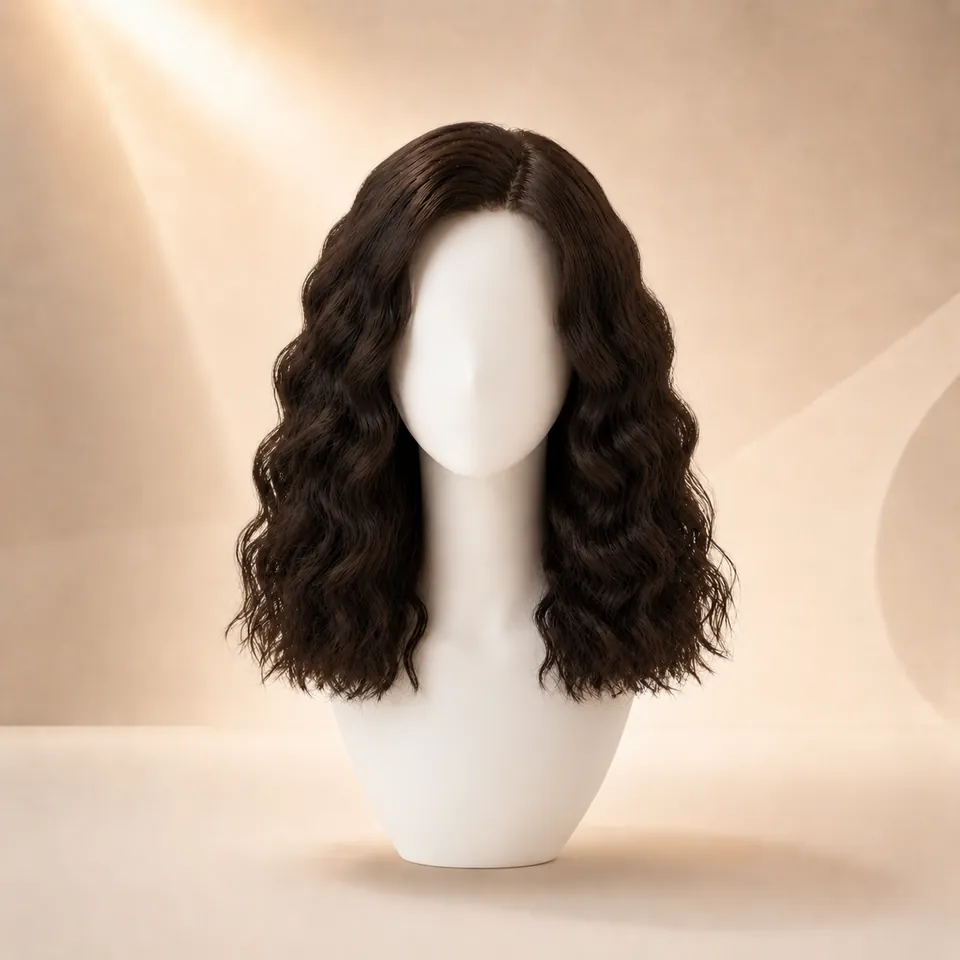
Deep WaveMore defined wave textureTry this wig style →
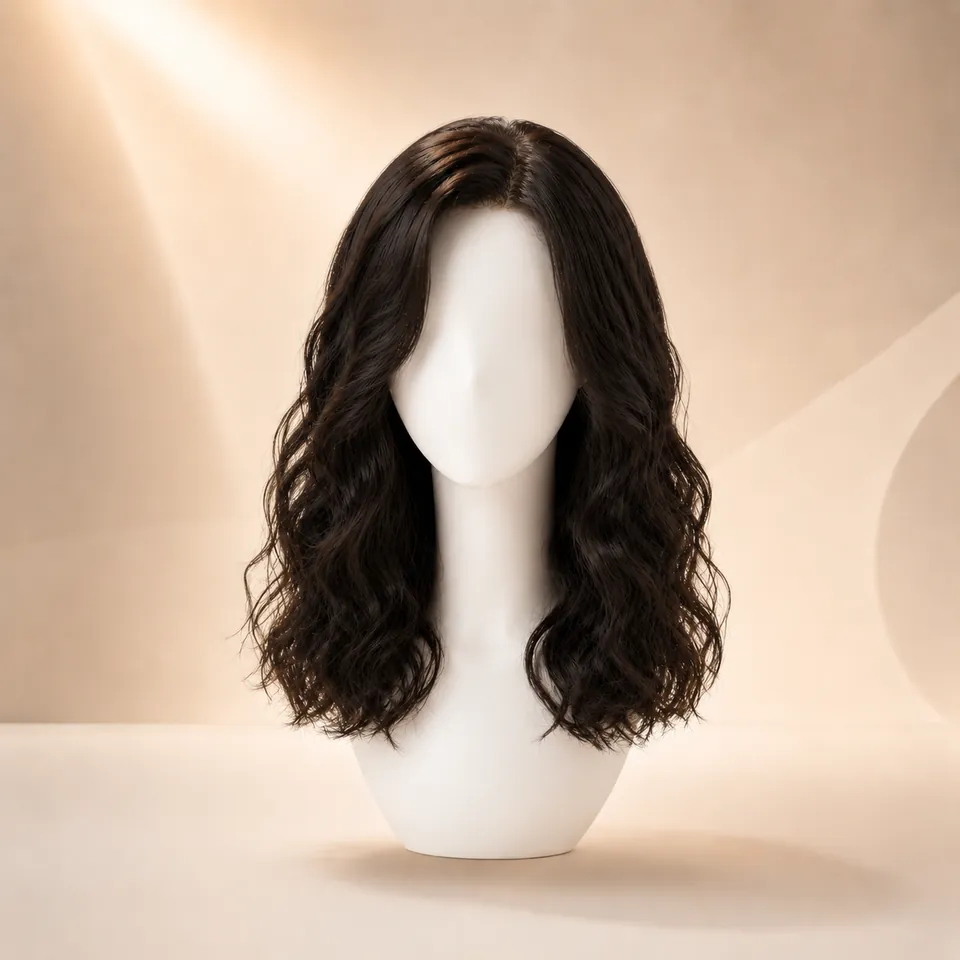
Water WaveLoose, textured wavesTry this wig style →
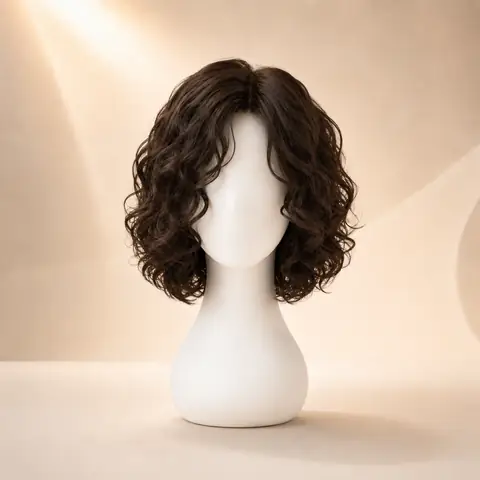
CurlyRounded curl volumeTry this wig style →
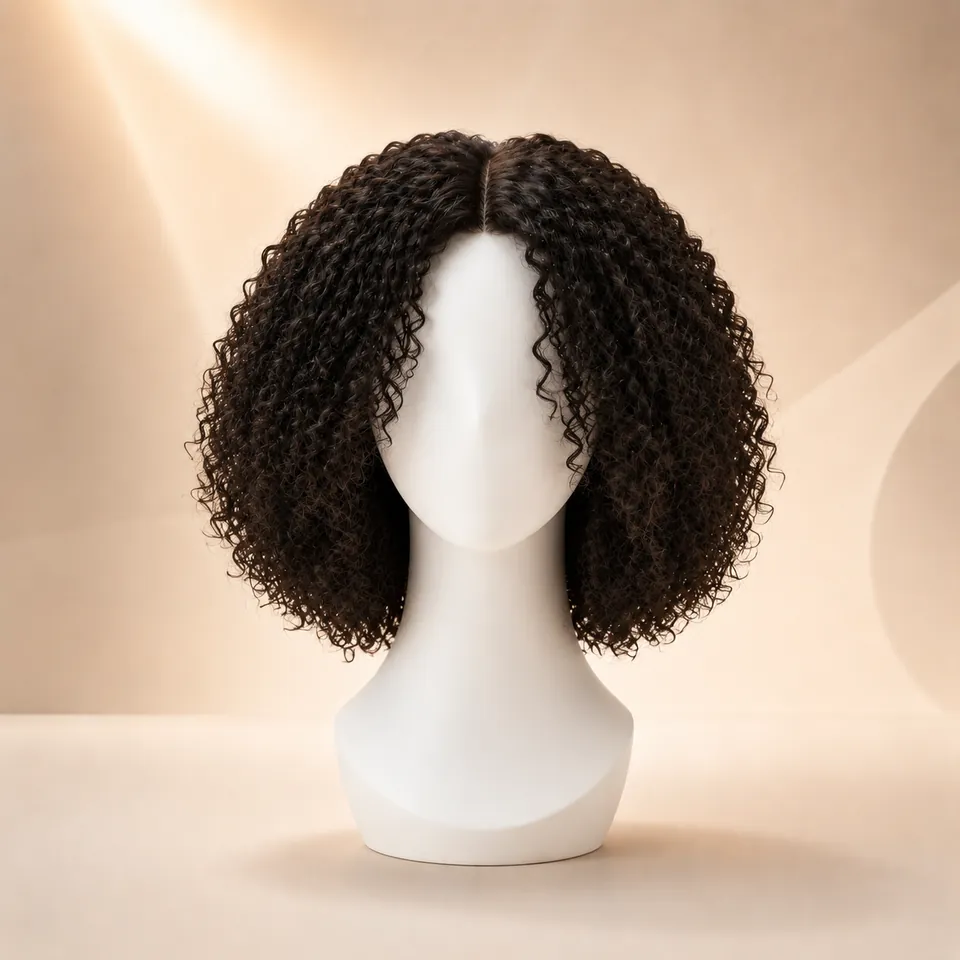
Kinky CurlyDense curl textureTry this wig style →
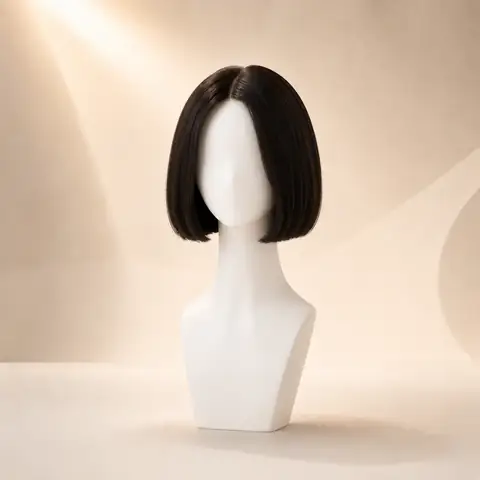
Blunt BobClean chin-length shapeTry this wig style →
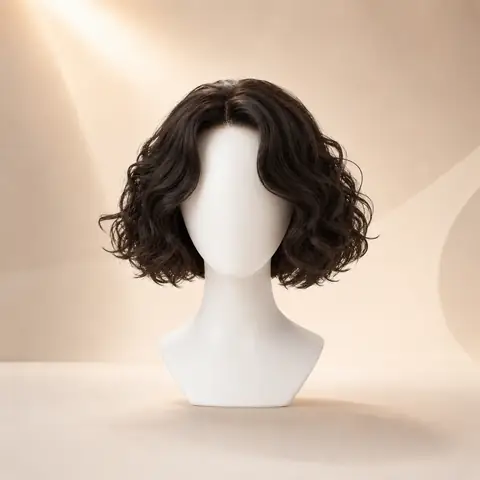
Curly BobShort curls with volumeTry this wig style →
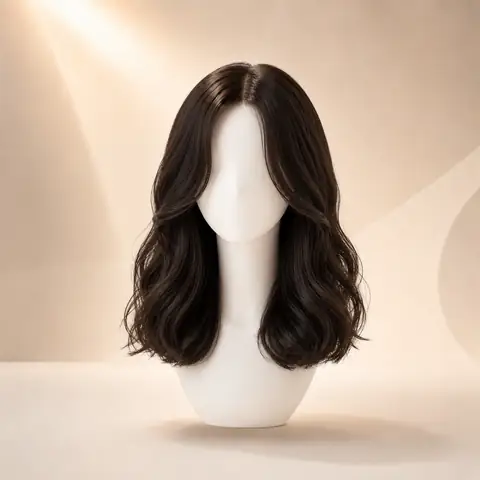
Wavy LobMedium-length soft wavesTry this wig style →
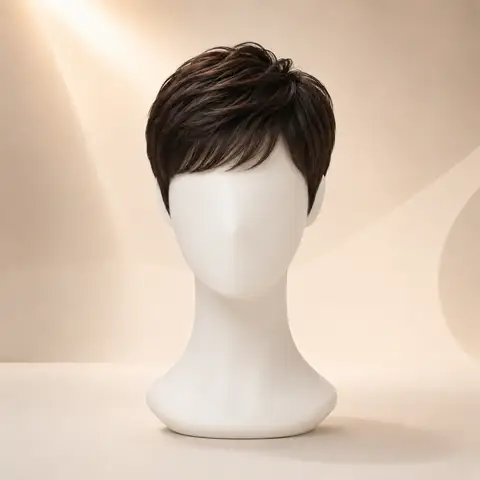
Pixie CutShort, face-opening silhouetteTry this wig style →
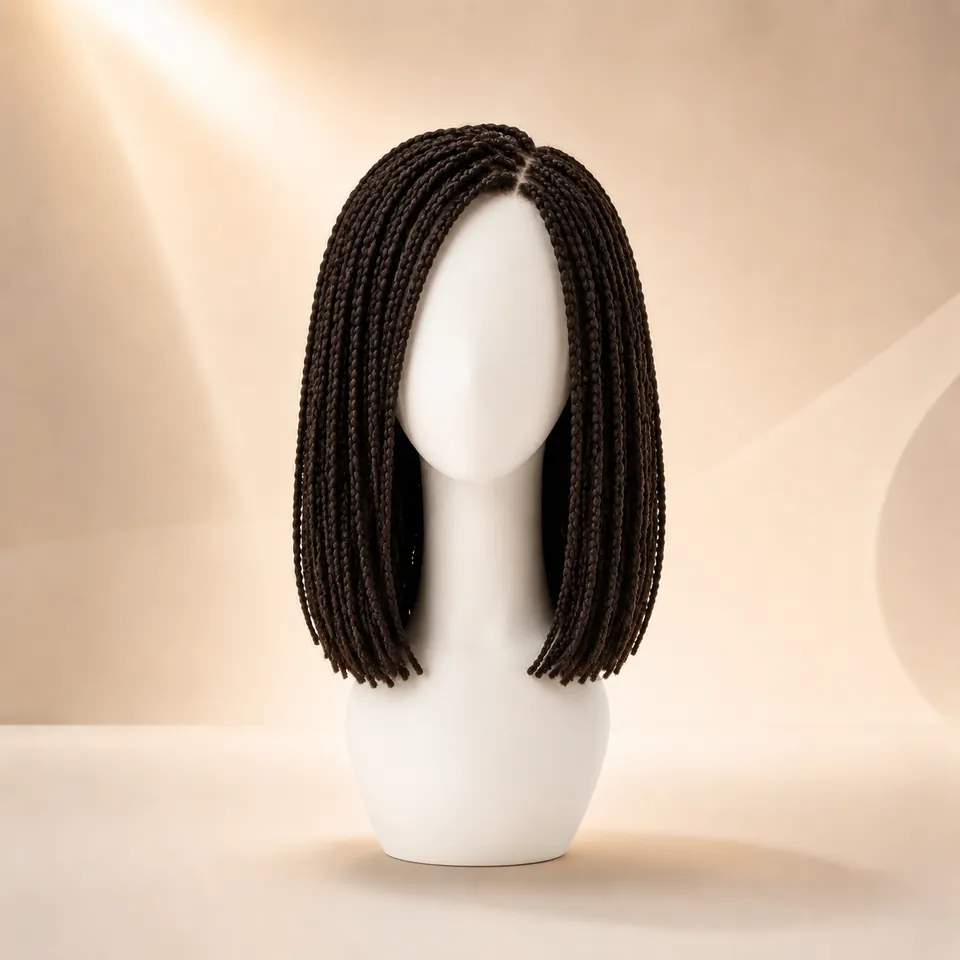
Box BraidsLong braid-inspired lookTry this wig style →
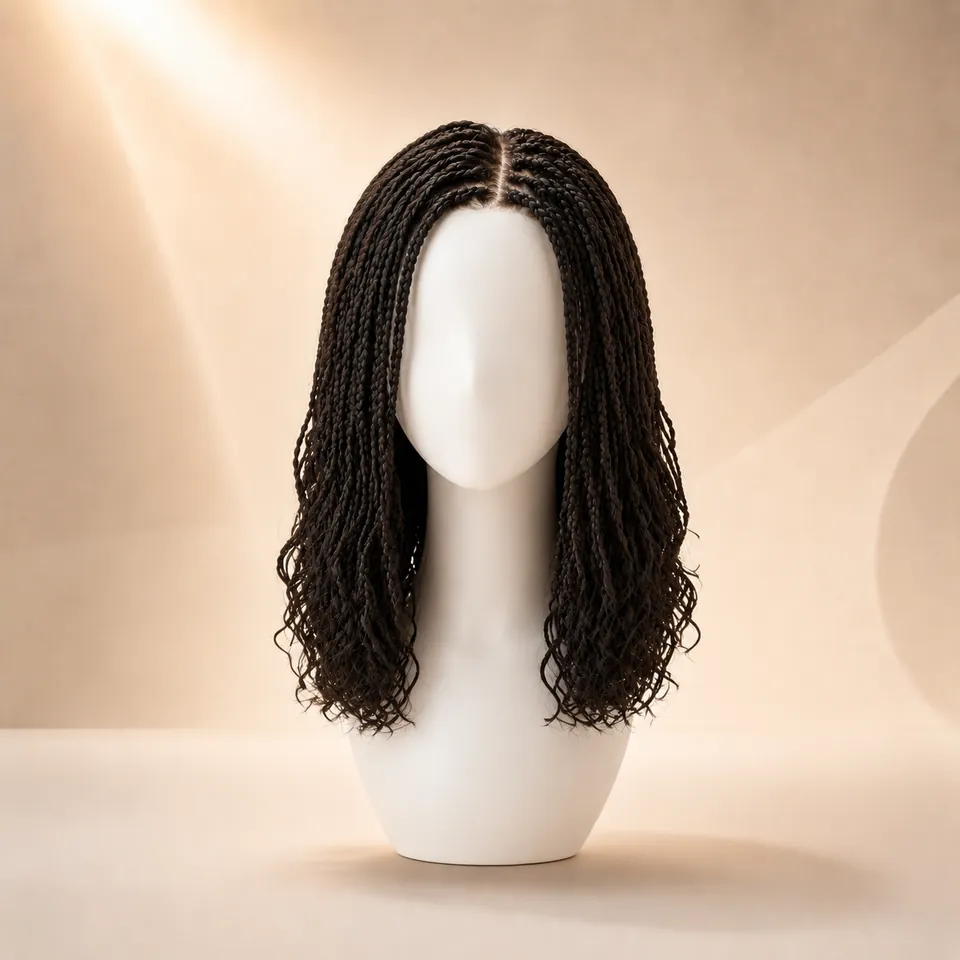
Goddess BraidsBraid-inspired flowing styleTry this wig style →
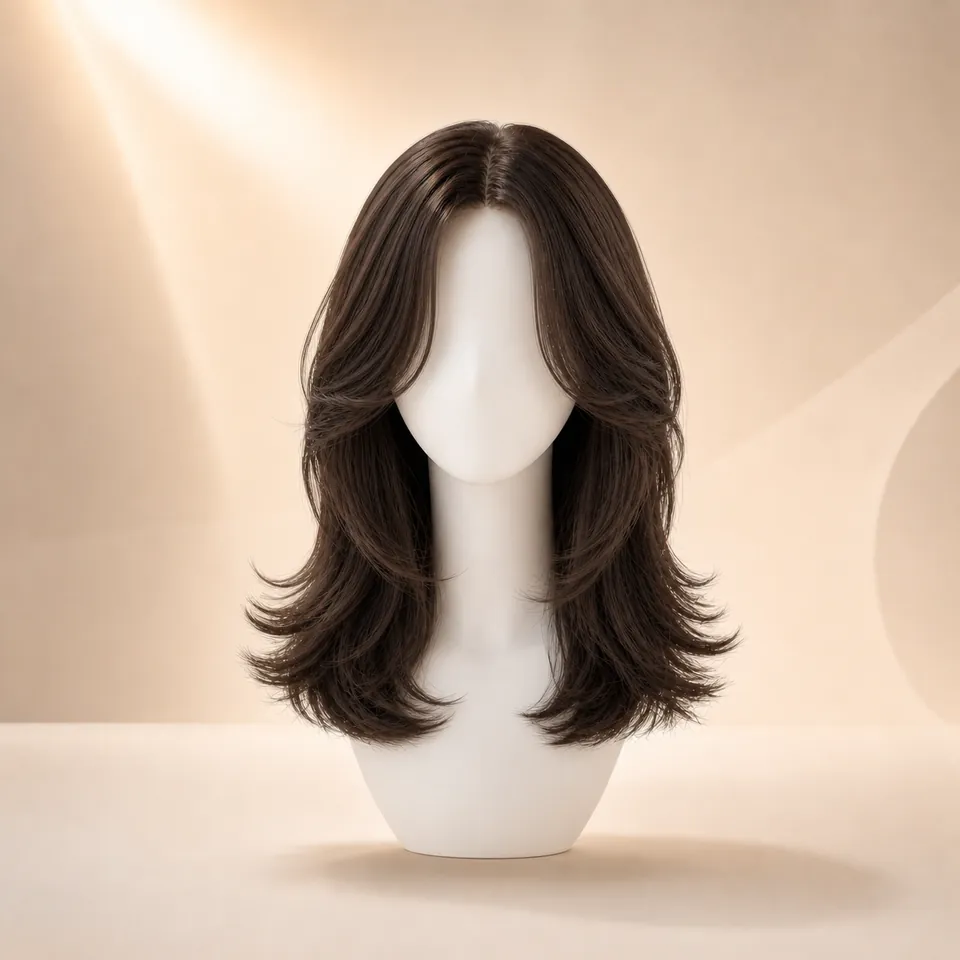
Butterfly CutLong face-framing layersTry this wig style →
Controlled comparison
One photo. Three simple steps.
Use the same portrait while you switch between wig styles. Keeping the photo consistent makes it easier to compare length, texture, volume, and color.
1
Upload your photo
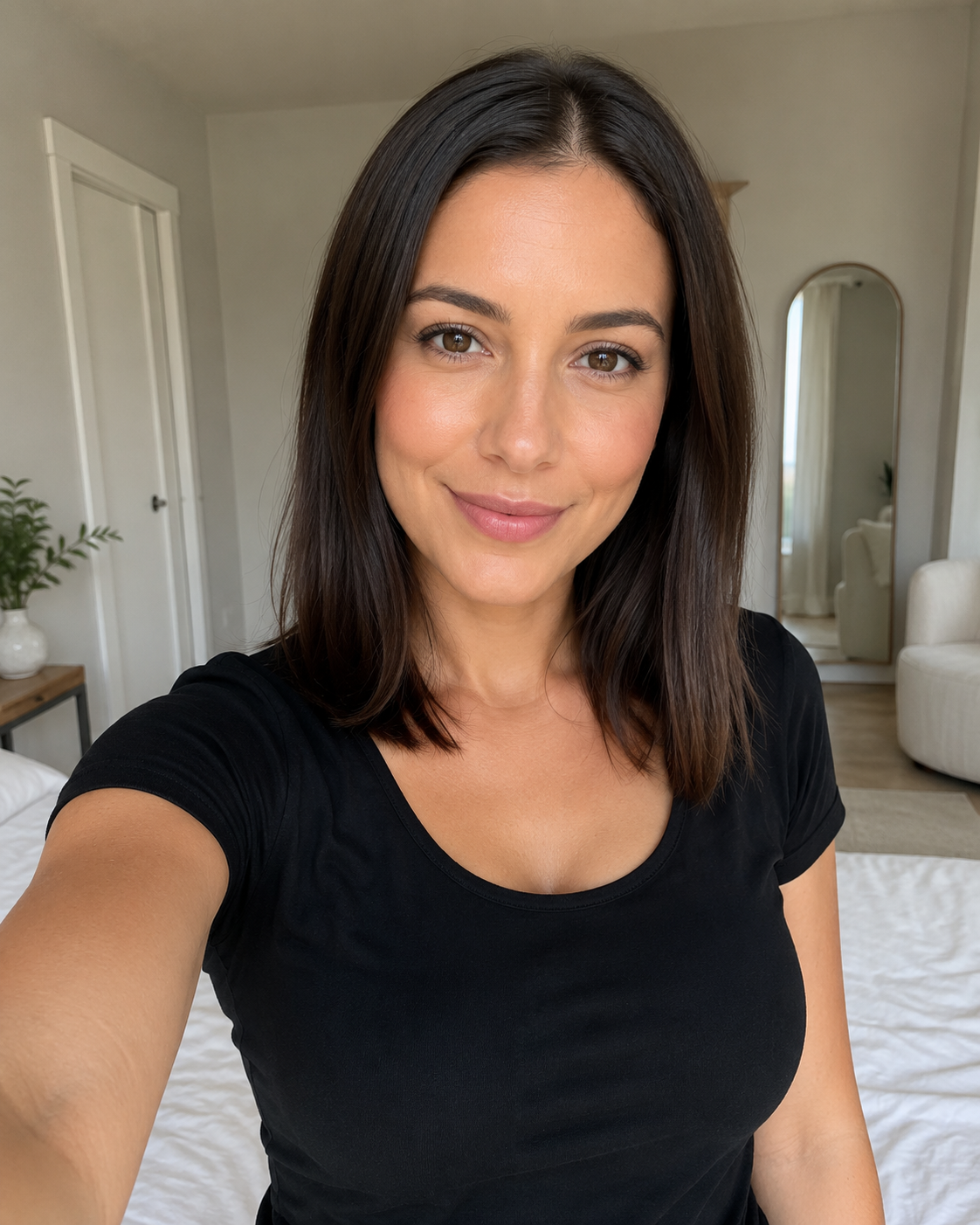
Start with a clear, front-facing portrait with even lighting and your face fully visible.
2
Choose a wig style and color
Choose a clearly different wig direction first - for example a long blonde body wave, a short bob, or full curls - then choose the length and color.
3
See the look on you
Generate the result and compare the change in length, color, texture, and face framing before you try another wig style.
What virtual wig try-on can show
Compare visible style choices, not physical wig construction.
A virtual wig preview is most useful for comparing overall shape, texture, length, color, and face framing. It is not a physical wig fitting or product inspection.
Can help you compare
✓Hairstyle - compare bob, straight, body wave, loose wave, deep wave, water wave, curly, and braided looks.
✓Length - see how short, medium, long, and extra-long styles change the outline around your face and shoulders.
✓Texture - compare sleek hair with waves, curls, or fuller shapes.
✓Hair color - explore black, brown, blonde, burgundy, silver, ombre, balayage, and more.
✓Face framing - judge how the style sits around your forehead, cheeks, jaw, and shoulders.
Does not predict
—Cap size - a generated image cannot measure physical fit.
—Lace quality - that requires details from the real wig.
—Hair fiber - material and texture quality cannot be verified from an AI preview.
—Exact density - fullness in a preview is only a visual reference.
—Installation and movement - real-world styling still depends on the physical wig and how it is worn.
How to judge a wig preview
Review the look like a visual draft, not a product fitting.
A virtual wig try-on is most useful when you compare one visible variable at a time. Look at the outline first, then move into texture, color, and face-framing details.
Hairline and face frame
Check whether the style opens your face, covers too much forehead, or changes the balance around your cheeks and jaw.
Length and silhouette
Compare where the ends sit: chin, collarbone, chest, or longer. The outline often matters more than the exact style name.
Density and volume
Full curls, waves, and braids can widen the shape. Sleek straight styles usually create a narrower vertical line.
Texture match
Review whether straight, body wave, water wave, curly, or braid-inspired texture feels natural with your features.
Color contrast
Judge how black, brown, blonde, burgundy, ombre, or balayage changes contrast against your skin and brows.
Real-world gap
Use the preview for inspiration only. A physical wig still depends on cap size, lace, fiber, density, and styling.
Best photo setup
Give the AI a clean portrait before comparing wig styles.
The same wig style can look very different if your photo is angled, shadowed, or partly covered. A steady photo makes each generated preview easier to compare.
Face forward
Use a front-facing portrait so the preview can place length, parting, and volume around both sides of your face.
Even lighting
Avoid hard side shadows and colored light, especially when comparing blonde, burgundy, ombre, or balayage.
Visible hairline
Keep hats, heavy bangs, sunglasses, and hands away from the hairline when possible.
Simple angle
A slight smile is fine, but strong tilt, mirror distortion, or cropped shoulders can make length harder to judge.
Explore more hair preview tools
Continue with the preview that matches your goal.
Virtual Hairstyle Try-On
Compare haircuts, texture, bangs, and braid directions on the same selfie when you are deciding between looks.
Try Hairstyles OnlineAI Hairstyle Changer
Explore broader haircut and hairstyle ideas such as pixies, bobs, layers, curls, waves, bangs, and braids.
Open AI Hairstyle ChangerCompare Hairstyles
Place wig style options next to haircut, texture, and color ideas when you need a clearer side-by-side decision.
Compare HairstylesHair Color Try-On
Focus on color after choosing a silhouette and preview natural shades, blonde, burgundy, ombre, balayage, and more.
Try Hair ColorsBody Wave Hairstyles
Explore medium, long, and extra-long body wave directions before trying the style on your own photo.
Explore Body WaveWater Wave Hairstyles
Compare water wave with body wave, loose wave, deep wave, and curlier texture directions.
Explore Water WaveBraided Looks
Preview braid-inspired directions including box braids and goddess braids on your photo.
Explore BraidsPhoto privacy
Know what happens to your photo before you upload.
Your original selfie is used to create your virtual wig preview and is deleted from WigTryAI storage within 24 hours.
Original selfie deleted within 24 hoursYour uploaded source photo is not kept indefinitely.
No app requiredUse WigTryAI directly in a modern web browser.
Share only when you chooseYou control whether you save or share a generated result.
Not a wig storeWigTryAI focuses on visual style exploration rather than physical product sales.
Virtual wig try-on FAQ
Common questions before you start.
Can I try on wigs virtually online for free?
Yes. Your first 3 WigTryAI virtual wig try-ons are free and run directly in your browser. Upload a clear portrait, choose a wig style and color, and generate a preview on your own photo. No app download is required. Additional generations may require credits.
How do I try on a wig with my own photo, step by step?
Step 1: upload one clear, front-facing photo with even light and a visible hairline. Step 2: choose a wig style direction — bob, straight, body wave, loose wave, deep wave, curly, or braided — and set the length you want to preview. Step 3: choose the hair color. Step 4: generate the preview; your first 3 try-ons are free, run in your browser, and need no app. Step 5: compare the result with your original photo, change one variable at a time, and save or share a favorite look. No sign-up is required for the first generation; additional generations may require credits.
What photo should I use for a virtual wig try-on?
Use a front-facing portrait taken in soft, even light, where your eyes and hairline are visible and your face is centered. Keep hats, sunglasses, hands, and heavy beauty filters out of the frame, because they hide the area a wig would sit on. JPG, PNG, and WebP files all work, and oversized photos are compressed in your browser first, so a normal phone picture is fine. Reuse the same photo for every style: if the angle, expression, or lighting changes, the comparison stops being about the wig. Your original selfie is deleted from storage within 24 hours; generated previews may stay in your history.
How many wig styles should I compare before deciding?
Start with two to four clearly different directions instead of several near-duplicates. Compare them on the same photo and look at where volume begins, how the length frames your jaw, and how the color contrasts with your skin tone. When one direction clearly works, compare nearby lengths and colors to fine-tune it. If two directions feel equally close, keep the one that frames your face better rather than the one that is more on trend. A virtual wig try-on compares the visual direction only: it cannot check cap size, lace placement, fiber, density, or installation, so treat the shortlist as a starting point for a real try-on.
Can I try on wigs with my picture for free?
Yes. Your first 3 try-ons are free. Upload a clear picture of yourself, choose a wig-inspired style and color, and generate the preview on your photo. Additional generations may require credits.
Is there a virtual wig try-on without an app?
Yes. WigTryAI runs in a modern web browser on mobile and desktop, so you can upload a photo and preview a wig-inspired style without installing an app. Your first 3 try-ons are free; additional generations may require credits.
Can I try different wig styles on my photo?
Yes. Use the same photo to compare bob, straight, wavy, curly, braided, short, and long wig-inspired directions. The result helps you compare visible style, length, texture, color, and face framing, not physical fit.
Can I compare different wig colors on my photo?
Yes. Keep your photo and wig-inspired style steady while you compare available color directions such as black, brown, blonde, burgundy, ombre, and balayage. Screen lighting and AI generation can shift color, so treat the result as a visual reference rather than an exact physical-wig color match.
How accurate is virtual wig try-on?
It is useful for comparing the visible direction of a wig-inspired style, length, color, and shape. It cannot predict real wig fit, cap or lace construction, fiber, density, material, installation, or exact product appearance.
Do I need to sign up to try a wig?
No—not for your first generation. You can upload a photo and use your first free generation anonymously; later actions or additional generations may require an account or credits.
Try a wig style on your own photo.
Start with one selfie, choose a style you like, and compare a few different directions.