
Keep your current cut, length and texture. Choose only a new color.
Dark Brown
Try on hair colors on your own photo with an AI hair color changer. Use your current cut, length and texture as the starting point, then compare shade previews and check for unintended changes before you dye.
First 3 try-ons free · No app required · Original selfie deleted within 24h
Dark Brown
Quick answer
Try on hair colors on your own photo with an AI hair color changer. Use your current cut, length and texture as the starting point, then compare shade previews and check for unintended changes before you dye.
How it works
Keep the direction, selfie, and comparison method consistent so each preview answers one clear question.
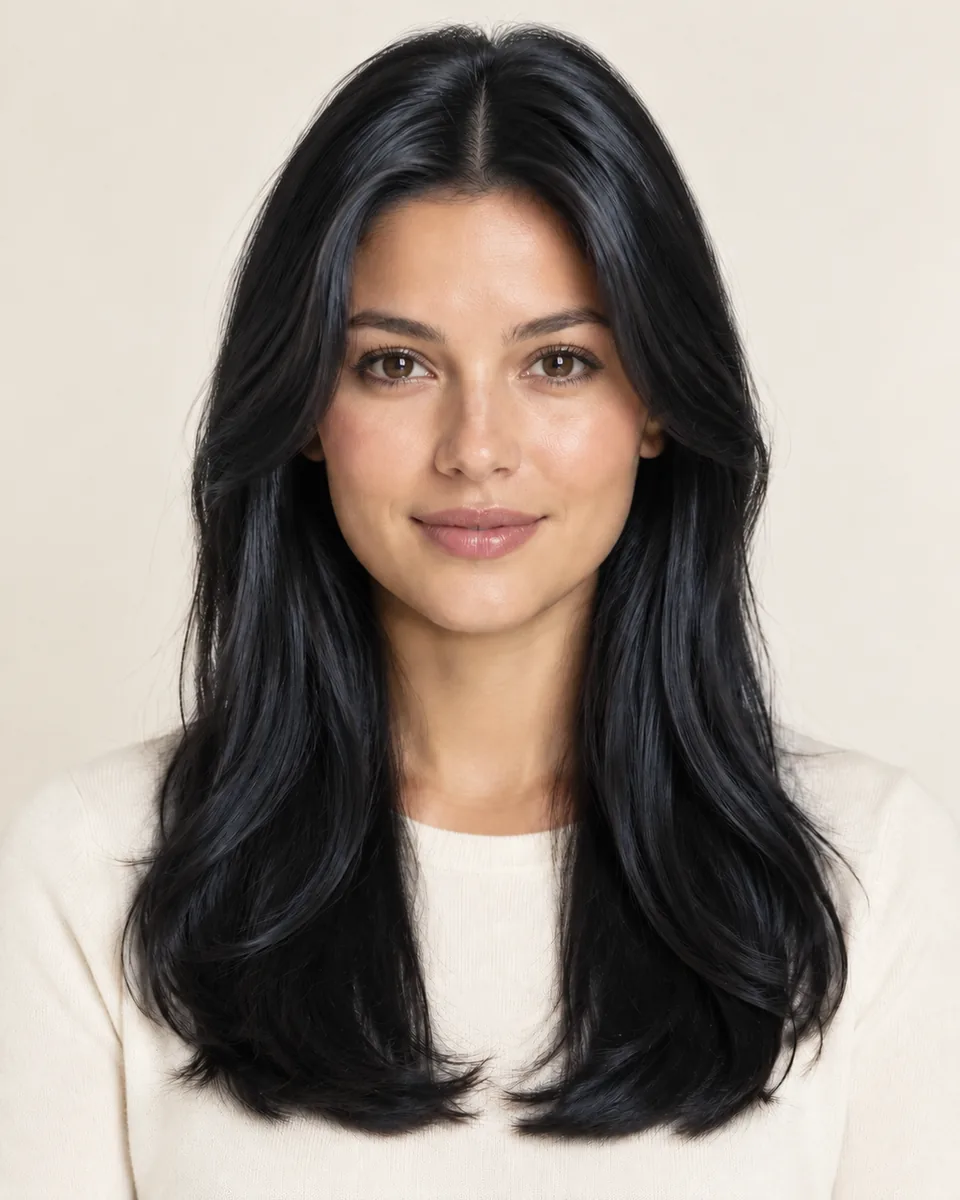
Pick the shade you want to preview, or open this page from a color card.
Use a clear, front-facing selfie in even, neutral light.
Generate one color at a time and compare warmth, contrast and dimension on the same portrait.
Comparison factors
Compare the visible direction first, then judge detail. These factors make a virtual try-on easier to interpret.
Style categories
Not sure where to start? Explore a few popular hairstyle directions below, then try your favorites on your own photo.
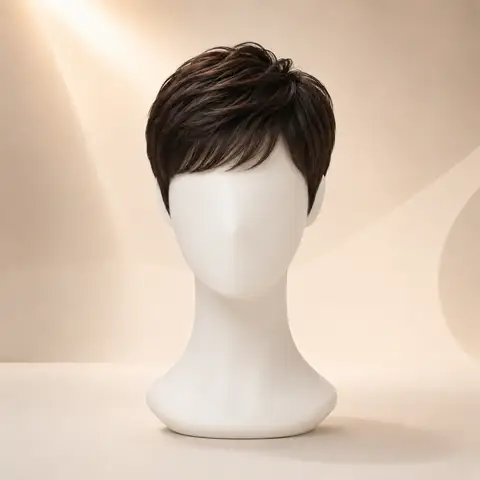
Preview pixie cuts and other short hairstyle directions.
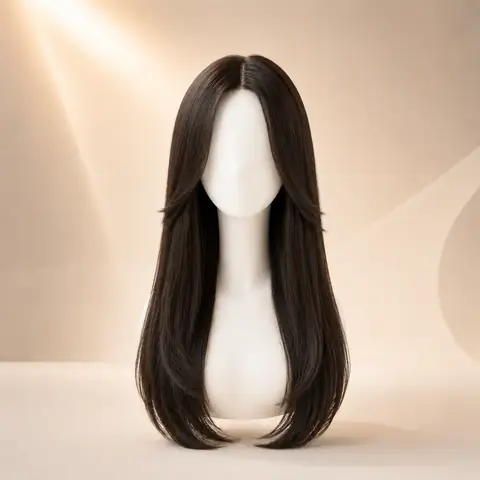
Try longer silhouettes, layered lengths, and face-framing shape.
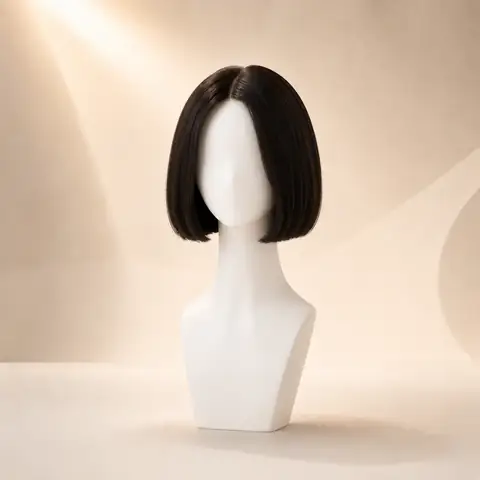
Compare blunt bob, curly bob, and lob-inspired looks.
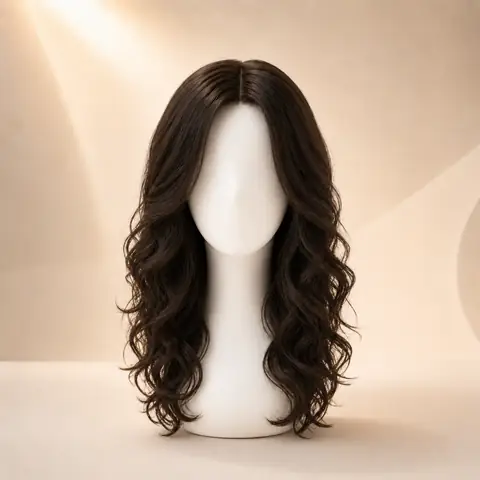
Preview curl, volume, and texture changes on your photo.
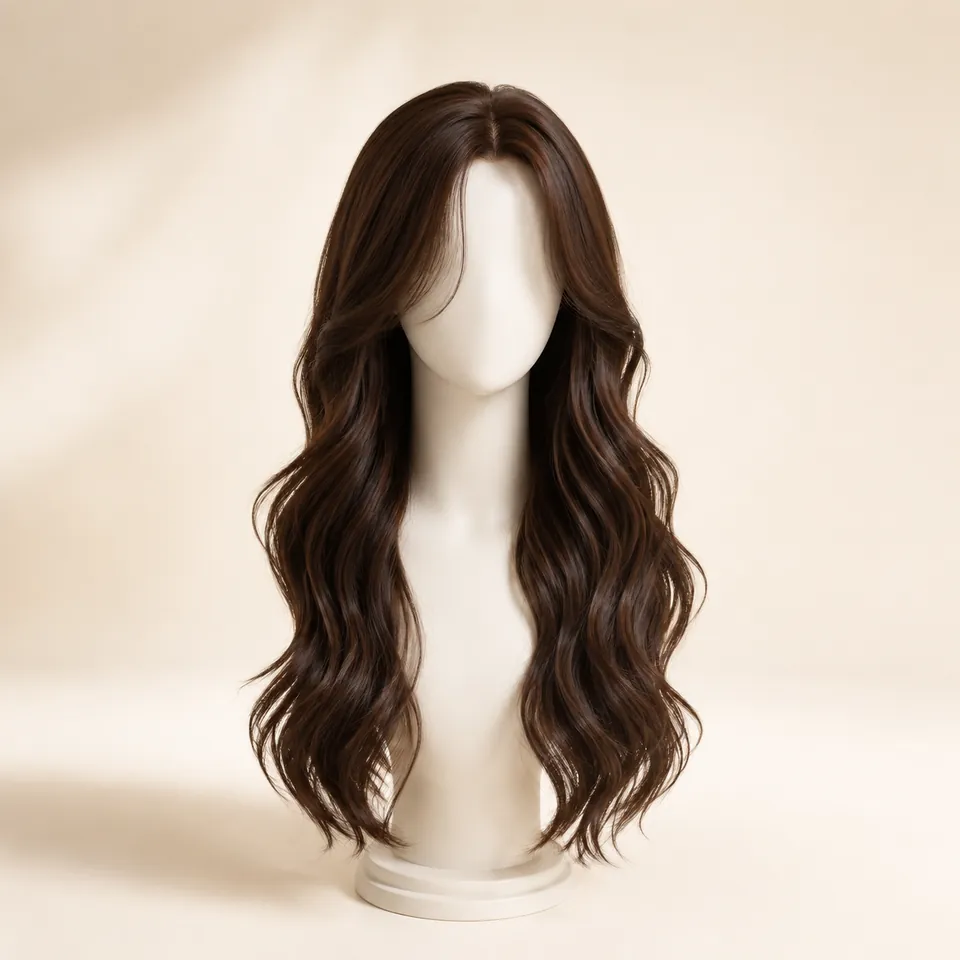
Explore soft waves, body wave, loose wave, and water wave ideas.
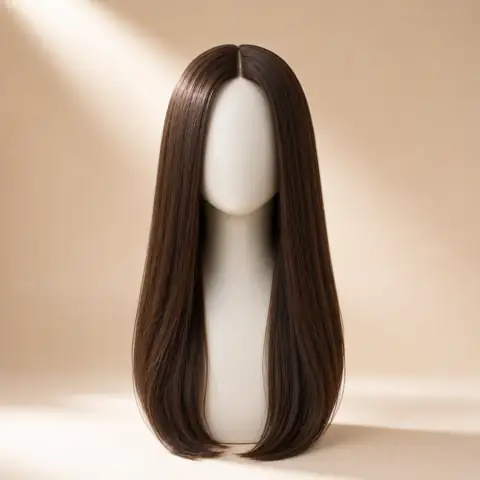
See sleek straight and layered straight hairstyle directions.
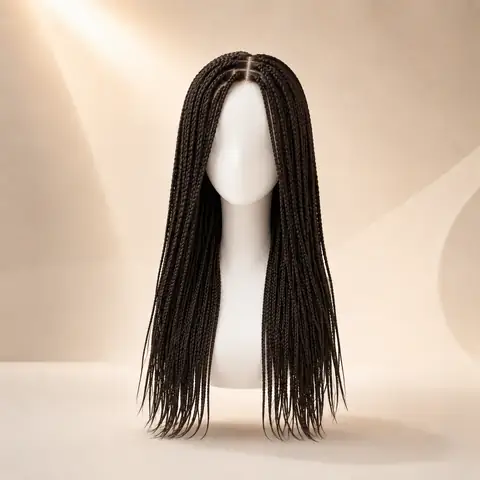
Preview braid-inspired looks such as box braids and goddess braids.
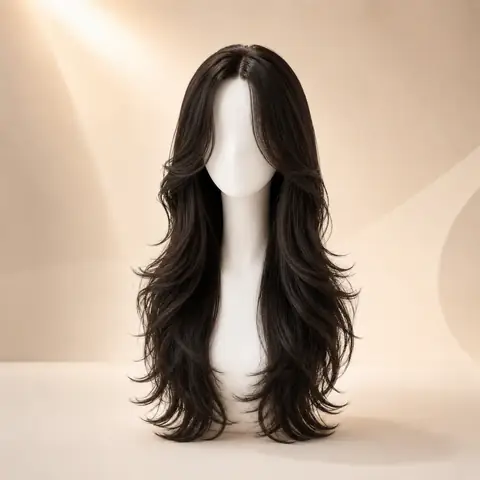
Test face-framing fringe and layered front shape ideas.
Color options
Compare color after choosing a silhouette so contrast, warmth, and dimension stay easy to judge on the same photo.
The deepest contrast against your skin, brows and eyes.
Try this colorChocolate depth that stays close to most natural starting colors.
Try this colorHoney and golden warmth, and how much lift changes your contrast.
Try this colorA cool red-purple direction, stronger than brown but not metallic.
Try this colorMetallic red-orange warmth through the lengths.
Try this colorDarker roots fading into lighter ends, so grow-out is part of the look.
Try this colorSoft brown-blonde dimension that brightens the face without one flat color.
Try this colorWhy use this tool
Start with a clear portrait, compare one variable at a time, and use the result as a visual reference for your next style decision.
No app required
Multiple styles
Quick preview
Style inspiration only
Privacy note
WigTryAI is built for personal visualization and style inspiration. It does not sell physical wigs, beauty products, or salon services, and it does not provide commerce matching. Your generated look is meant for exploration, comparison, and optional friend feedback.
Photo setup
A clean, consistent portrait keeps the hairstyle or color direction as the main variable you are judging.
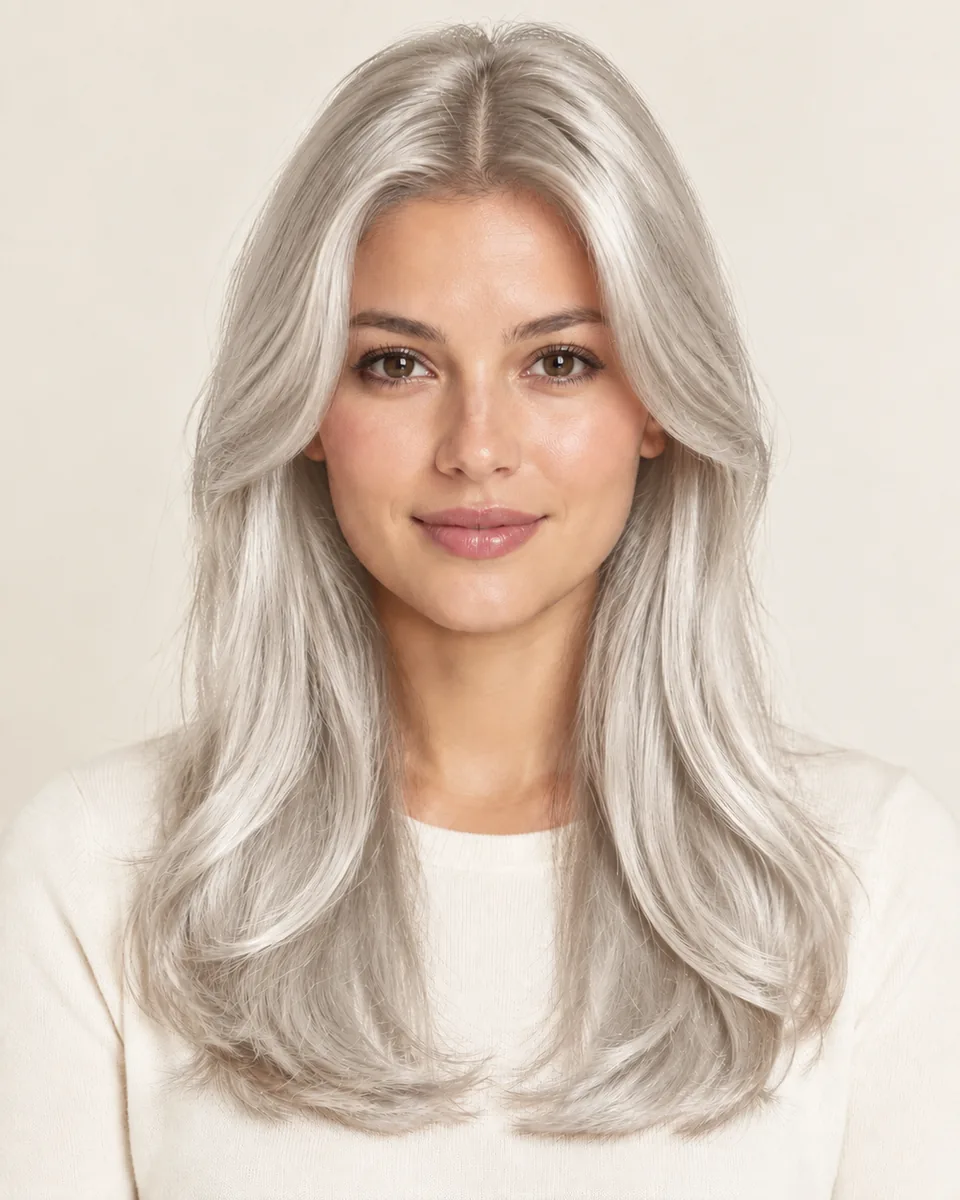
keep your face centered and your eyes visible so both sides can be compared consistently.
avoid strong colored light and side shadows, especially when comparing blonde, gray, silver, or dimensional color.
move hats, sunglasses, hands, and heavy filters away from the forehead, ears, and hairline.
avoid a strong tilt or mirror distortion so length, volume, and symmetry remain easier to judge.
Related tools and guides
Move to a related tool or guide when your next question is about color, wigs, face shape, or comparison.
FAQ
Yes. WigTryAI is an online AI hair color changer and photo-based color simulator. Upload a clear portrait, choose a shade family such as black, brown, blonde, burgundy or copper, and generate a separate preview while asking the AI to retain your current hairstyle. No app installation is needed.
This mode asks the AI to preserve your original cut, length, texture and hairline while changing hair color. Check the result against your original photo for unintended changes; AI output is not guaranteed to preserve every strand. To explore a new cut as well as a new color, use Virtual Hairstyle Try-On.
Your first 3 try-ons are free, and each generated preview after that uses one credit. The first generation does not require sign-up; later generations may require sign-in and available credits. Each shade is a separate generation, so trying several shades uses several previews.
Yes. Generate one shade at a time from the same original portrait, then save or download the previews and compare them yourself. Keep the starting photo and lighting consistent, and compare warmth, depth and contrast. Check for unintended changes to the face or haircut before using a result to choose a color direction.
Yes. Choose Change this result's color on a completed preview. That result becomes the new input only after you choose the action. For a controlled comparison of several colors, reuse the same starting result rather than repeatedly recoloring each new output.
Yes. Use Virtual Hairstyle Try-On to choose a hairstyle from the library and an optional color. Hair Color Try-On is for exploring color while asking the AI to preserve your current cut, length and texture.
No. An AI hair color preview is a visual reference, not a dye formula or a prediction of real coloring results. Your starting color, previous dye, lightening, formula and lighting affect the outcome. The preview cannot establish the number of bleaching sessions or reproduce exact highlight placement; discuss those details with your colorist.
Uploaded photos are processed to generate your preview. Generated previews have a separate retention period from original selfies. Read the Privacy Policy for storage, service-provider processing, sharing and deletion details.