
Hair color preview method
How to Preview Hair Colors Online: Judge Depth, Warmth, and Placement
A useful color preview compares broad families on one stable hairstyle and one well-lit portrait. Judge depth first, warmth second, and placement third — and never treat the screen as a color guarantee.
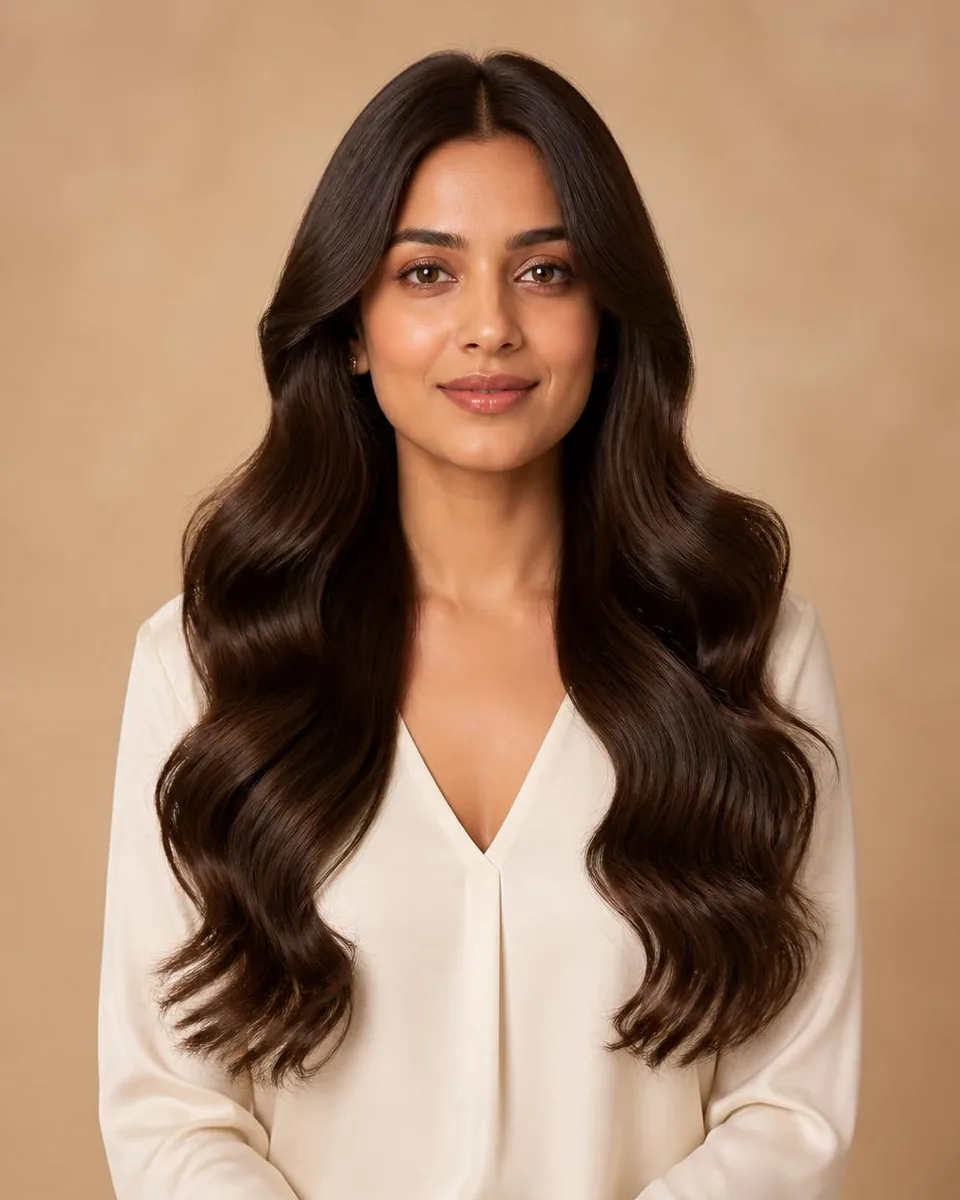
Hair color previewVirtual hair colorHair color try-onColor families
2 min read
Quick answer
Compare broad families on one stable portrait
Upload a clear portrait in neutral light, choose one hairstyle silhouette, and compare broad color families — soft black and brunette depth, blonde temperature, then reds and dimensional directions. Judge depth first, warmth second, and placement third. Generated images are for direction and communication, not exact formulas: they cannot reproduce salon chemistry, predict lift, show porosity, or guarantee how a physical fiber reflects light.
- Step 1
- Neutral, unfiltered portrait
- Step 2
- One hairstyle, broad color families
- Order
- Depth → warmth → placement
- The limit
- Screen color is not a formula
Color previews fail in two directions: people compare tiny shade differences too early, or they change hairstyle and color at the same time and cannot tell which feature they prefer. Both are fixed by controlling the comparison.
Use a Photo That Preserves Color Information
- Choose neutral daylight. Face a window or use soft white indoor light. Avoid warm bulbs, colored LEDs, direct sun, or a bright background that shifts skin and hair exposure.
- Turn off beauty and color filters. Filters cool skin, deepen contrast, or change your current hair. Use a recent unfiltered image so the preview is compared against a believable baseline.
- Check more than one screen. Phone brightness and display color vary. If a shade becomes a finalist, review it on another screen at normal brightness before drawing fine conclusions.
Start With Broad Color Families
Decision guide
Three color questions to ask in order
Early previews answer directional questions better than tiny formula differences.
| Family | What to compare | What it tells you |
|---|---|---|
| Black and brunette depth | Soft black, dark brown, chocolate, chestnut | Whether lower or medium contrast supports the face |
| Blonde temperature | Honey and golden vs beige, ash, platinum | Warm vs cool reading, as families not formulas |
| Red and dimensional | Copper, auburn, burgundy, ombre, balayage | Where lighter or stronger areas sit around the face |
Keep the Hairstyle Shape Controlled
Color looks different on straight, wavy, and curly surfaces because highlight size and shadow placement change:
- Choose a familiar silhouette. Start with your current general length or a simple style you understand, so an exciting new cut does not bias the color decision.
- Compare one variable at a time. Generate the same hairstyle in two or three broad color families; then compare texture or length in a separate round.
- Review dimension at the face. For ombre, balayage, or highlights, notice root depth and the position of lighter pieces — placement often affects the frame more than the shade name.
A virtual hairstyle try-on makes this control easy: keep the silhouette locked and regenerate one portrait in two or three broad color families.
Review the Output for Color-Specific Errors
- Protect skin and facial color. Compare the preview with the source around the cheeks, forehead, lips, and eyes. Reject a result that makes a shade flattering by changing the person.
- Inspect the hair boundary. Look at the hairline, ears, shoulders, and flyaways. Color bleeding, halos, or painted-looking edges are reasons to regenerate.
- Check consistency across attempts. Generate a second preview when a color matters. If depth or placement changes dramatically, use the result only as a broad direction.
Translate a Favorite Preview Into a Real Plan
- Describe rather than prescribe. Say "medium brunette depth with warm face-framing pieces" or "darker root transition." Do not treat generated pixels as an exact formula.
- Discuss condition and process. A color professional can evaluate current dye, porosity, curl pattern, lift requirements, patch testing, timing, and a safer sequence.
- Plan maintenance honestly. Consider root contrast, fading, toning, heat, wash frequency, and the products needed to keep the direction looking intentional.
Run the color comparison on your photo
Keep the hairstyle steady, compare depth then warmth then placement, and take the description — not the pixels — to a color professional.
Preview hair colorsFAQ
Can I preview blonde, brunette, red, or burgundy hair online?
Yes. Compare broad color families on one portrait and one stable hairstyle, and treat the images as directional references rather than exact shade formulas.
Why does hair color look different on my phone and laptop?
Displays use different brightness, calibration, and color profiles, and source lighting and camera white balance also affect the image. Fine shade judgments are unreliable across screens.
Should I change hairstyle and color at the same time?
For a clearer decision, compare silhouette first and color second. Changing both together makes it impossible to know which feature caused your preference.
Can AI predict how much my hair needs to lift?
No. A portrait does not reveal complete color history, porosity, strand condition, or chemical behavior. Ask a qualified color professional about feasibility and safety.
What should remain unchanged in a useful color preview?
Your facial features, skin tone, expression, eyebrows, clothing, and background should stay recognizable. Regenerate outputs that shift those details.