
Blonde Wig Try-On
Upload one clear portrait and compare four blonde shades on the same face. The difference between honey, golden, beige and platinum is easier to judge against your own skin than on a product photo.
First 3 try-ons free · No app required · Original selfie deleted within 24h
Choose look
Hairstyle
Hair length
Choose color
Selected lookBody WaveLong · Honey Blonde
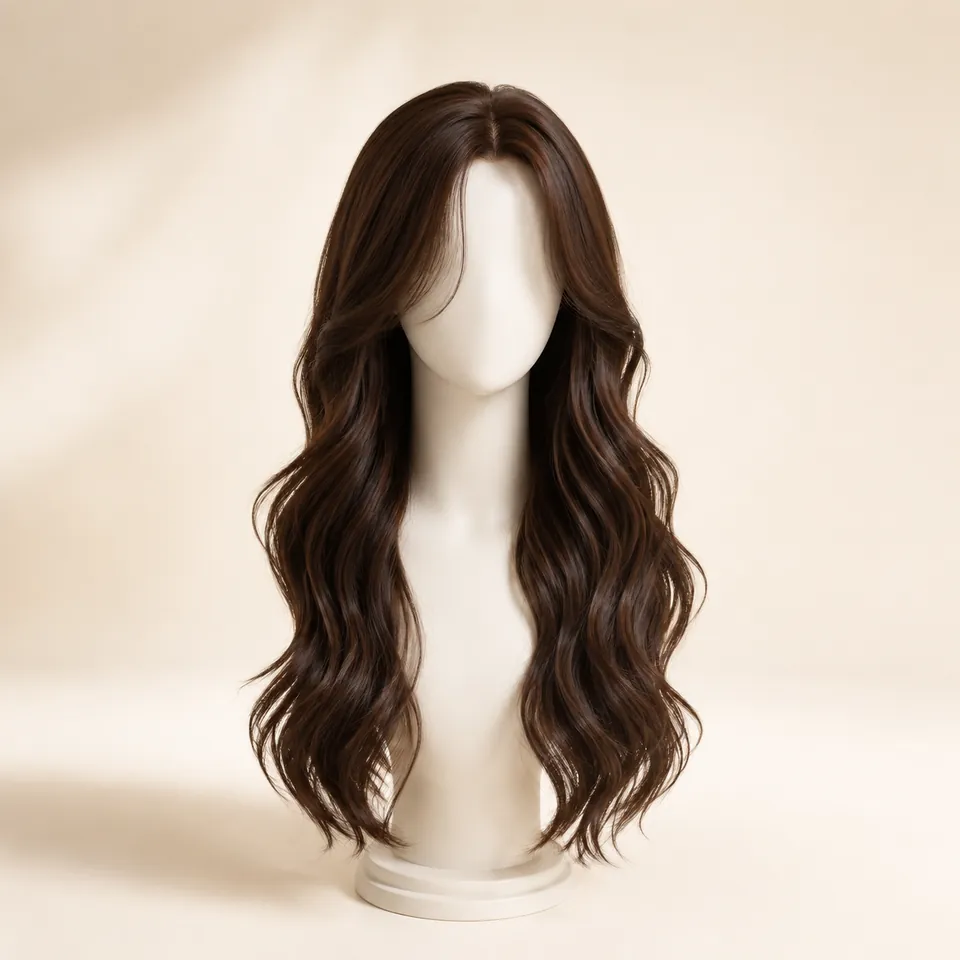
Quick answer
This page previews blonde on your own photo in four shades: honey, golden, beige and platinum. You upload one front-facing portrait, the tool opens on honey blonde body wave, and each shade can be swapped while the photo and the hairstyle stay the same. Two things are worth comparing: how warm or cool the shade reads against your skin, and how much contrast it creates with your eyebrows and eyes. The preview applies a hairstyle and a color to your photo — it does not simulate a wig cap, lace, density or fiber, and it cannot predict how a specific unit is toned in daylight.
How it works
How it works: step-by-step virtual try-on
Keep the direction, selfie, and comparison method consistent so each preview answers one clear question.
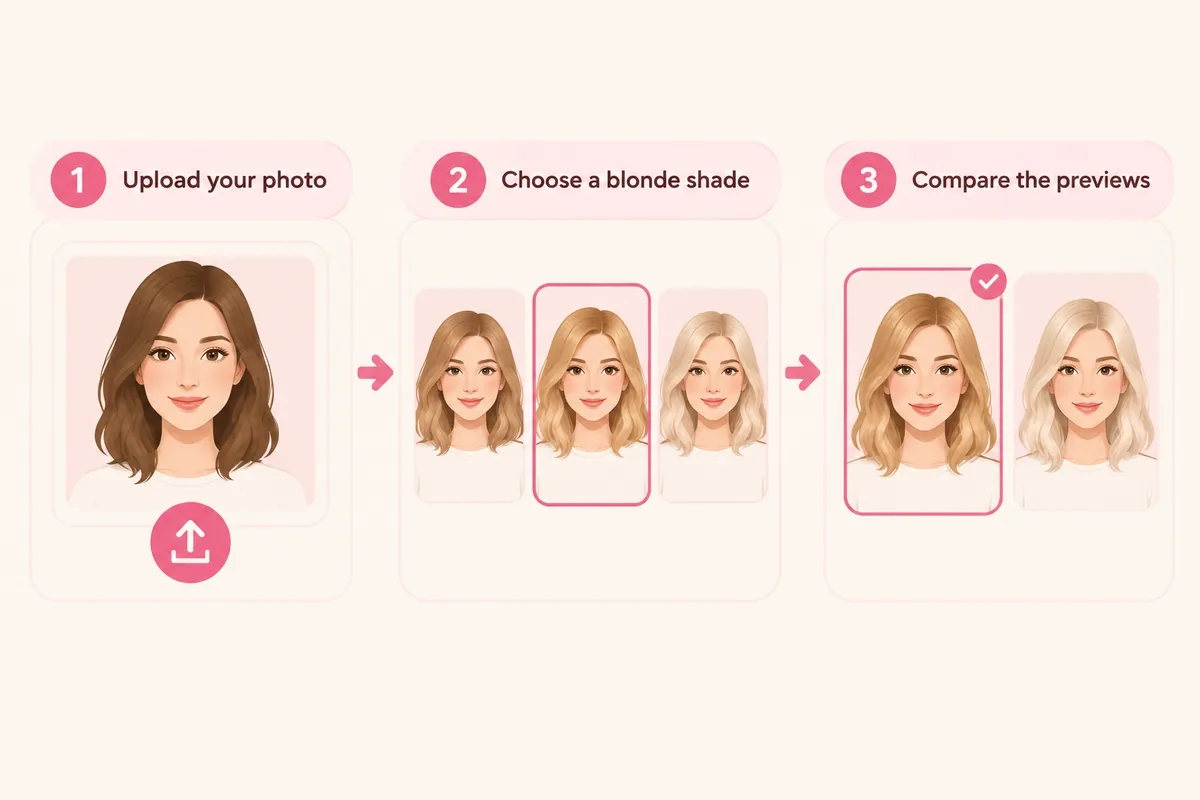
- 01
Upload your photo
Use a front-facing portrait in even light, with the hairline, brows and shoulders inside the frame.
- 02
Choose a blonde shade
Start from the honey blonde the tool opens on, then move through golden, beige and platinum.
- 03
Compare the previews
Read the warmth against your skin and the contrast with your brows, keeping the photo and style steady.
Comparison factors
Which blonde shade should you preview first?
Compare the visible direction first, then judge detail. These factors make a virtual try-on easier to interpret.
How much contrast the blonde creates with your brows
Whether the root reads lighter or darker than the ends
How platinum changes the outline around your face
How the shade sits with your usual makeup and wardrobe
Comparison guide
How to compare results on the same photo
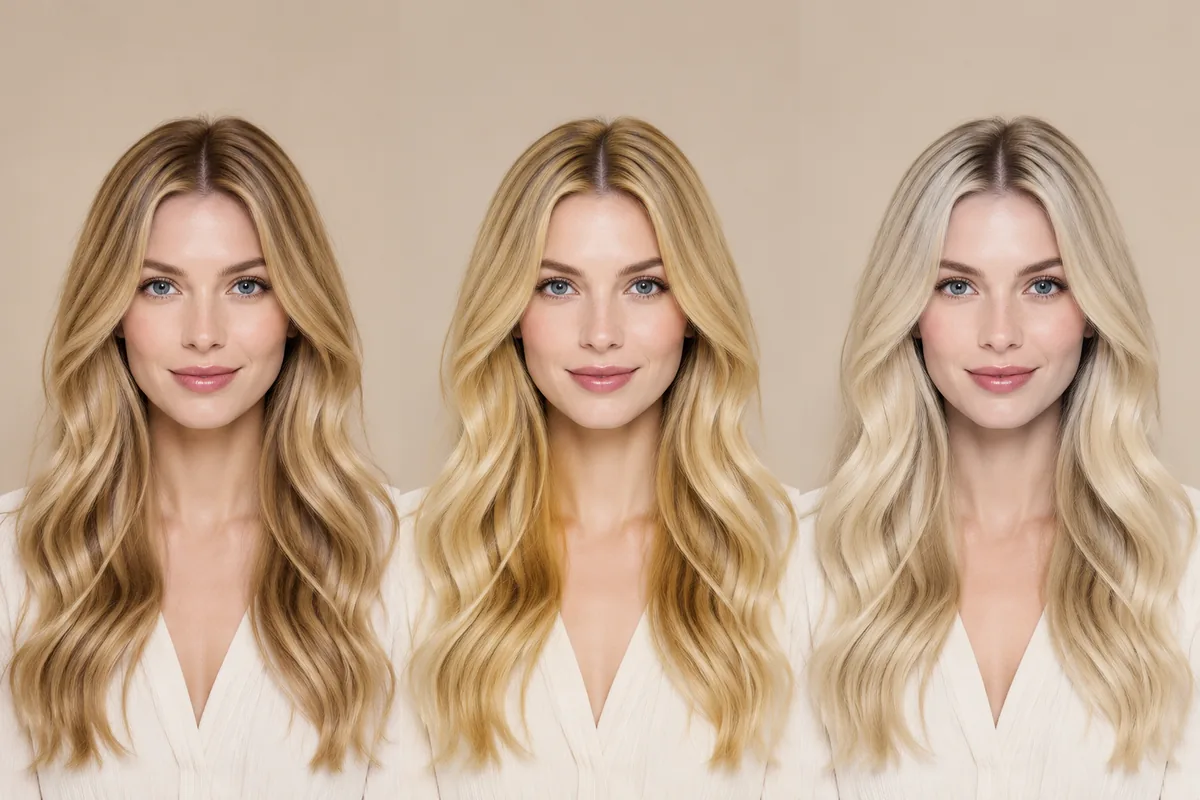
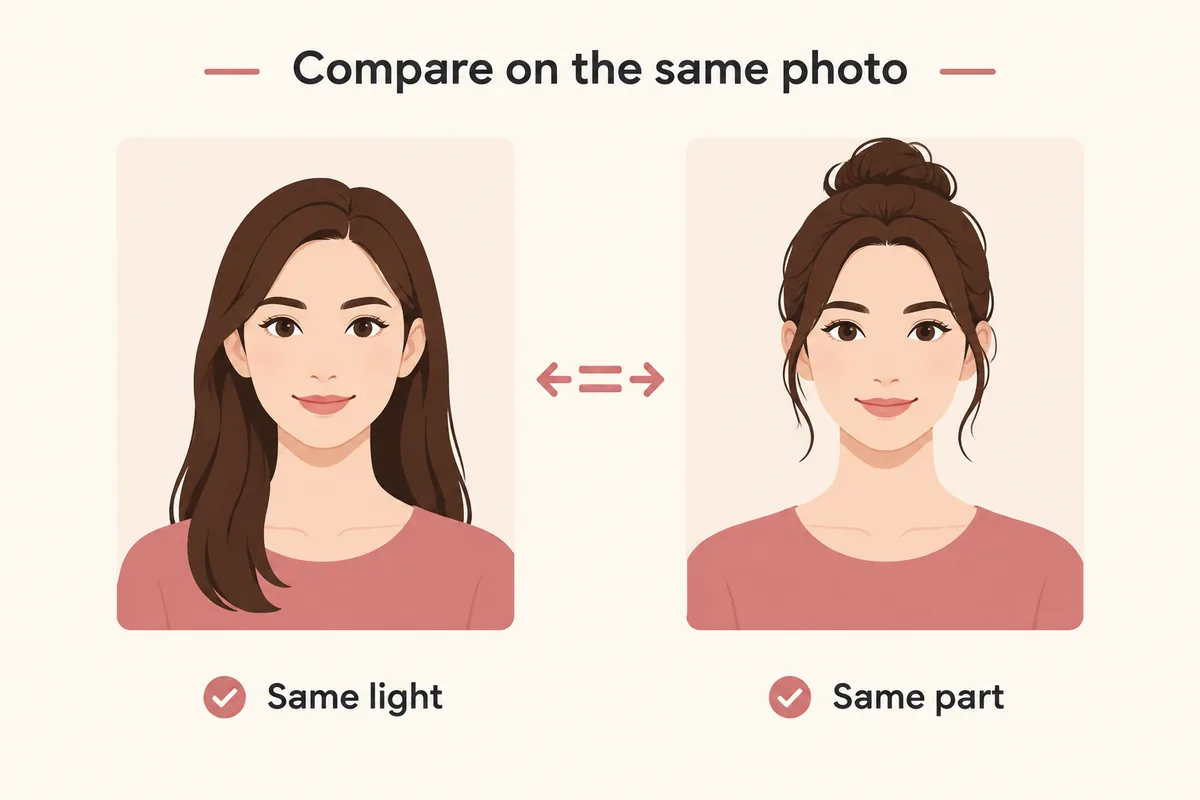
Keep one clear selfie, the same lighting, and a stable hairstyle or color direction. Change one variable at a time so each virtual try-on result is easier to compare and trust.
01
Level and tone are two different decisions
Every blonde has a level and a tone. Level is how light it is, from beige and honey through golden to platinum. Tone is whether it reads warm (gold, caramel, honey) or cool (ash, pearl, silver). Two shades can sit at the same level and still look nothing alike on the same person, because tone is what changes how the color interacts with your skin.
That is why browsing product photos settles very little. A shade shown on one model's skin can read bright on another and muddy on a third. Previewing the same two shades on your own photo keeps the level and the tone as the only variables, so you can see which one you actually prefer next to your own coloring.
02
Root shadow, all-over color and how light changes the outline
A root shadow keeps the first few centimetres darker than the rest of the hair. It softens the contrast at the part line and makes a light blonde read more naturally, and it also means regrowth is less obvious. All-over color from the root gives the brightest, most uniform result, and the regrowth line is the trade.
Level also changes the silhouette before you look at the color itself. Platinum lifts the outline and makes the hair read as brighter and slightly larger; honey and beige stay closer to the skin and keep the shape softer. On your own photo, compare the outline first and the shade second.
03
What a blonde preview does and does not tell a wig shopper
The tool renders the shade and the hairstyle onto your photo, which settles the visual questions: how warm or cool the blonde reads, how much contrast it creates with your brows, and whether the root should stay darker. It does not simulate a wig — cap construction, lace, density, fiber and how a unit is toned are outside the preview, and the same shade can look different again in daylight.
Choose the shade and the read here, then check the product page for how the unit is colored and how the length was measured.
Style categories
Try different hairstyle families
Not sure where to start? Explore a few popular hairstyle directions below, then try your favorites on your own photo.
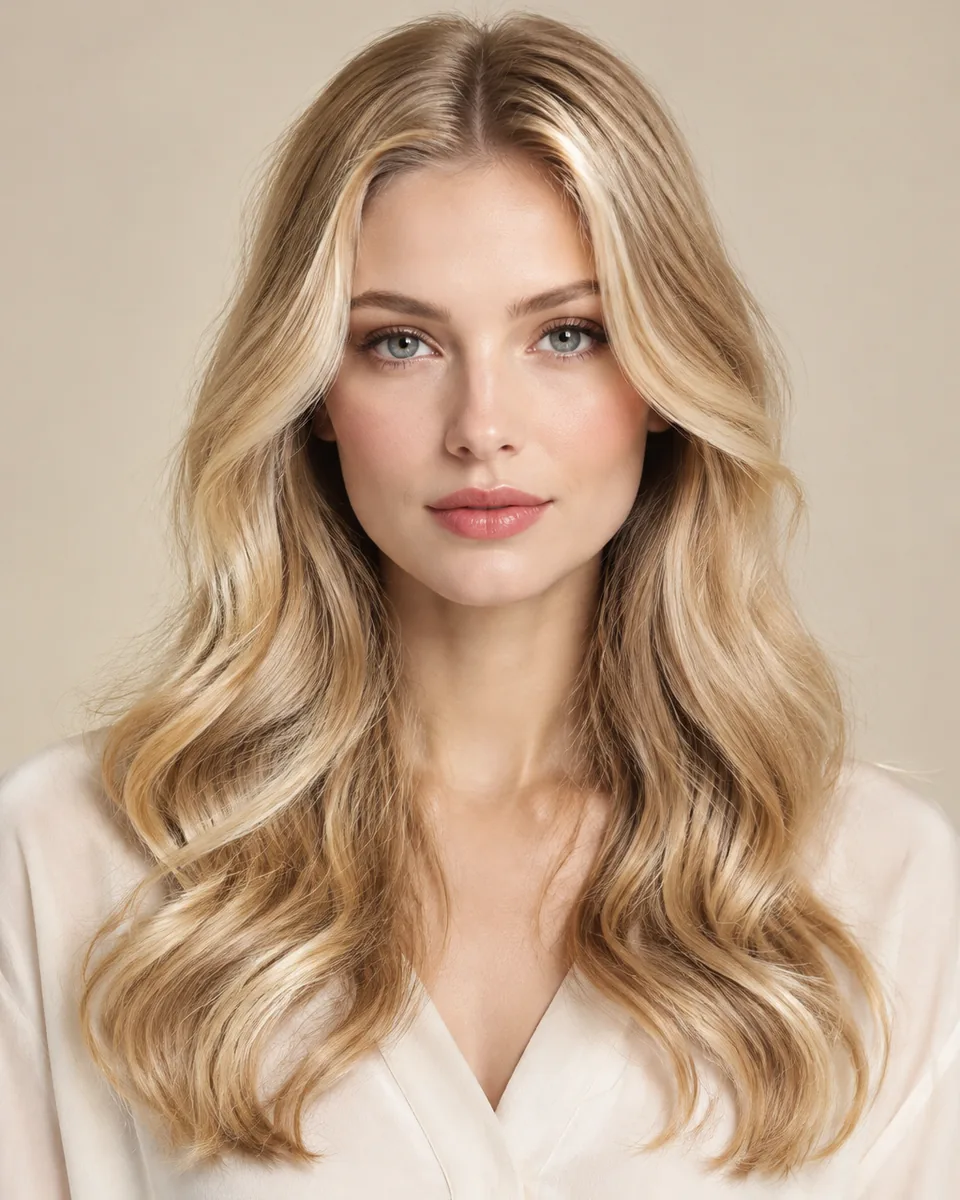
Honey blonde
The warmest starting point: gold and caramel tones that sit close to light brown.
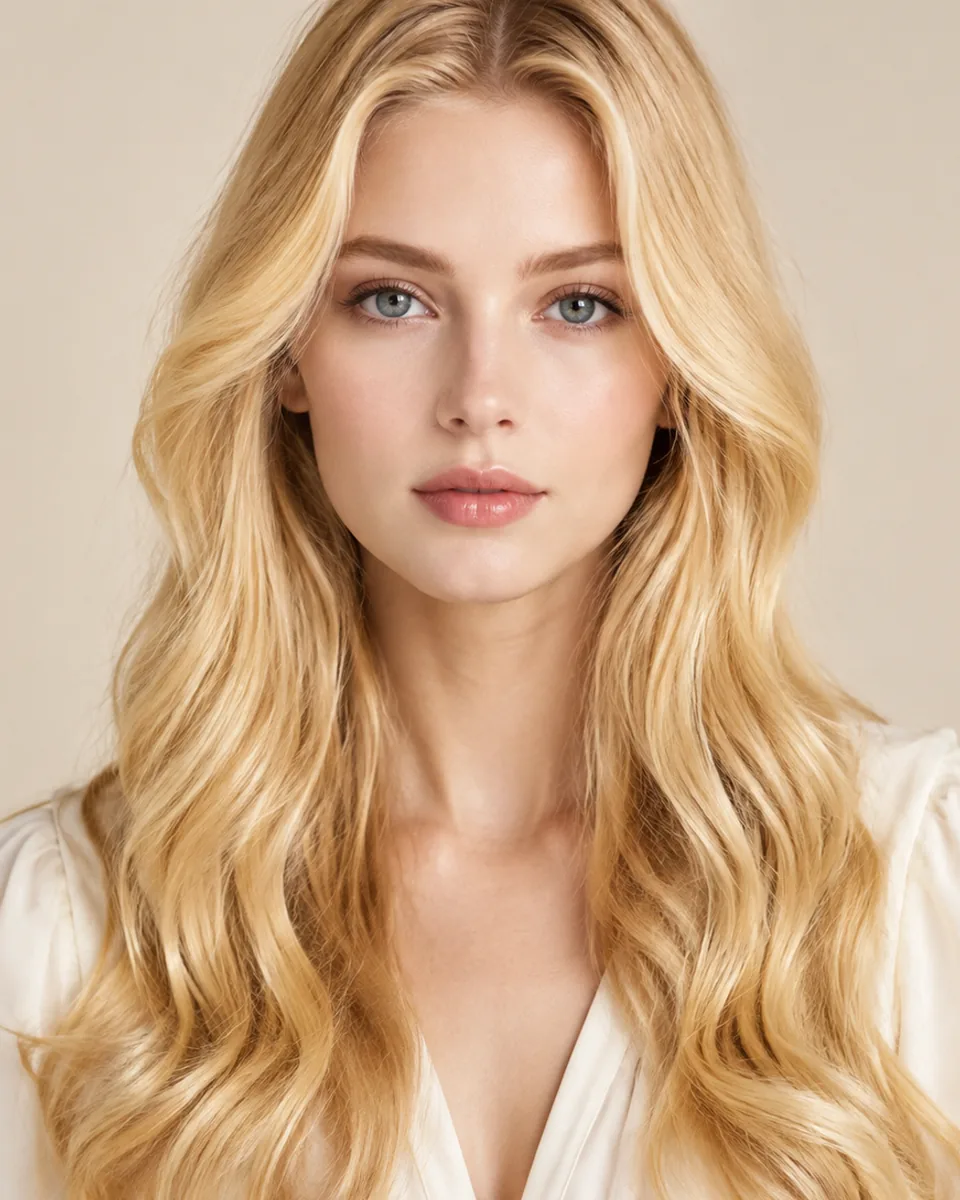
Golden blonde
Brighter and more saturated than honey, with the gold reading clearly through the length.
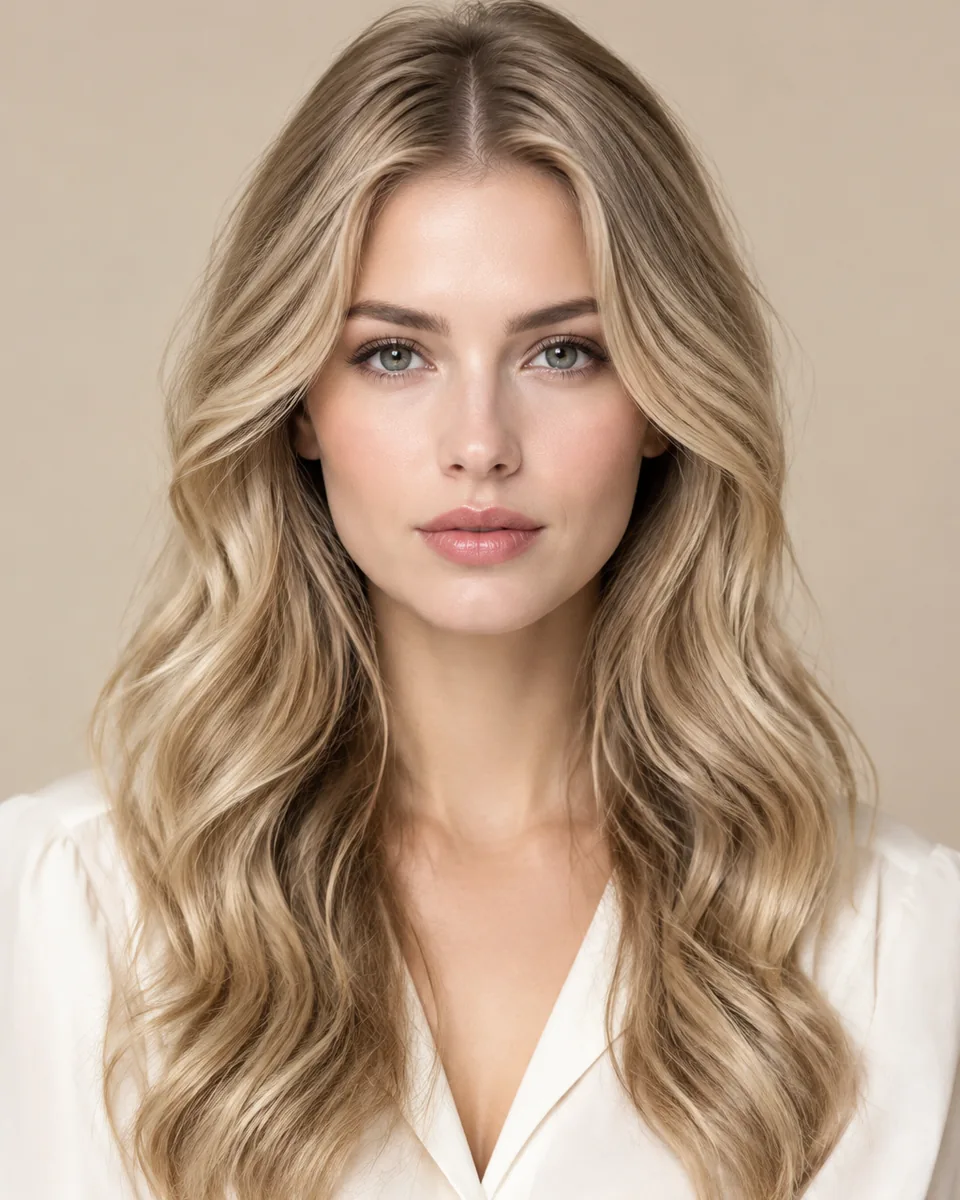
Beige blonde
The middle ground between blonde and light brown, with the warmth pulled back.
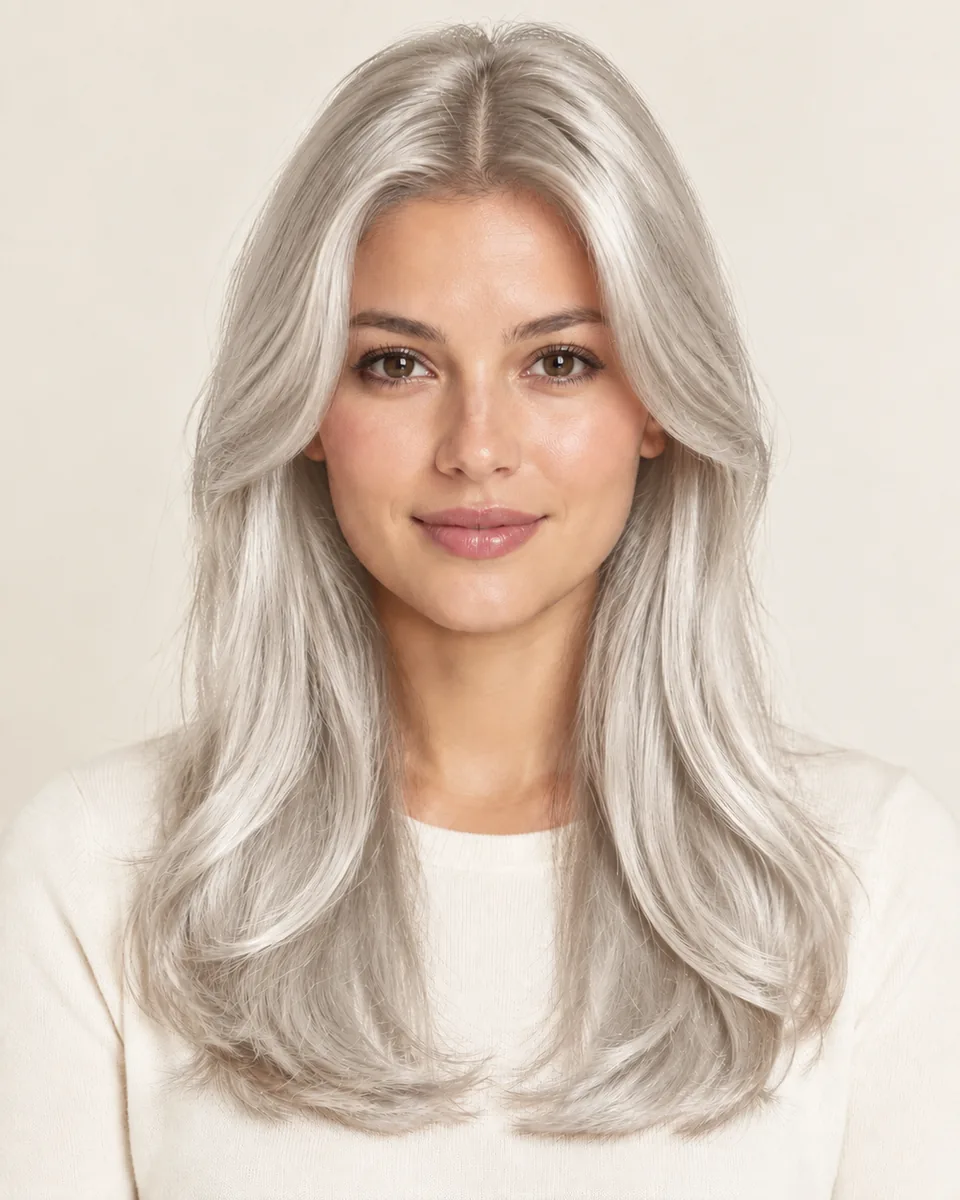
Platinum blonde
The lightest level here: pale and cool, with the strongest contrast at the roots.
Color options
Change shape and color together
Compare color after choosing a silhouette so contrast, warmth, and dimension stay easy to judge on the same photo.
Black
Preview soft black or natural black hair directions.
Try this colorBrown
Compare dark brown, chocolate, chestnut, and warm brown ideas.
Try this colorBlonde
Try honey blonde, golden blonde, beige blonde, or platinum tones.
Try this colorBurgundy
Explore a richer red-purple shade without changing your real hair.
Try this colorOmbre
Preview darker roots fading into lighter ends.
Try this colorWhy use this tool
Built for fast visual exploration
Start with a clear portrait, compare one variable at a time, and use the result as a visual reference for your next style decision.
Compare four blonde shades on one photo
Judge warm and cool tones against your own skin
No app required
Style and shade inspiration only
Privacy note
Preview tool, not a store
WigTryAI is built for personal visualization and style inspiration. It does not sell physical wigs, beauty products, or salon services, and it does not provide commerce matching. Your generated look is meant for exploration, comparison, and optional friend feedback.
Preview limits
What a blonde preview can and cannot show
The card portraits and comparison figures on this page are editorial reference illustrations produced for WigTryAI; they are examples of the direction, not outputs from a real try-on, and they are not photos of customer results. It previews a shade and a hairstyle on your photo; it is not a wig simulator and not a promise about a specific unit.
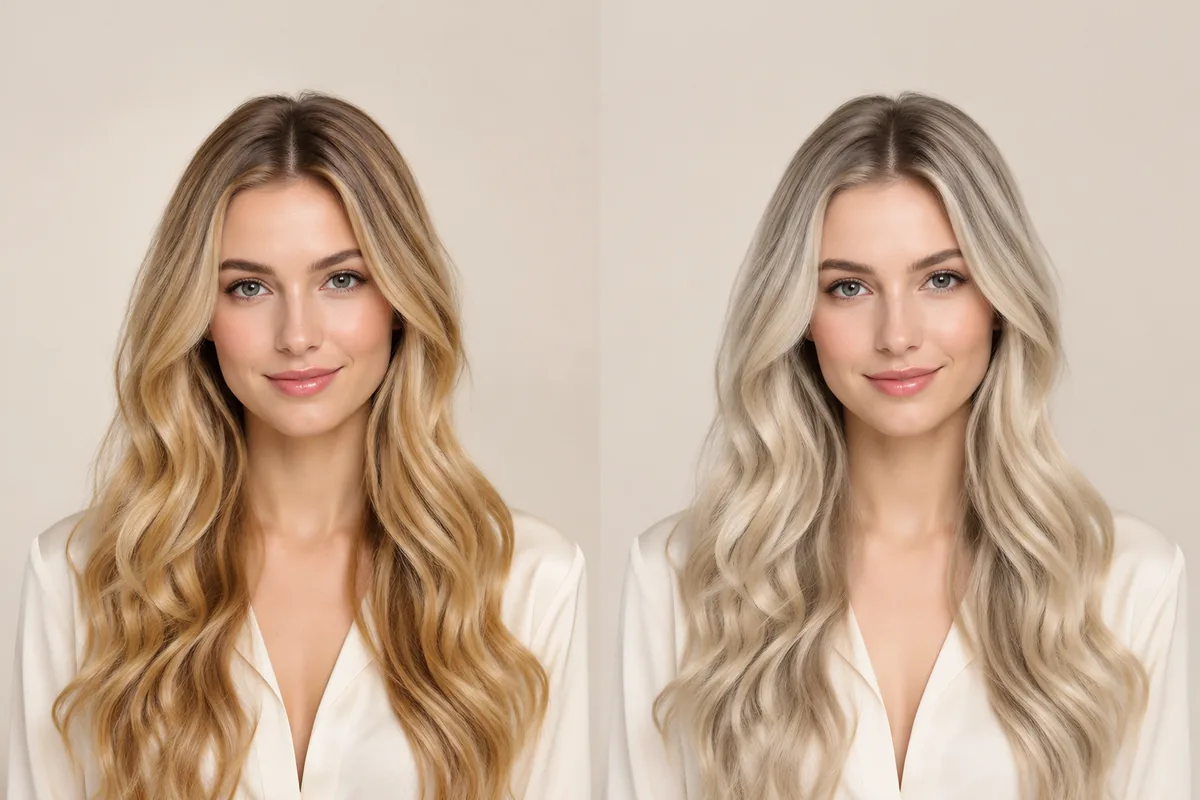
Useful for comparing
- ✓how warm or cool each blonde shade reads against your skin
- ✓how much contrast the shade creates with your brows and eyes
- ✓how a root shadow changes the read at the part line
- ✓how the same shade looks at different hair lengths
- ✓how blonde compares with your current color on one photo
Does not predict
- —wig cap construction, lace, density and fiber behavior
- —how a unit is toned in daylight or under indoor light
- —how a real unit will reflect light or fade over time
- —your natural hair color showing at the part
- —whether a specific product will fit
Photo setup
How to take a selfie for a virtual try-on
A clean, consistent portrait keeps the hairstyle or color direction as the main variable you are judging.
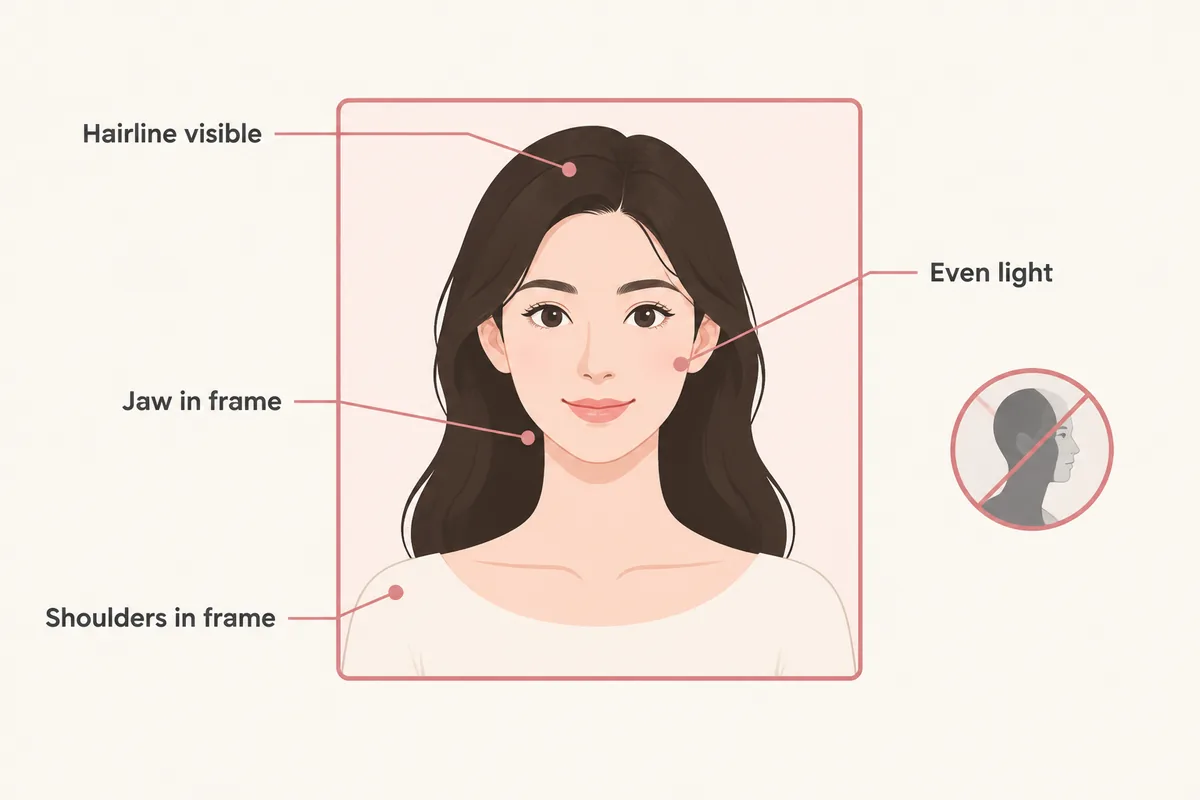
Face forward
keep your face centered and your eyes visible so both sides can be compared consistently.
Use soft, even lighting
avoid strong colored light and side shadows, especially when comparing blonde, gray, silver, or dimensional color.
Keep the hairline visible
move hats, sunglasses, hands, and heavy filters away from the forehead, ears, and hairline.
Keep the angle simple
avoid a strong tilt or mirror distortion so length, volume, and symmetry remain easier to judge.
Related tools and guides
Continue with the resource that matches your next decision
Move to a related tool or guide when your next question is about color, wigs, face shape, or comparison.
FAQ
Frequently asked questions
Can I see a blonde wig on my own photo?
Yes. Upload one front-facing portrait and the tool renders honey, golden, beige and platinum blonde on your face while the hairstyle stays the same. The first three try-ons are free, additional previews may require credits, and the original selfie is deleted within 24 hours.
Which blonde suits warm or cool skin tones?
There is no rule that locks one tone to one person. The useful test is contrast: a shade close to your own undertone blends, while a shade with the opposite tone sharpens the difference and can make the color the first thing people notice. Preview a warm and a cool shade on the same photo and compare the two rather than deciding from a description.
What is the difference between honey blonde and platinum blonde?
Honey blonde is a mid-level, warm shade with gold and caramel in it, so it reads close to light brown in low light. Platinum is the lightest level here and much cooler, which lifts the whole silhouette and creates a visible contrast at the roots. They are different decisions as much as different colors.
Does a root shadow make blonde look more natural?
It usually looks softer, because the part line is not a hard edge between dark roots and light hair. An all-over blonde gives a brighter, more uniform read with a more visible regrowth line. Both are worth previewing: the difference shows up most clearly at the top of the head.
Does the preview show the cap, lace or density?
No. The preview applies a hairstyle and a color to your photo and shows the visible shape and shade. Cap construction, lace, density, weight and fit are product details the preview cannot simulate.
Will the shade look the same in daylight?
The preview cannot answer that. Color appearance depends on the light, the surface it falls on and how the unit is toned, so a shade that reads warm indoors may read flatter outdoors. Treat the preview as a comparison between shades rather than a color measurement.