Where the ends land
shoulder, chest or below
Upload one clear portrait and preview long-hair directions from shoulder-grazing to extra long, so you can see where the length ends before you order a wig.
First 3 try-ons free · No app required · Original selfie deleted within 24h
Choose look
Quick answer
This page previews long-hair directions on your own photo so you can judge length and texture before shopping: straight below the shoulder, chest-length body wave, and extra-long styles that reach past the chest. You upload one front-facing portrait, the tool opens on a body wave long look, and each direction can be swapped while the photo stays the same. The preview applies a hairstyle to your photo — it does not simulate a wig cap, lace, fiber, density or how a real wig sits and moves, and it cannot tell you whether a specific unit will fit.
How it works
Keep the direction, selfie, and comparison method consistent so each preview answers one clear question.
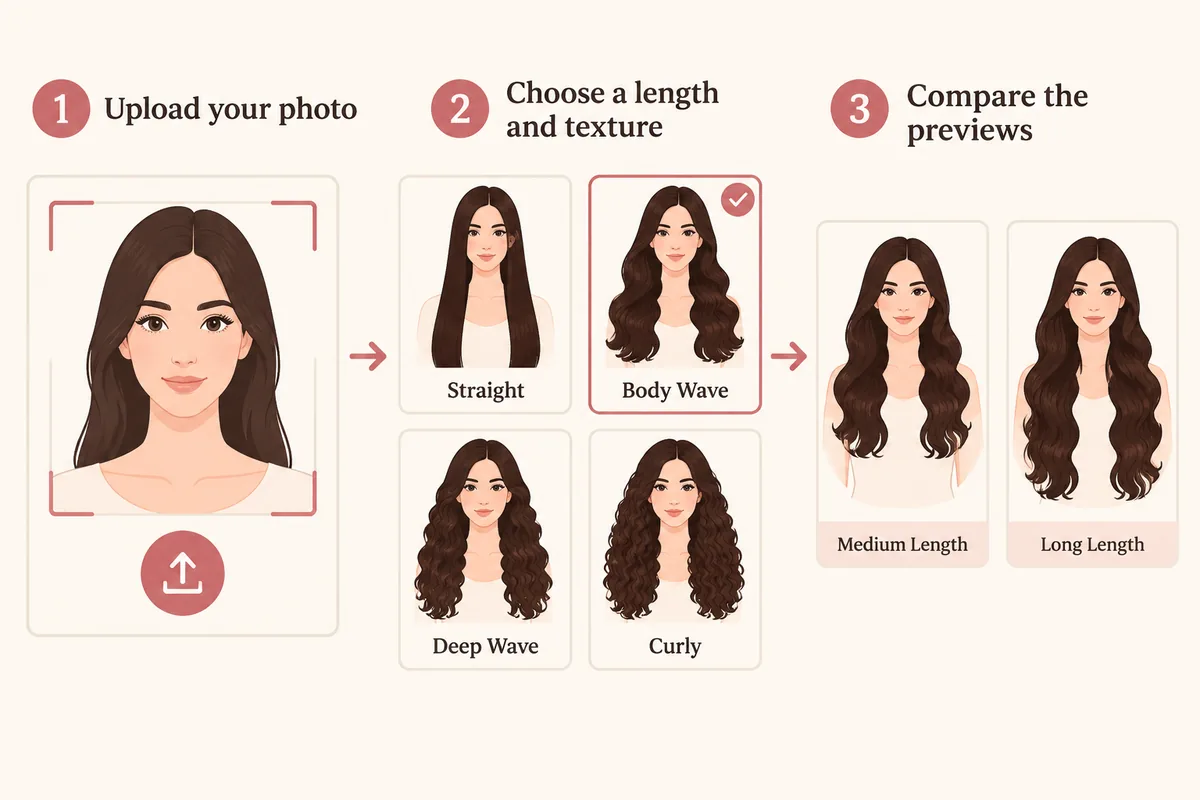
Use a front-facing portrait that keeps the shoulders and upper chest visible — a tight crop hides the endpoint you are comparing.
Start from the body wave long look the tool opens on, then switch between straight, curly and extra long.
Read where the ends land, how much width the texture adds, and how the length changes the balance of your face.
Comparison factors
Compare the visible direction first, then judge detail. These factors make a virtual try-on easier to interpret.
shoulder, chest or below
Comparison guide
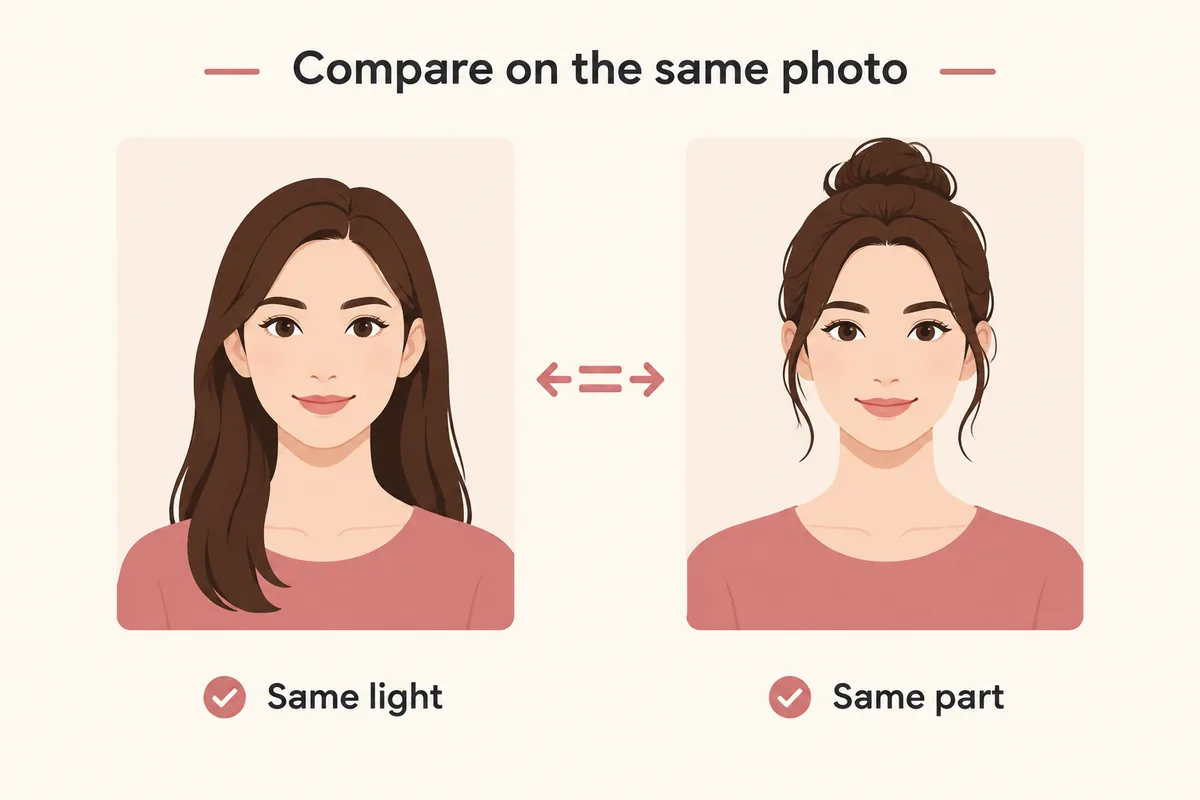
Keep one clear selfie, the same lighting, and a stable hairstyle or color direction. Change one variable at a time so each virtual try-on result is easier to compare and trust.
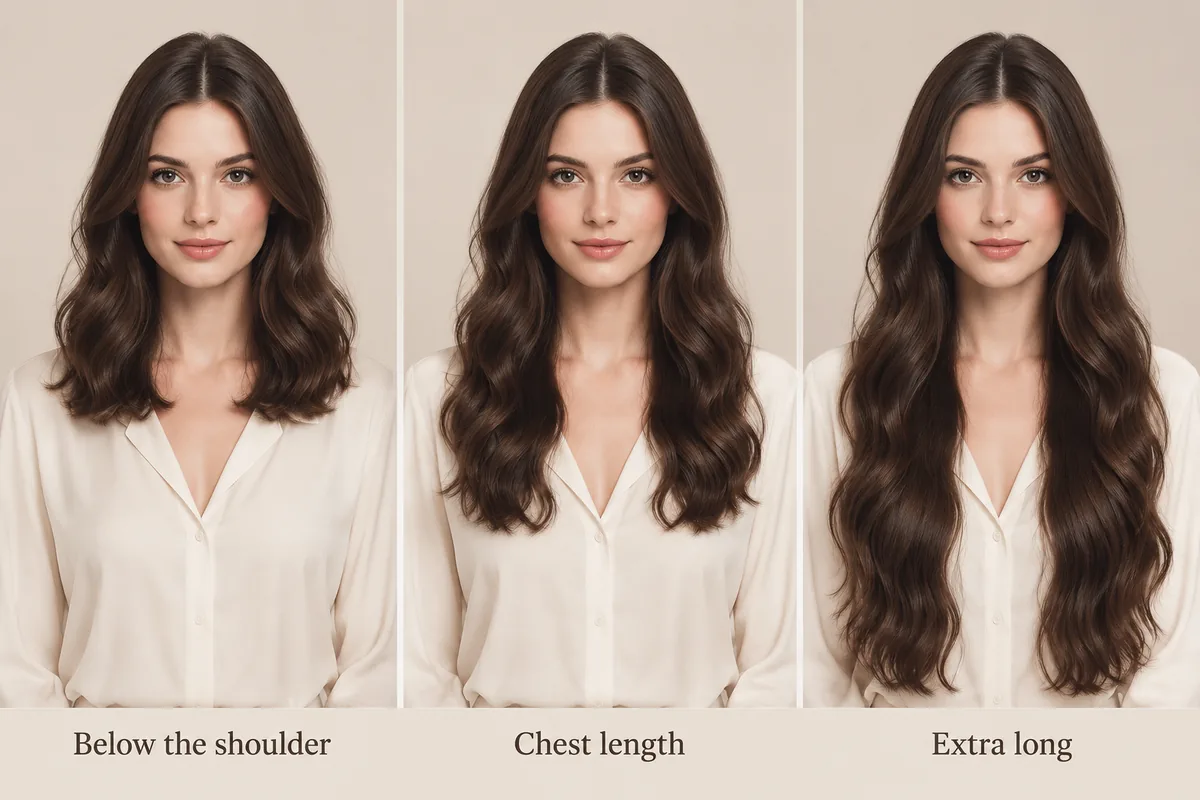
Length is easier to judge by landmark than by inches. Below the shoulder reads as a moderate change, chest length makes the hair the dominant part of the frame, and anything past the chest reads as extra long. Because a preview renders the style on your own proportions, it answers a question a number cannot: where the ends stop on you.
Texture changes the same length again. Straight hair falls narrow and shows the endpoint clearly; body wave adds width through the middle; curly hair builds a rounder outline where the curl carries the volume. Compare two textures at the same length before deciding which one you want.
This tool applies long-hair styles to your photo. It is useful for direction, length and color: you can see where the ends land and whether the texture suits your face. What it does not do is simulate a wig itself — cap construction, lace, density, fiber behavior, weight and how a unit sits on your head are not part of the preview.
Use the preview to narrow down the look you want, then check the product details and reviews for the construction questions. That keeps the two decisions separate: the style decision is visual, the fit and quality decision is product-specific.
Describe the endpoint against a landmark — just below the shoulder, at the chest, below the chest — and mention whether you want the ends blunt or layered, and how much width you want through the middle. Those three answers settle most of the ambiguity in a product listing that only quotes inches.
If you already have a photo of a wig or hairstyle you like, the reference-image flow previews that exact look on your own photo instead of a catalog style.
Style categories
Not sure where to start? Explore a few popular hairstyle directions below, then try your favorites on your own photo.
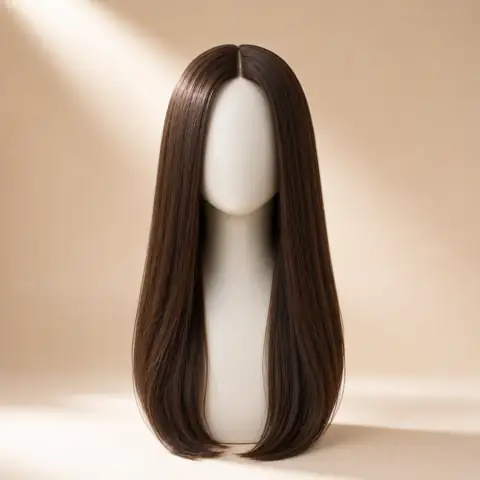
A flat, even fall below the shoulder where the endpoint is easiest to read.
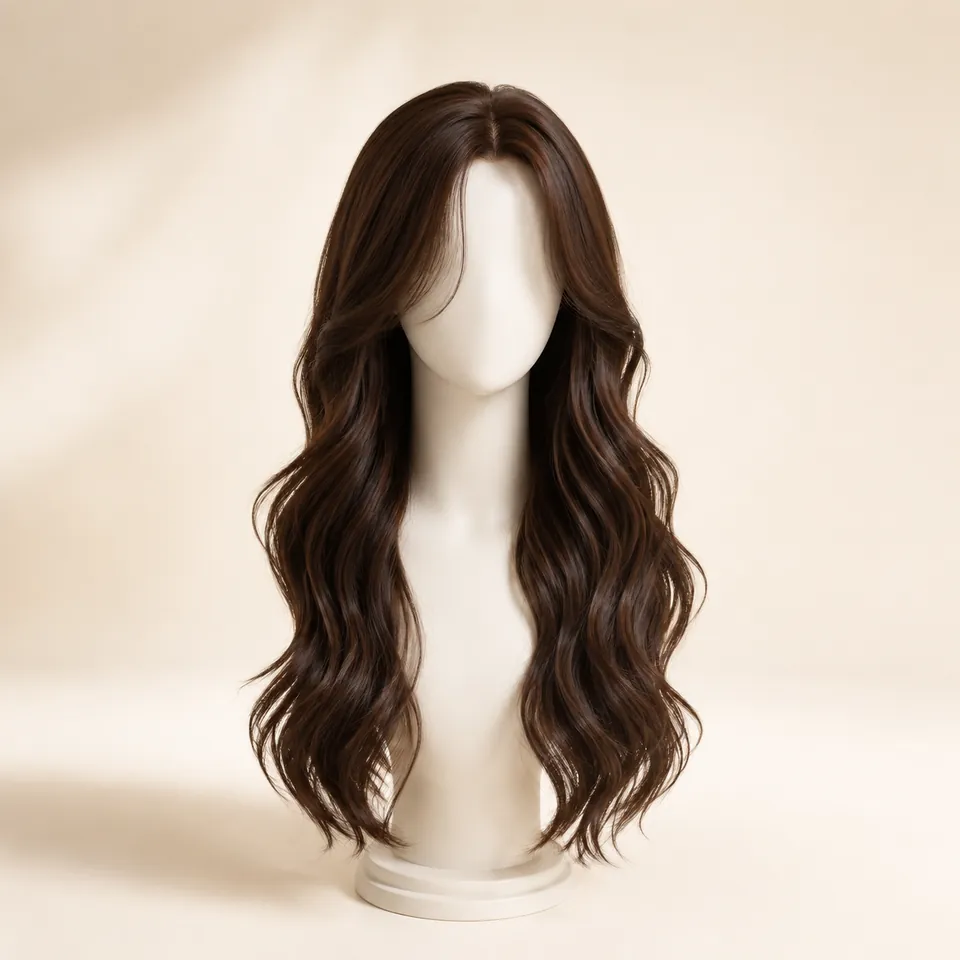
Chest length with soft wide waves that add width through the middle.
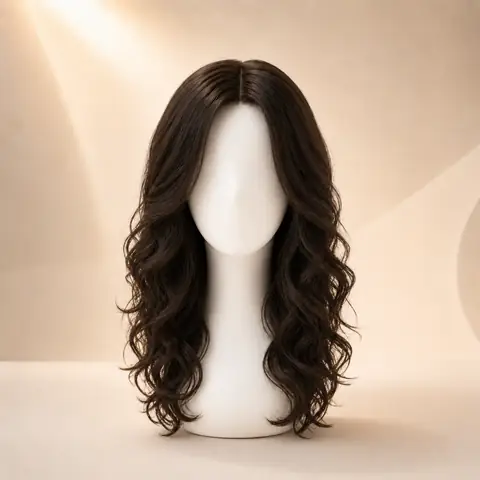
A denser, rounder outline where the curls carry the width.
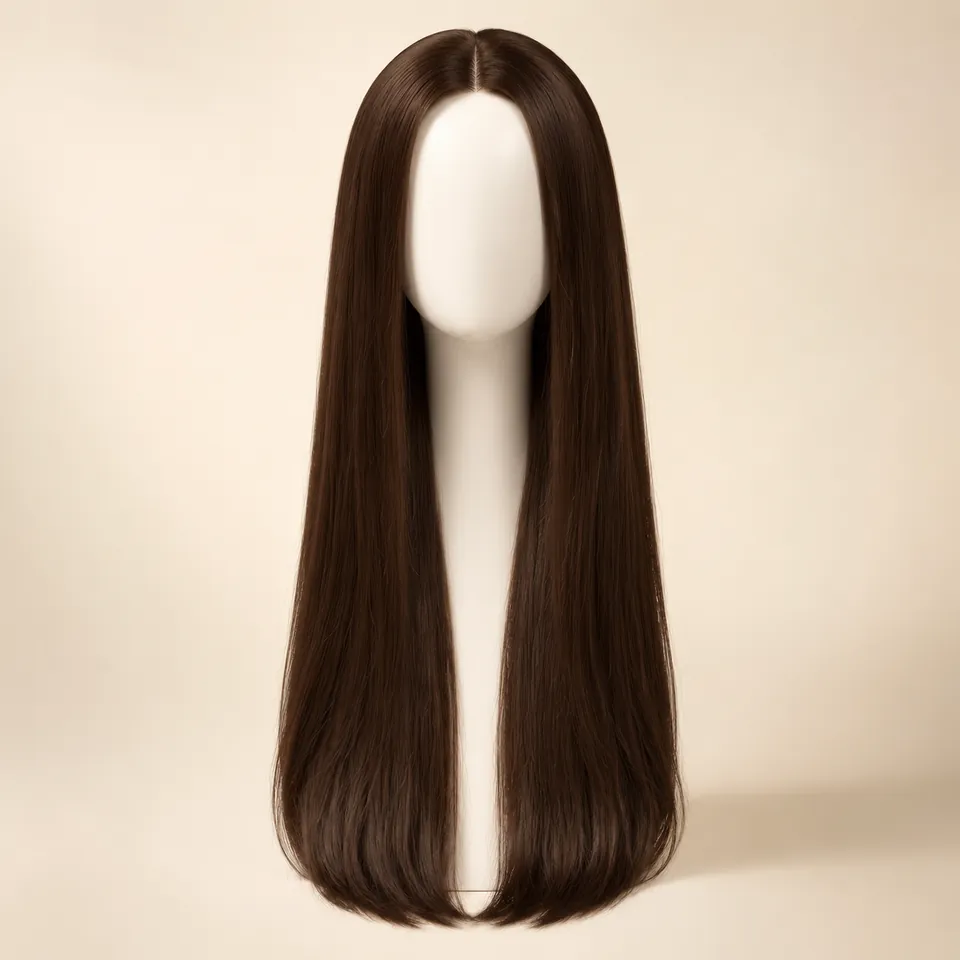
The longest preview, with the ends well past the chest.
Color options
Compare color after choosing a silhouette so contrast, warmth, and dimension stay easy to judge on the same photo.
Preview soft black or natural black hair directions.
Try this colorCompare dark brown, chocolate, chestnut, and warm brown ideas.
Try this colorTry honey blonde, golden blonde, beige blonde, or platinum tones.
Try this colorExplore a richer red-purple shade without changing your real hair.
Try this colorPreview darker roots fading into lighter ends.
Try this colorWhy use this tool
Start with a clear portrait, compare one variable at a time, and use the result as a visual reference for your next style decision.
Preview length before buying
Compare four long directions
No app required
Style inspiration only
Privacy note
WigTryAI is built for personal visualization and style inspiration. It does not sell physical wigs, beauty products, or salon services, and it does not provide commerce matching. Your generated look is meant for exploration, comparison, and optional friend feedback.
Preview limits
The card portraits and comparison figures on this page are editorial reference illustrations produced for WigTryAI; they are examples of the direction, not outputs from a real try-on, and they are not photos of customer results. It previews a hairstyle direction on your photo; it is not a wig simulator and not a promise about a specific unit.

Photo setup
A clean, consistent portrait keeps the hairstyle or color direction as the main variable you are judging.
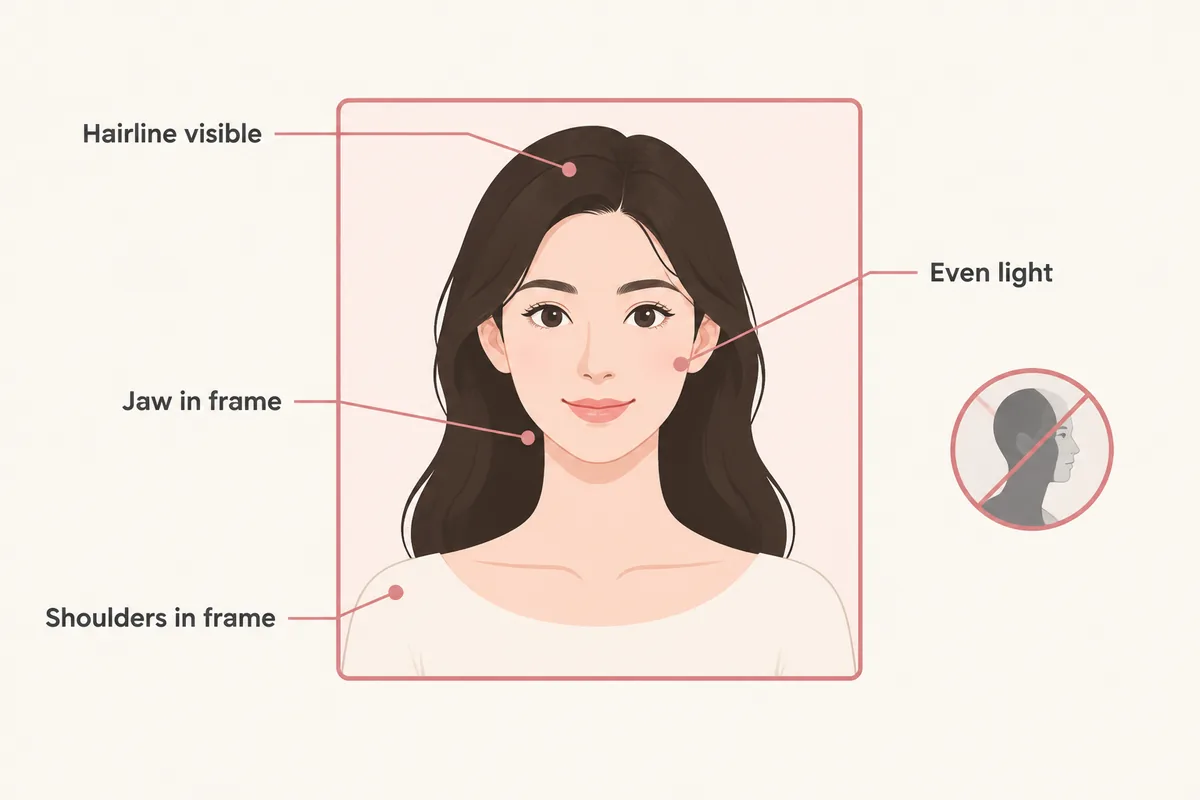
keep your face centered and your eyes visible so both sides can be compared consistently.
avoid strong colored light and side shadows, especially when comparing blonde, gray, silver, or dimensional color.
move hats, sunglasses, hands, and heavy filters away from the forehead, ears, and hairline.
avoid a strong tilt or mirror distortion so length, volume, and symmetry remain easier to judge.
Related tools and guides
Move to a related tool or guide when your next question is about color, wigs, face shape, or comparison.
FAQ
You can preview long-hair directions on your photo, which is what most length decisions need: where the ends land, how much width the texture adds and how the color reads. The preview applies a hairstyle to your portrait rather than simulating a wig cap or a specific product.
Listed inches describe the hair, not where it lands on you, because that depends on your height and head size. Use the preview to judge the endpoint against your own shoulders and chest, then compare that with the product measurements before buying.
The preview answers this better than a rule: straight hair keeps the outline narrow, body wave adds width through the middle, and curls build a rounder shape. Compare two textures at the same length on your own portrait and judge which outline you prefer.
No. The preview shows the visible hairstyle and length on your photo. Cap construction, lace, density, weight and how a unit sits on your head are product details that the preview cannot simulate.
Yes. Reference image mode takes a photo of a hairstyle or wig you like and previews that exact direction on your own portrait, which is useful when you have already shortlisted a style.