Where the ends stop
above the ear, chin or jaw
Upload one clear portrait and compare a cropped pixie, a chin-length bob and a short layered cut on your own face before you order a unit.
First 3 try-ons free · No app required · Original selfie deleted within 24h
Choose look
Quick answer
This page previews short directions on your own photo: a cropped pixie above the ears, a chin-length bob that covers the top of the ear, and a short layered cut ending at the jaw. You upload one front-facing portrait, the tool opens on a chin-length bob, and each length can be swapped while the photo stays the same. The preview applies a hairstyle to your photo — it does not simulate a wig cap, lace, density or how a unit sits, and it cannot tell you whether a product will fit.
How it works
Keep the direction, selfie, and comparison method consistent so each preview answers one clear question.
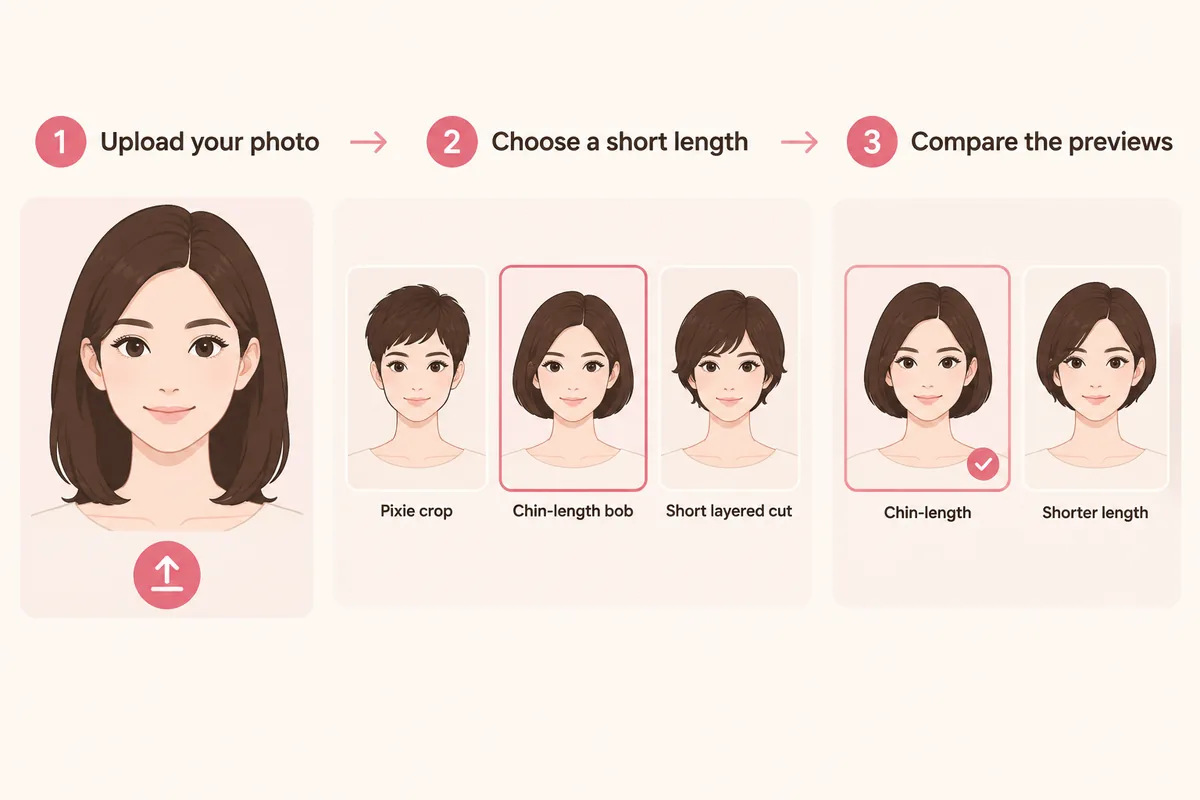
Use a front-facing portrait with the hairline, ears and jaw visible — a short cut exposes all three.
Start from the chin-length bob the tool opens on, then switch to cropped, jaw length or a long pixie.
Read where the ends stop, how much ear and neck shows, and how wide the outline becomes.
Comparison factors
Compare the visible direction first, then judge detail. These factors make a virtual try-on easier to interpret.
above the ear, chin or jaw
Comparison guide
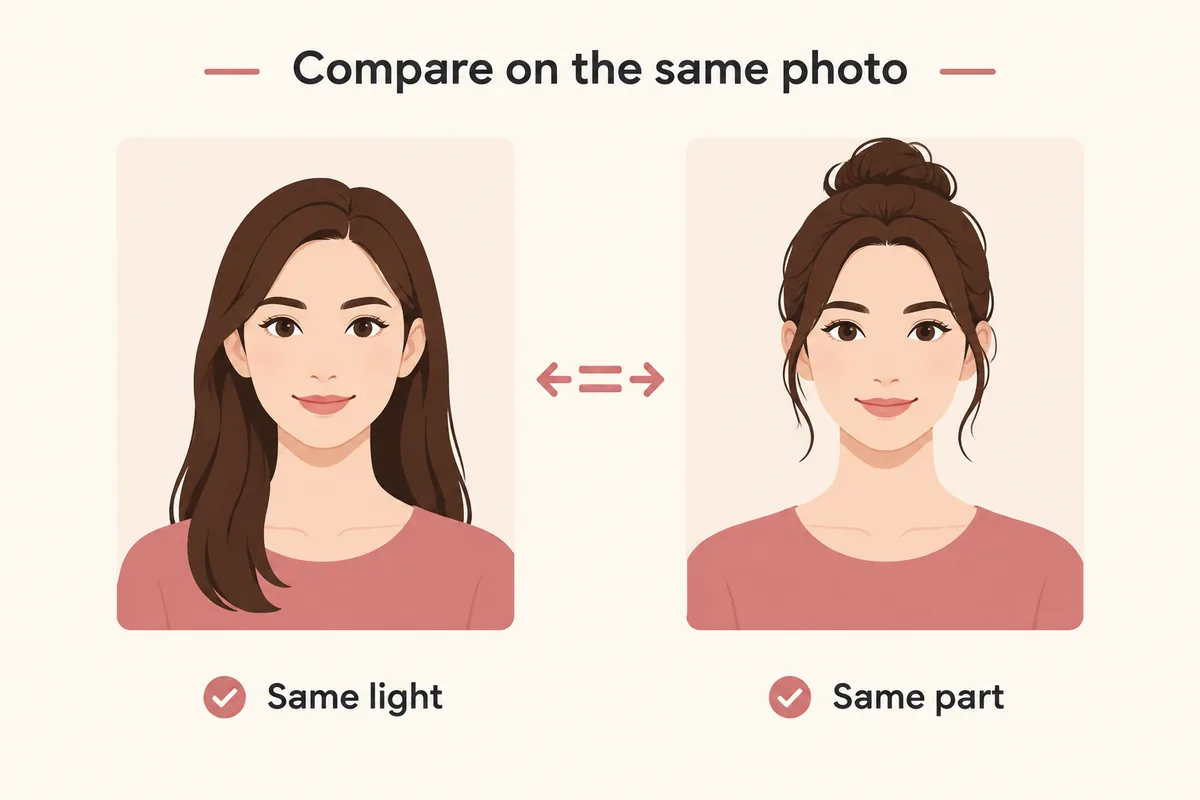
Keep one clear selfie, the same lighting, and a stable hairstyle or color direction. Change one variable at a time so each virtual try-on result is easier to compare and trust.
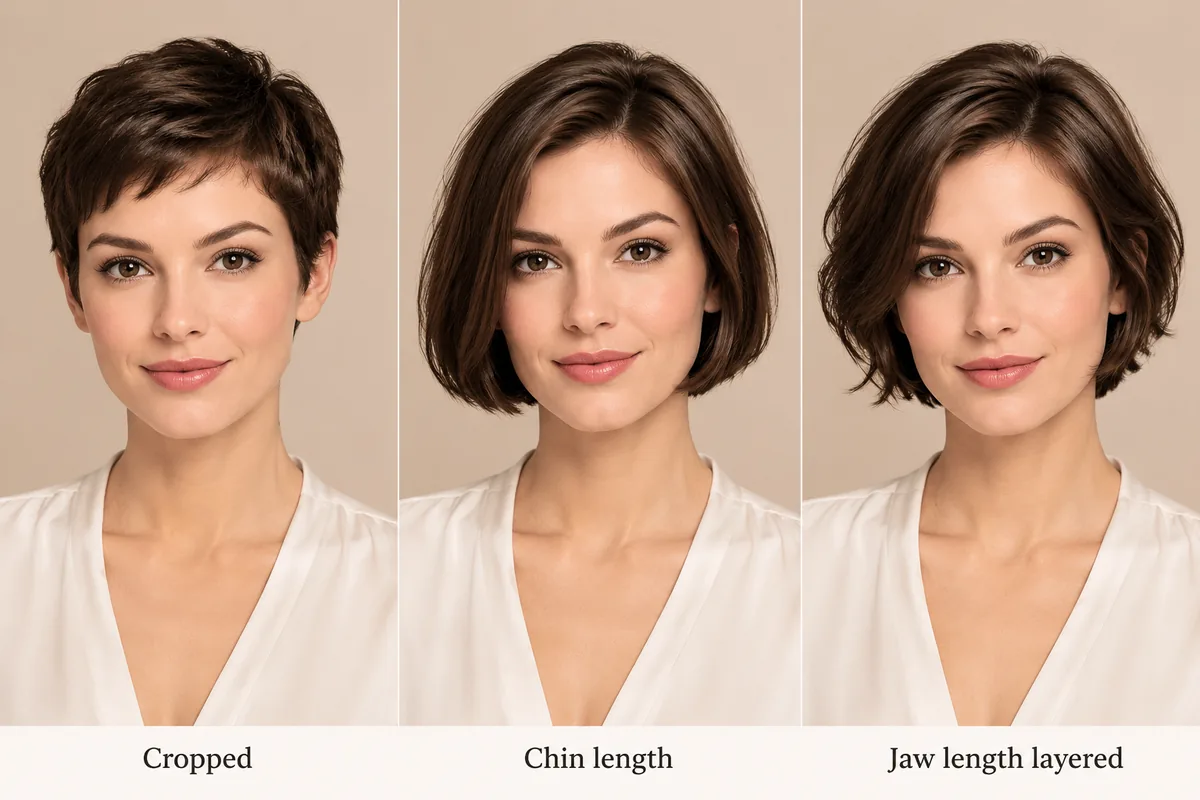
Short hair changes more than length: it exposes the ears, the jaw and the neck, and it moves the visual weight of the hair up toward the crown. That is why two people can wear the same chin-length bob and read completely differently — the difference is how much of the face and neck stays uncovered.
Compare three points on your own photo before deciding: where the ends stop, how much of the ear stays covered, and how wide the outline sits at the cheeks. Those three observations describe the cut better than any length in inches.
The tool renders a hairstyle onto your photo, which settles the visual questions: length, shape, how much ear and neck shows and how the color reads on you. It does not simulate a wig itself — cap construction, lace, density, fiber behavior, weight and how a unit sits are outside the preview.
Choose the shape here, then check the product page for construction and measurements. A short unit also has less weight and less coverage than a long one, and no preview can tell you how that feels on your head.
A short cut grows out through a visible awkward stage around the ears and nape, which is one reason people keep several lengths in rotation. If you are unsure how short to go, preview the chin-length and jaw-length versions first; they are the easiest to live with over a longer period.
Style categories
Not sure where to start? Explore a few popular hairstyle directions below, then try your favorites on your own photo.
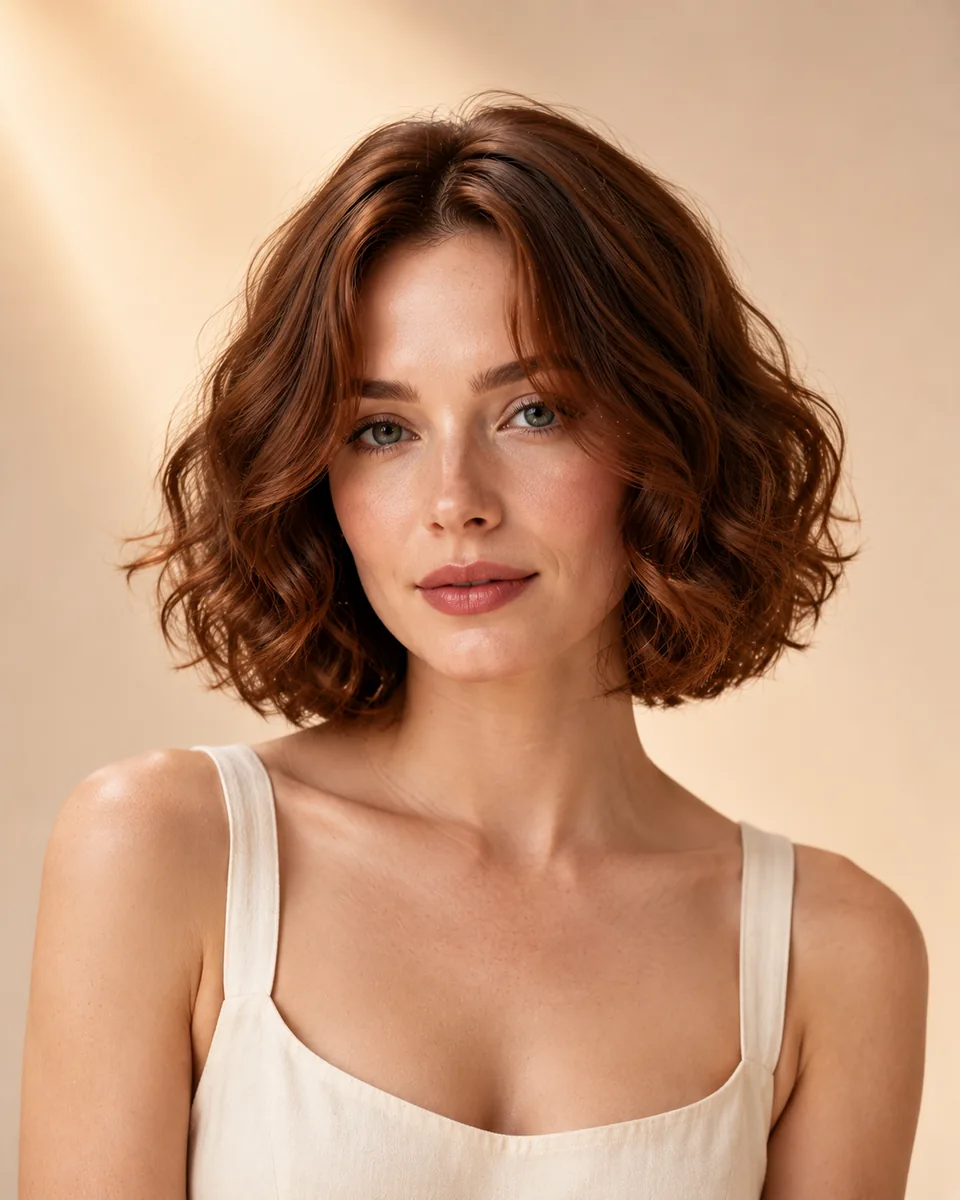
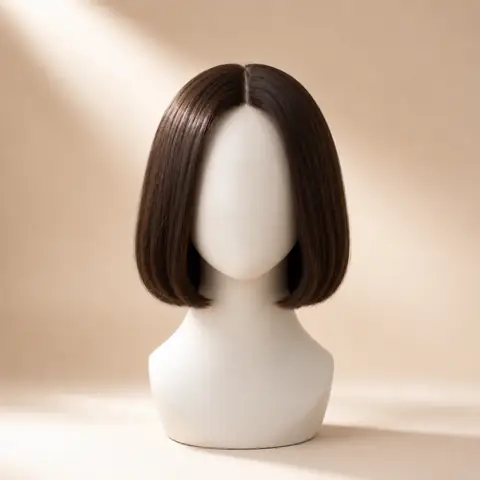
Ends at the chin and covers the top of the ear, leaving the neck open.

The shortest option here, cut above the ears with the jaw fully exposed.
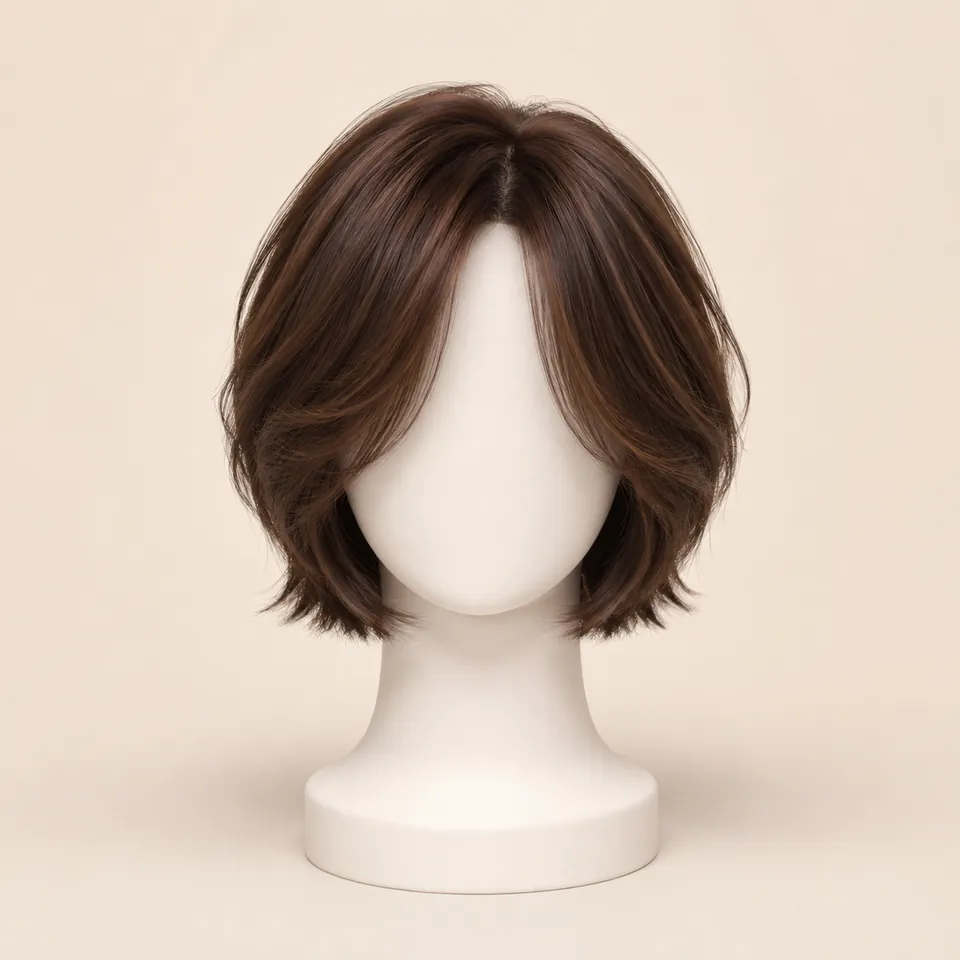
Ends at the jaw with visible layers that soften the outline.
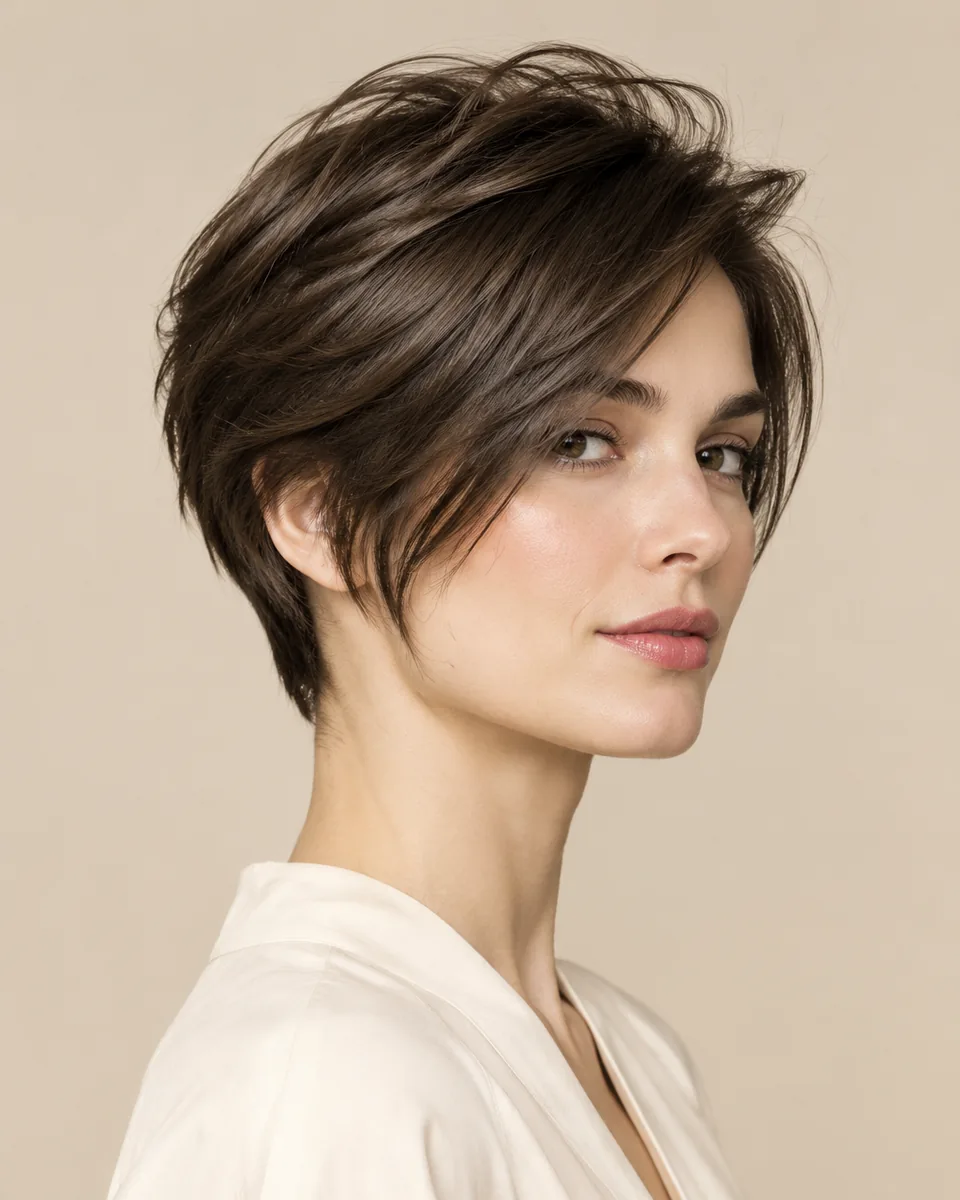
Longer front pieces reaching the cheekbone while the back stays short.
Color options
Compare color after choosing a silhouette so contrast, warmth, and dimension stay easy to judge on the same photo.
Preview soft black or natural black hair directions.
Try this colorCompare dark brown, chocolate, chestnut, and warm brown ideas.
Try this colorTry honey blonde, golden blonde, beige blonde, or platinum tones.
Try this colorExplore a richer red-purple shade without changing your real hair.
Try this colorPreview darker roots fading into lighter ends.
Try this colorWhy use this tool
Start with a clear portrait, compare one variable at a time, and use the result as a visual reference for your next style decision.
Preview the length before buying
Compare four short directions
No app required
Style inspiration only
Privacy note
WigTryAI is built for personal visualization and style inspiration. It does not sell physical wigs, beauty products, or salon services, and it does not provide commerce matching. Your generated look is meant for exploration, comparison, and optional friend feedback.
Preview limits
The card portraits and comparison figures on this page are editorial reference illustrations produced for WigTryAI; they are examples of the direction, not outputs from a real try-on, and they are not photos of customer results. It previews a hairstyle direction on your photo; it is not a wig simulator and not a promise about a specific unit.

Photo setup
A clean, consistent portrait keeps the hairstyle or color direction as the main variable you are judging.
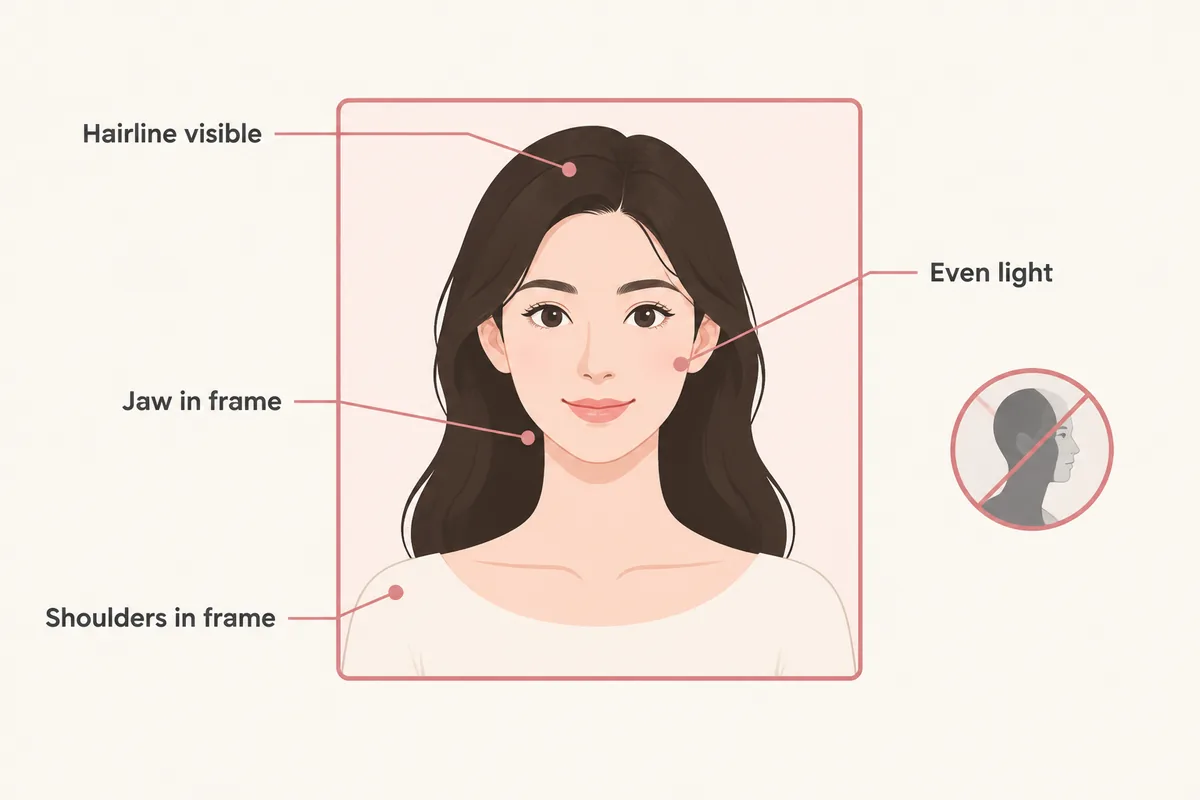
keep your face centered and your eyes visible so both sides can be compared consistently.
avoid strong colored light and side shadows, especially when comparing blonde, gray, silver, or dimensional color.
move hats, sunglasses, hands, and heavy filters away from the forehead, ears, and hairline.
avoid a strong tilt or mirror distortion so length, volume, and symmetry remain easier to judge.
Related tools and guides
Move to a related tool or guide when your next question is about color, wigs, face shape, or comparison.
FAQ
Yes. Upload one front-facing portrait and the tool renders a cropped pixie, a chin-length bob, a jaw-length layered cut and a long pixie on your face. The first three try-ons are free, additional previews may require credits, and the original selfie is deleted within 24 hours.
Chin length is the easiest starting point because it leaves the neck open and still covers the top of the ear. A cropped pixie exposes the whole ear and jaw, so it is a bigger change. Compare both on the same photo and judge how much of the ear you want visible.
No. The preview applies a hairstyle to your photo and shows the visible shape, length and color. Cap construction, lace, density, weight and fit are product details the preview cannot simulate.
That depends on density rather than length, which the preview cannot measure. Short units show the shape immediately, so a layered version reads softer than a one-length cut. Compare a layered and a blunt short option, then check the product's density description.
Not directly. The preview shows single lengths, not the months between them. A useful workaround is comparing chin length and jaw length, since the stages in between are shorter versions of that same shape.