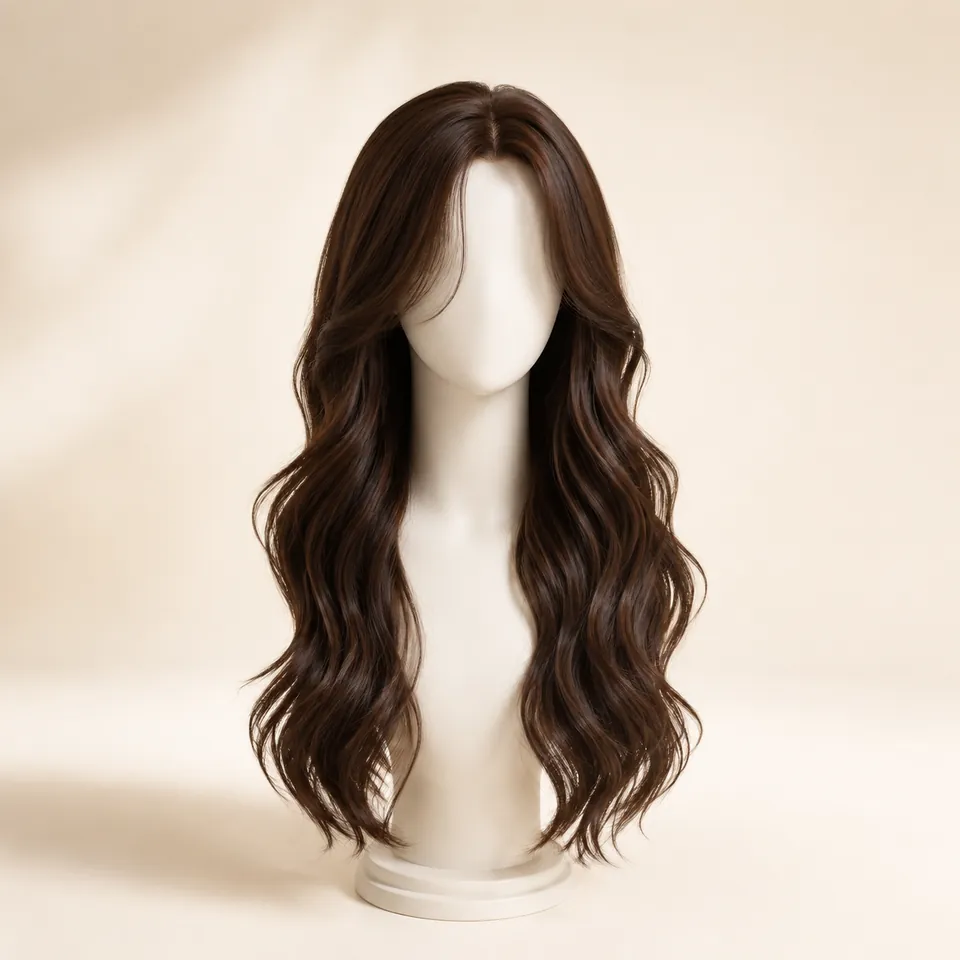
Choose a hairstyle
Pick a cut or texture from the library, then set the available length and optional hair color. Start with one question, such as whether a bob or longer cut frames your face better.
Try hairstyles virtually on your own photo. Choose a cut, length, texture, or hair color, then upload one selfie and see the look on yourself before you commit.
First 3 try-ons free · No app required · Original selfie deleted within 24h
Choose look
How it works
Choose a hairstyle, upload one clear photo, then generate and compare. Optional length and color choices belong in step 1; reviewing the result belongs in step 3.
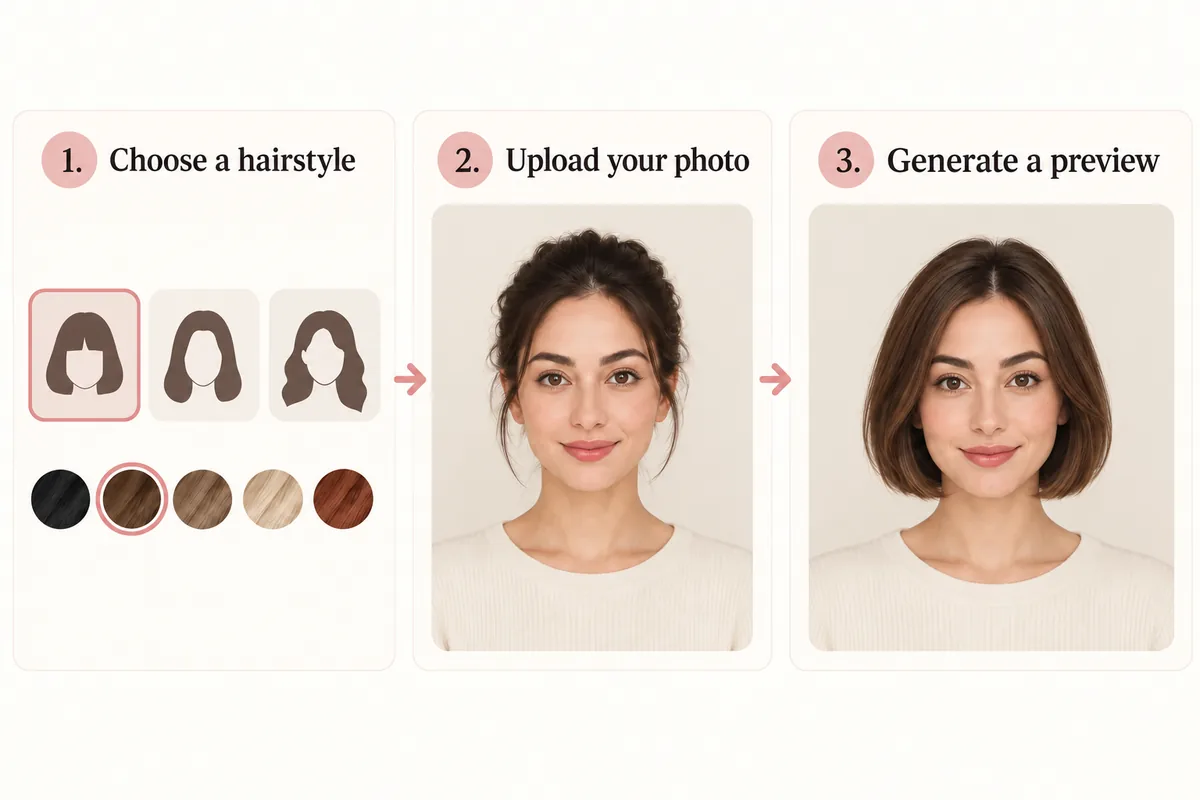
Pick a cut or texture from the library, then set the available length and optional hair color. Start with one question, such as whether a bob or longer cut frames your face better.
Use a centered, front-facing portrait in even light. Keep your forehead, hairline and shoulders visible, and reuse this photo for each comparison.
Generate a preview, check that your face still looks like you, then compare the hair outline and endpoint. Change one variable for the next preview; each requested image uses one credit.
AI illustration of the workflow; the preview images are examples, not product screenshots.
Comparison factors
Check the outline and endpoint first, then the front detail and color. Compare the same feature in every result. The bob and lob image is an AI illustration of length, not an actual try-on result.
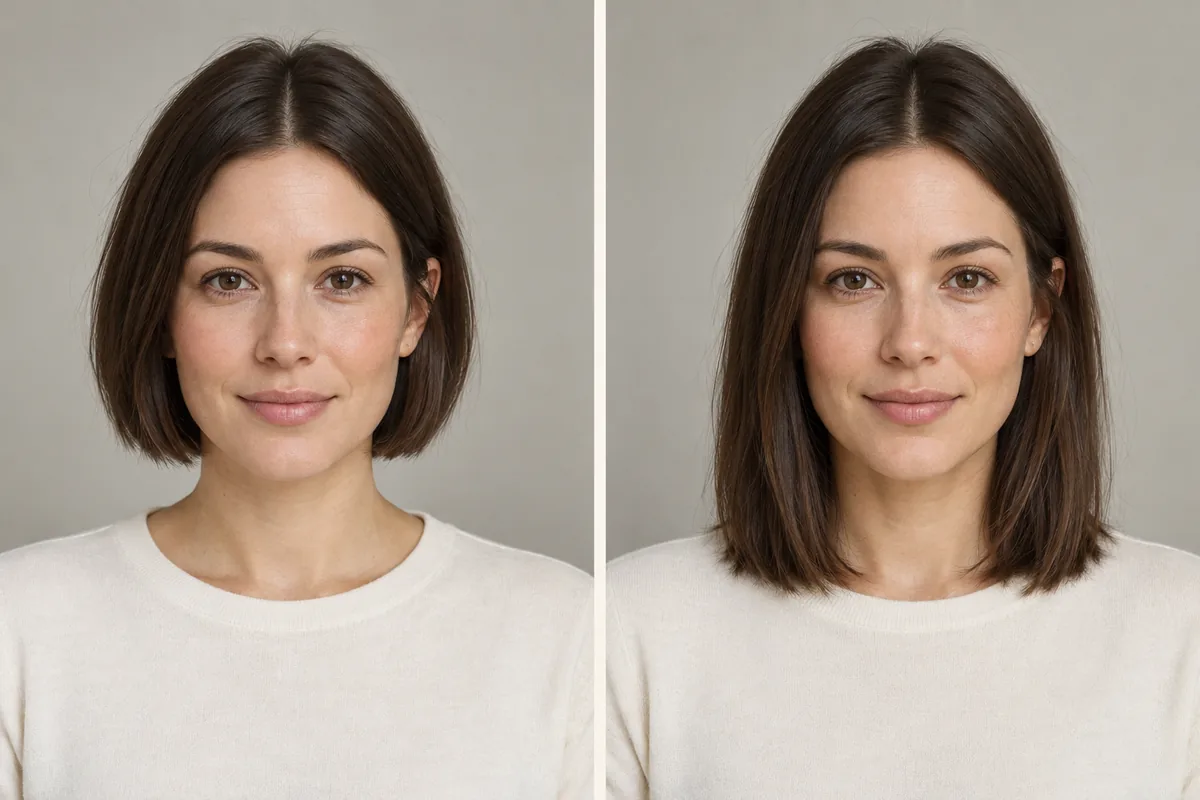
Compare the widest part of the outline and whether the ends stop at the chin, collarbone or shoulders.
Look at where front layers begin beside the cheeks and jaw; note whether the part opens or covers the forehead.
Check where fullness sits: crown, cheek level or ends. A fuller preview does not establish your real hair density.
Compare forehead coverage and the shortest fringe pieces. Keep length and color steady for a fringe comparison.
Compare shade depth and warmth against your skin and brows with the same cut and lighting.
Write down questions about styling, trims and upkeep for a stylist; a generated image cannot answer them.
Same-photo comparison
One useful comparison changes one hair variable while holding the portrait constant.
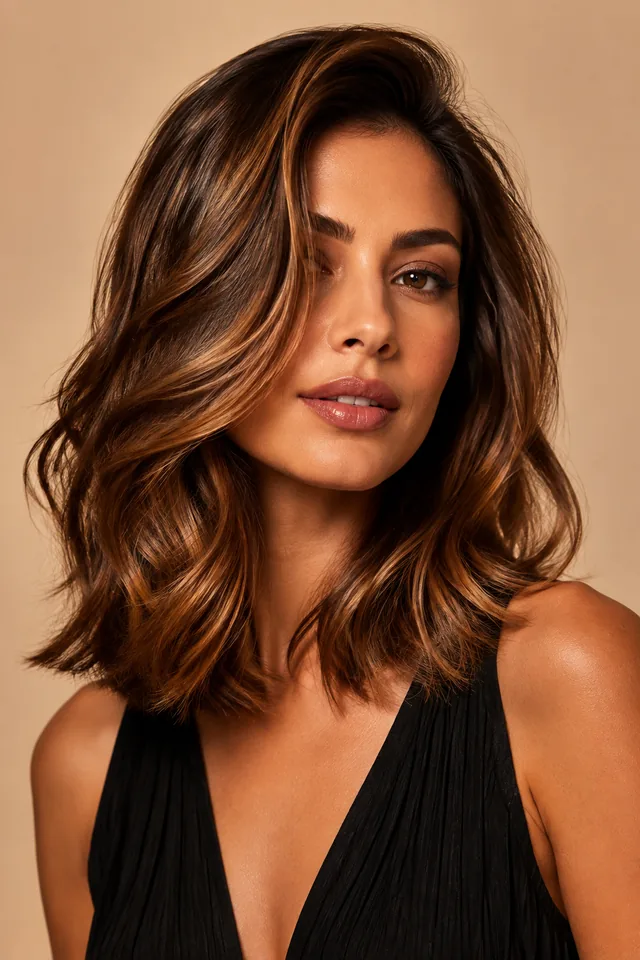
Start with a question you can answer from the image: do the ends frame the jaw or the shoulders, and how much forehead stays visible? Compare the hair rather than changes to the face or lighting.
Compare a bob and a longer cut in the same color first. To test bangs, keep the cut and shade steady. To test color, keep the length and texture steady. Changing all three together makes the winning detail hard to identify.
Look for a shifted jawline, missing ears, uneven hair edges or an implausible hairline. If the face changes noticeably, use another preview before judging the hairstyle. Bring a favorite image and a specific question to a stylist.
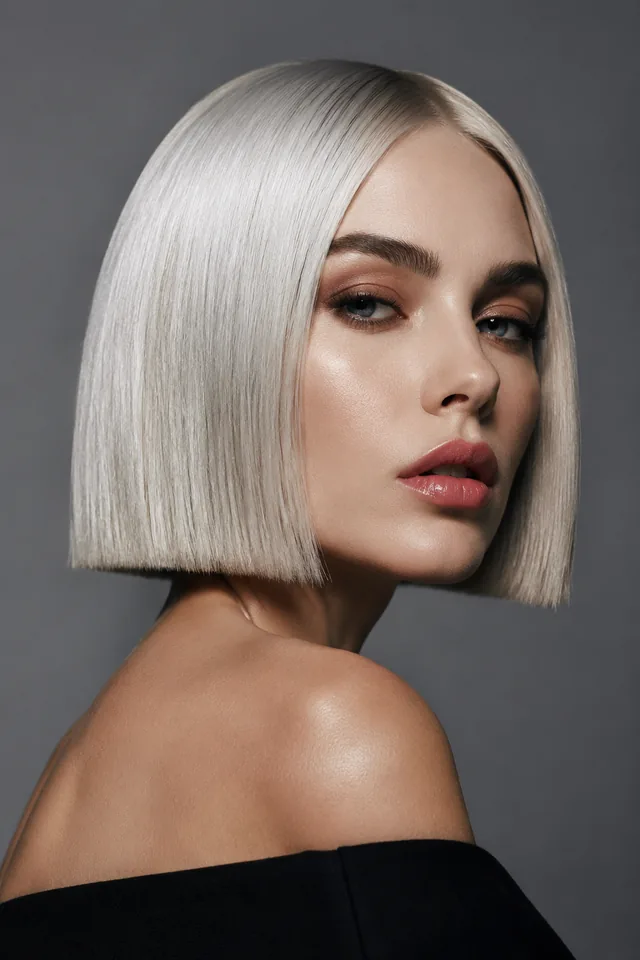
Hairstyle inspiration: notice where the front layers begin and where the ends sit near the shoulders. This reference is not a preview on your photo.
Compare a look on my photo →Reference photo try-on
Yes. Use Reference Hairstyle Try-On when you already have a hairstyle image you are permitted to use. The reference guides cut, length, texture and color together; choose presets here when you want to control those choices separately.
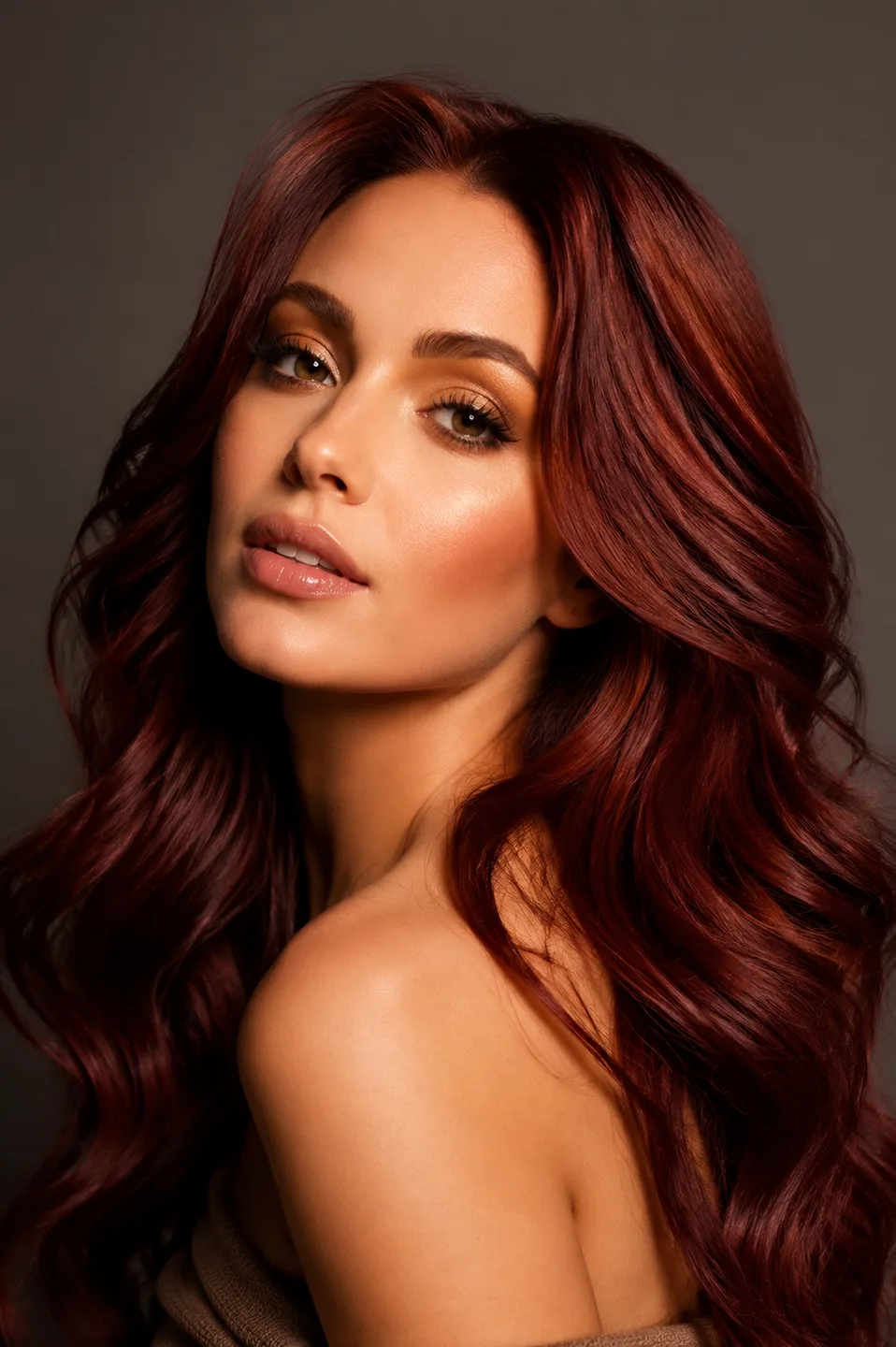
The reference supplies the hairstyle and color direction.
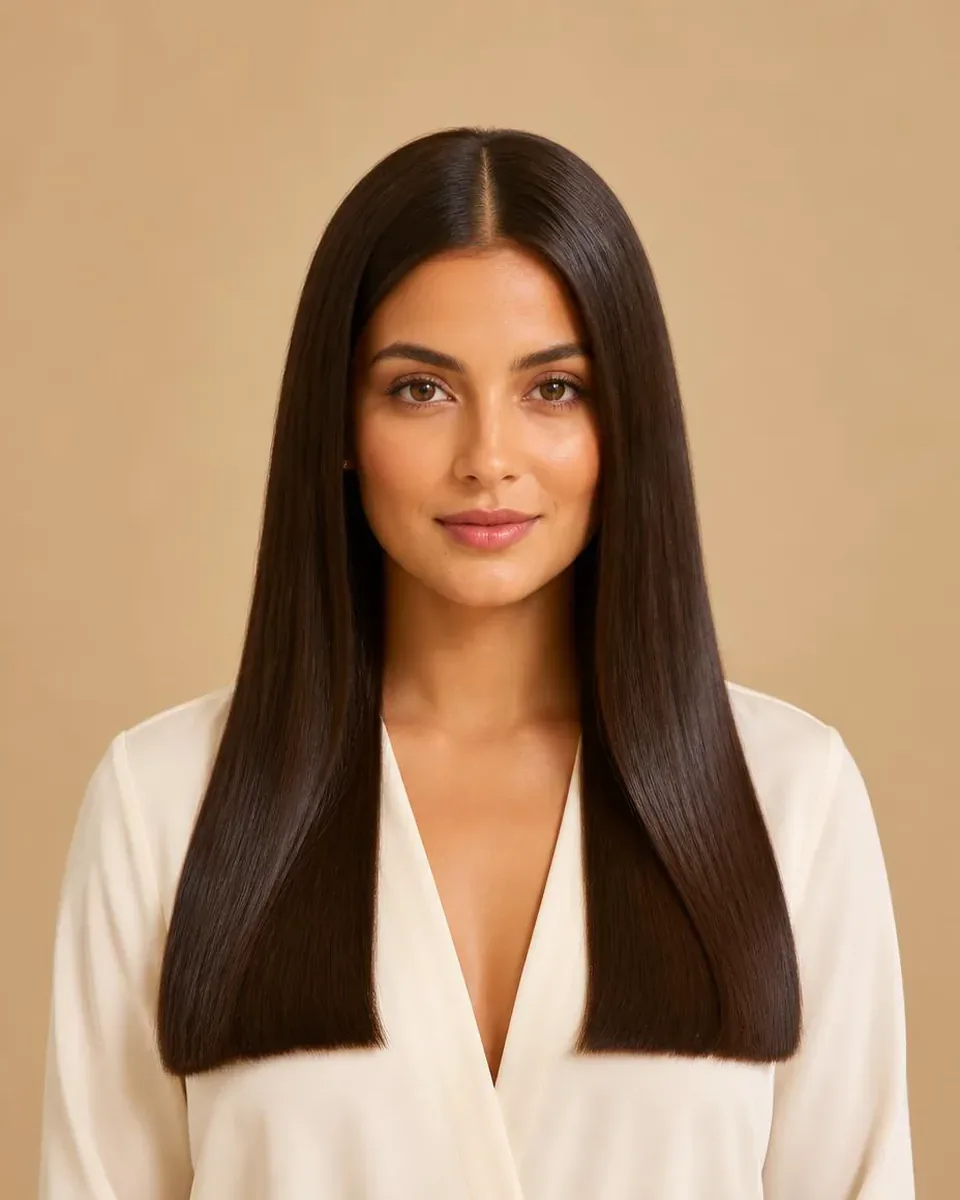
Your portrait supplies the face, pose, outfit and scene.
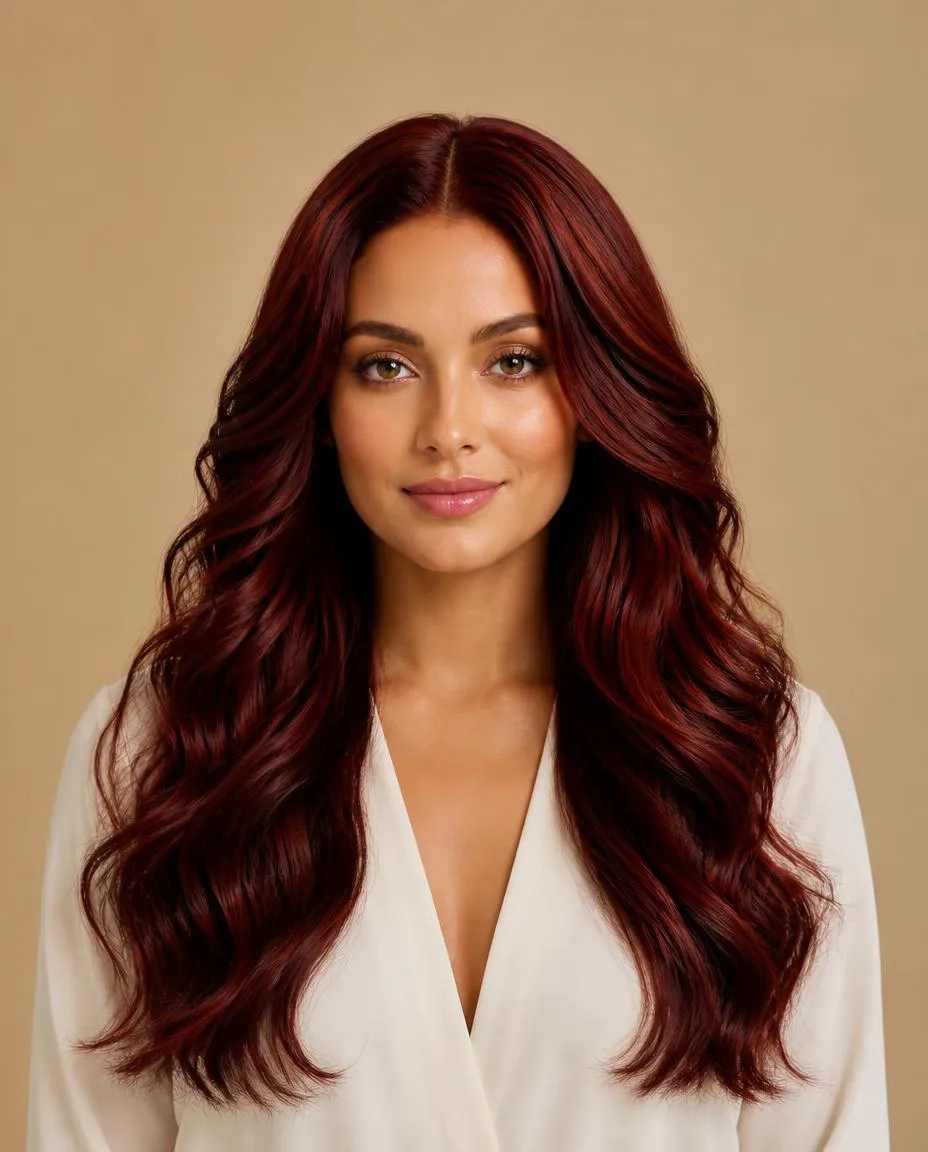
Review the transferred hair direction and check for unintended changes.
An existing WigTryAI reference-image demonstration, not a real salon before-and-after. The reference portrait and input portrait are different people.
Try a reference hairstyle on your photo · For shades with your current hairstyle, use Hair Color Try-On.
Photo setup
Use one clear portrait with an unobstructed face. A consistent photo makes differences in the hairstyle easier to judge.
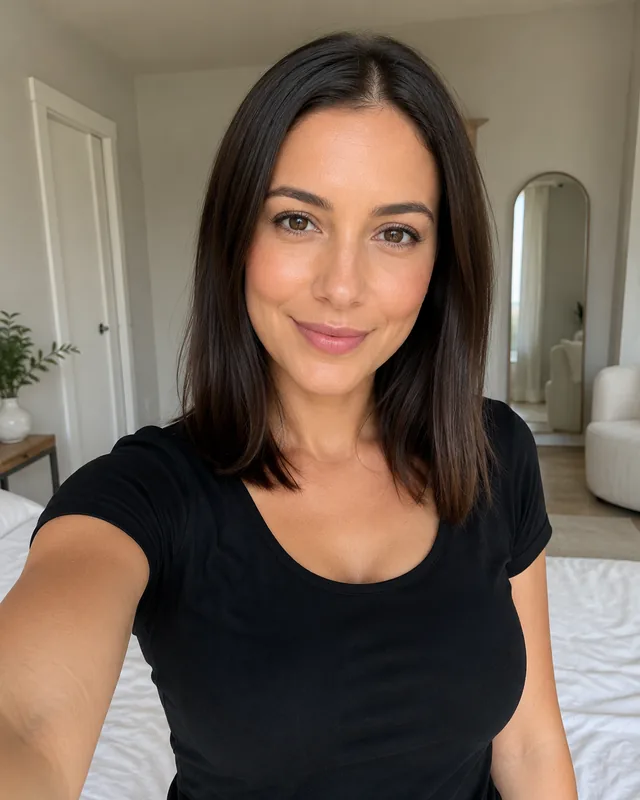
Review photo privacy and retention before uploading. Your original selfie and generated previews have different retention periods.
Preview limits
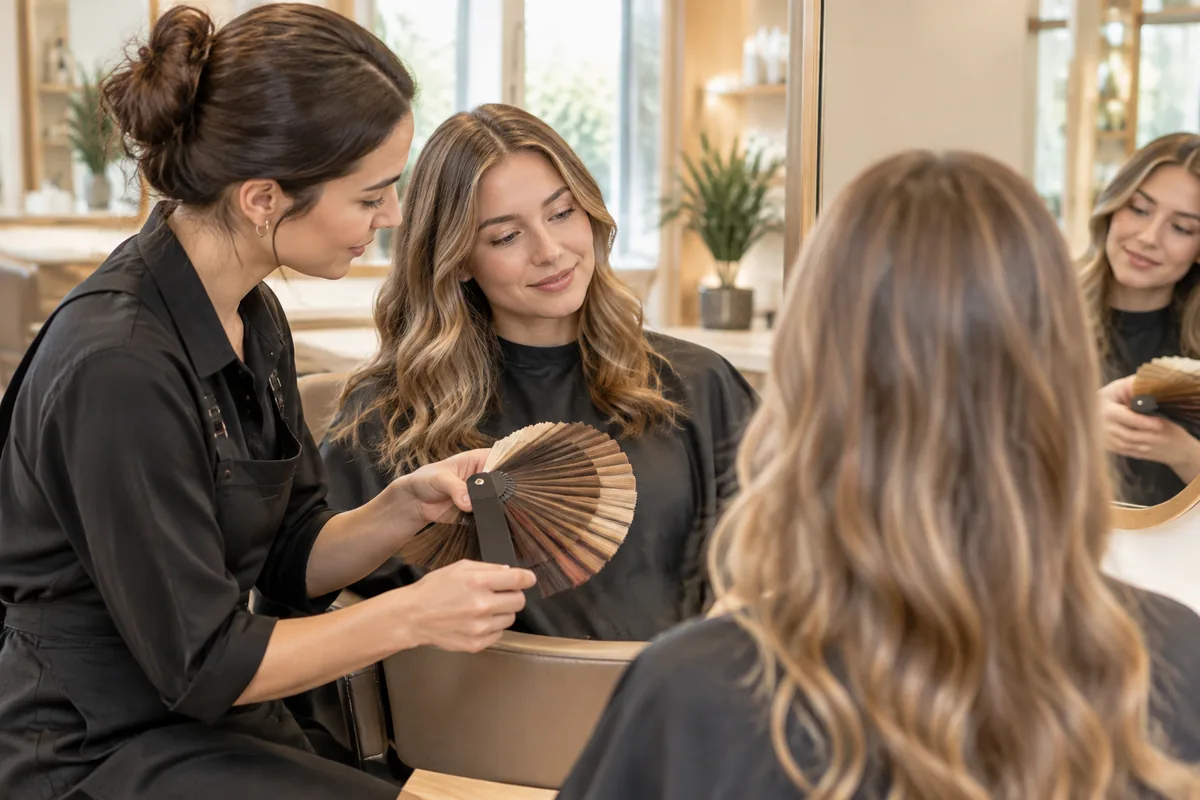
It can show a possible hairstyle direction on your photo. It cannot establish how a real cut, dye or styling routine will work with your hair. The salon image is an AI illustration of a consultation, not a documented appointment.
Related tools and guides
Use a reference photo for a specific look, Hair Color Try-On to test shades with your current hairstyle, or a bob and bangs guide to narrow the cut. The platinum bob is hairstyle inspiration, not a prediction of a coloring result.
FAQ
Yes. Your first 3 WigTryAI hairstyle generations are free. Choose a look, upload one clear portrait and generate a preview in your browser. Additional generations may require credits; the first generation can be anonymous, and later generations may require sign-in.
Step 1: choose a hairstyle, available length and optional color. Step 2: upload a clear, front-facing photo in even light. Step 3: generate and compare the preview with your original portrait, then change one variable for the next look.
Reuse one portrait and compare one feature at a time. Start with length and silhouette, then test bangs or texture, and compare color with the cut held steady. Check that your face, expression and lighting have not changed noticeably before choosing a favorite.
Yes. WigTryAI runs in a web browser on mobile and desktop, so you do not need to download an app. Generation uses an AI service; it is not performed entirely on your device.
Yes. Reuse your uploaded selfie for each preview while changing the selected hairstyle. Keeping the input photo steady helps you compare length, volume and face framing.
Yes. Select another color while keeping the hairstyle and portrait steady. For a color change using your current hairstyle, use Hair Color Try-On. Generated shades are a visual direction, not a dye formula.
It can help compare visible length, silhouette, texture, bangs and color direction. Review the face, hairline and edges for unintended changes. It cannot guarantee a real haircut, salon result or styling routine.
Not for the first generation. You can make your first preview anonymously; later generations may require an account and available credits.
Yes. Use Reference Hairstyle Try-On with a hairstyle image you are permitted to use and a clear portrait. The reference guides the visible cut, texture, length and color together; it does not guarantee an exact copy.
Original selfies are automatically deleted from WigTryAI storage within 24 hours. Generated previews have a separate retention period and are automatically deleted within one year. Review the Privacy Policy for sharing and deletion details.