A NEW WAY TO FIND YOUR LOOK
Find Your Next Hairstyle. Try It on Your Photo.
Preview hairstyles, colors and wig-inspired looks before making the real change.
WigTryAI is a browser-based AI tool for previewing hairstyles, hair colors and wig-inspired looks on your photo. Browse a reference below, or open a focused tool to see a direction on your own face.

YOUR NEXT LOOK STARTS HERE
Find a hairstyle to make your own.
Choose a reference. See the direction on your photo.
Loading…
THE EDIT
Trending now.
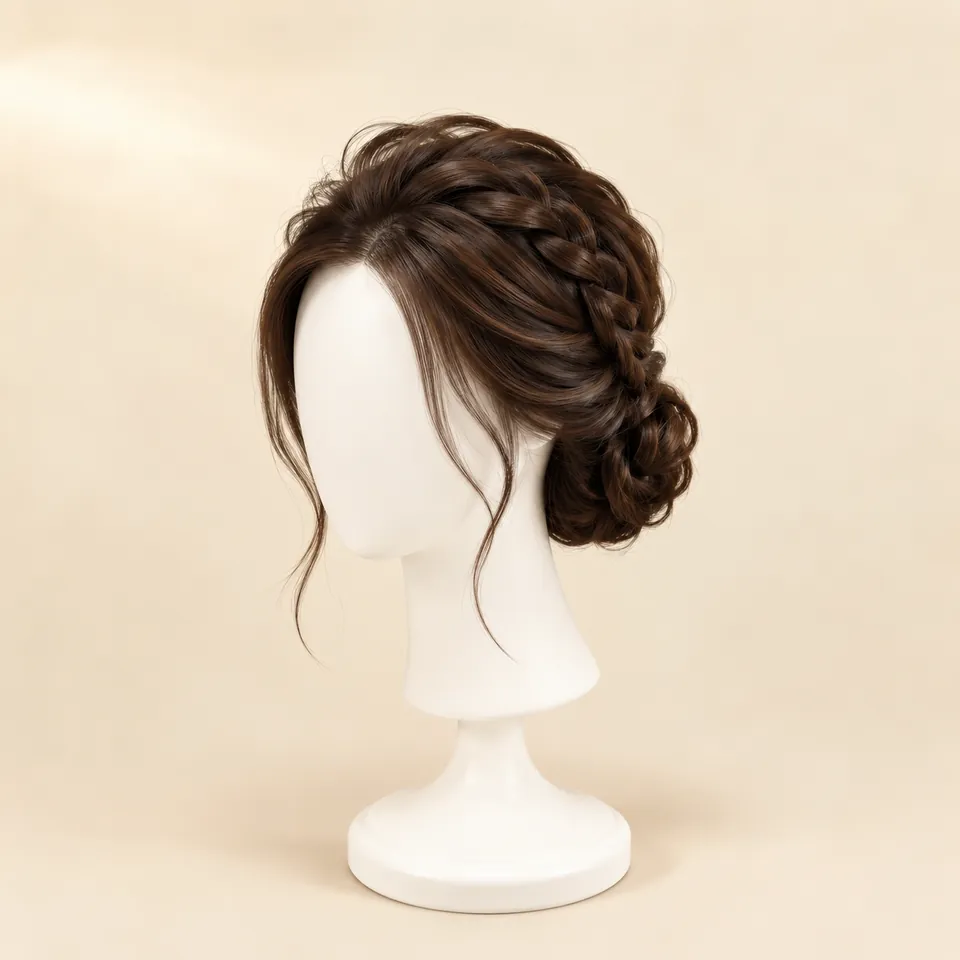
Hairstyle references selected by our editors. Hover or focus on the first four to see a try-on example.


ONE PHOTO. A DIFFERENT DIRECTION.
See before you change your hair.
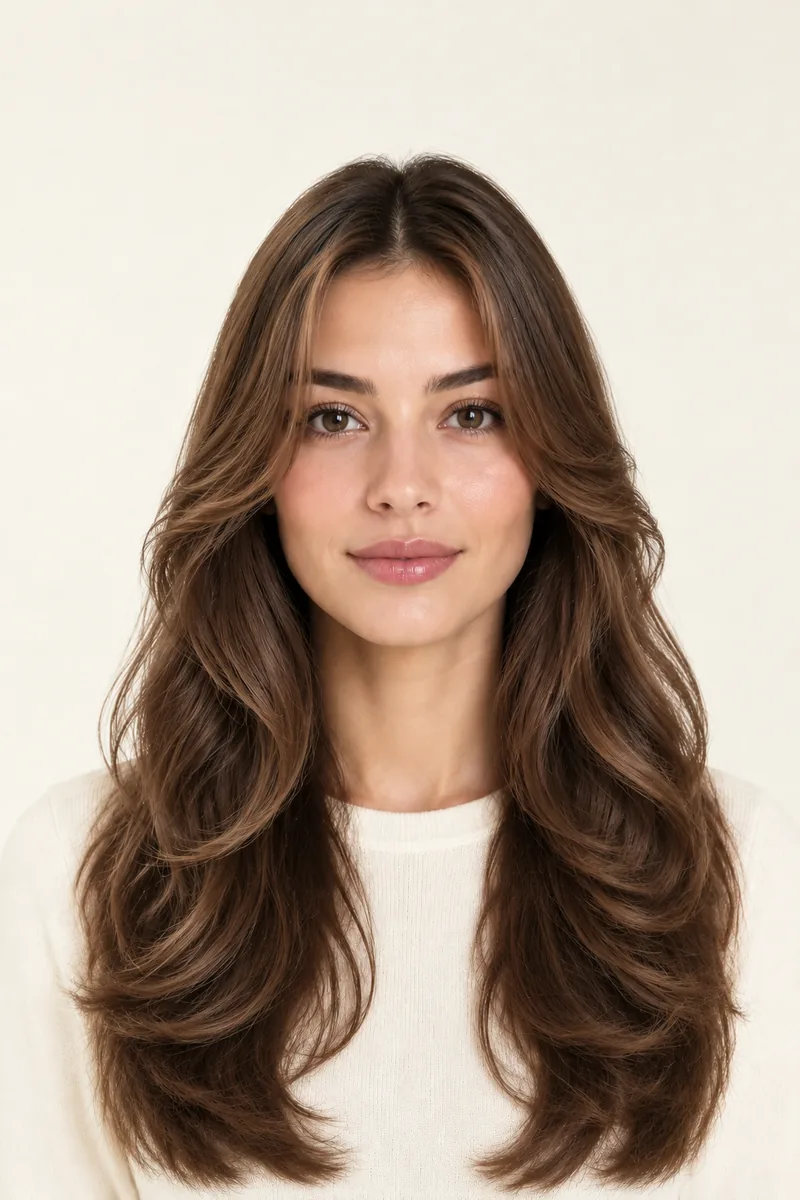
Drag to compare the original portrait with an AI hairstyle example. Then try a direction on your own photo.

TRY ANOTHER STYLE
Same you.
A fresh perspective.
Compare the length, face framing and shade while keeping the portrait the same.
Try on my photoAI examples illustrate a direction. Your result may vary.
How it works
How to turn a hairstyle reference into a preview
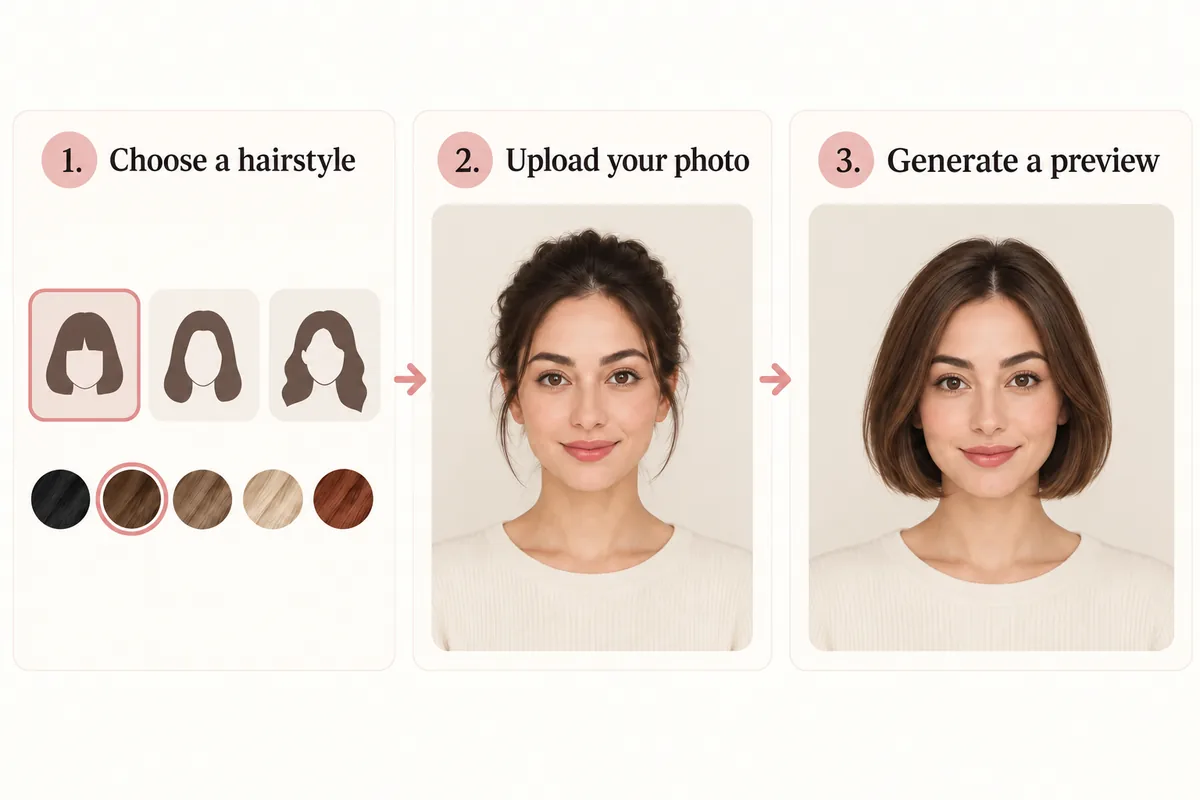
For a preset hairstyle, choose a look before uploading your photo. If a gallery reference is closer to your goal, its Try on link opens the reference tool with that image selected.
- 01
Choose one direction
Pick a preset hairstyle, select a gallery reference, or open Hair Color Try-On when you want to change only the color.
- 02
Upload your photo
Use a clear, front-facing selfie in even light, with your hairline visible. The reference image supplies the style; your selfie supplies the person.
- 03
Generate and review
Generate one preview, then check the face framing, length, texture and color. Each generated image uses one credit; trying another direction is another generation.
AI hairstyle recommendations
Not Sure Which Hairstyle to Try?
Upload one clear selfie to get four hairstyle suggestions with face-framing reasons. Choose 1–4 looks, then generate previews on your own photo.
Find My Best Hairstyle
Why try before you cut
Find your direction before the real change.
A preview can help you compare the visible frame around your face: where the hair ends, how wide the outline looks and how the shade contrasts with your skin. It is a visual draft for narrowing a direction, not a prediction of the finished haircut or the physical wig.

Compare the same portrait
Compare images made from the same selfie before changing another variable.
Check the generated details
Check that the generated face still resembles you and that the hairline and edges look plausible.
Confirm the practical details
Discuss the cut with a stylist, or check the wig seller's sizing and material details. The image cannot establish wig fit, cap comfort, lace quality, fiber feel or real dye results.
MORE DIRECTIONS TO EXPLORE
Editor’s picks.
A few more styles to help you find a starting point.


FAQ
Frequently asked questions
What is WigTryAI?
WigTryAI is a browser-based AI hairstyle preview tool. You can try preset hairstyles, use a hairstyle reference image, or preview a new hair color on your photo. The gallery helps you find a direction; the focused tools generate a preview on your selfie. WigTryAI does not sell physical wigs or verify a wig's fit and materials.
Is WigTryAI free to try?
Free to try: dozens of hairstyle looks. Your first preview is free without an account; after signing in, the dozens of styles marked Free today generate without credits, and each other preview uses one credit. The first generation can be anonymous; later generations may require sign-in and available credits. Free previews are not unlimited. See the Credits page for one-time packs when you want to generate more looks.
What happens to my uploaded photo?
Original selfies are automatically deleted from WigTryAI storage within 24 hours. Generated previews have a separate retention period and are automatically deleted within one year. Processing and sharing have additional details in the Privacy Policy, which you should review before uploading or sharing a portrait.
Will the preview show my exact haircut or wig?
No. A preview illustrates a hairstyle direction on your photo and can change details such as individual strands, the hairline or facial features. Check the result before relying on it. It cannot predict how a cut will behave with your real hair, how dye will develop, or how a physical wig will fit or feel. Use it to narrow options, then confirm the practical details with a stylist or seller.
YOUR NEXT LOOK, ON YOU
A little inspiration.
A whole new perspective.
Choose a hairstyle direction, then see how it frames your face.
Try on my photoDozens of free hairstyles · No app required